
Best-in-Class
Coding-Free
Easy-to-Use
Pinterest Feed widget for Website
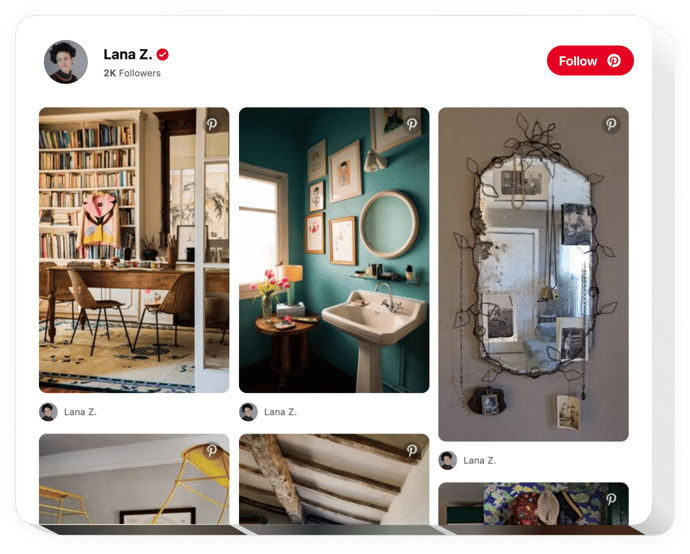
Showcase Pinterest pins, boards, and image collections to enhance visual appeal and give visitors a dynamic stream of ideas and inspiration.
Create Widget for Free
No credit card needed
Trusted by over 3,000,000 small business, agencies and top global brands worldwide
Create your Pinterest Feed widget
Configure your widget and add it to your website for free!
Why do I need Elfsight Pinterest Feed?
Inspire visitors. Boost engagement.
Enhance your brand aesthetic with eye-catching Pinterest visuals
Show curated pins that instantly add style, inspiration, and visual appeal to your pages.
Increase user engagement by +40%
Pinterest-style content keeps visitors exploring longer and interacting more with your brand.
Grow your Pinterest following effortlessly
Use website traffic as a new source of potential followers who already enjoy your visual content.
99.9%
websites support
1000+
hours of development invested
1 min
to start using the widget
97%
customer satisfaction rate
Join 3,000,000 customers already using Elfsight Apps
You can start with creating your first Elfsight Pinterest Feed widget for free.




















What makes Elfsight Pinterest Feed special?
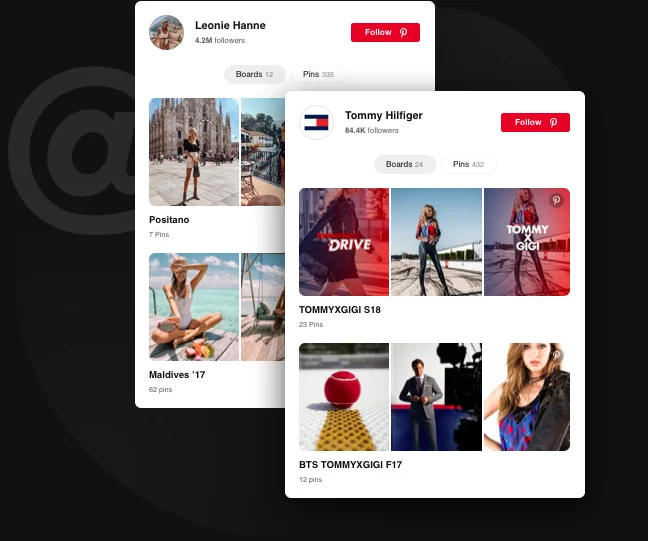
Integration of Pinterest profile
Open a way to more Pinterest followers
Demonstrating your Pinterest account on your website can bring your business a lot. New audiences will see your business portfolio, your offers, inspirational images, and other Pinterest content. This is a useful way not only to promote your business, but to increase followers. Elfsight Pinterest widget has everything to help your grow your community. Integrate your profile in a couple of easy steps, and it will be displayed with your original account header and Follow button for seamless subscribing.
Learn more
I want my Pinterest profile to reach as much audience as possible. Those who are not on Pinterest, will have a chance to see my fabulous images on my website.
Showing any pins or boards
Select the best Pinterest content. Get viewers inspired.
Picking the right visual content for your website is easier than it seems. With our Pinterest widget, you can add whole boards or select any pins to create your own picture grids on the website. Create theme collections, demonstrate latest trends or showcase your own items in a way that makes them irresistible. You can choose visual materials for articles or design mood boards to inspire users.
Learn more
Pinterest Feed is a great help for me when I look for a good picture for my article. A great choice of images and easy to add on the site.
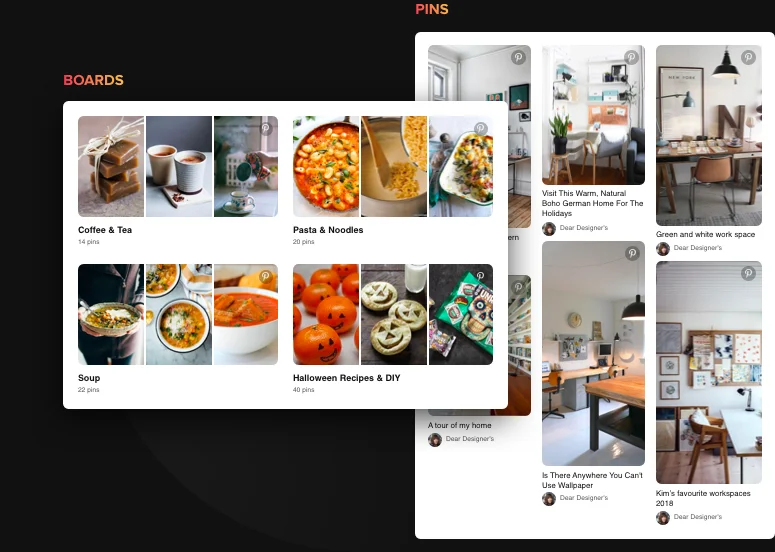
Interface options
Customize your feed with ease
Elfsight Pinterest widget builder offers diverse customization options, which will help you personalize the interface. You are free to show or hide the header of the profile; display boards one by one or turn them in single photo grid; vary pin elements: author, text and share button and use other interface options. Choose theme color and our Smart Colorizer will automatically find the best color matching for the elements. And don’t forget to set width and height parameters - our widget is mobile responsive in any size.
Learn more
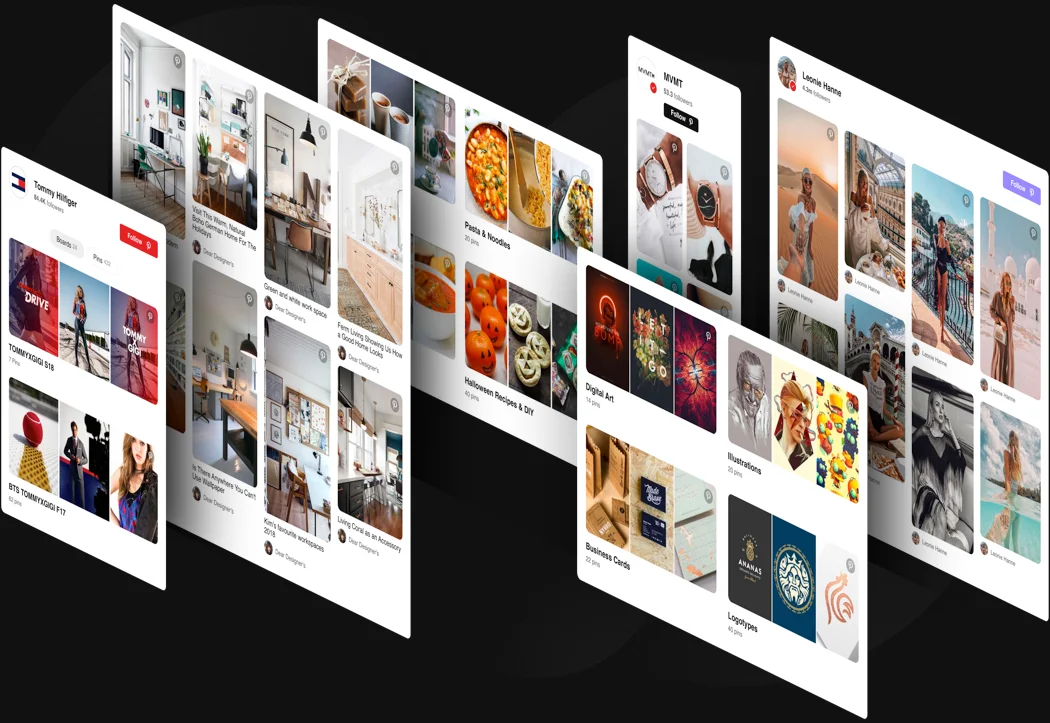
Usage examples
See a selection of real examples to explore the full potential of Pinterest Feed for your website.
See in action
Live demo
Try all the features of Pinterest Feed in live demo now. No fees. No registration. No coding.
Try now
Why Elfsight widget of all others?
Great features are only one of the things you will have. To bring your website all it may need, we are always here with useful support in any query and the freshest updates available.

Manageable live configurator
No programming, no need to hire a developer - our live panel allows for adding in a couple of steps to save your time and money.

Experienced Elfsight team
Quick assistance and free integration service will provide you positive user experience.

Fabulous Elfsight Apps service
Cloud solutions for constant automated updates, quick bug fixes and great loading speed in any location.
What our customers say ❤️

Elfsight Pinterest board plugin is amazing, and their customer support is real professional and polite. Practical and effective widget, I recommend Elfsight!

Elfsight apps superb, well designed, not complicated, and easy to adjust. I'm so happy and fascinated with their Pinterest Feed and customer service.

Impressive Pinterest board widget, easy to personalize and if you have any query, you will get first-class help. I am seriously considering using all their apps.

Brilliant Pin widget for a very affordable price. Customizable, untangled and the Elfsight customer support is really friendly and professional. Only positive impressions!

Elfsight guys extremenly quickly helped me with an issue I was experiencing with their Pinterest widget. I want to test their other widgets now!

The Pinterest board builder is effective and responsive interface. Super customizable and installation is real quick. Customer service was amazingly professional and friendly.
Frequently Asked Questions
Do I need a Pinterest API key or login to show pins on my website?
No setup or authentication is required. You simply paste a public Pinterest username, board URL, or pin link to display content.
What content sources can be embedded with this feed?
The Pinterest Feed widget pulls data from full profiles, specific boards, or individual pins by entering usernames, board URLs, or pin links in the source field.
How can I add a Pinterest Feed to my website?
You can embed a Pinterest Feed on your website in just a few steps:
- Choose a template and connect your profile, board, or pins.
- Adjust layout, spacing, and header options to match your website design.
- Copy the generated embed code and paste it into your website’s HTML.
The feed will load instantly and update automatically as new pins are published. For a detailed walkthrough, see the guide on how to add a Pinterest Feed to your website.
Does it work on all website platforms?
The feed can be embedded on any website that supports custom HTML, including BigCommerce, Blogger, Drupal, Facebook Page, Elementor, Joomla, jQuery, iFrame, Magento, HTML, OpenCart, Shopify, Squarespace, Webflow, Webnode, Weebly, Wix, WordPress, WooCommerce, Google Sites, GoDaddy, Jimdo, PrestaShop.
Can visitors follow my Pinterest account directly from the feed?
When a profile feed is used, a Follow button appears in the header, letting visitors subscribe to your Pinterest account in one click.
What happens when someone clicks a pin or board in the feed?
When a visitor clicks a board, a popup opens showing all its pins inside the widget. Clicking a specific pin redirects the user to Pinterest in a new browser tab.
Can the Elfsight Pinterest Feed combine multiple boards into one grid?
Yes, add multiple board URLs, combining them into a single grid or displaying them one after another in one feed.
Join 3,000,000 customers already using Elfsight Apps
Get the taste of 90+ powerful apps by Elfsight. No credit card. Joining is free!
Get started
Get 20% discount now!