
14th BIRTHDAY SALE 33% OFF +1 FREE MONTH LIMITED TIME DEAL Grab The Deal
33% OFF +1 FREE MONTH Grab The Deal
Best-in-Class

AI Chatbot widget for website

Create an AI chatbot trained on your business data and easily add it to any website to automate support, capture leads, and drive sales – 24/7.
Create widget for free
No credit card needed
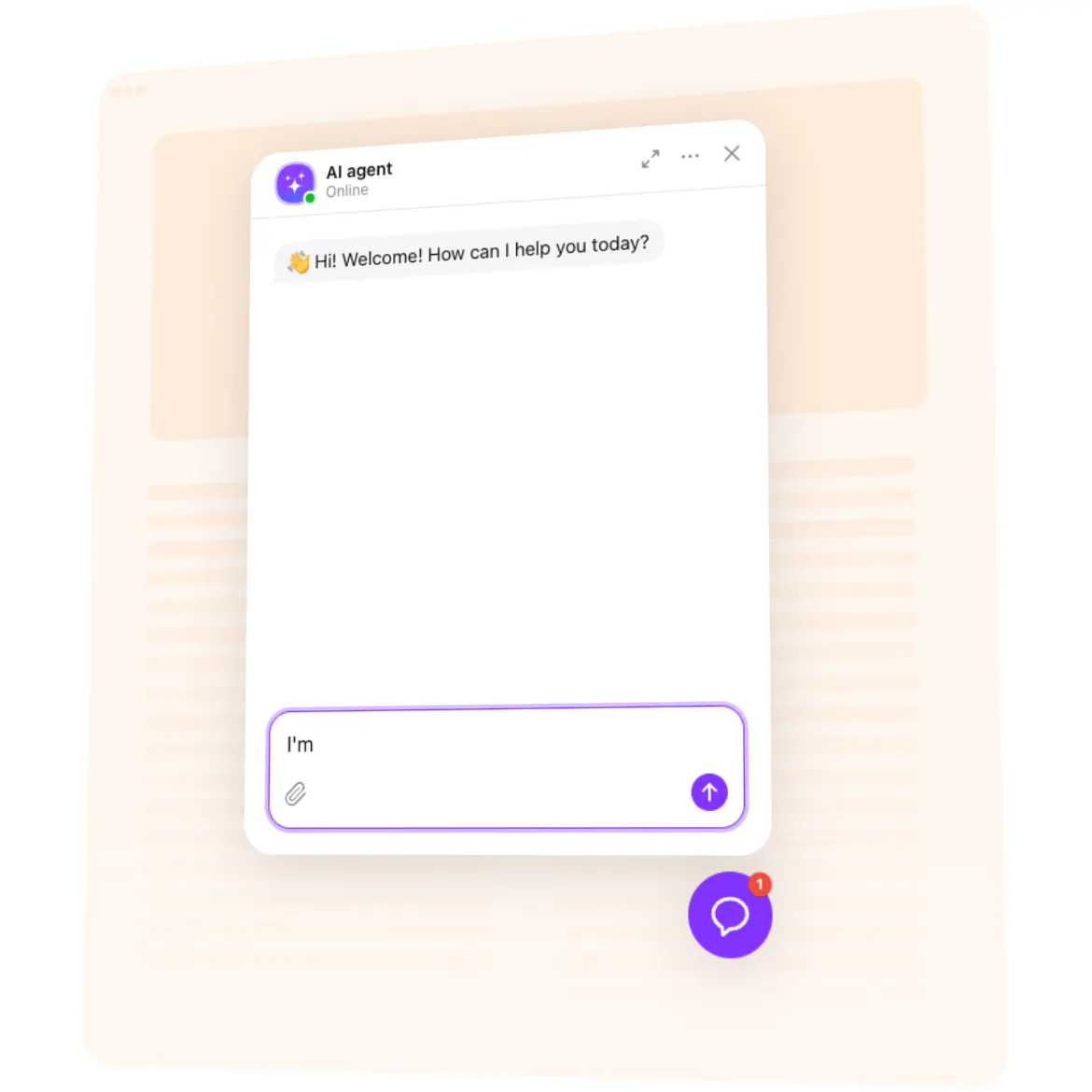
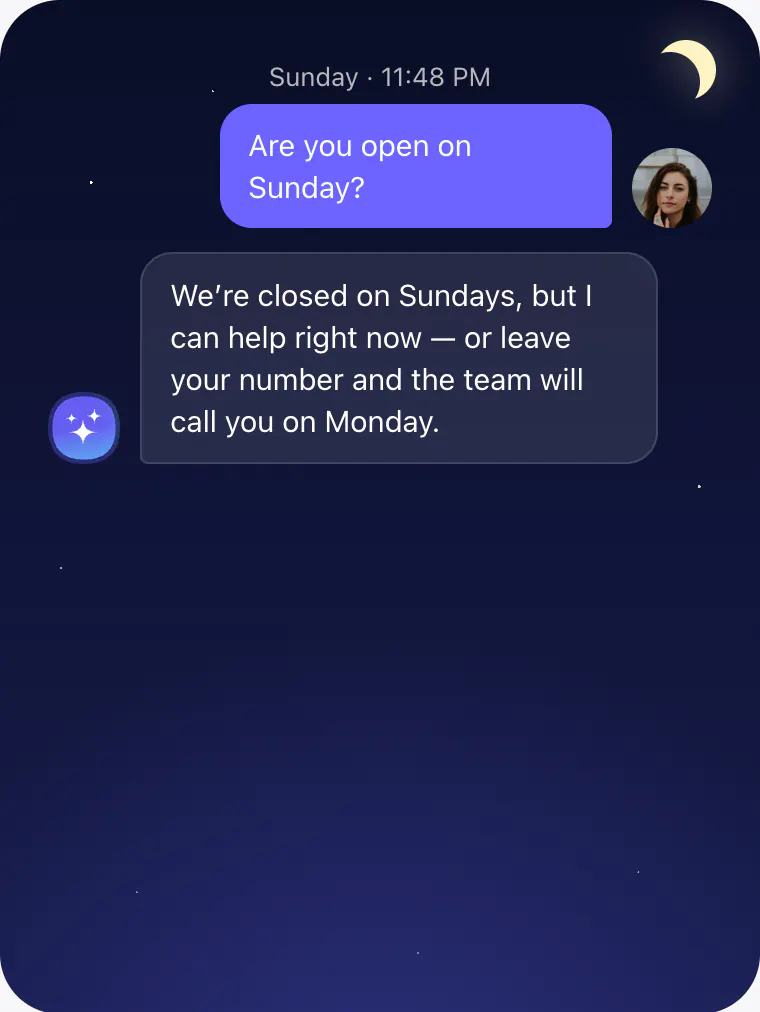
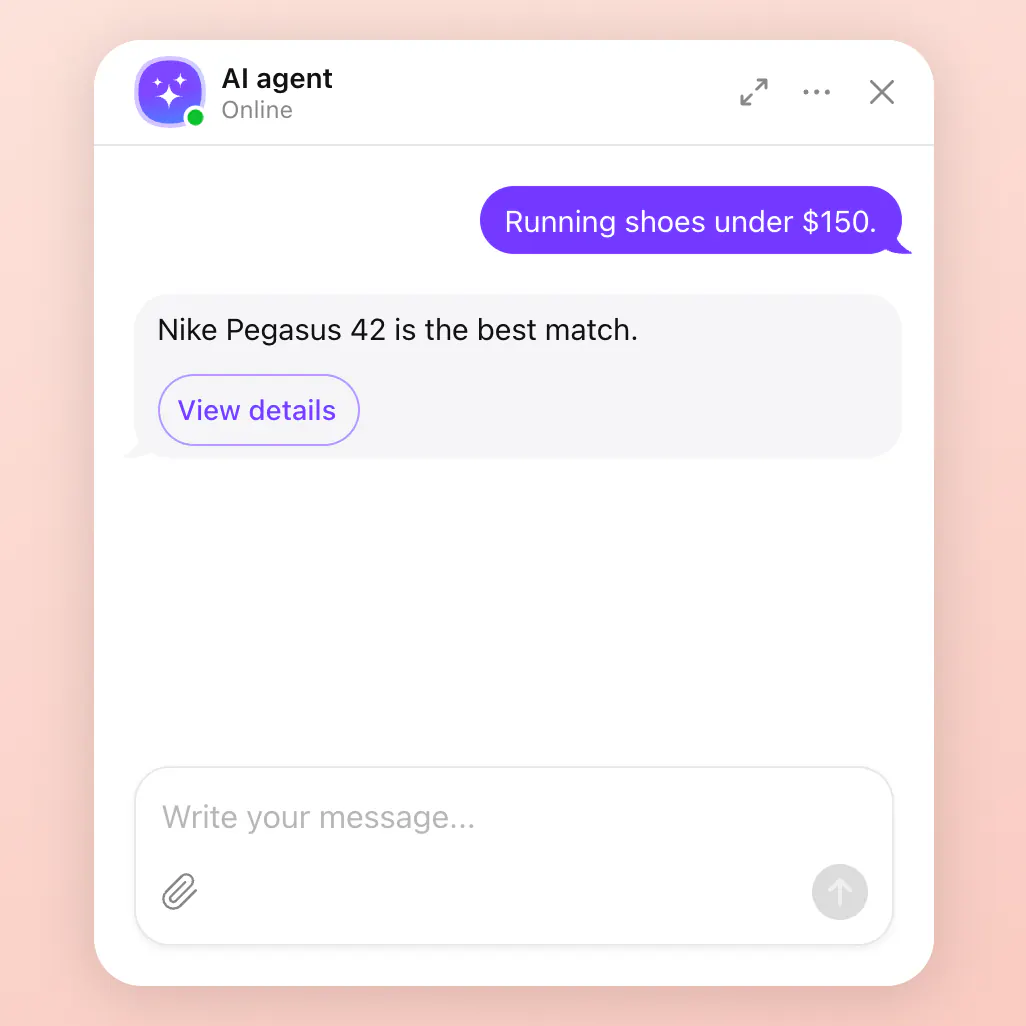
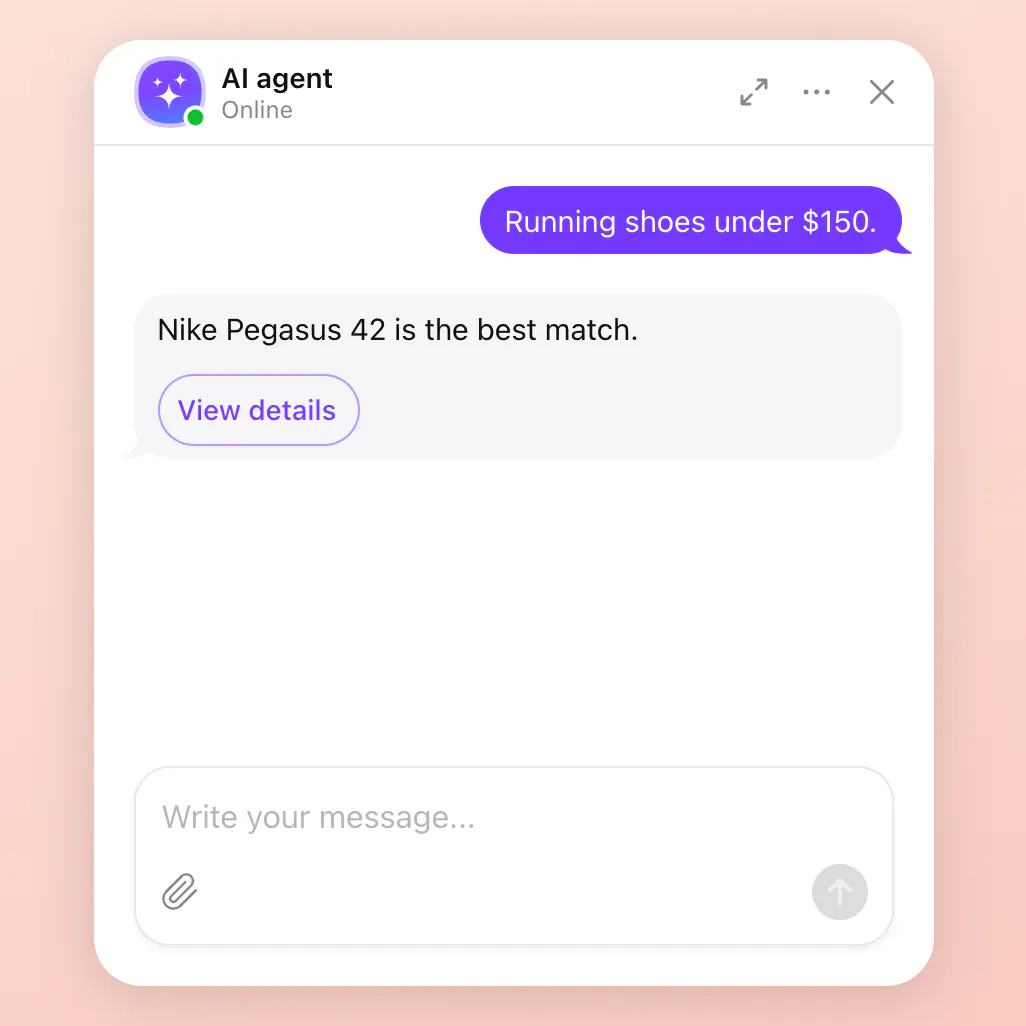
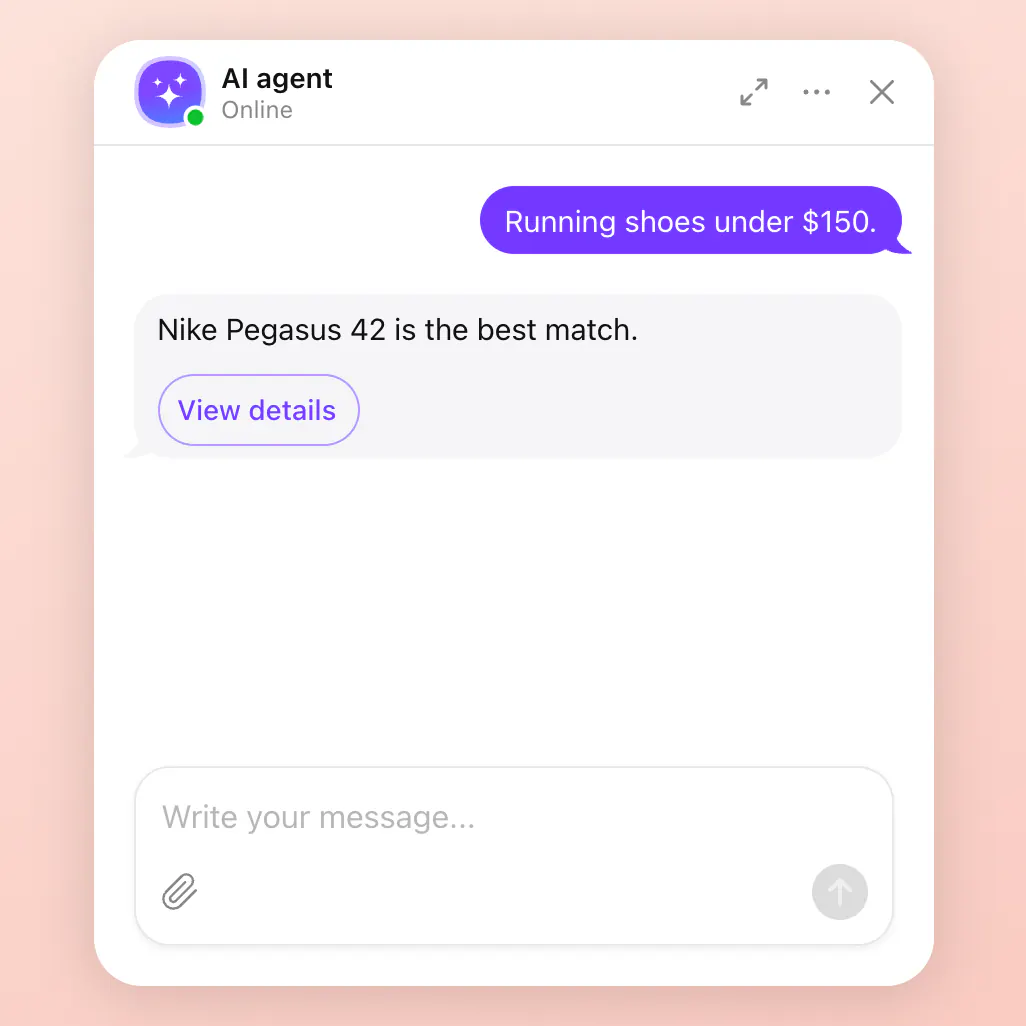
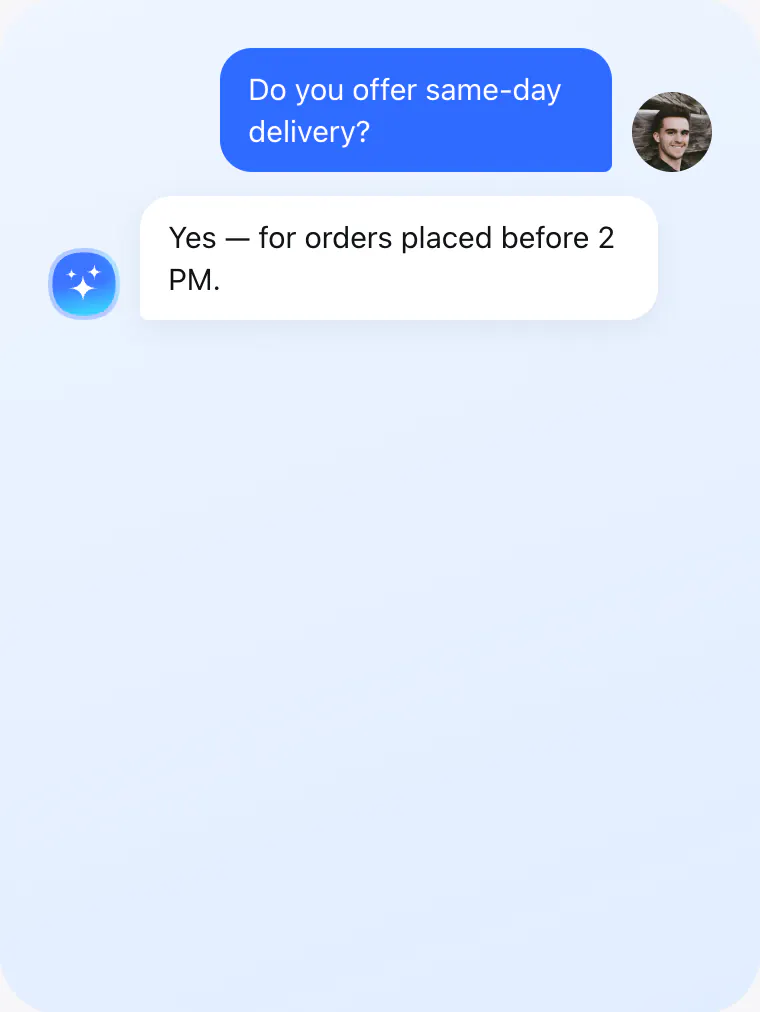
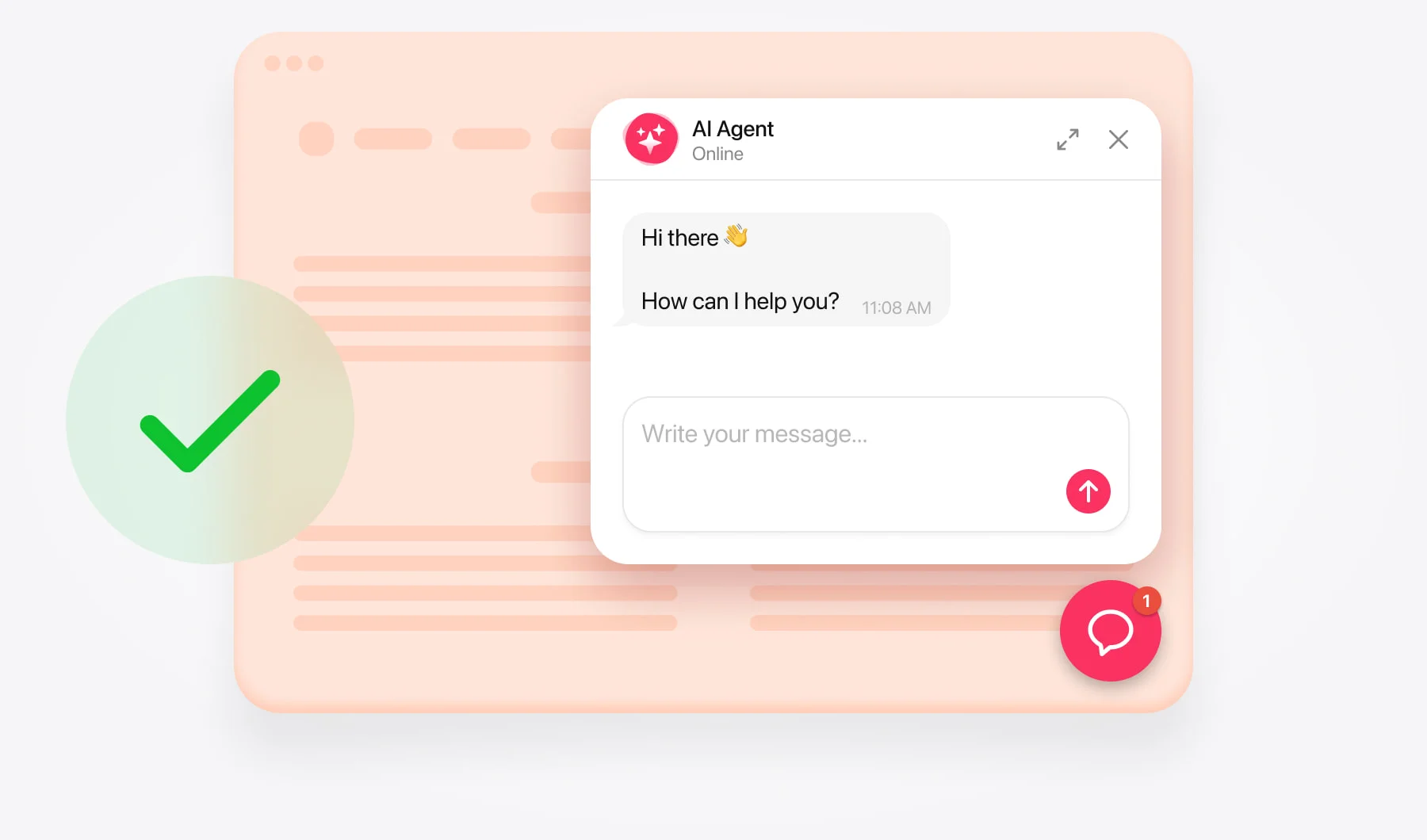
Animated AI Chatbot widget preview

Create your AI chatbot assistant for free

  1. 1. Choose template
  2. 2. Create AI agent
  3. 3. Add to website

Hire an AI agent that works on your website 24/7

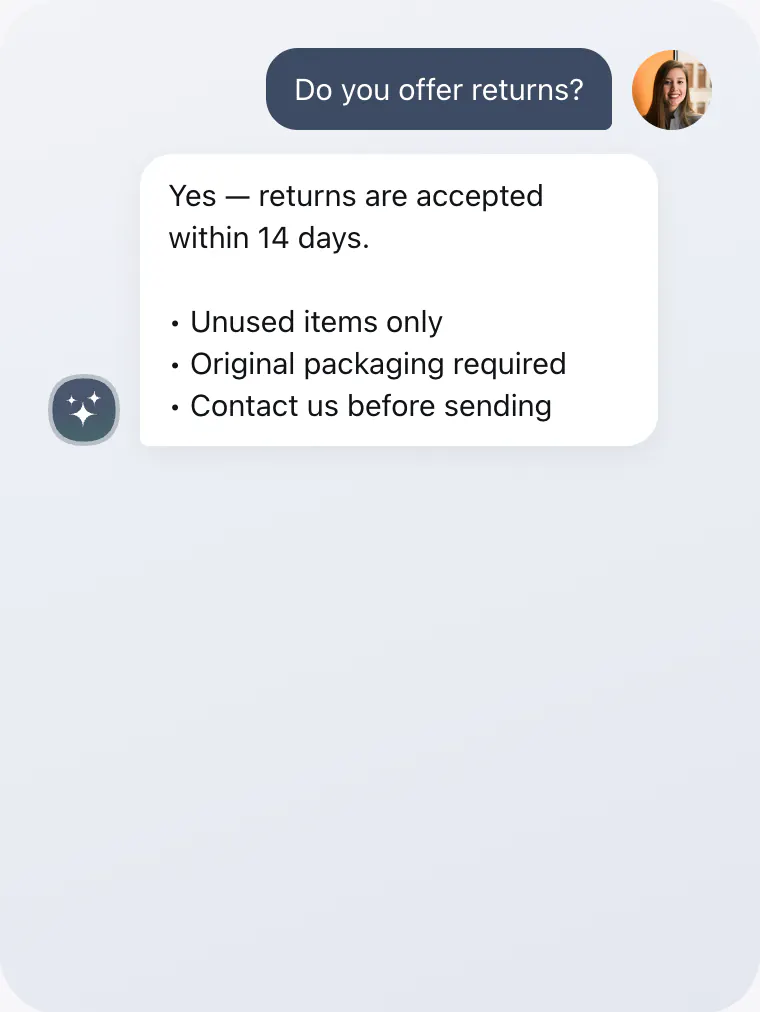
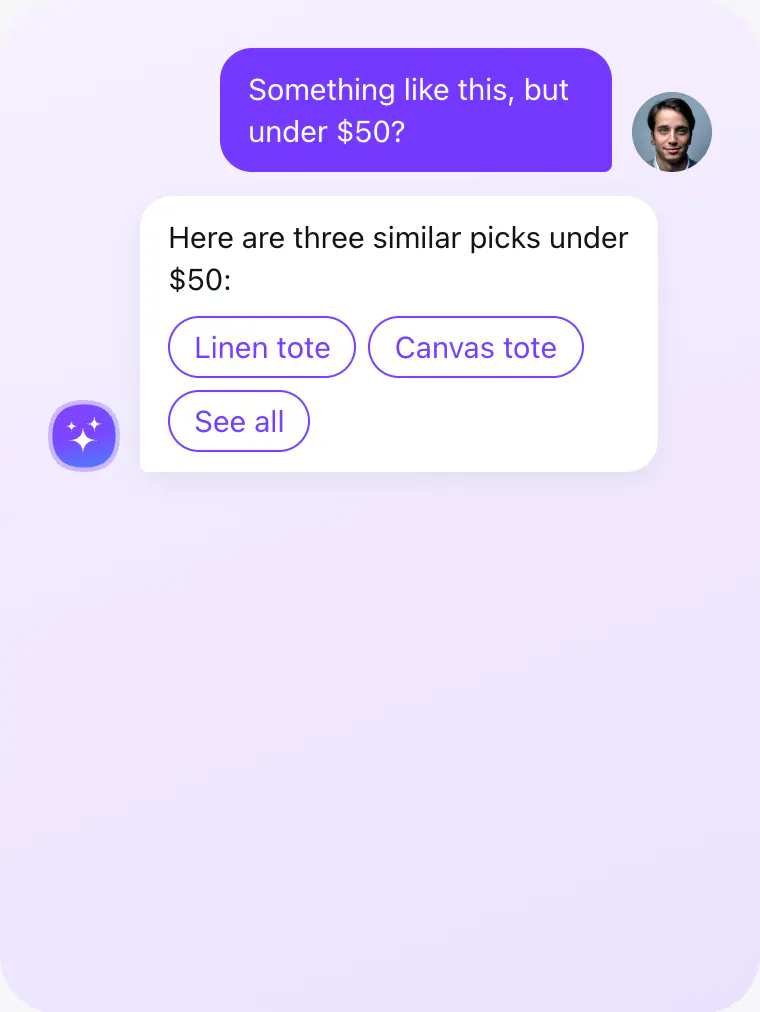
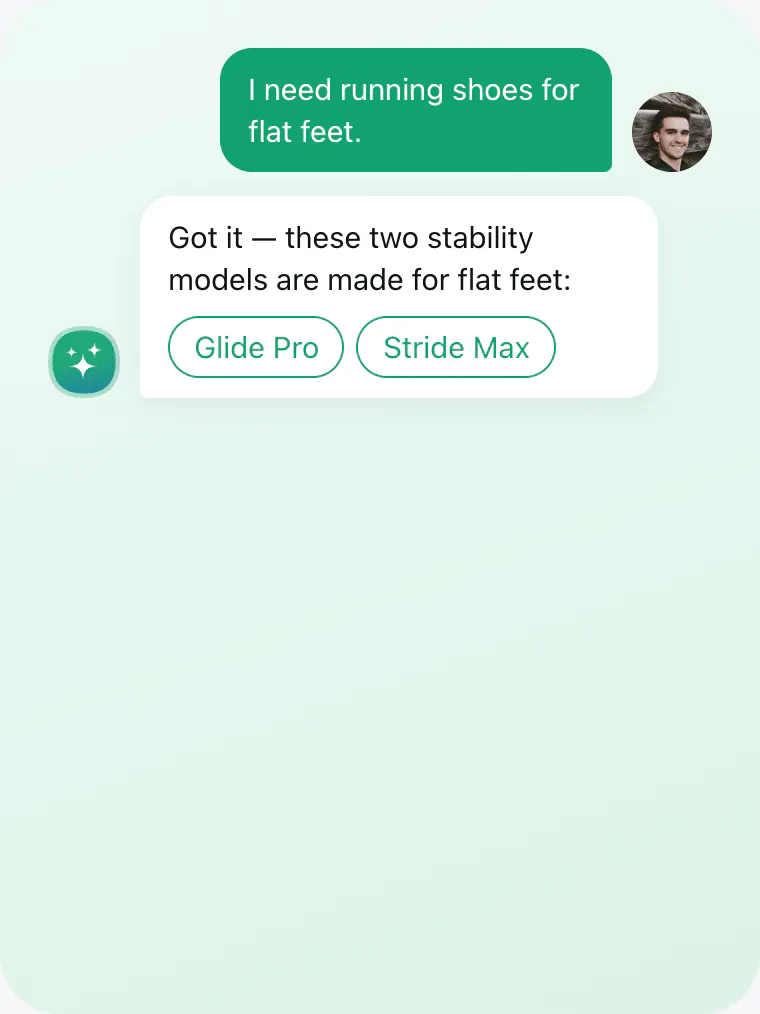
It answers questions, captures leads, and helps visitors take action — automatically adapting to your business, understanding your content, and guiding people toward the next step that matters.

Up to
0%
of conversations automated

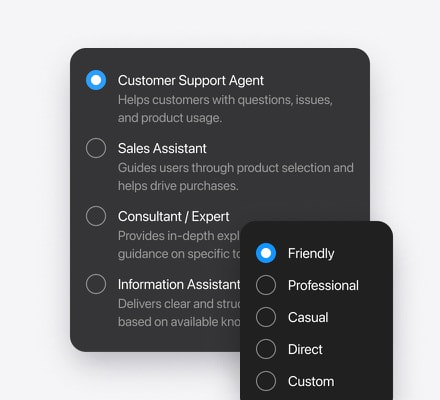
One agent. Multiple roles.

Learns your business. Builds itself.

Builds from your website

Scans your website to understand your business, products, services, and content, then turns it into an AI agent automatically.

Creates a knowledge base

Turns your website content into accurate AI answers automatically.

Shapes a personality

Creates a name, icon, role, and tone of voice based on your business.

Prepares the first interaction

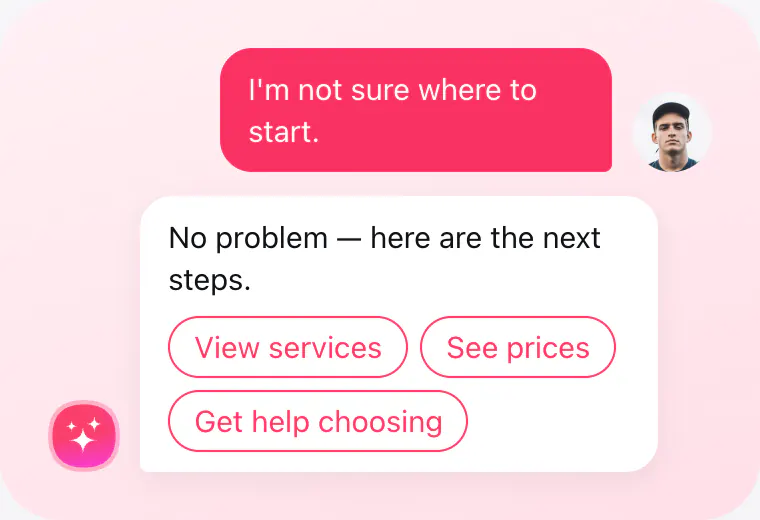
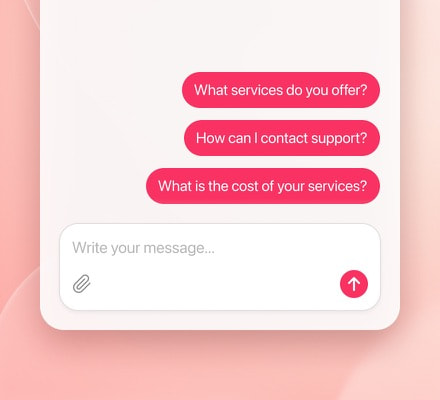
Generates welcome messages and quick replies designed for your visitors and business goals.

Equips with the right skills

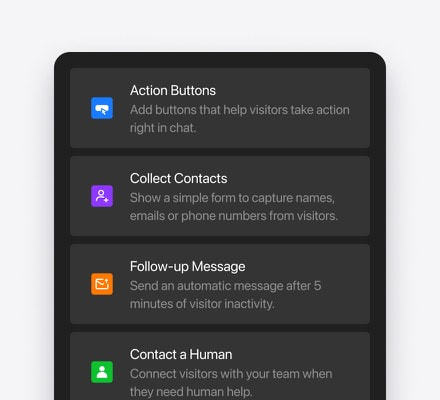
Adds lead capture, action buttons, and other capabilities automatically based on your business.

Learns from conversations

Detects missing knowledge and helps improve future conversations over time.

Try creating your AI agent in a minute
No credit card needed

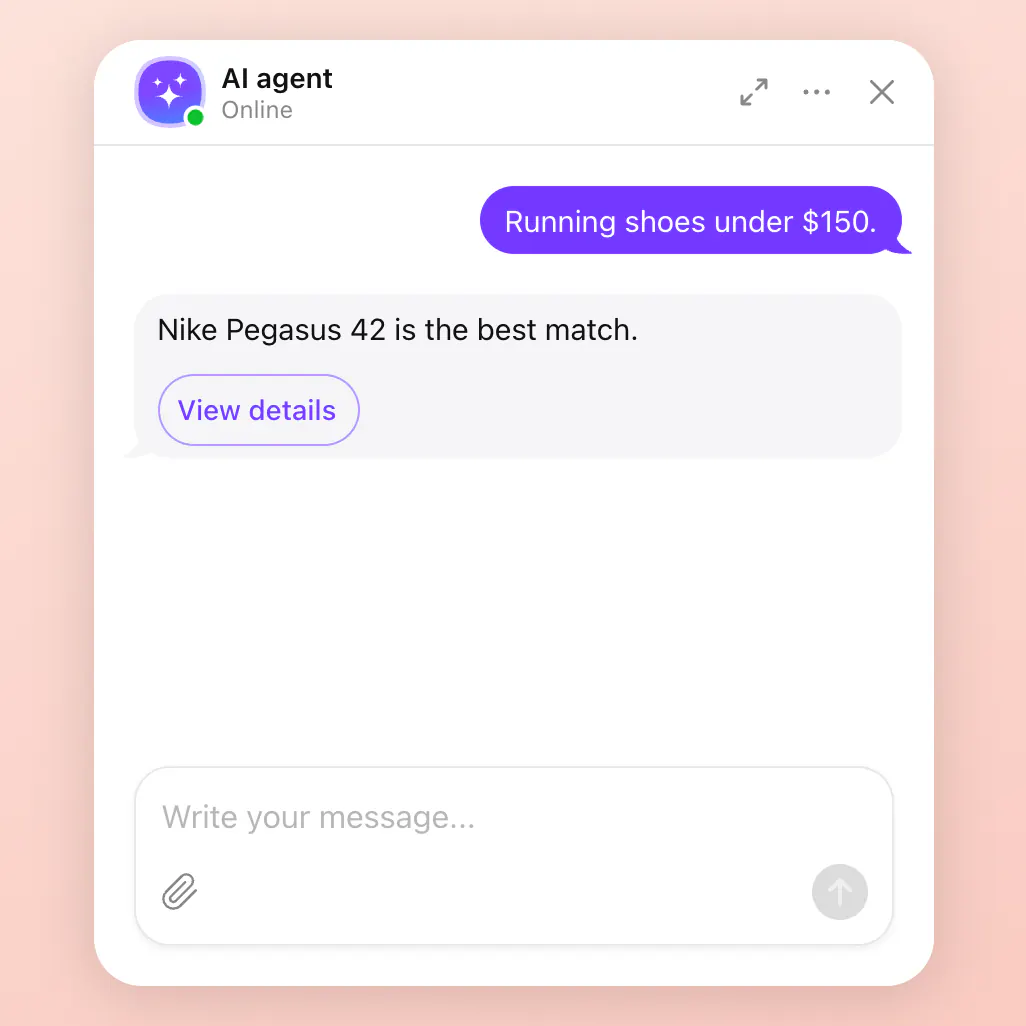
Understands people, not just prompts.

Complex requests

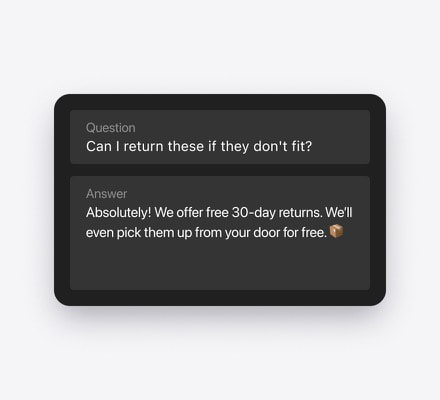
Handles detailed questions, comparisons, and follow-up requests with ease.

Conversation memory

Keeps track of previous messages and continues conversations naturally.

Personalized responses

Adjusts tone, style, and level of detail based on the visitor.

Multilingual conversations

Continues conversations seamlessly in the visitor's language.

Fully under your control

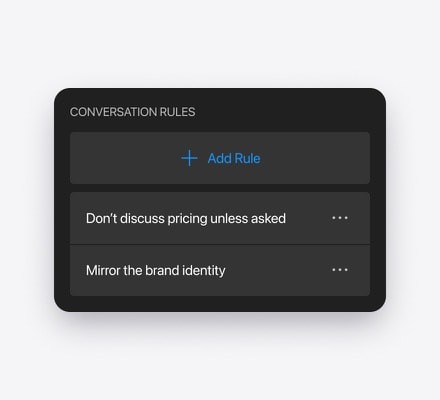
Set exactly how your AI Chatbot widget behaves in every conversation — what it says, does, and avoids.

A powerful AI agent that actually gets things done

Your agent doesn't just talk — it takes action, solves tasks, and drives real outcomes for your business.

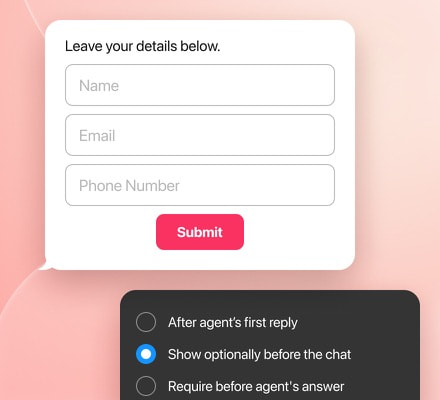
Lead form

Agent collects user details through smart forms directly in the conversation.

  • Collects name, email, phone, and consent
  • Shows before chat, before answer, or after reply
  • Keeps lead details with chat context
  • Confirms successful submission
  • Helps qualify interested visitors

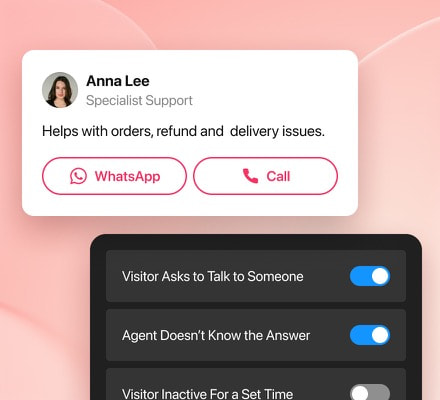
Human handoff

Agent transfers the conversation to a real person when needed.

  • Triggers when a visitor asks for help
  • Reacts to AI limits or urgent cases
  • Shows teammate profile and role
  • Offers email, call, WhatsApp, and more
  • Keeps the conversation flow intact

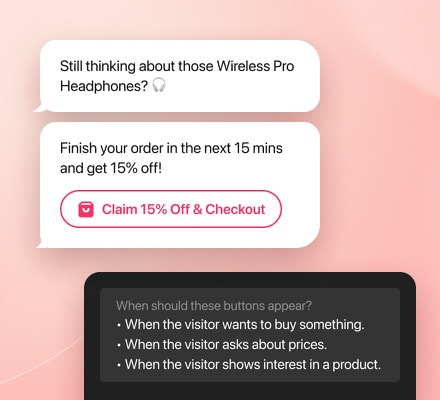
Action buttons

Agent shows buttons for key actions — visiting pages, starting flows, or making decisions.

  • Shows buttons inside replies
  • Opens pages, contacts, or links
  • Supports call, email, maps, messengers
  • Appears by intent or chosen moment
  • Reduces dead-end conversations

Follow-up message

Let the agent send a timely message when a visitor stops replying or leaves the chat idle.

  • Sends after inactivity
  • Uses a custom delay
  • Supports custom message text
  • Adapts to chat context
  • Continues in the visitor's language

Turn conversations into measurable results

Add an AI chatbot to your website in 1 minute

No coding required. Start with a ready-made template, let AI use your website content to build the chatbot’s knowledge base, adjust its look and behavior, and add it to your website with ease.

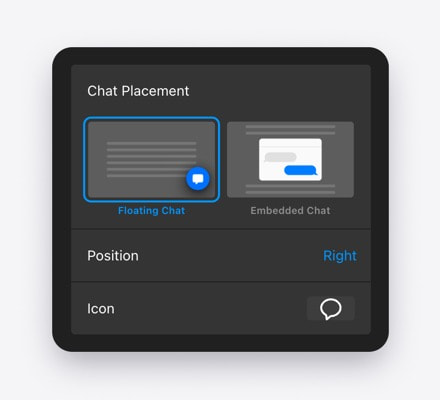
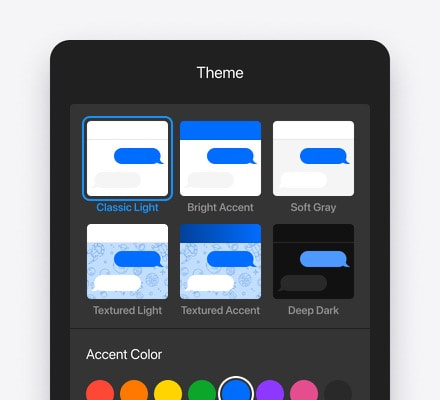
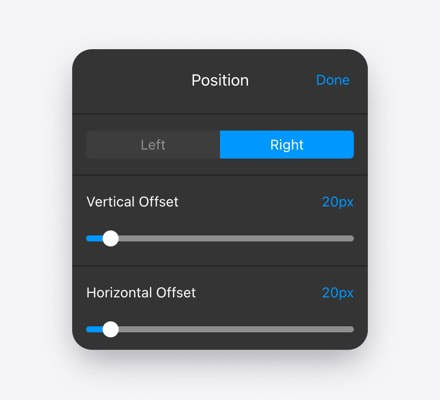
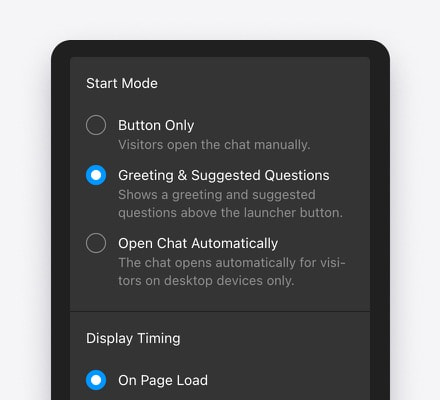
Customize how your chatbot appears

Embed AI chatbot widget to your website

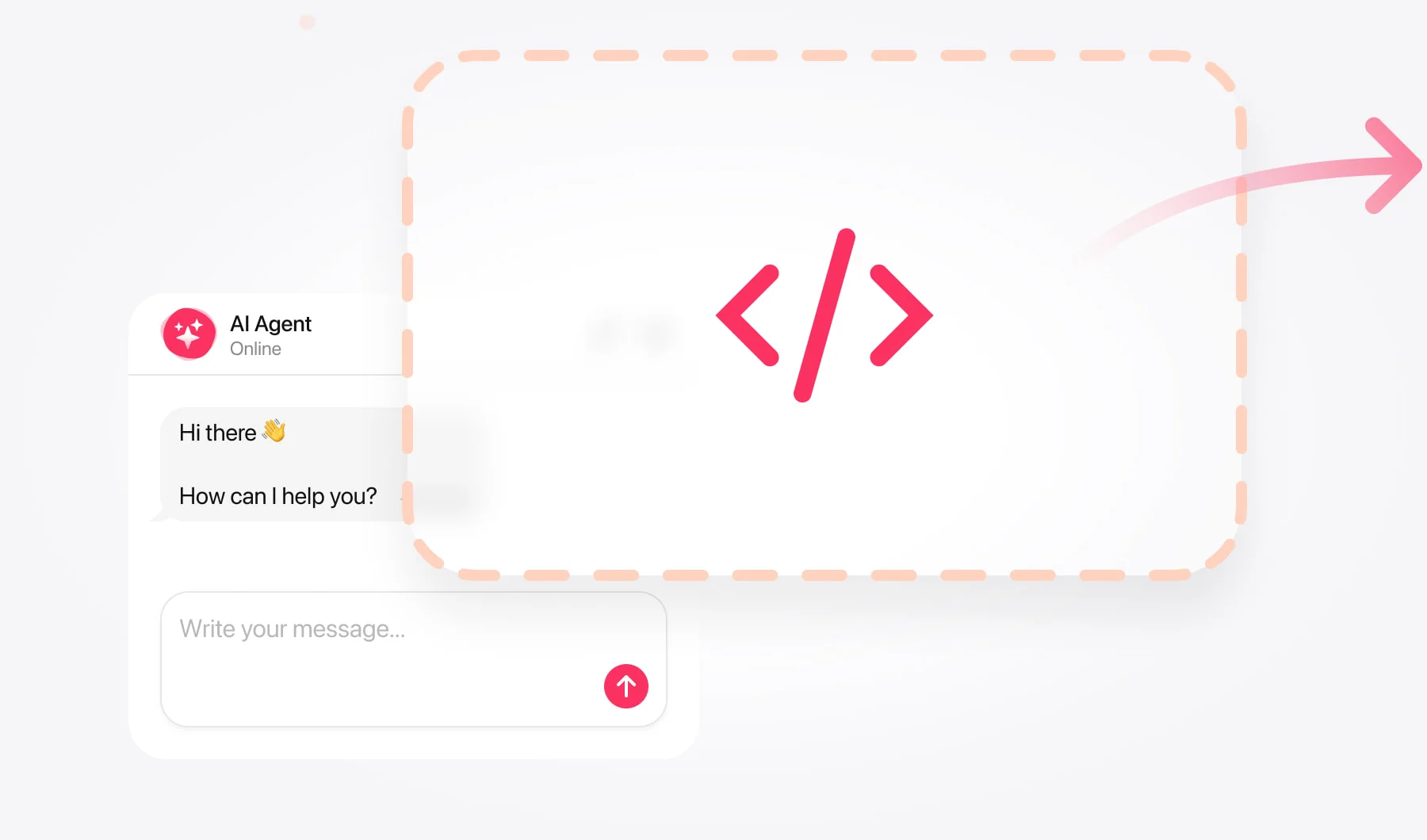
1.Copy your AI Chatbot code

Copy your unique embed code from the Elfsight dashboard in one click.
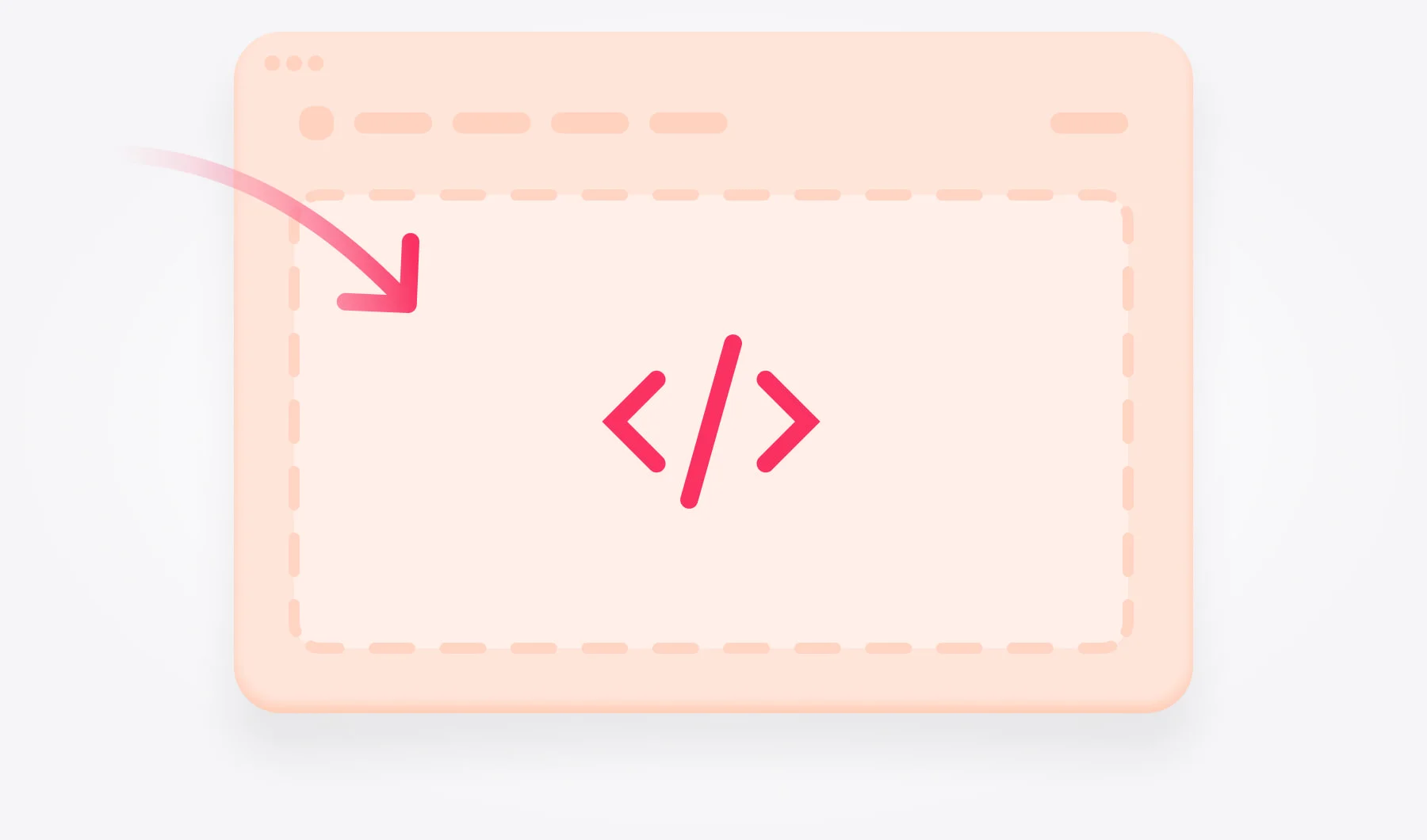
2.Paste it anywhere on your site

Drop the code into your website HTML — header, footer, or any page you like.
3.Your AI Chatbot is live

Your AI Chatbot widget is live on your website — super easy and fast.
Works with any website platform

Our AI Chatbot widget is the easiest and fastest way to add an AI agent to your website.

Try creating your AI Chatbot in a minute

No credit card needed

Why businesses choose Elfsight AI Chatbot widget

More than just an AI chat widget — a trusted platform with powerful tools, proven support, and a massive ecosystem behind it.
#1
Top service in the world when it comes to website widgets
3M+
Users globally trust Elfsight to upgrade their websites
4.8
Rating from thousands of reviews gathered over our great history
99.99%
Reliable uptime keeping your widgets live and available to visitors

Loved by businesses worldwide

Tens of thousands of reviews and multiple awards prove why companies worldwide rely on Elfsight.
This carousel is powered by our All-in-One Reviews widget. Create your reviews widget

Start with a free AI Chatbot widget now

Create your assistant, train it with your content, and add it to your website in minutes — no trial and no credit card required.

Free plan includes

  • All core AI chatbot features included
  • 10M characters of knowledge storage
  • Works on any website platform
  • Create and launch your chatbot in minutes
  • Free forever plan — no trial and no credit card
See all plans

FAQ

What is an AI chatbot?

An AI chatbot is a smart assistant that uses artificial intelligence to communicate with your website visitors in real time. It can answer questions, collect contacts, guide users, and provide support — all automatically, 24/7.

Can I set the Chatbot's tone or personality?

You can define the chatbot's tone (friendly, professional, playful, etc.) and communication style by describing it in the instructions under Training tab → Agent Instructions.

How can I train the AI Chatbot on my own content?

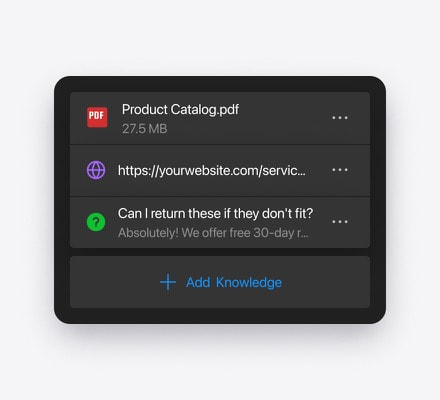
In the Elfsight editor, you upload files, text blocks, Q&A entries, or website links in the Web Pages section of the editor, which the chatbot uses to answer users.

What types of content sources can I upload?

The chatbot supports PDF, TXT, JSON, DOCX, PPTX, HTML, and MD files, along with manual text and Q&A entries, all added to the knowledge base storage.

How much content can I add to the knowledge base?

Content limits depend on your plan, starting at 10 million characters on Free and increasing up to 180 million or more on higher plans.

What counts as a "character" for the content limit?

All symbols count as characters, including letters, spaces, punctuation, and numbers; for files, one byte equals one character.

What happens if a user asks something not in my content?

If the question isn't in your knowledge base, the AI answers using general model knowledge or states it lacks information.

Is there a limit on how many questions the AI Chatbot can handle?

Each plan includes a monthly message limit (e.g., Free: 50, Basic: 300), and the chatbot pauses when the limit is reached.

Can I get a transcript of the chat conversations?

You can enable chat transcripts capturing the full conversation history to be emailed automatically after each session in the Settings tab → Email Notifications.

Can the chatbot collect leads and contacts?

Yes. The chatbot can collect visitor names, emails, phone numbers, and other details using built-in lead forms. You receive the data via email notifications or integrations.

Is there a free plan?

Yes. Elfsight offers a free forever plan that includes all core AI chatbot features, 10M characters of knowledge storage, and no credit card required to start.

Can the Chatbot be used on any website platform?

Elfsight Birthday Sale
33% OFF
Get your spot at our party!
Grab The Deal