
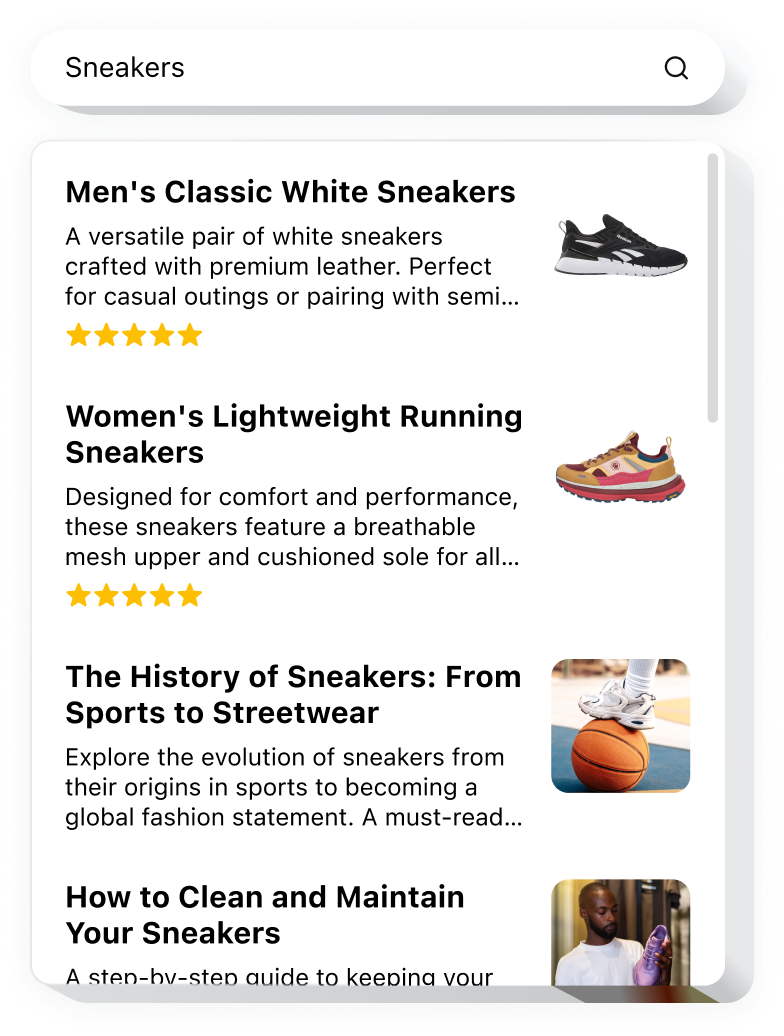
Explore 90+ Free Widgets for your Website
While the Search widget is still on its way, don’t wait—enhance your website with one of our popular no-coding, free widgets!
Why do I need custom Google Search Bar?
Find faster. Engage longer.
Give instant access to the content users need
Help visitors locate pages, products, or answers in seconds without browsing around.
Increase conversions by +30%
Fast, accurate search results guide users straight to what they want, reducing drop-offs and boosting purchases.
Improve user experience with effortless navigation
A clear search bar removes frustration and makes exploring your website intuitive.
0%
websites support
0+
hours of development invested
1 min
to start using the widget
0%
customer satisfaction rate
Join 2,078,753 customers already using Elfsight Apps
You can start with creating your first Search Bar widget for free.





















What makes Elfsight Google Search special?
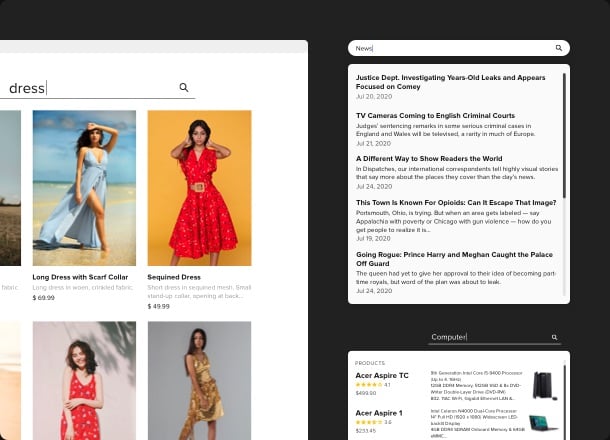
SEARCH
Best quality and speed of search
Help users find exactly what they are looking for by embedding Search widget bar on your website. Based on Google API, it works extremely fast and demonstrates only the most relevant results. Widget analyses the structure of web pages, providing users with full information about products. Boost your sales, make website navigation clearer and faster with the help of custom search.
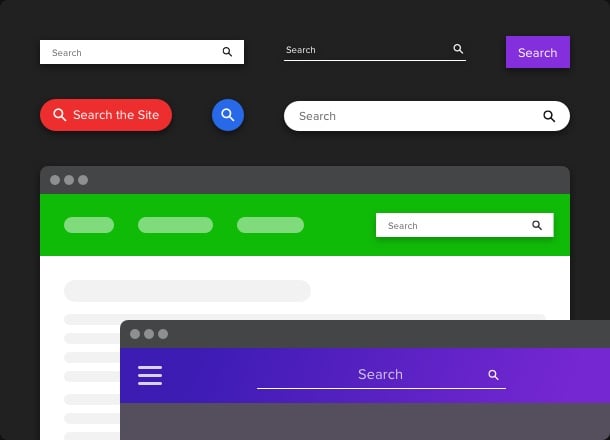
FIELD
Seamless integration and beautiful design
What makes Google Search widget special is its beautiful and outstanding design. Keep the look and the feel of your brand by selecting color, size, and shape of the search bar. Choose, whether you want this button to be of floating type, or to have fixed position. Place it anywhere you want, enter any text, show or hide the button icon, customize the field easily with the help of our editor.
RESULTS
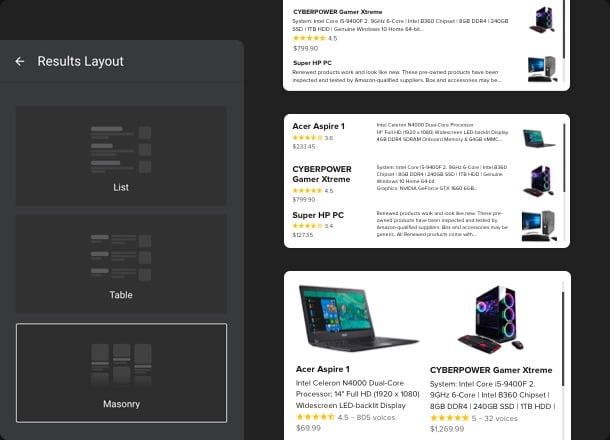
Relevant results, splendid representation
Provide users with the best match of what they are looking for. Only relevant results, presented in the most accessible and structured way. Everything is clear and easy to find. Choose whether you want to present results on a full screen or in the form of popup. Select elements to display, customize the background and text color so the results section will become an integral part of your website.
QUICK LINKS
People find products without typing a word
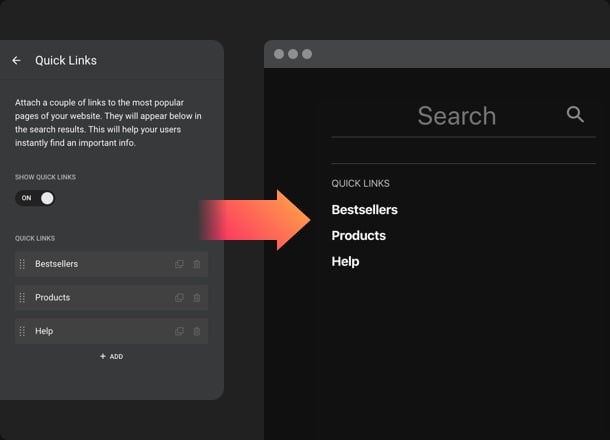
If you have some specific items to be promoted, place them in Quick Links. They will show up just after people click on the search bar. Guide users and prefill the results section with the best products.
What our customers say ❤️

The widget is very helpful and simple compared to other widgets I used. Keep up the good work, Elfsight. Thank you!

This is the best search widget, it’s fast and functional. The support was amazing, they solved all the issues I had really quickly.

I absolutely adore this widget. It made search through the website easier for my customers and me. 100% recommend!

Thanks to this plugin, my website became much easier to use. Super-simple to customize, it took me only 5 minutes to embed it.

Don’t think I’ve ever had better tech support. Widget works great and the search bar is amazing. And the price is stunning for such an excellent product!

The plugin integrated naturally into design of my website. Customer support is quick. It’s a great widget to make my store bring more money.
Frequently Asked Questions
Do I need a Google API key to use the Search Bar?
The search feature is powered by Google Custom Search, so you’ll need to create a Search Engine ID and API key and add them in the editor once.
What types of search inputs can I use on my website?
You can choose between a full search field, an icon-only button, or a floating search trigger that stays visible as visitors scroll.
How can I add the Search widget to my website?
Embedding the widget to your website is quick and straightforward:
- In the Elfsight editor, select a template and connect your Google Search credentials.
- Adjust the layout, input type, and result display to fit your website.
- Copy the embed code and insert it into your page’s HTML.
The search will go live immediately and reflect any future changes automatically. For a full walkthrough, check out our step-by-step guide on how to embed a Search bar on your website.
Does the Search Bar work on all website platforms?
The Search widget can be embedded on any website or CMS that supports custom HTML, including BigCommerce, Blogger, Drupal, Facebook Page, Joomla, jQuery, iFrame, Magento, Elementor, HTML, ModX, OpenCart, Shopify, Squarespace, Webflow, Webnode, Weebly, Wix, WordPress, WooCommerce, Jumpseller, Google Sites, GoDaddy, Jimdo, PrestaShop.
How do Quick Links help users navigate faster?
Quick Links show selected pages or products instantly when search opens, helping visitors reach key content without typing a query.
Can search results open in fullscreen or as a popup?
Search results can appear in a fullscreen view that covers the page or in a popup overlay, depending on how much focus you want to give results.
Join 2,078,753 customers already using Elfsight Apps
Get the taste of 80+ powerful apps by Elfsight. No credit card. Joining is free!
Get started
Get 20% discount now!