Bricks Builder widgets
90+ no-code Bricks Builder widgets in one catalog
Reviews, chats, forms, social feeds and more for pages built with Bricks Builder. Nothing to install or update. Every widget has a Free plan, no credit card needed.
 4.8
 4.8
- Trusted by3M+ users

Instagram Feed
Display photos, reels, and posts from your Instagram account.
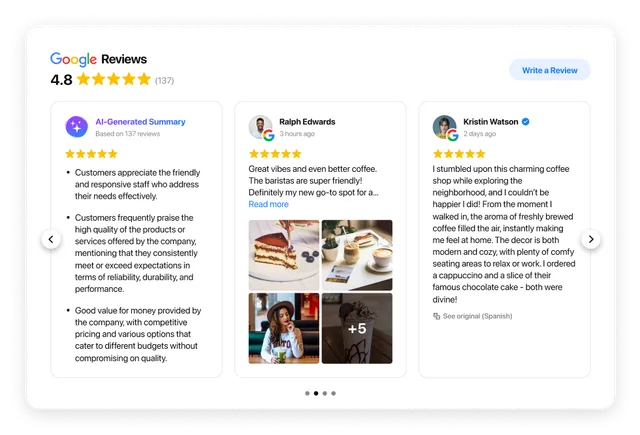
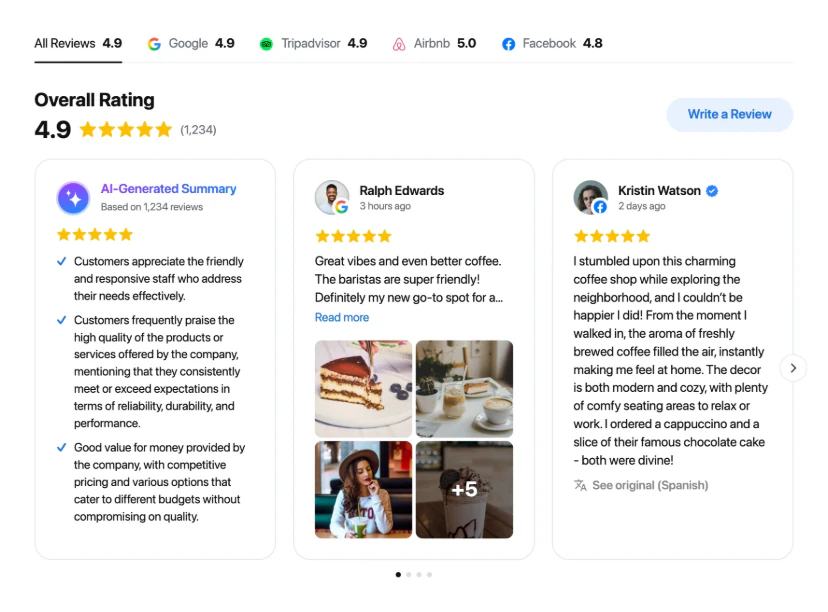
All-in-One Reviews
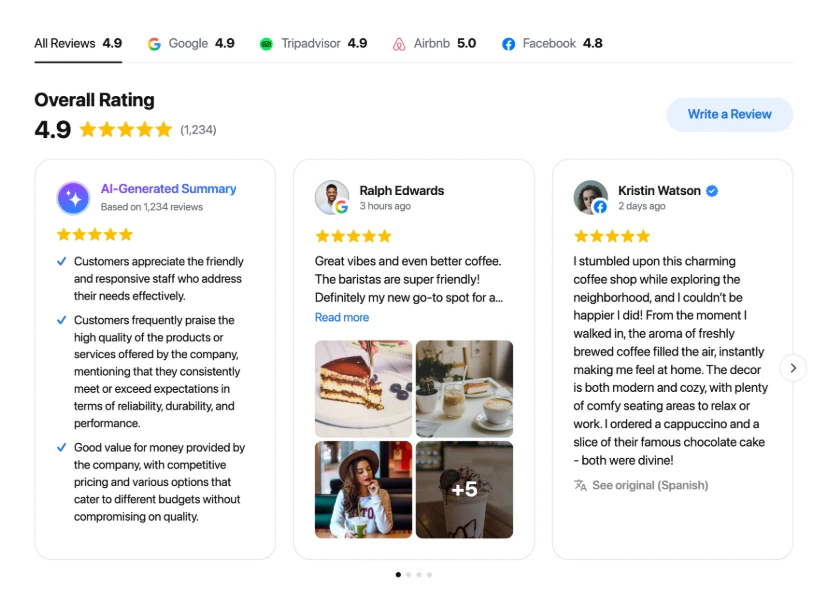
Show reviews from Google, Facebook, Amazon, and 20+ other platforms.
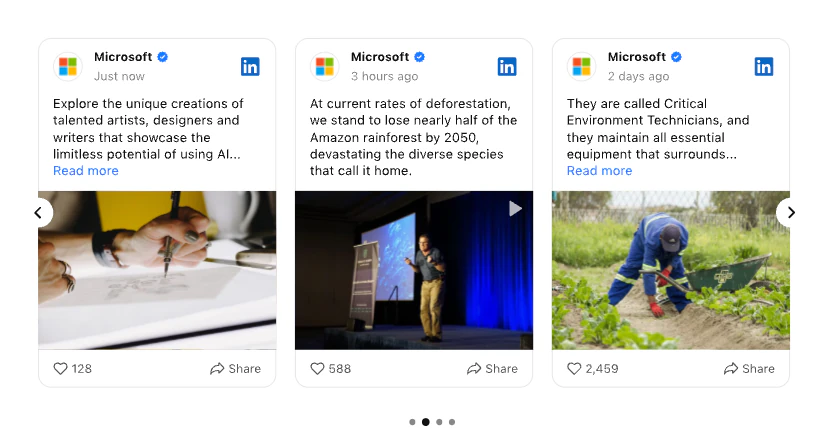
LinkedIn Feed
Display company posts and updates from your LinkedIn Page.
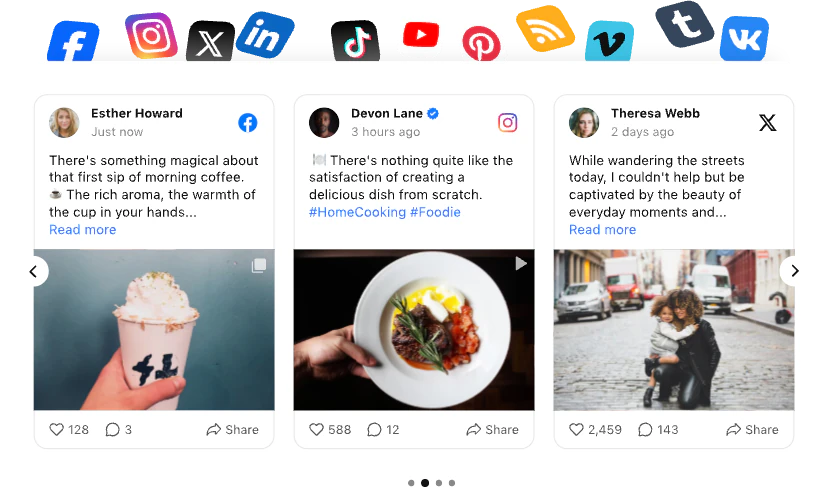
Social Feed
Display posts from Instagram, Facebook, Twitter and more in one feed.
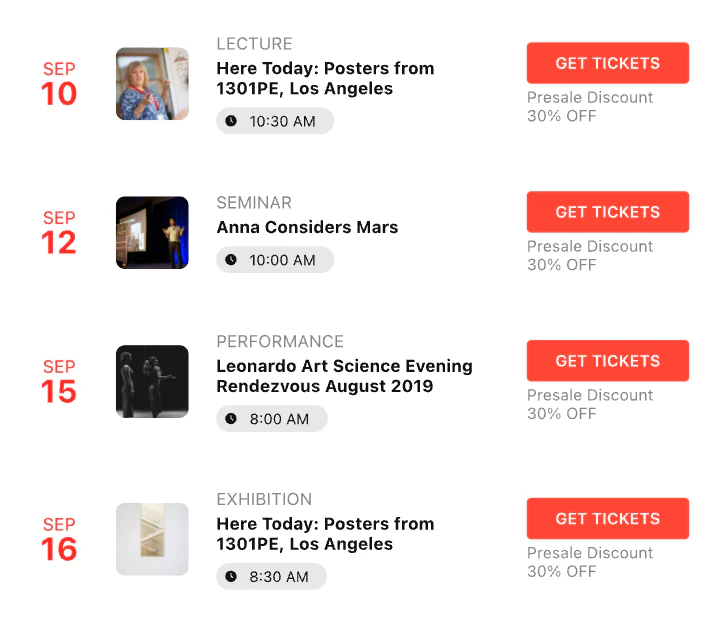
Event Calendar
Present upcoming events, schedules, and activities in one view.
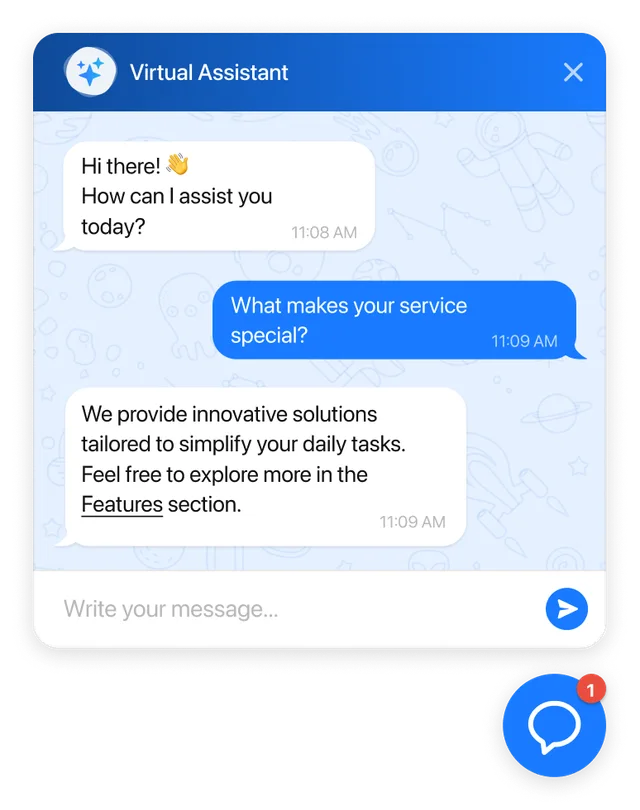
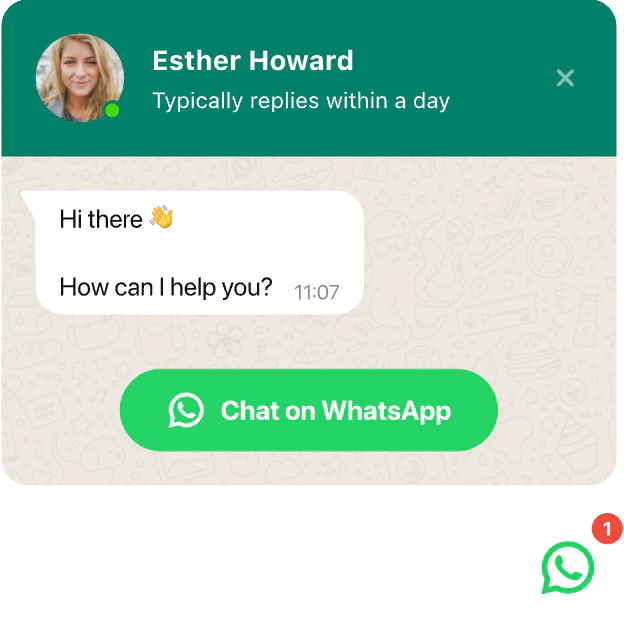
WhatsApp Chat
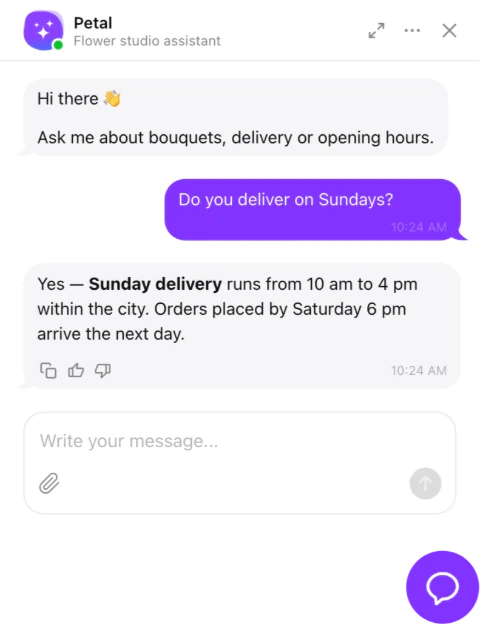
Connect with customers via WhatsApp for quick support.
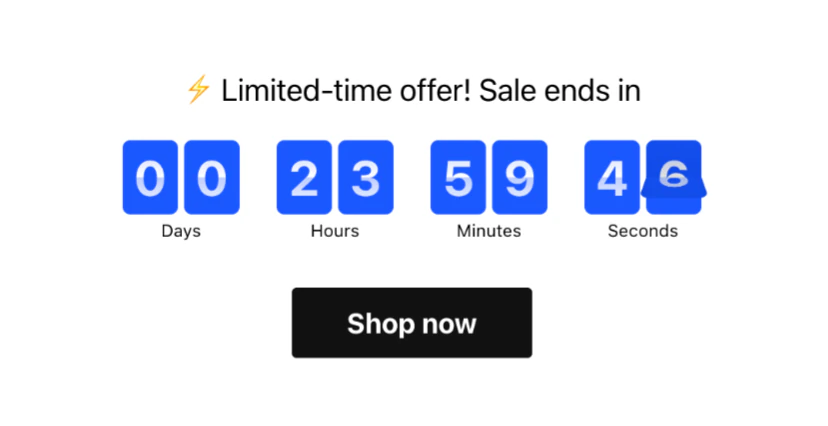
Countdown Timer
Create countdowns to boost urgency for sales and limited-time deals.
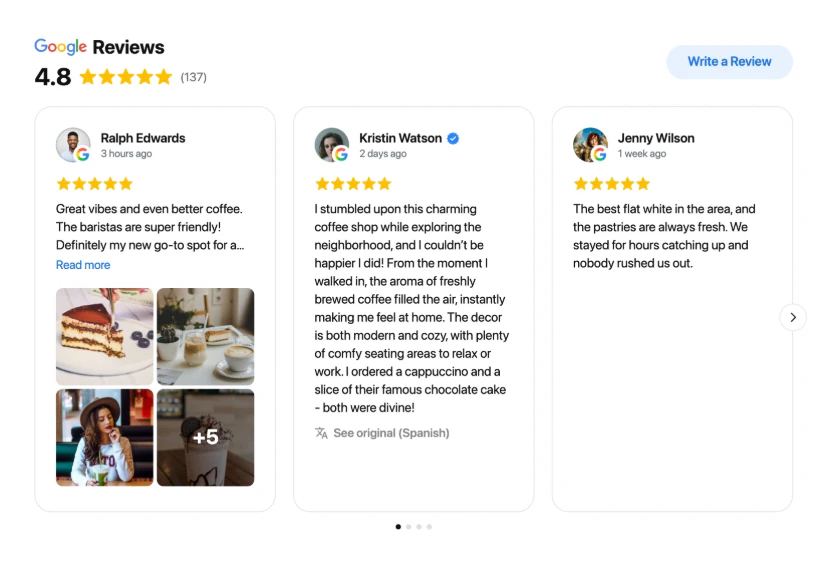

All-in-One Reviews
Show reviews from Google, Facebook, Amazon, and 20+ other platforms.
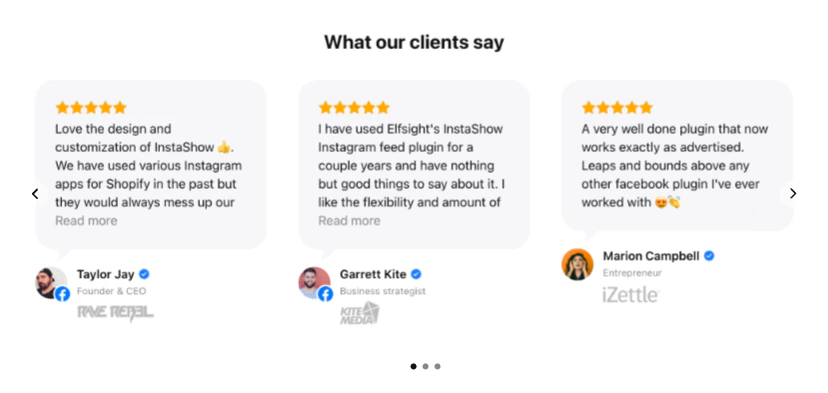
Testimonials Slider
Create a testimonial carousel for dynamic client feedback.
Facebook Reviews
Showcase customer reviews from your Facebook Page.
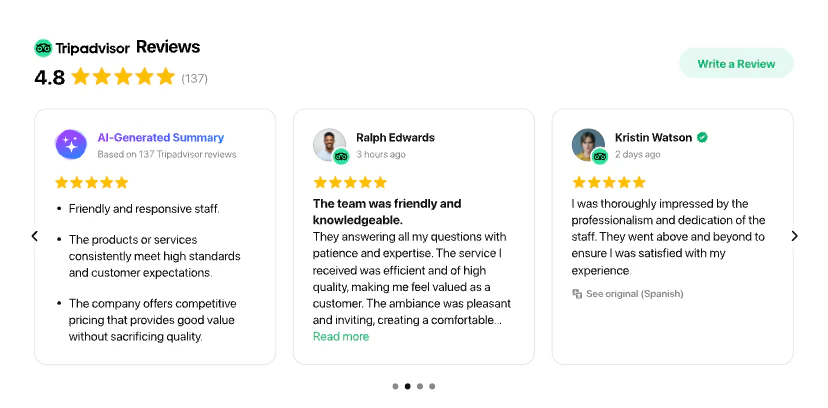
Reviews from Tripadvisor
Highlight guest experiences shared on Tripadvisor.
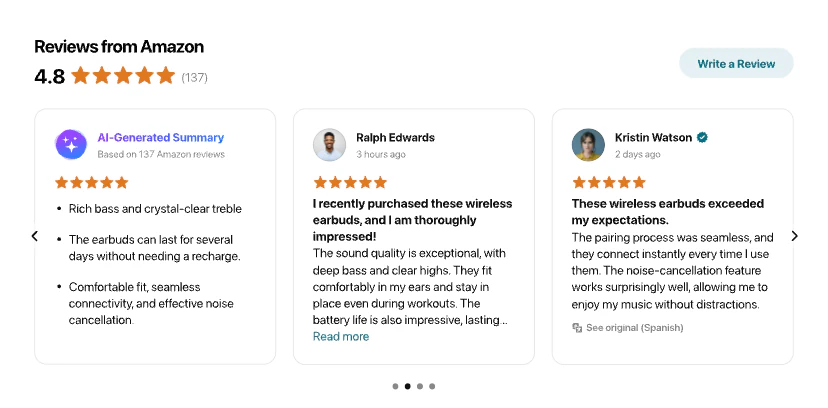
Reviews from Amazon
Display customer reviews from your Amazon store.
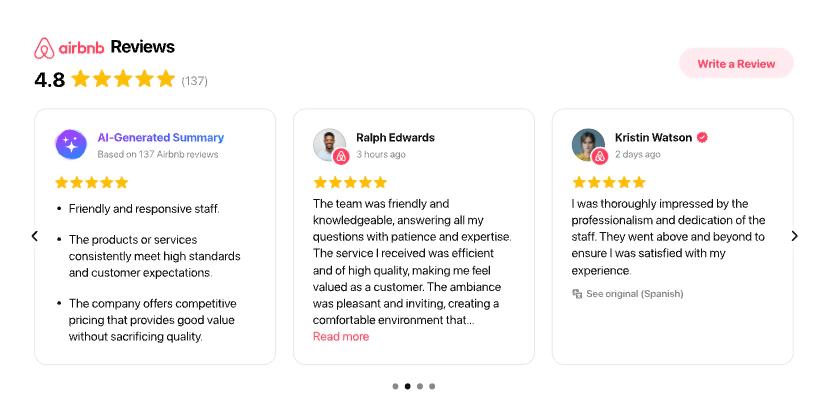
Airbnb Reviews
Showcase apartment stay reviews from Airbnb guests.
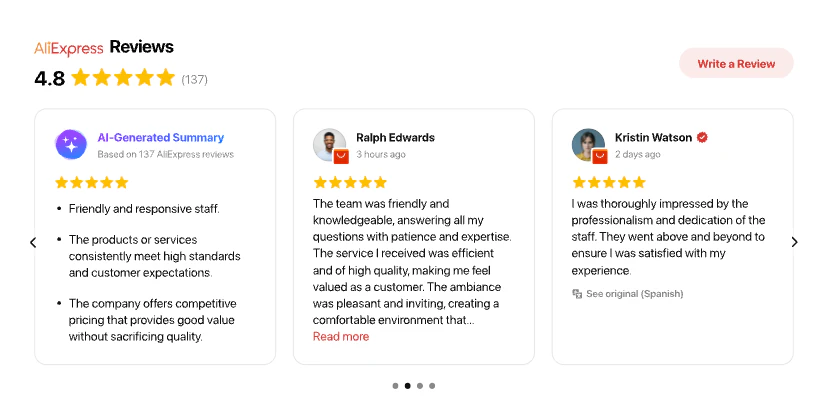
AliExpress Reviews
Display product reviews from AliExpress customers.
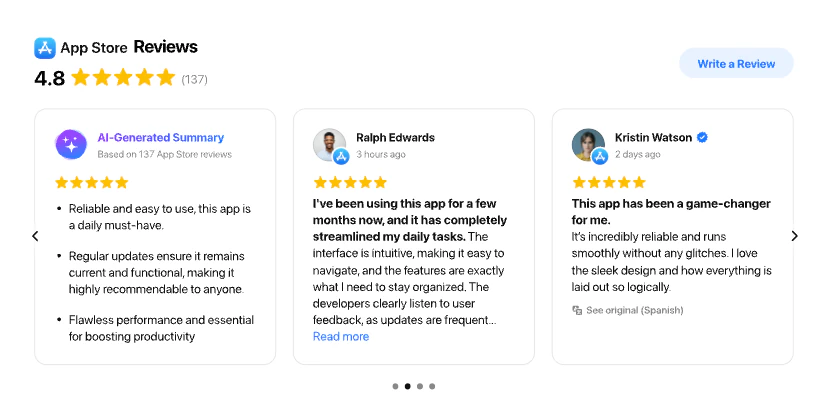
Apple App Store Reviews
Bring forward your app reviews from the Apple App Store.
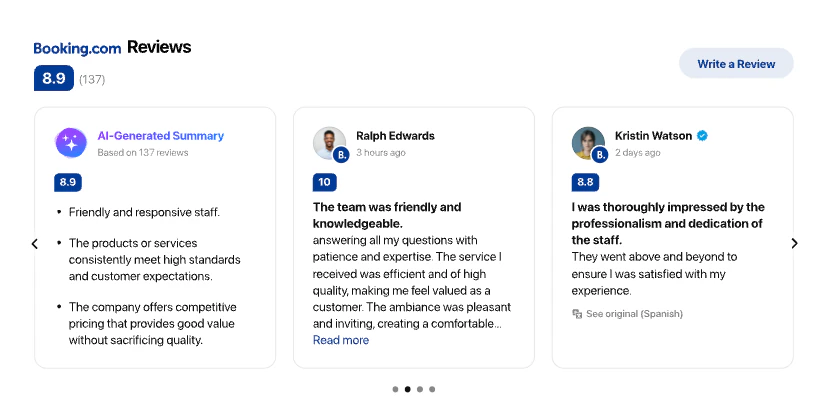
Booking.com Reviews
Display verified guest reviews from your Booking.com listing.
DealerRater Reviews
Display customer experience reviews from DealerRater.
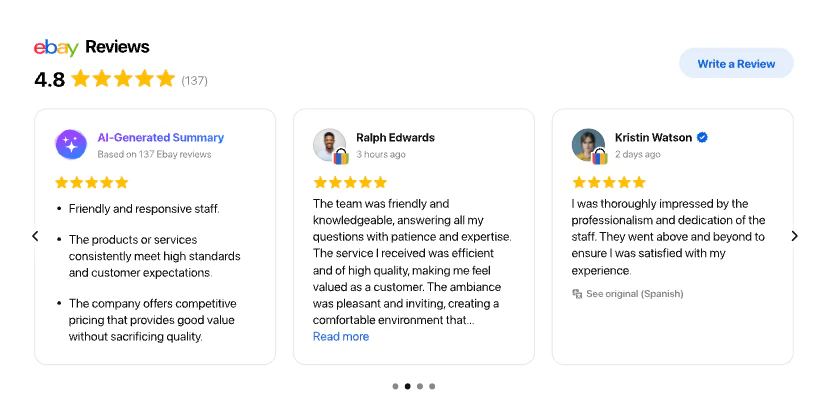
eBay Reviews
Highlight buyer reviews from eBay for products credibility.
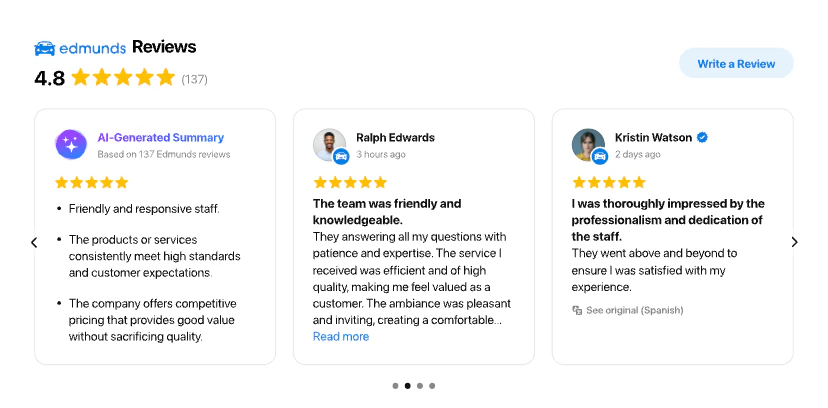
Edmunds Reviews
Display dealership ratings and reviews from Edmunds.
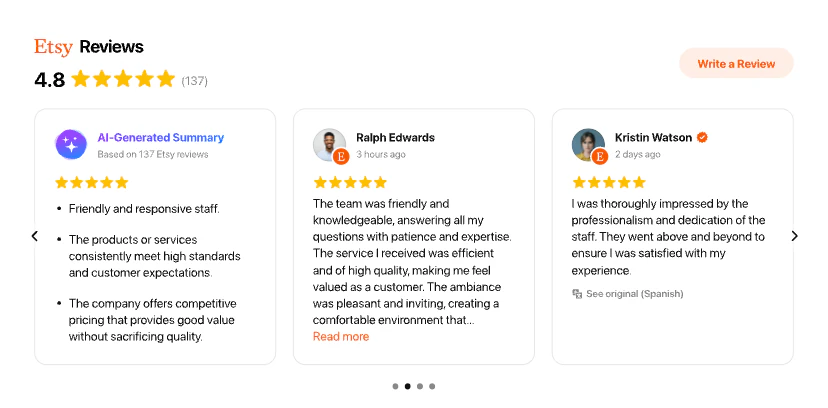
Etsy Reviews
Present product reviews pulled from your Etsy shop.
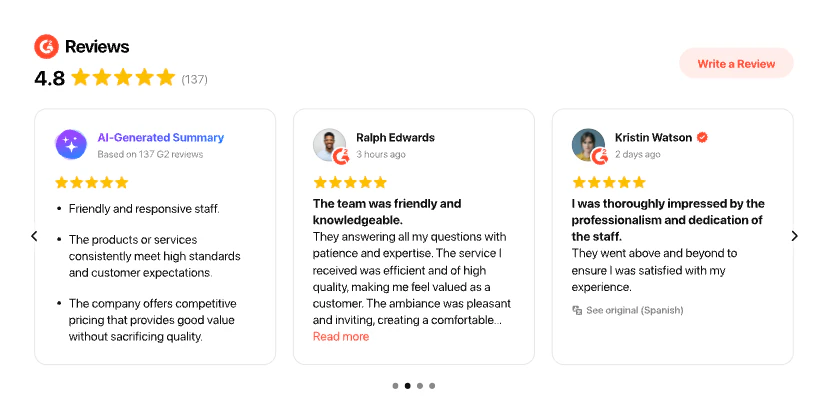
G2 Reviews
Present reviews about your services sourced from G2.
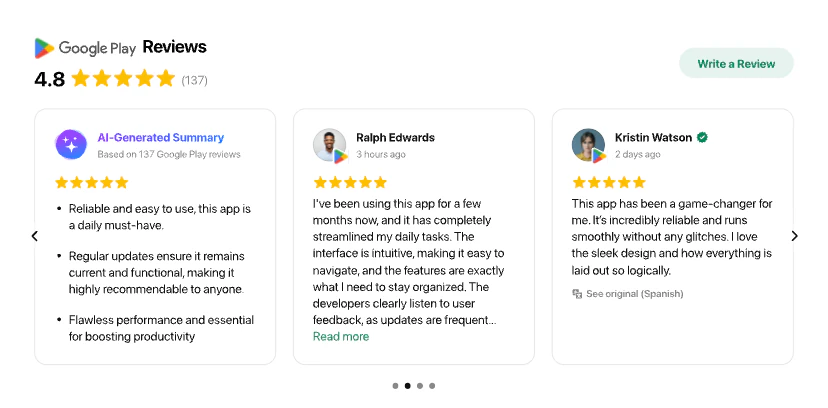
Google Play Reviews
Feature app reviews gathered from the Google Play Store.
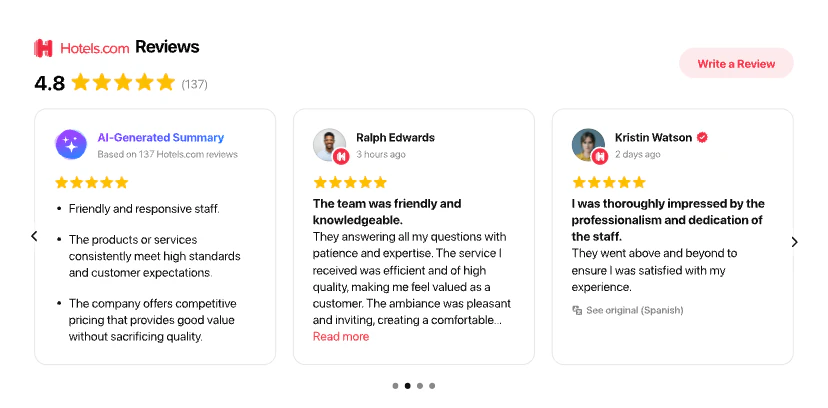
Hotels Reviews
Demonstrate reviews on your hotel from Hotels.com on your Bricks Builder site
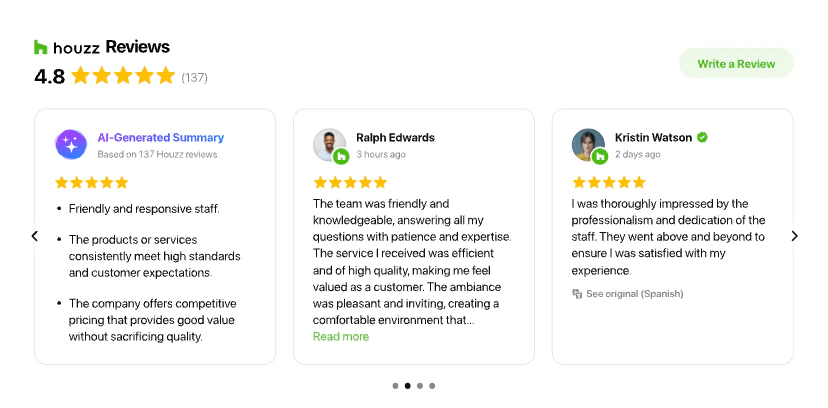
Houzz Reviews
Display project reviews submitted by clients on Houzz.
LinkedIn Recommendations
Showcase professional recommendations from LinkedIn.
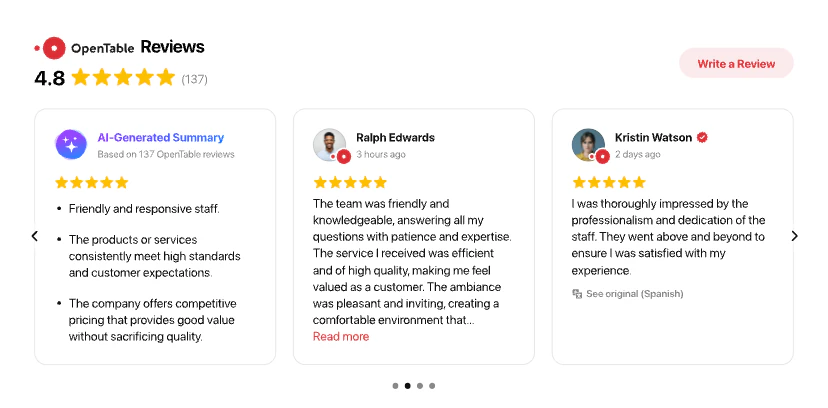
OpenTable Reviews
Feature OpenTable guest impressions of your restaurant.
Reviews from Yelp
Show reviews from Yelp reflecting your business reputation.




Instagram Feed
Display photos, reels, and posts from your Instagram account.
LinkedIn Feed
Display company posts and updates from your LinkedIn Page.
Social Feed
Display posts from Instagram, Facebook, Twitter and more in one feed.
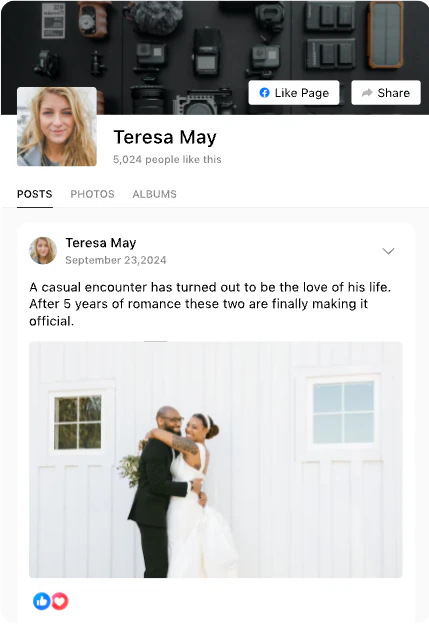
Facebook Feed
Display posts, photos, and videos from your Facebook Page.
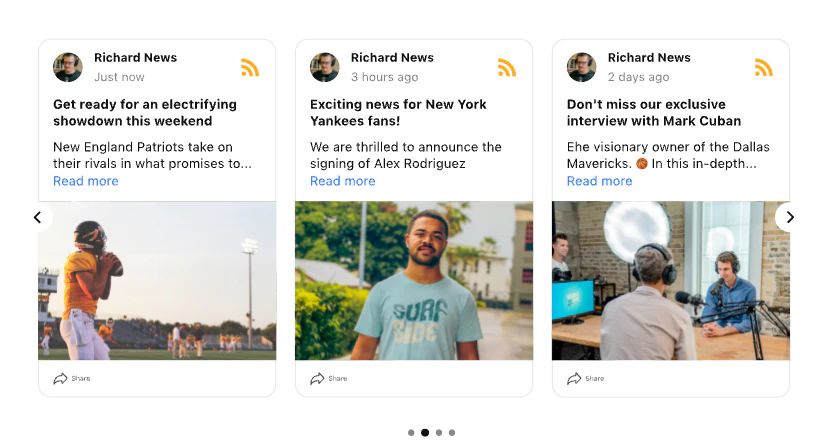
RSS Feed
Aggregate news and updates pulled from your RSS sources.
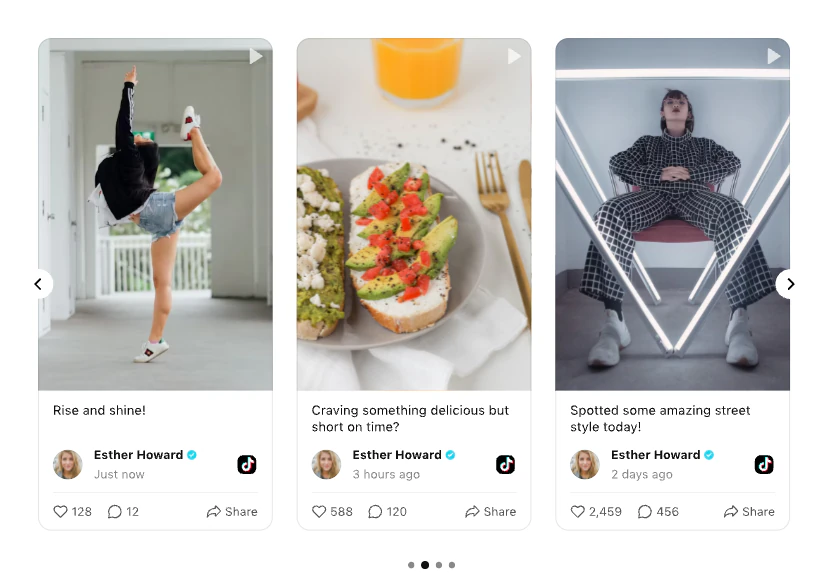
TikTok Feed
Highlight your latest TikTok trends and video moments.
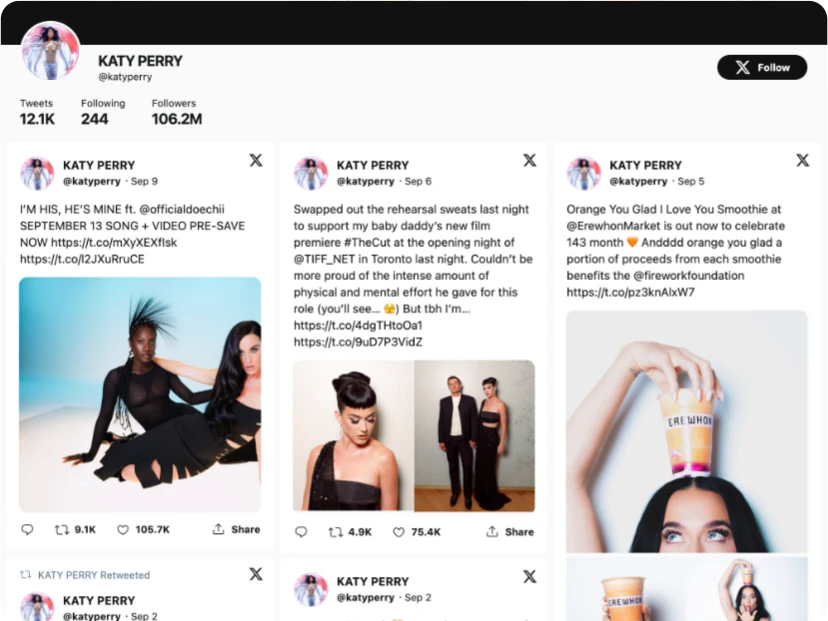
Twitter Feed
Display tweets from your X (Twitter) account or by hashtags.
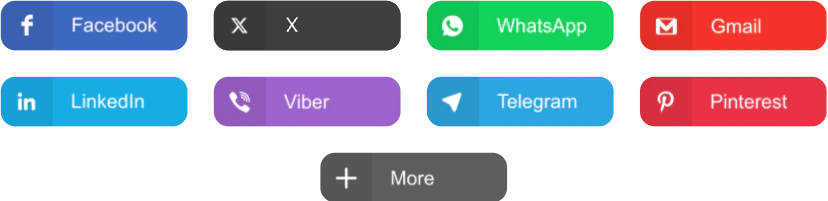
Social Share Buttons
Let visitors easily share your content in social media.
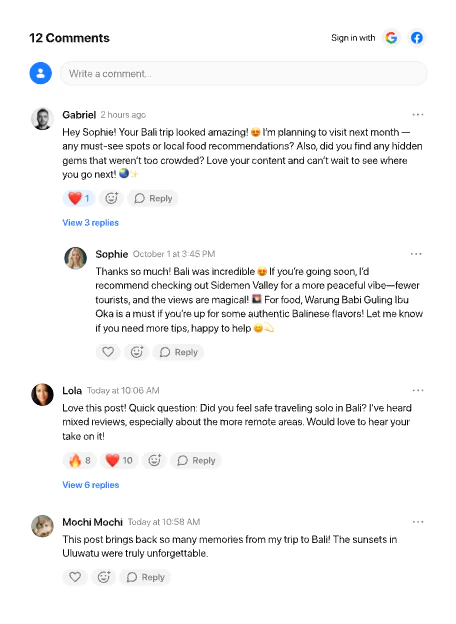
Comments
Let visitors post comments after reading your content.
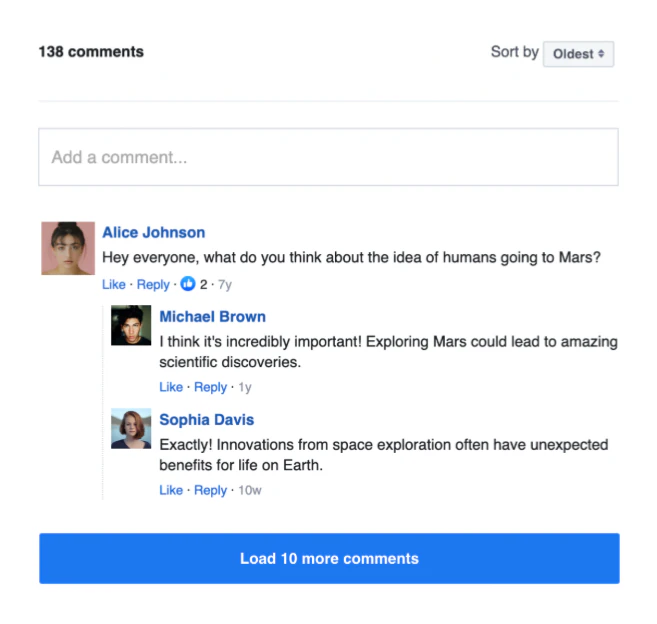
Facebook Comments
Let visitors comment via Facebook to join the conversation.
Facebook Share Button
Let people share your content on Facebook for expanded reach.
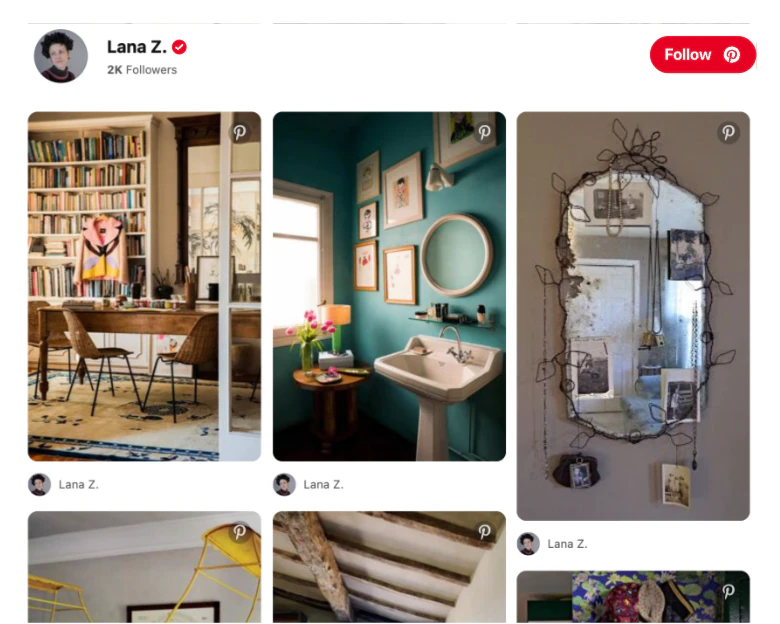
Pinterest Feed
Display pins and boards from your Pinterest account.
Social Media Icons
Add social icons to link users to your profiles easily.
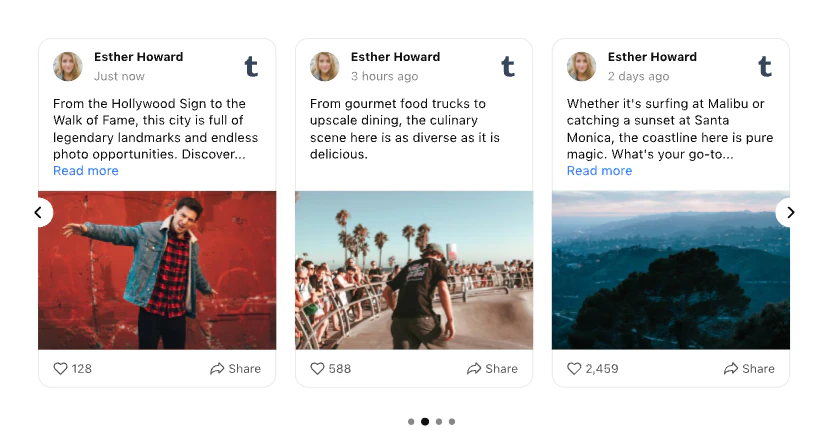
Tumblr Feed
Display posts and media from your Tumblr blog.

Countdown Timer
Create countdowns to boost urgency for sales and limited-time deals.
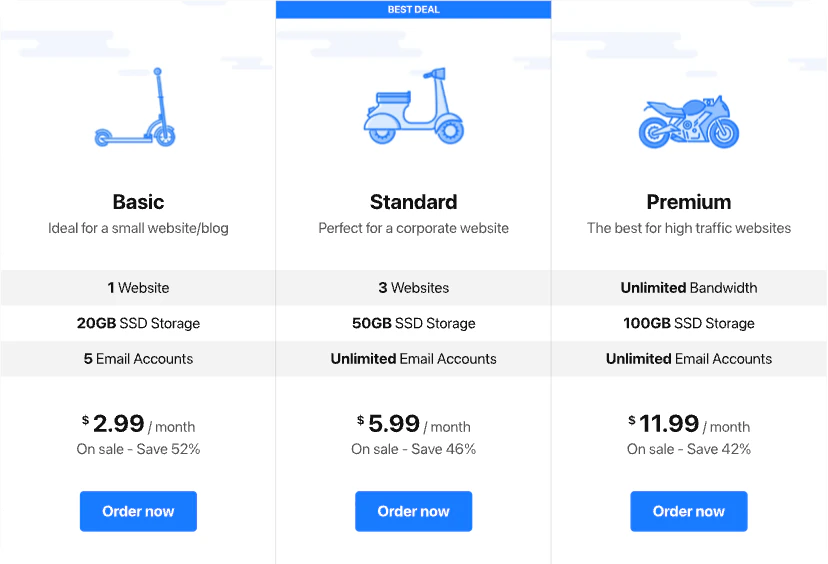
Pricing Table
Create pricing tables to showcase plans and features clearly.
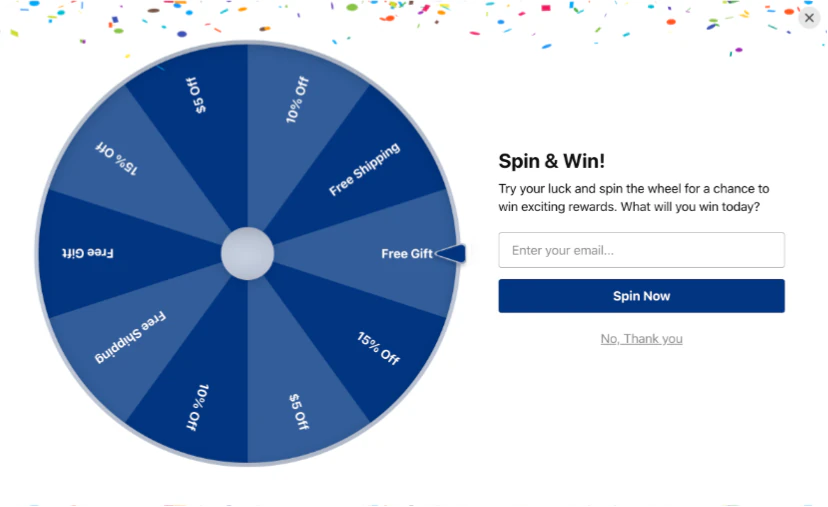
Spinning Wheel
Gamify shopping with a prize wheel and motivate users to buy more.
Announcement Bar
Notify visitors about updates, news, and special offers.
Click to Call
Let users call you instantly with a single tap.
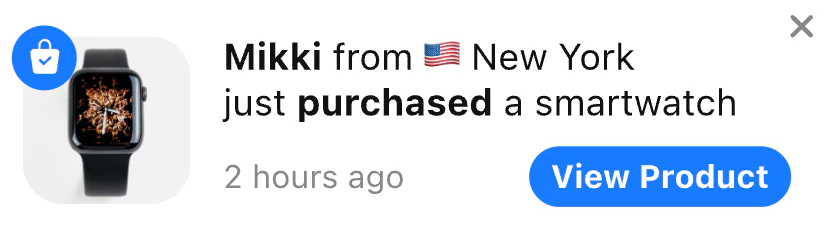
Sales Notification
Add purchase alerts to show customer activity and drive action.
Banner
Promote offers and discounts through engaging banners.
PayPal Button
Let users pay or donate easily through PayPal.





WhatsApp Chat
Connect with customers via WhatsApp for quick support.
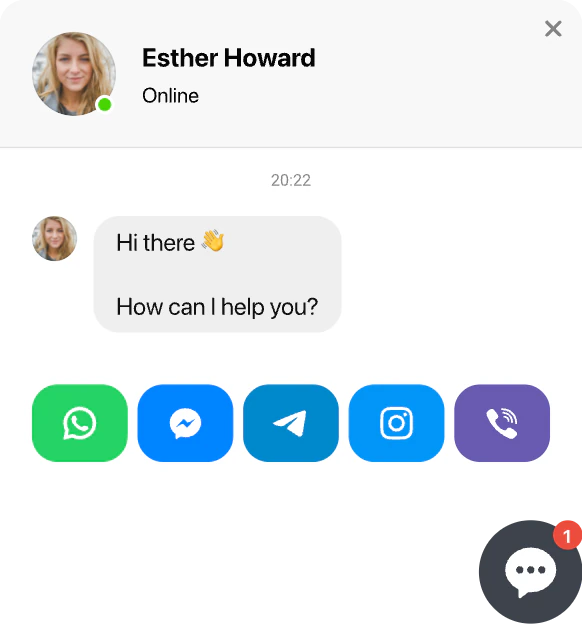
All-in-One Chat
Let users chat via WhatsApp, Telegram, Facebook Messenger, and more.
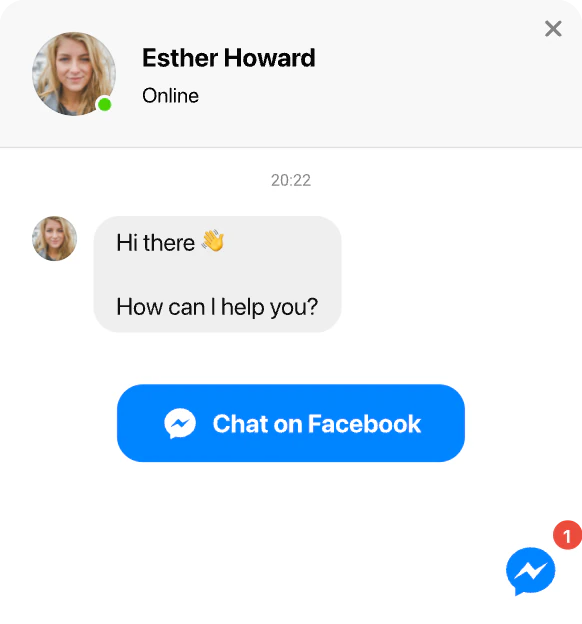
Facebook Chat
Let visitors chat with you on Facebook Messenger for instant support.
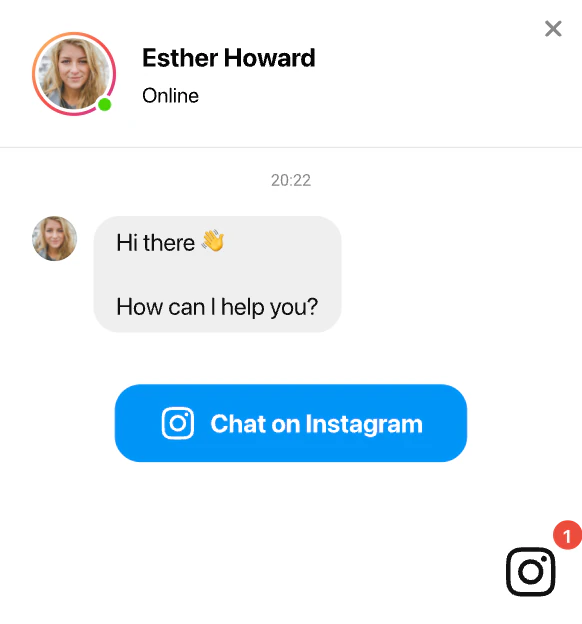
Instagram Chat
Allow visitors to message you directly via Instagram.
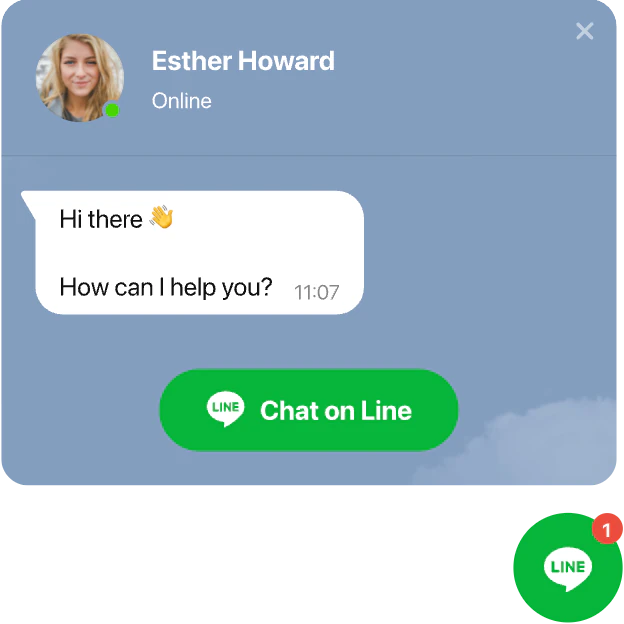
Line Chat
Let users contact you easily via Line for quick communication.
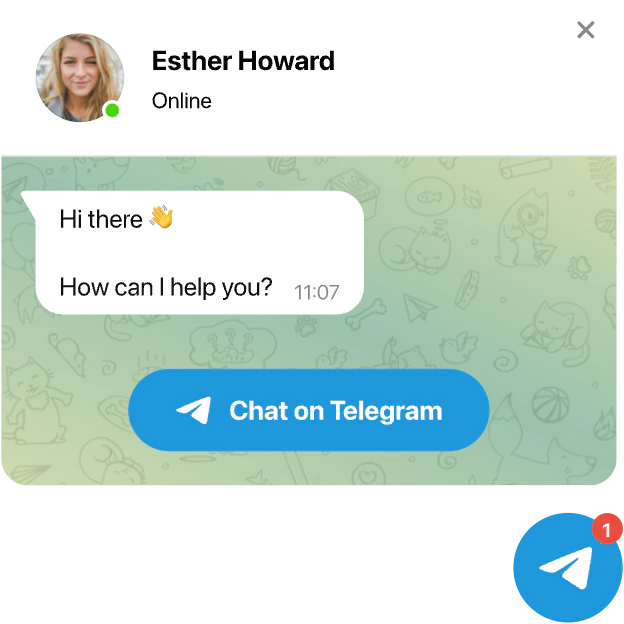
Telegram Chat
Let visitors reach you instantly through Telegram messages.
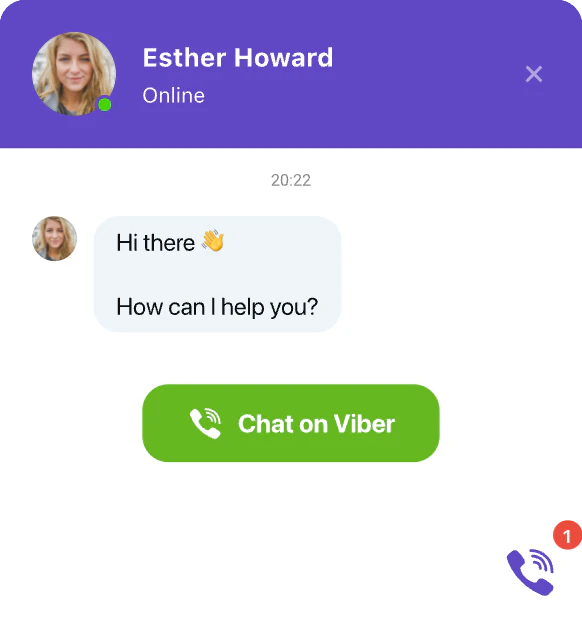
Viber Chat
Let users message you on Viber directly from your Bricks Builder website.
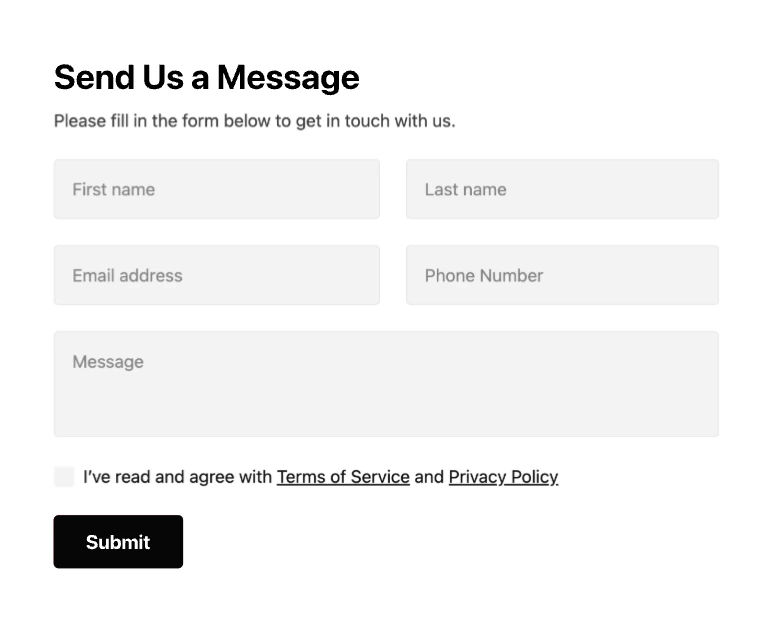
Contact Form
Collect contacts and new leads with an easy-to-use form.
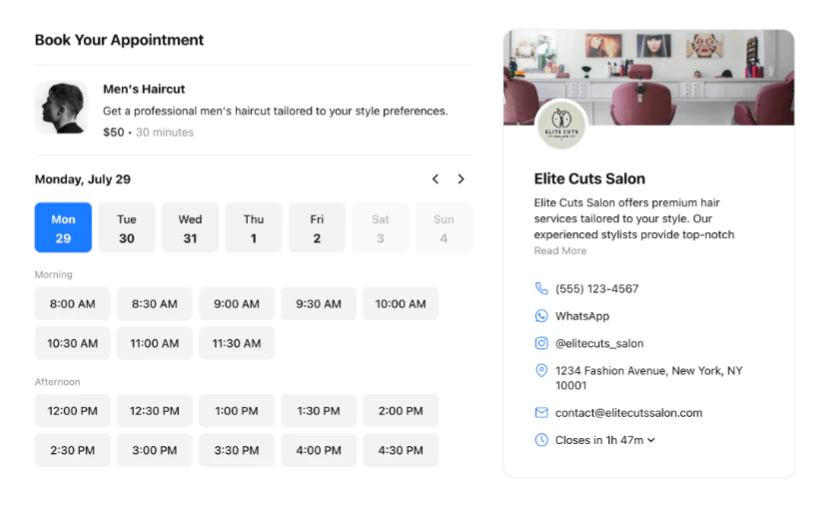
Appointment Booking
Give your clients a simple way to book your services online.
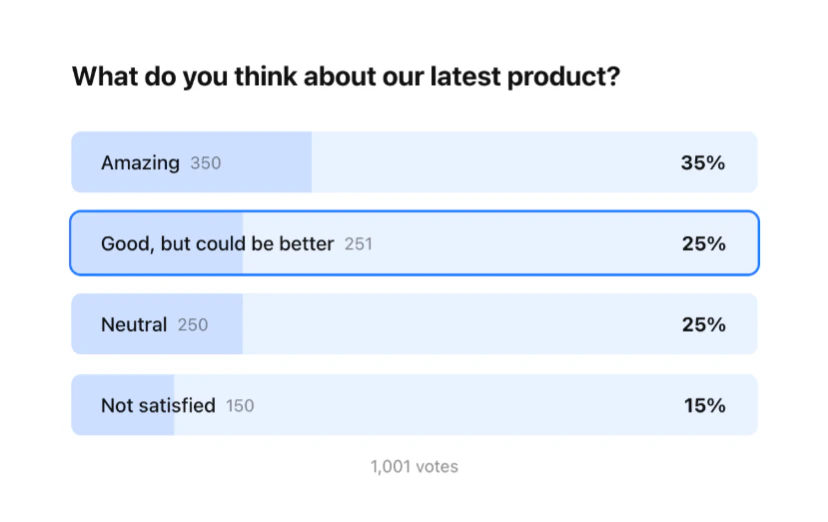
Poll
Create interactive polls to collect user opinions and feedback.
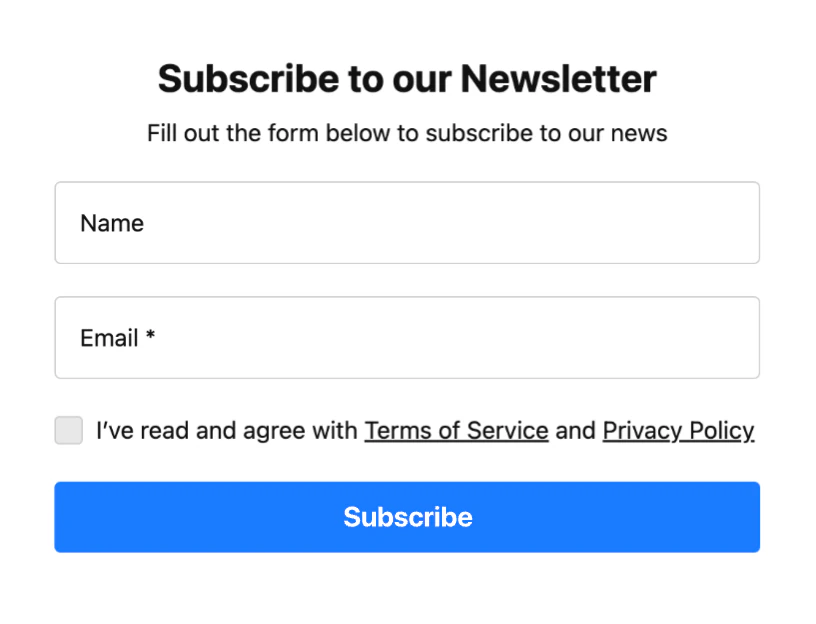
Subscription Form
Collect subscriber contacts to expand your mailing list.
Countdown Timer
Create countdowns to boost urgency for sales and limited-time deals.
Event Calendar
Present upcoming events, schedules, and activities in one view.
Timeline
Present your project story, milestones, and key events in its growth

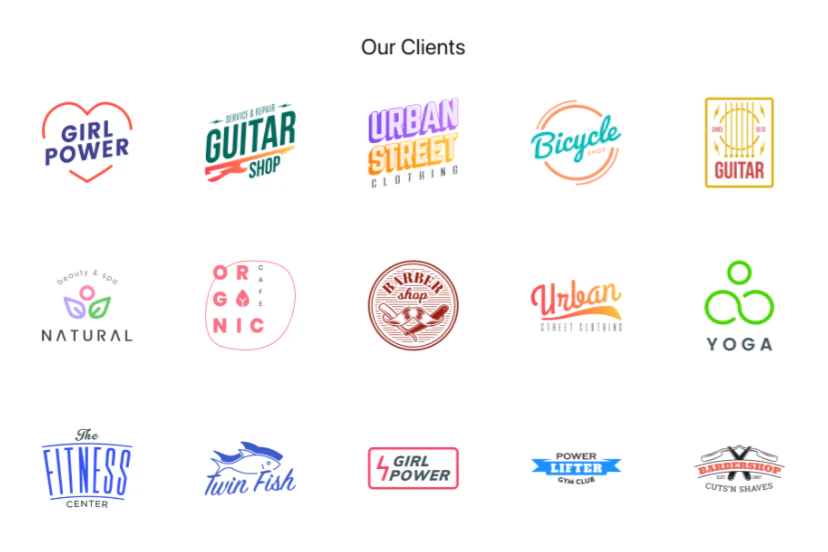
Logo Showcase
Showcase logos of your clients, partners, and vendors.
Before and After Slider
Highlight transformations through before and after images.
Photo Gallery
Present your photos and images in a stylish gallery.
Slider
Create stunning sliders and carousels to showcase your offers.
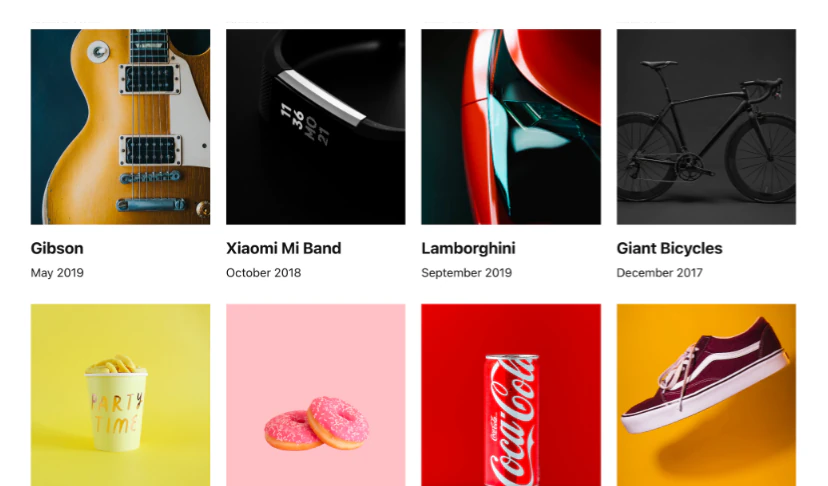
Portfolio
Create expressive portfolios to present your work and projects.


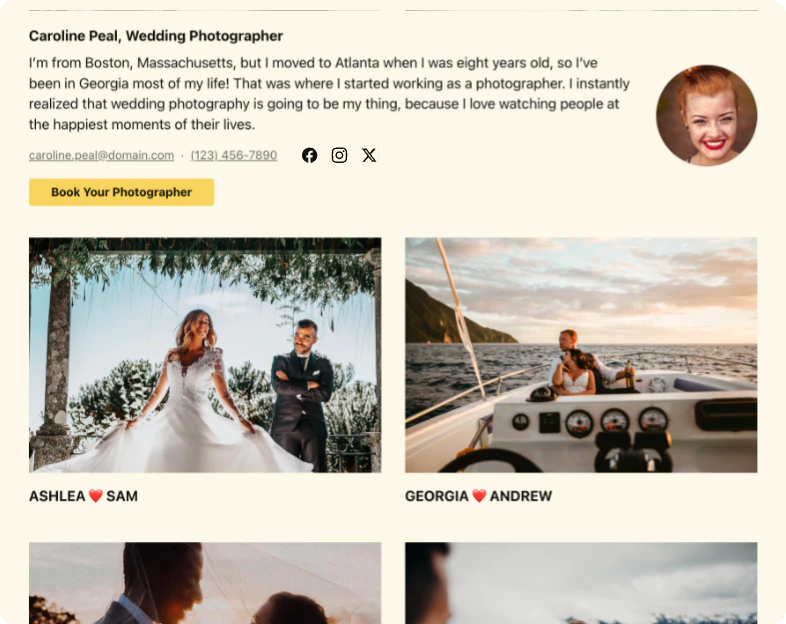
YouTube Gallery
Display videos, playlists, or entire YouTube channels on your Bricks Builder website.
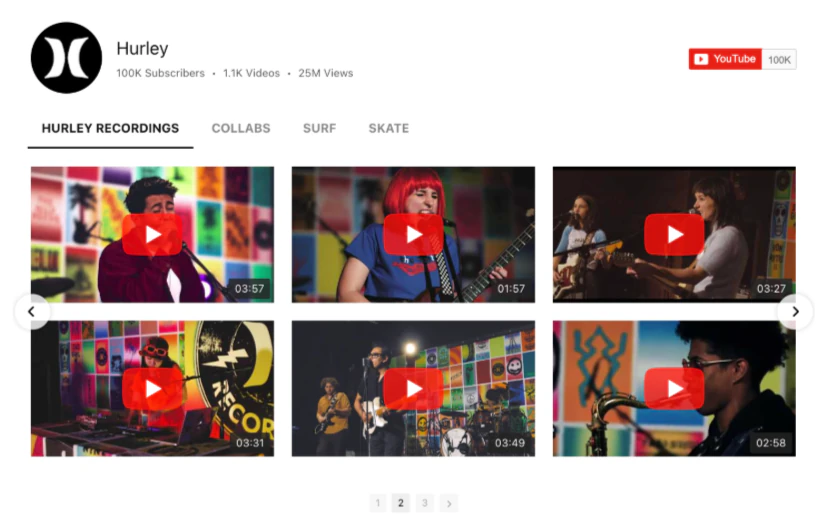
Video Gallery
Display videos from multiple sources in one customizable gallery on your Bricks Builder website.
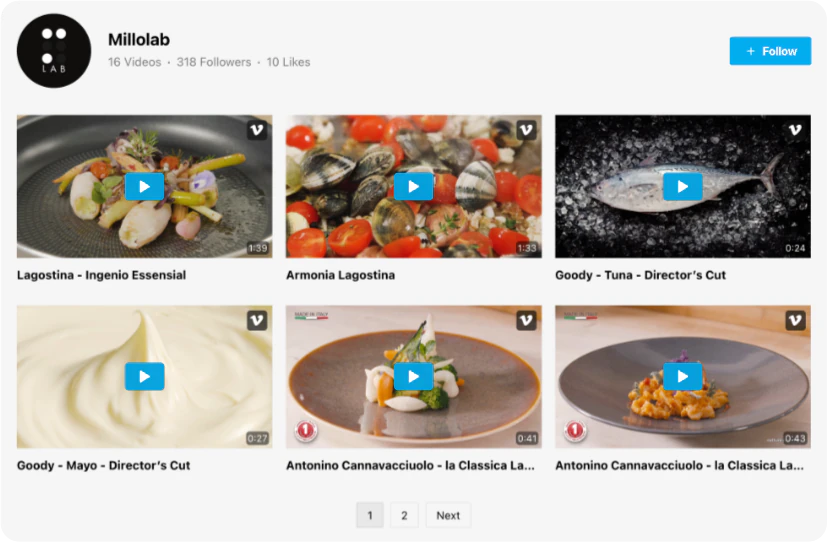
Vimeo Gallery
Display selected Vimeo videos and channels on your Bricks Builder website.

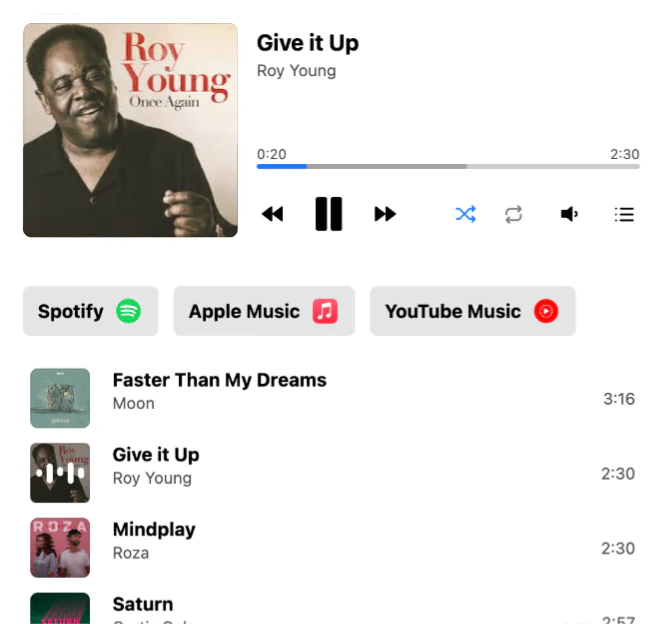
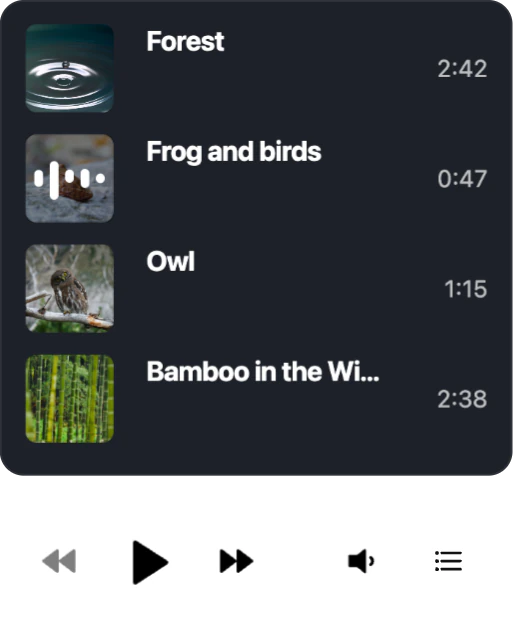
Audio Player
Share your audio and music with seamless playback and downloads.
Background Music
Play ambient background music automatically.
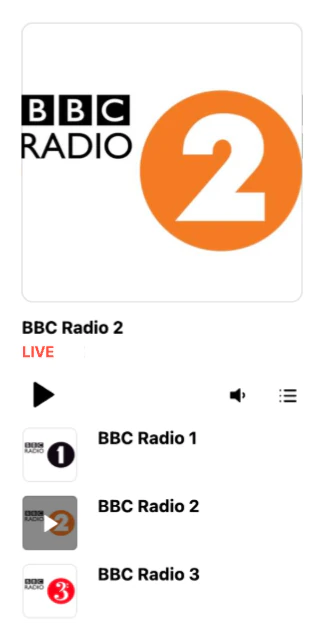
Radio Player
Stream live radio stations directly on your Bricks Builder website.
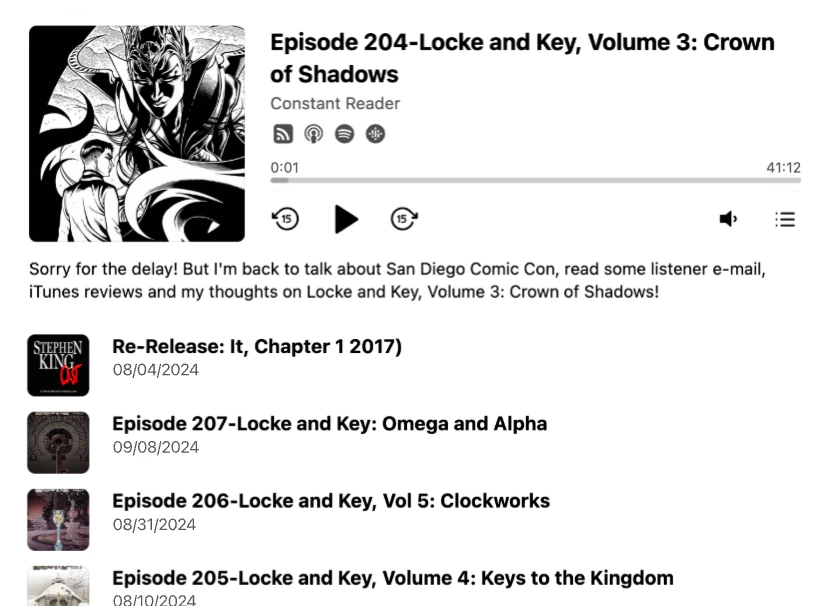
Podcast Player
Share podcast episodes with your audience seamlessly.
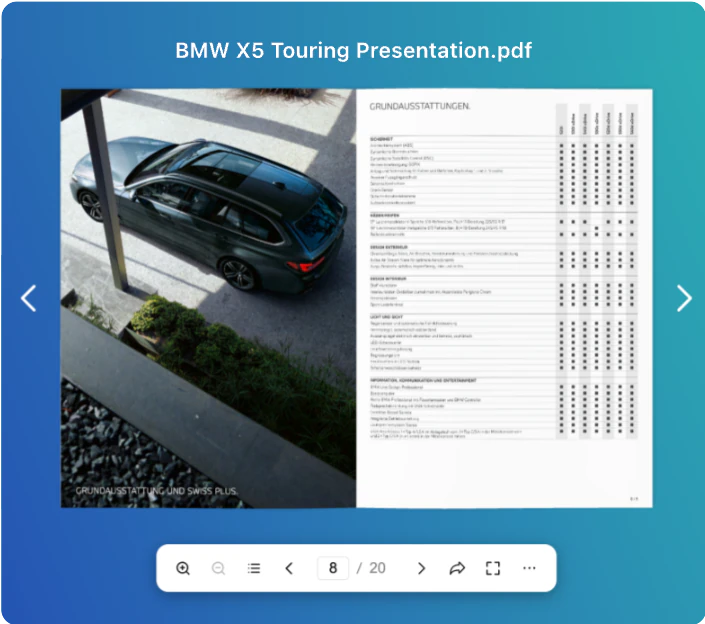
Flipbook
Convert PDFs into interactive flipbooks for engaging reading.
PDF Embed
Embed PDF files for convenient viewing and downloading.
File Embed
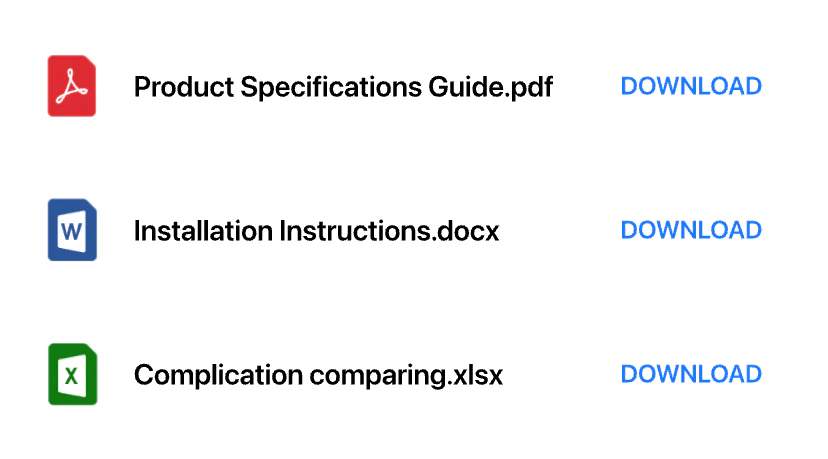
Let users view and download any kind of file (doc, xlsx, pptx, etc.).

Number Counter
Boast your marvelous achievements and impressive numbers to your users
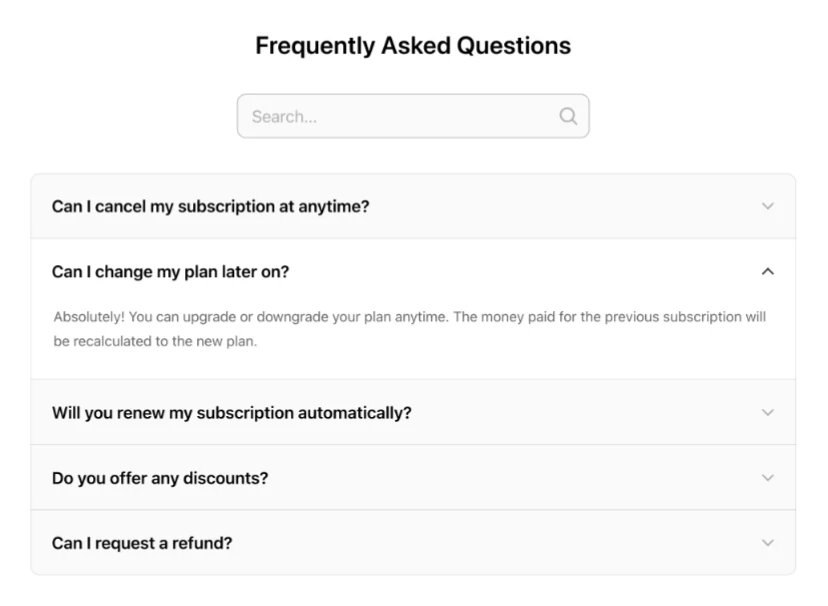
FAQ
Show clear answers to frequently asked questions.
Team Showcase
Present your team with photos, roles, and short bios.
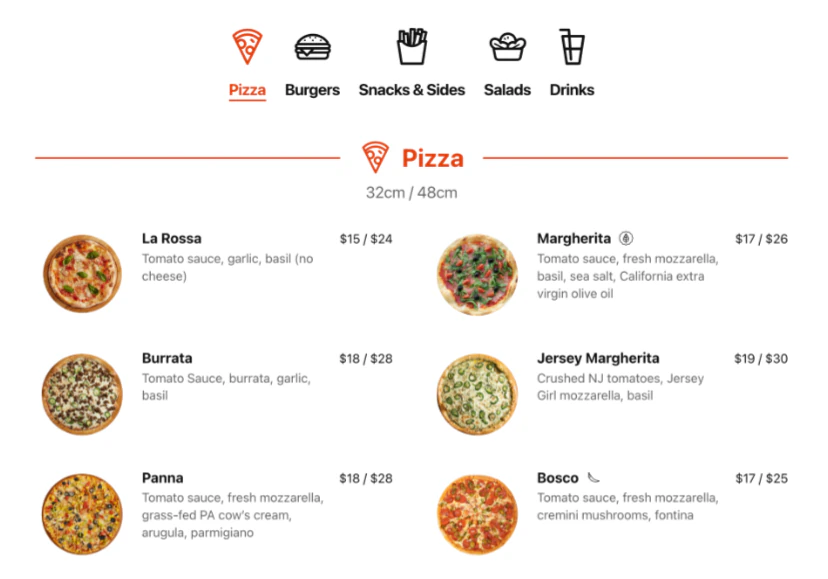
Restaurant Menu
Present your restaurant dishes and drinks clearly and accessibly.
Job Board
List current vacancies to simplify recruitment and hiring.




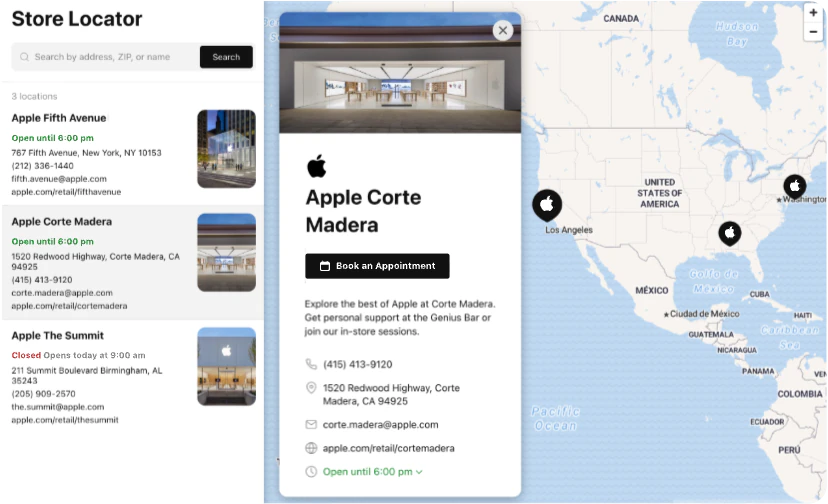
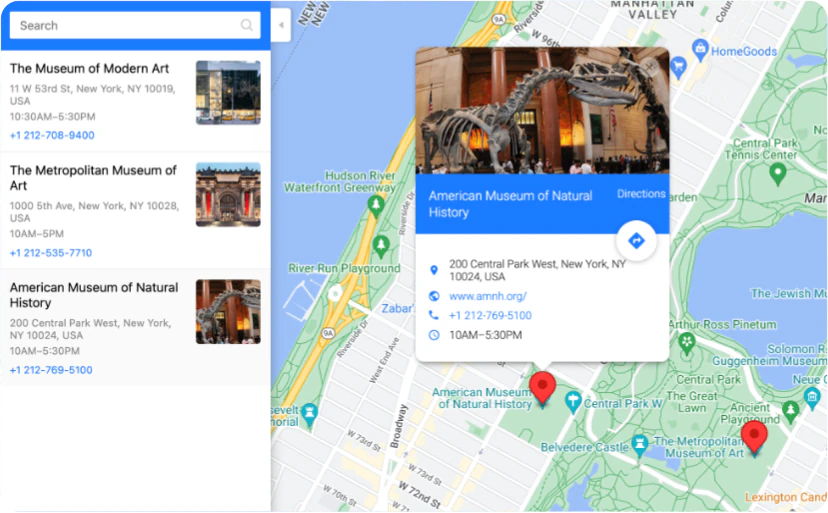
Store Locator
Help users find your stores, offices, pickup points, or any locations.
Google Maps
Display an interactive map with your locations and business details.
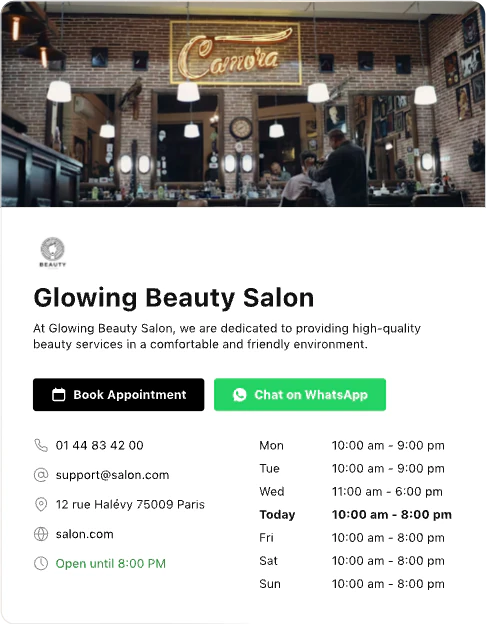
Business Hours
Showcase business hours and contact details on your Bricks Builder website for user-friendly visit planning
Age Verification
Verify age to restrict underage users from access to your Bricks Builder website.
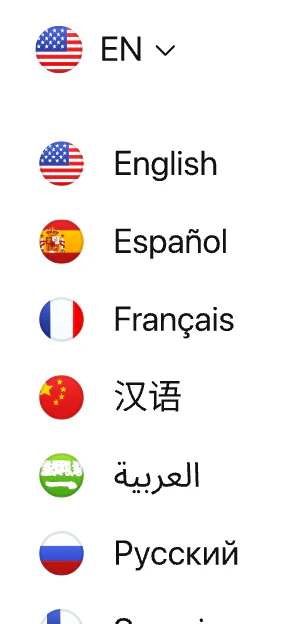
Website Translator
Translate your Bricks Builder website content instantly into any language.
Cookie Consent
Use a convenient way to notify users about the cookies.
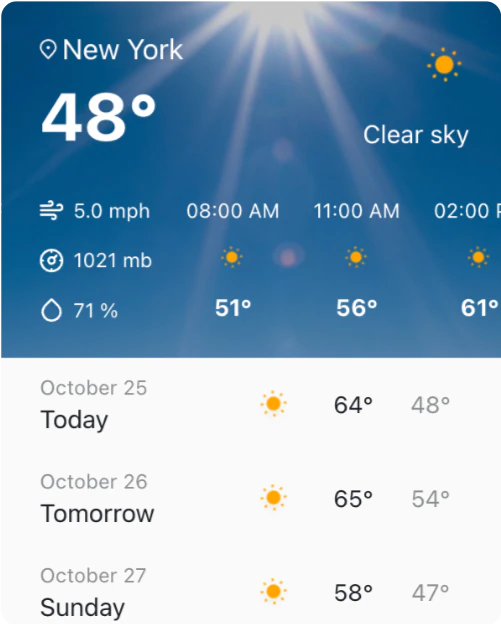
Weather
Show real-time weather updates and forecast for any location.
Accessibility
Improve Bricks Builder website accessibility for a more inclusive user experience.
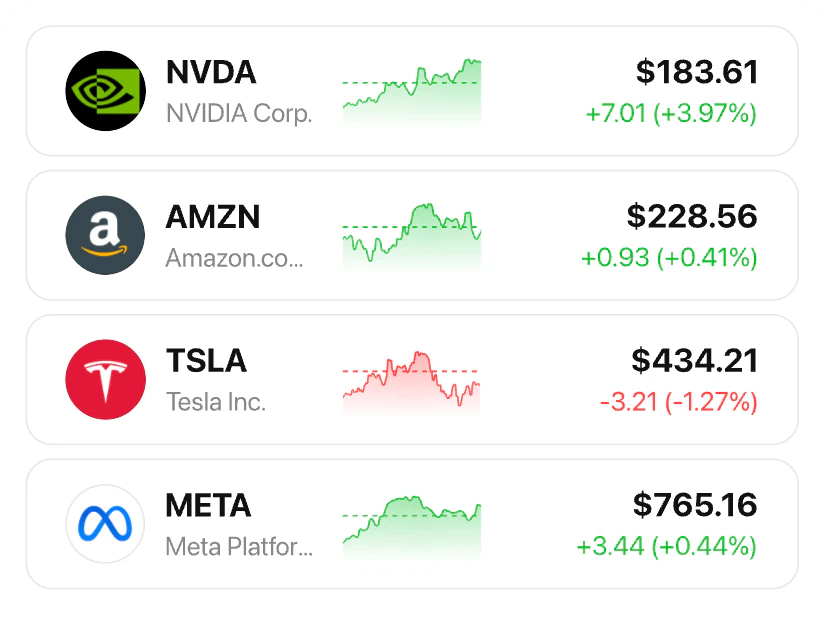
Stocks
Display real-time stock, crypto, and forex updates.
Back to Top
Let visitors quickly return to the top with one click.
Button
Create custom buttons that drive clicks and actions.
QR Code
Generate QR codes for quick and easy access to your content.
Visitor Counter
Show your Bricks Builder website traffic to demonstrate audience interest.








Tell us in the community what you need. We’ll review your request.
Request a widgetTrusted by over 3,000,000 small businesses, agencies and top global brands worldwide
- 4.8
- 4.8














What you can add to your Bricks Builder website
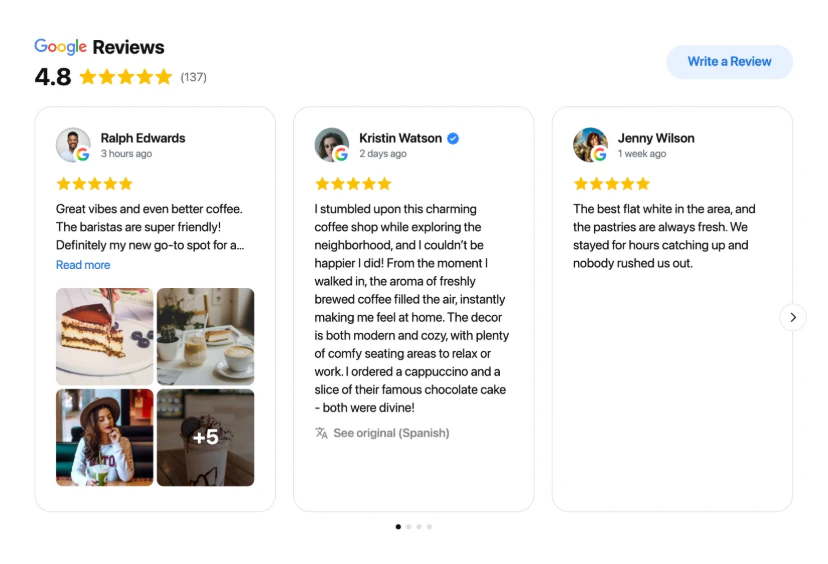
Show customer reviews
Google Reviews · All-in-One Reviews · Testimonials Slider
Put your Google rating on any page you build. Visitors see what customers say without leaving your Bricks Builder website to look for reviews.
What it changes
- Builds trust with first-time visitors
- Works on any page
- New reviews appear on their own

What are Elfsight widgets for Bricks Builder?
Nothing to install in Bricks Builder
widgets
Widgets from Bricks Builder add-ons
No updates to run on your side
widgets
Widgets from Bricks Builder add-ons
Live content from Google, Instagram, YouTube and more
widgets
Widgets from Bricks Builder add-ons
Visual editor with ready-made templates
widgets
Widgets from Bricks Builder add-ons
The same widget on any other website platform
widgets
Widgets from Bricks Builder add-ons
90+ widgets in one account
widgets
Widgets from Bricks Builder add-ons
Support team and free installation
widgets
Widgets from Bricks Builder add-ons
The 10 most popular Elfsight widgets in 2026
- 1Google ReviewsMust-have
- 2Instagram FeedTop choice
- 3All-in-One ReviewsVery popular
- 4PopupVery popular
- 5WhatsApp ChatVery popular
- 6LinkedIn FeedPopular
- 7Social FeedPopular
- 8AI ChatbotPopular
- 9Website TranslatorPopular
- 10Facebook FeedPopular
Source: Elfsight usage data across all platforms, November 2026. Updated every quarter.
How to add Elfsight widgets to Bricks Builder
Code element
A widget on one page.
1. Open the page in Bricks and add the Code element where the widget should appear.
2. Paste the installation code and turn on Execute code.
3. Click Save.
Every page of your website
For chats, popups, announcement bars and other widgets that should appear on every page.
1. Go to Bricks → Settings → Custom code.
2. Paste the code into Body (footer) scripts and save.