Add to calendar button for your website

One button that puts your event in your visitors’ Google Calendar, Outlook or Apple Calendar, on its own or on an event card, a list of events or a webinar block. Pick a template, change anything by asking AI and add it to any website.
Create widget for free
No credit card needed
Add to calendar button for your website

Trusted by over 3,000,000 small businesses, agencies and top global brands worldwide

Create an add to calendar button for free

Describe your event — or a whole list of them — and AI Builder builds the button. Then check the date and time and put it on your site.
  1. 1. Pick a template or build with AI
  2. 2. Add your content
  3. 3. Put it on your site
Why add it

What an add to calendar button gives your site

Everything an add to calendar button needs

Google, Outlook and Apple

Every major calendar, plus an .ics file.

Their own time zone

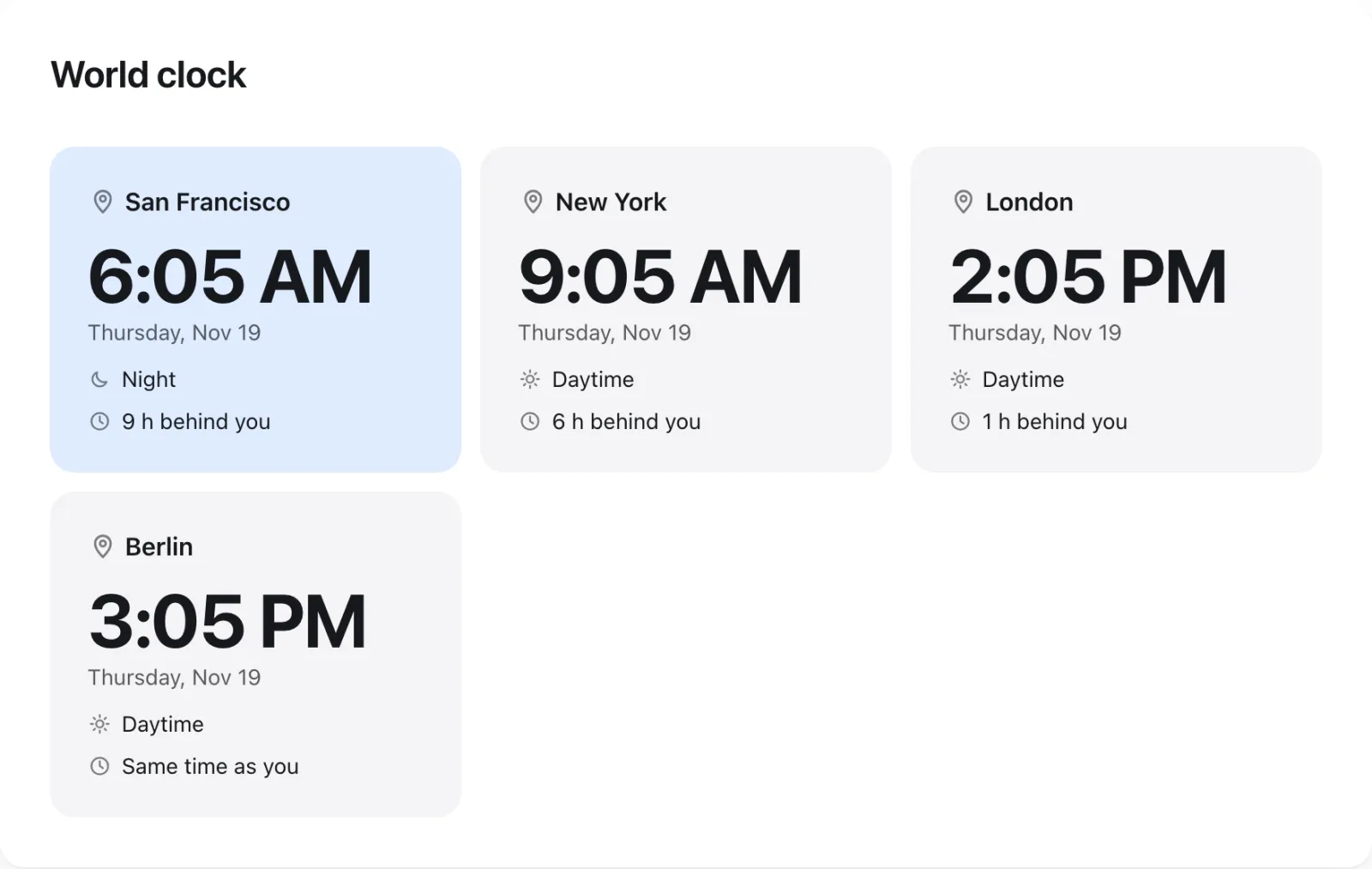
The time shown where each visitor is.

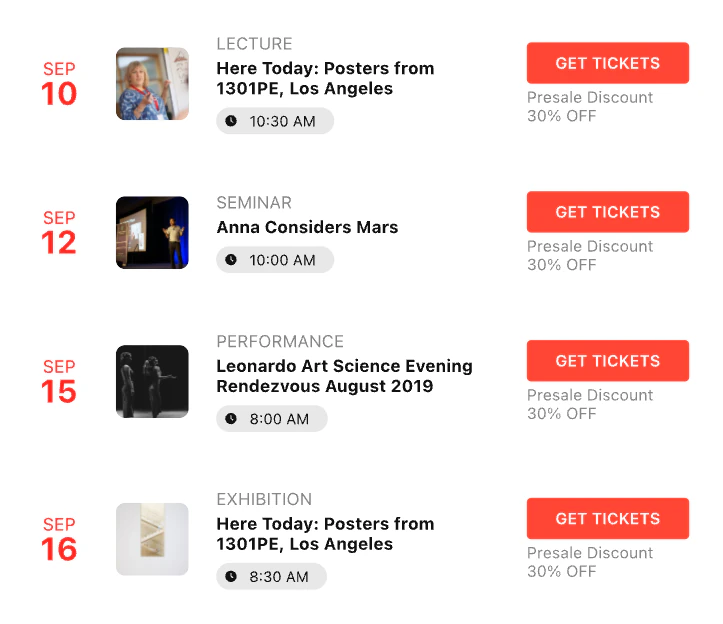
Event cards

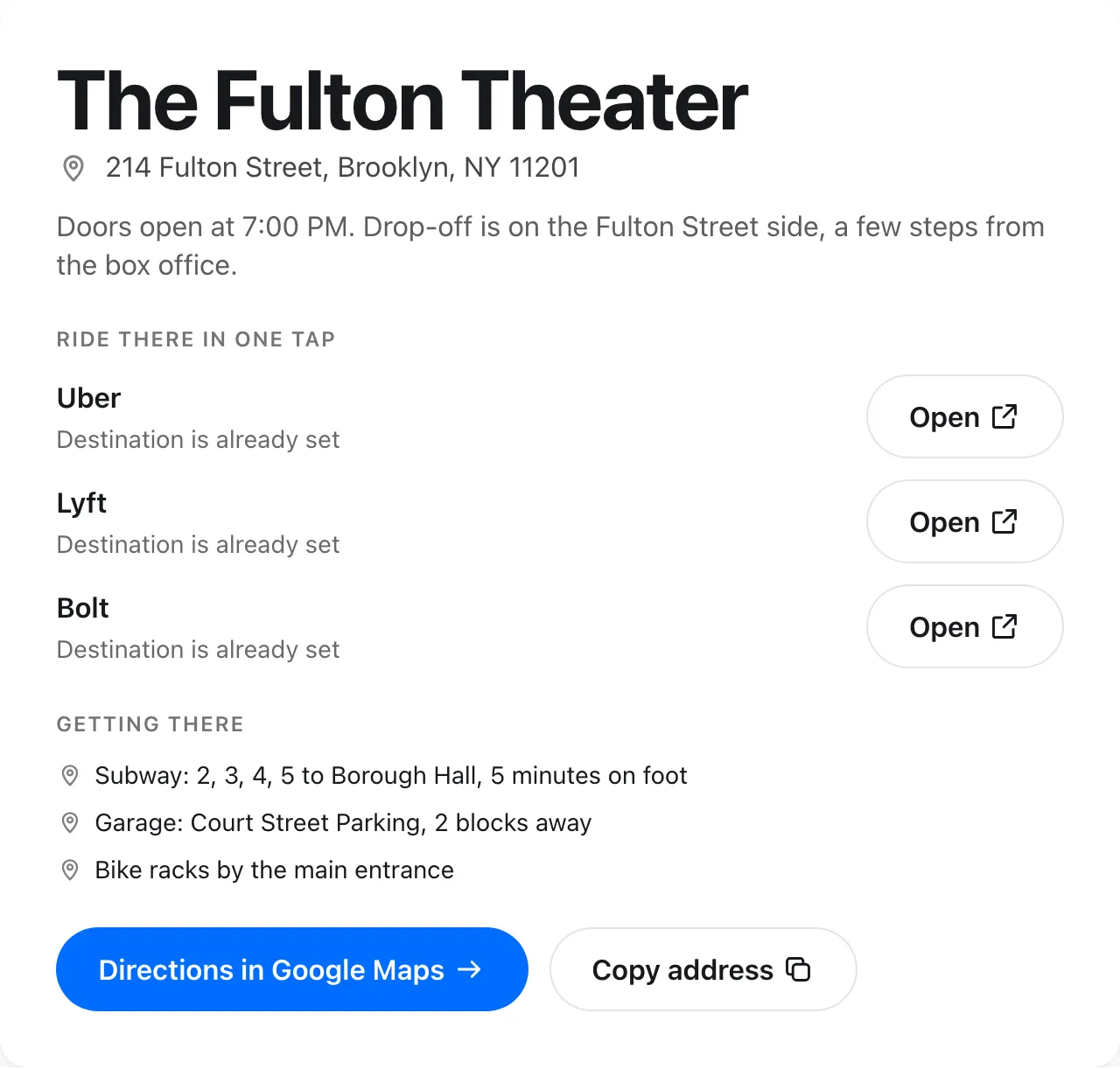
Date, time, place, a photo and the button.

A list of events

Each with its own add to calendar button.

Subscribe to all

One link that adds every event at once.

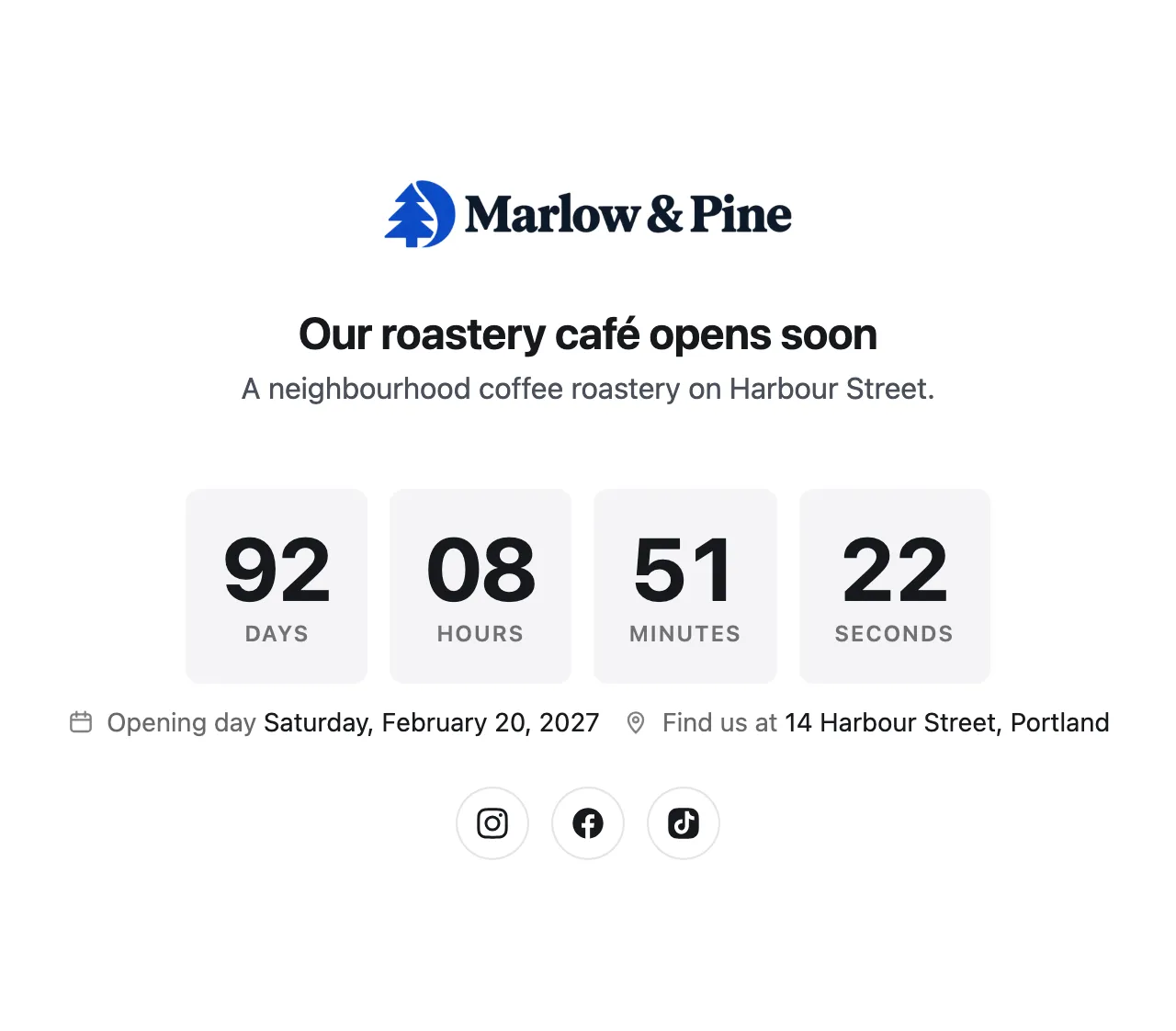
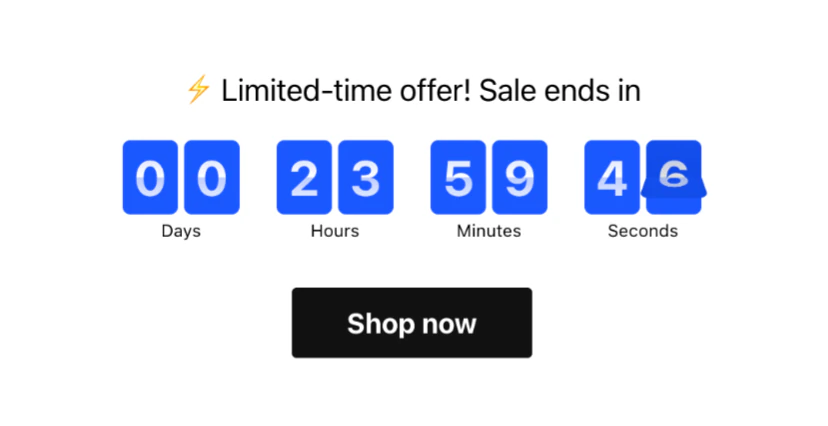
A webinar countdown

Days, hours and minutes until it starts.

A join link

The webinar link, right next to the reminder.

Anything else?

Just ask AI, and it builds it in.
What you can ask

Tell AI what you need, see it change

Add your event

Give AI a link to your event, a photo of its poster or a few words, and it fills in the date, time and place.

Change what it shows

The same widget can be a single button, an event card, a list of events or a webinar block. Ask, and AI rebuilds it.

A no-code editor comes with it

AI is optional. Every event, date and label is in the widget’s editor, so you can add the next one yourself, with no code.

  • Every event as simple fields
  • Dates, times, places and labels in one place
  • Every change shows in the preview at once
Add to CalendarPublishClose

Events

Events

PreviewReady
Any website

Add it to any site with one code

Your add to calendar button goes in like any Elfsight widget: paste one installation code, and every change you make with AI appears on your site.

Build your widget

Pick a template or describe your widget, add your event and change anything by asking AI.

Copy the code

Click “Add to website for free” and copy the installation code.

Paste it on your site

Paste the code where the widget should appear, in your site builder or HTML. That’s it.

Made with AI Builder

One builder for any widget you need

This widget is made with Elfsight AI Builder. Describe any other widget in your own words, and AI builds it, ready for your site.
  • Describe it in your wordsSay what the widget should do and how it should look. No templates to hunt for, no code.
  • Refine it by askingColors, layout, new buttons: ask, and see each change live.
  • Ready for any siteOne installation code for WordPress, Wix, Shopify or any other site.
  • Free to startThe free version comes with AI credits to build widgets, refine them and use them on your site.

Other widgets built with AI

Why Elfsight

Built, hosted and supported by Elfsight

Your widget runs on the same service as 90+ Elfsight apps: our cloud, our support team and regular updates.

Changes by asking AI

Ask AI for any change and see the result live. No code, no designer.

Every widget in one account

Your AI widgets and 90+ ready-made Elfsight apps, in one account and one dashboard.

Projects and collaborators

Organize widgets into projects and invite teammates or clients to work on them with you.

Elfsight Cloud

Our own cloud technology runs Elfsight for 3,000,000+ businesses. It delivers every widget with its content and files, and keeps it up to date: nothing to host or maintain on your side.
Uptime 99.99%

Regular updates

New features and fixes reach your widgets on their own, with no work on your side.

Ready-made apps for event sites

Questions about the add to calendar button