Shopify Video Gallery
Add product videos, a video banner section, YouTube videos or customer TikToks to your Shopify store.Shopify Video Gallery
Add a video section to a page Go to Online Store → Themes → Customize. Many themes have a Video section: add it and paste a YouTube or Vimeo link, or upload a file.
Add video to a product page In Products, open a product and drag a video file into Media, or add a YouTube/Vimeo URL as external media. It appears in the product gallery.
Use Custom Liquid for embed code In the theme editor add a Custom Liquid section to any template and paste an iframe or widget code.
Homepage video banner Themes like Dawn include a Video banner or Hero video section; upload a short, muted, looping clip.
Product pages — demos, sizing and how-to videos next to the add-to-cart button.
Homepage — a short video banner and a row of bestseller videos.
Collection pages — a video row that sets the mood.
UGC — customer TikToks and Reels as social proof.
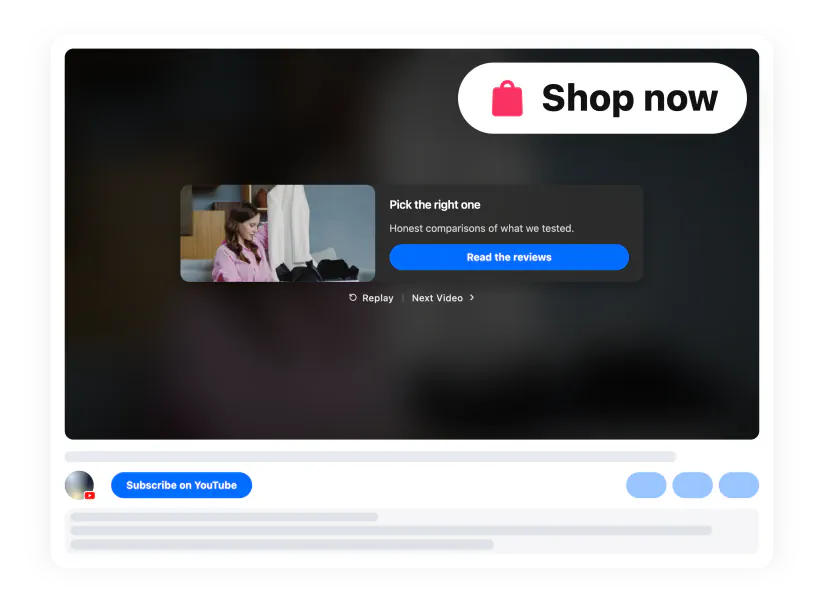
Product media shows one video per product. To show several videos and send viewers straight to the product, use a video gallery with a product card call-to-action after each video.
Open the theme editor In Shopify admin go to Sales Channels → Online Store and click Customize. Pick the page in the dropdown at the top.
Add a Custom Liquid section Click Add section → Custom Liquid (Online Store 2.0 themes). On vintage themes use Custom Content → Add block → Custom HTML and set container width to 100%.
Paste the code and save Paste the installation code, adjust color scheme and paddings if needed, and click Save.
Product pages: paste the code into the product description’s HTML view (the </> icon) for one product, or into Edit code → Sections → main-product.liquid to show it on every product page.
Full guide with screenshots: Adding Elfsight widget to Shopify ↗ · Prefer not to do it yourself? Request free installation ↗
On this page