
45+ HTML Countdown Timer Templates for Websites


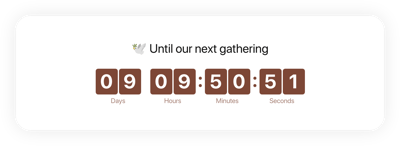
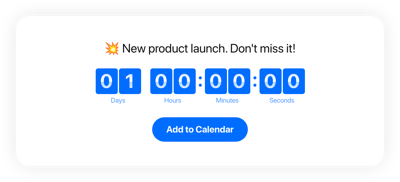
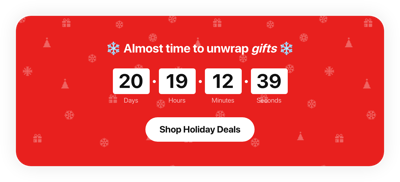
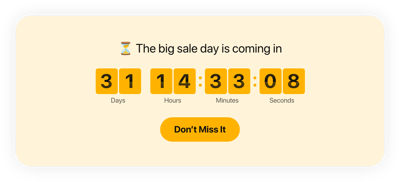

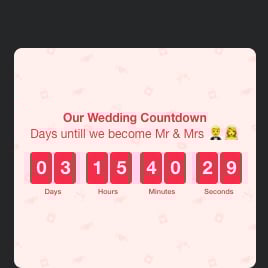


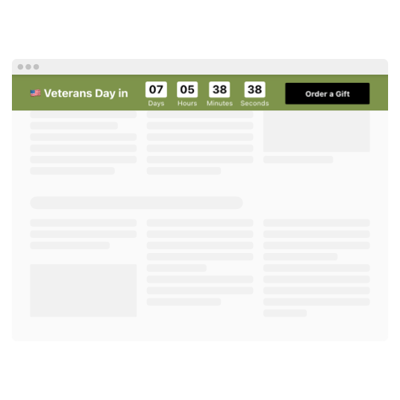



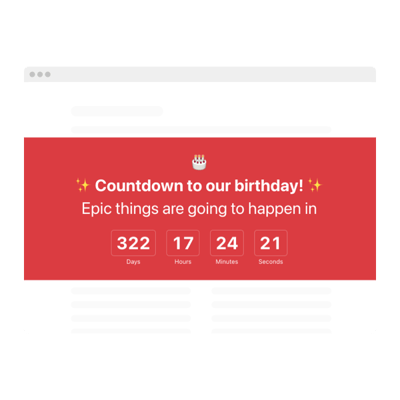
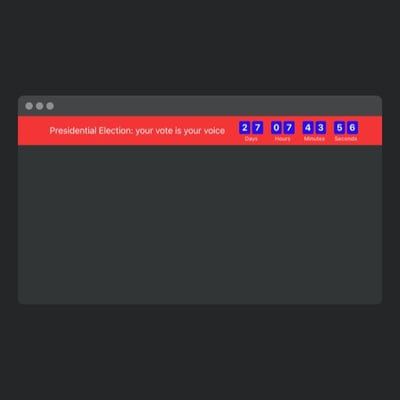
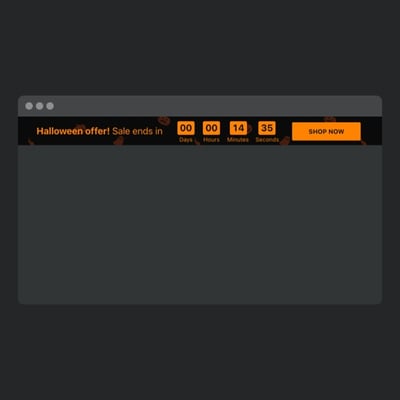
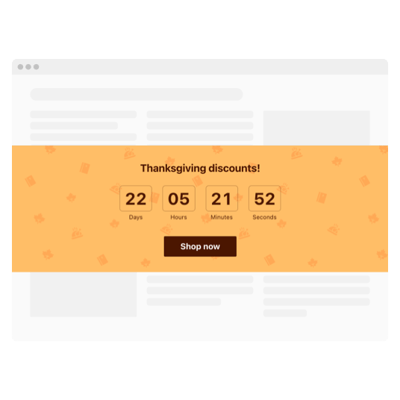
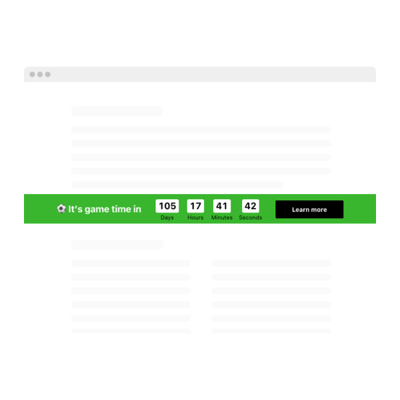
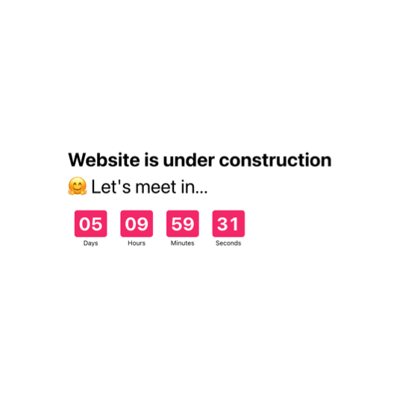


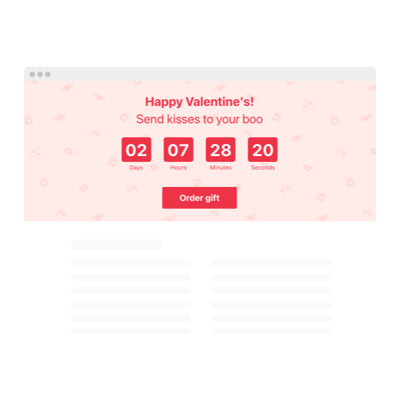
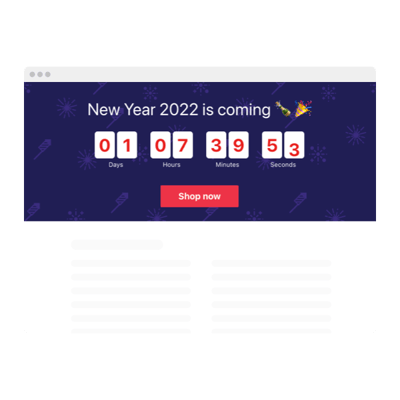

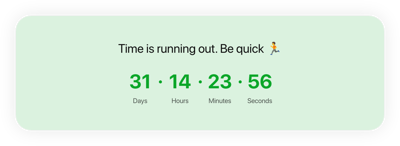
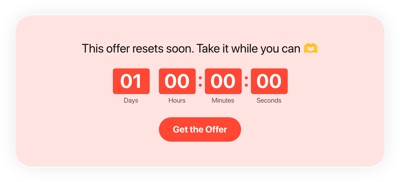

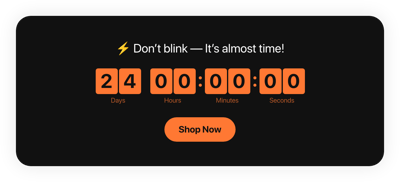


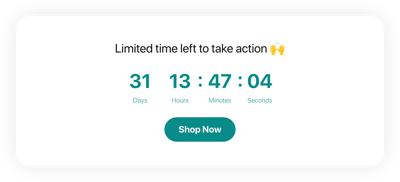

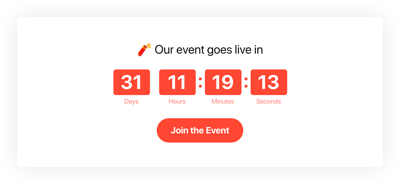



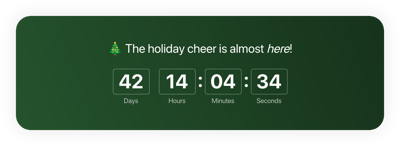



What Is Countdown Timer Template?
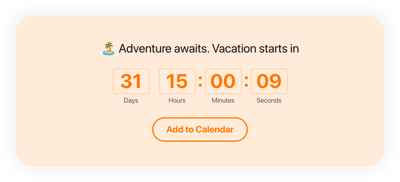
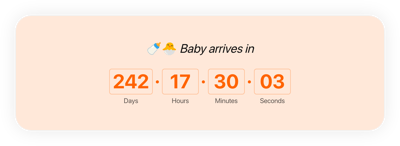
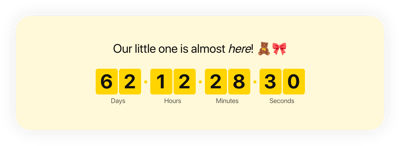
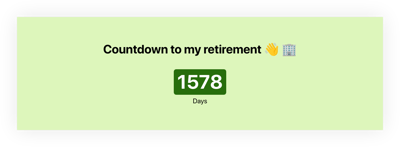
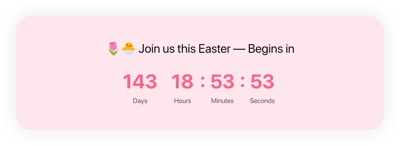
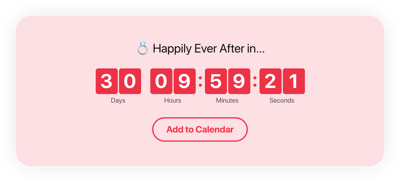
It is a pre-built timer setup created for the most popular use cases: from flash sales and event countdowns to webinar reminders, donation deadlines, and product launches. Choose the template design you like, customize it for your brand, and embed it into your website instantly.
No technical or design experience is needed. Each template comes with adjustable time settings, styling options, labels, animations, and call-to-action buttons. Turn time pressure into higher engagement and conversions today!
Top Countdown Timer Template Features
You will find the templates packed with powerful features that help you launch timers quickly and tailor them to your goals. Here’s what you can adjust:
- Choose a countdown method.
Make the countdown perfect for your goal by picking a counter format: countdown to date (counts to a specific date and time), personal countdown (starts for every user when they load the page), and number counter (counts up or down between chosen numbers). - Set any deadline or duration.
Set a fixed expiration date, choose a custom time period, or define your own expiry rules. For each countdown format, it’s different. Explore all the perks in the live editor. - Add actions.
The template provides you with two actions during the countdown: a form and a CTA button. Customize them to fit your marketing campaign or event to drive users’ attention. - Pick what happens after the timer ends.
Select one of the 3 post-timer actions: hide the timer, replace it with a custom message, or redirect visitors to another link. - Fine-tune colors, time units, and transitions.
Every template design part is editable: adjust accent colors, labels, fonts, unit styles, animations, separators, and more. Make changes to fit your branding, having a perfect blueprint at your fingertips. - Include custom CSS and JS.
If you want an even more tailored look and behavior, use the built-in CSS and JS editors to style the timer your way.
How to Add Countdown Timer Template to Website?
You only need four simple steps:
- Select the template. Browse our template collection and pick one that matches your event, promotion, or design needs.
- Customize your timer. Set the deadline, enable time zones, change the theme, pick animations, add a CTA button, and adjust units.
- Get the installation code. When you’re finished, click “Add to your website for free” to receive a ready-to-embed code snippet.
- Embed it on your website. Open your HTML website builder, select the desired page or block, and paste the code.
Need help with installation? Our Help Center, Elfsight Community, and support agents are ready to assist you anytime.
FAQ
Can I use a template for free?
Yes, you can use any Countdown Timer template for free. Each template comes with lifetime access to essential features, so you can create timers, customize them, and embed them without a subscription.
Can I change a preset timer’s design?
Yes, every Countdown Timer template is fully customizable. You can adjust colors, layouts, styles, unit labels, fonts, animations, and even use custom CSS if you want deeper control.
Do I need to edit my website’s HTML to use a countdown timer template?
No, your website structure stays unchanged. All you need to do is place a small HTML embed code into your page, and the template handles the rest.
What are the best examples of using countdown templates?
Here are some of the top use cases:
- Sales & Promotions. Highlight time left for discounts, flash deals, seasonal offers, and limited-time bundles.
- Events & Webinars. Count down to online and offline events — conferences, concerts, church services, workshops, or launches.
- Coming Soon Pages. Build excitement for upcoming product releases, new features, or website launches.
- Registration Deadlines. Remind visitors of last-chance sign-ups for challenges, courses, or memberships.
- Donation Campaigns. Add urgency to fundraising efforts by showing when campaigns end.
This list is only the beginning. Can’t find anything for your case? Leave a suggestion in our Wishlist.
Can I create my version of a countdown timer using templates?
Yes, you can easily build your own version. Open a template in the live editor, adjust the time settings, replace the design, enable animations, add a CTA, and customize every detail.
You can also start from a blank template and create a completely unique timer tailored to your website.
Can I turn a static template into a recurring countdown?
Yes, simply enable the repeat feature and set the frequency in the live editor.
