Welcome, Hunter! 👋 Enjoy 50% OFF annual plans with code PRODUCTHUNT — limited time ⏳
50% OFF annual plans — code PRODUCTHUNT
BLACK FRIDAY SALE 50% OFF +1 FREE MONTH LIMITED TIME DEAL Grab The Deal
50% OFF +1 FREE MONTH Grab The Deal

Wix Instagram Feed app

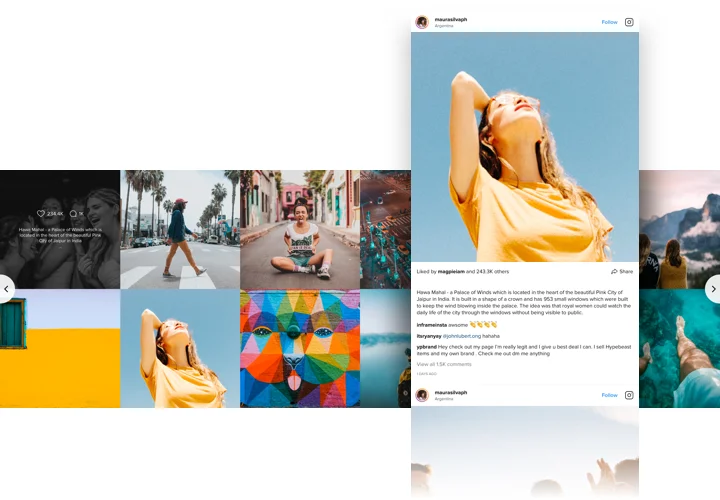
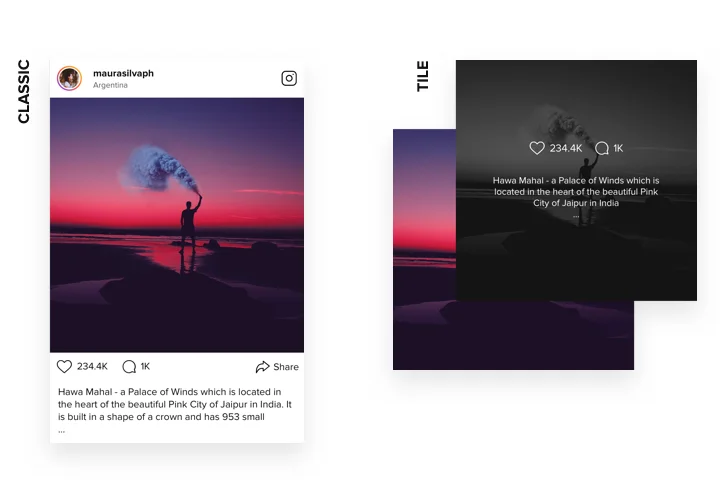
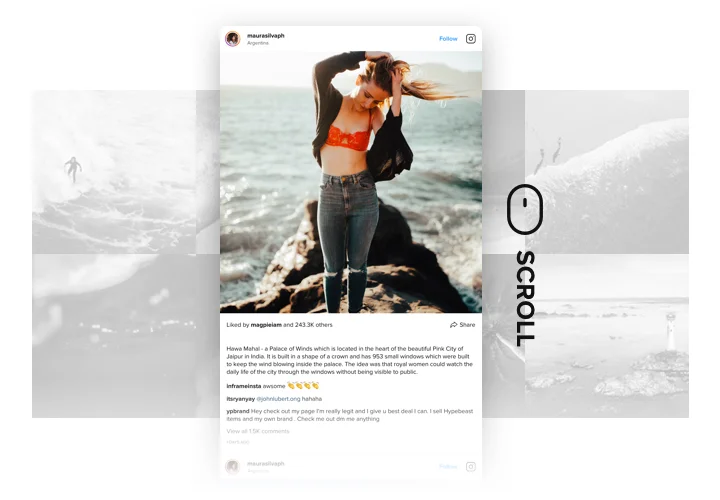
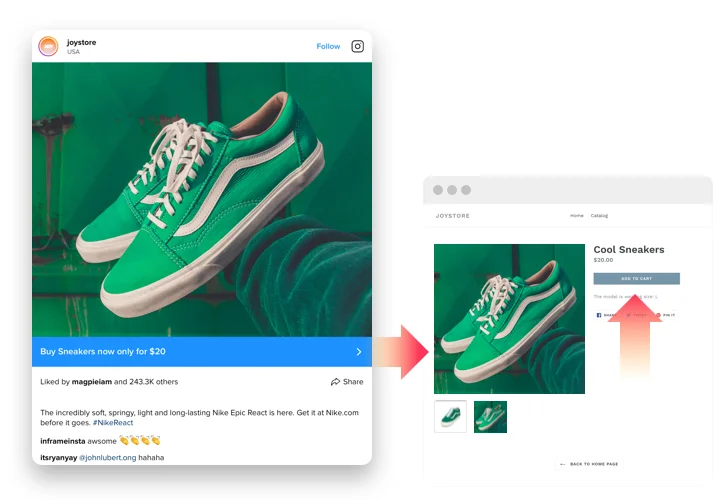
Show photos, videos, and reels from Instagram to enhance visual appeal and give visitors the social proof they need to feel confident in your brand.
4.8 rating
10,000+ reviews
Free plan available
Create Widget for Free
No credit card needed
Wix Instagram Feed app

Create your Instagram Feed app

Connect your app and display it on your Wix website for free!

Screenshots

Wix Instagram Feed app
1 / 7

Why People Love Elfsight

At Elfsight, we believe your social media presence deserves more than being hidden away on an app. That’s why we built an Instagram plugin – a simple yet powerful way to bring your posts, reels, and hashtags straight onto your website.

The best part? You don’t need to touch a single line of code. Elfsight works even if you’ve never set up a widget before. It’s copy-paste easy. Just connect your account, pick a layout, and your feed is live. Think of it like snapping a puzzle piece into place – suddenly everything just fits.

Did you know?

According to Statista, Instagram has over 2 billion monthly active users worldwide.

That’s a huge audience, so connect your Instagram feed to Wix using Elfsight and keep that connection alive right on your website.

Key Features of the Wix Instagram Feed Widget

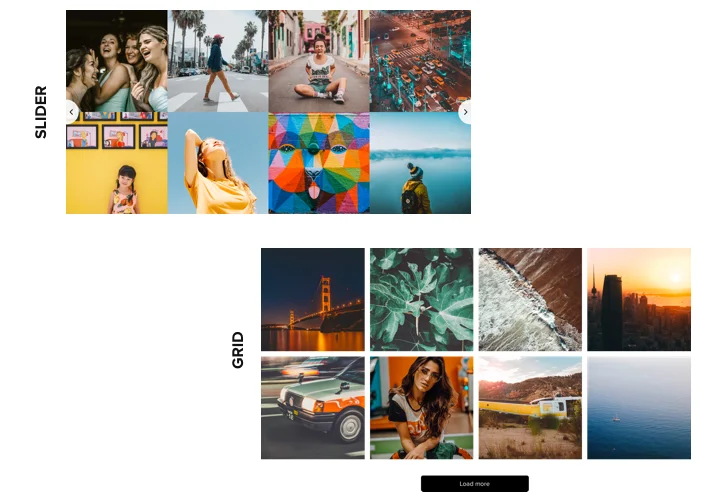
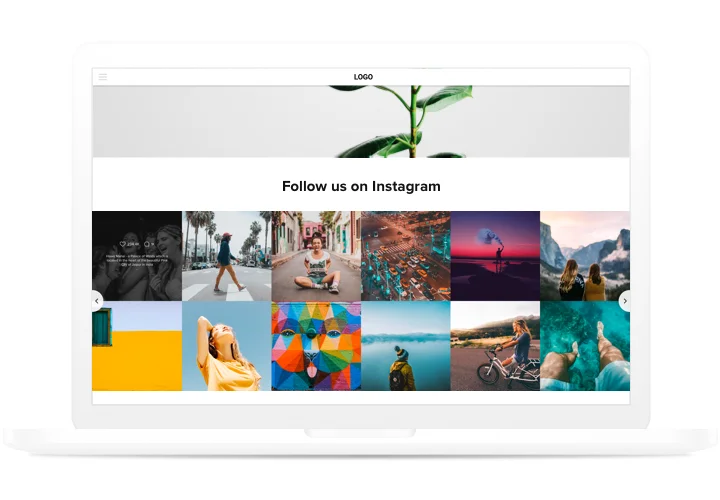
  • Different display options: Show your Instagram as a grid, slider, or masonry feed – pick the look that suits your brand best.
  • Highlight what matters: Display posts by account, hashtag, or even a mix of both. Great for campaign hashtags or user-generated content.
  • Customizable design: Adjust fonts, colors, spacing, and more so your feed feels like a natural extension of your website.
  • Moderation and filters: Hide posts you don’t want, show only what fits your brand vibe, or set up automatic filtering rules.
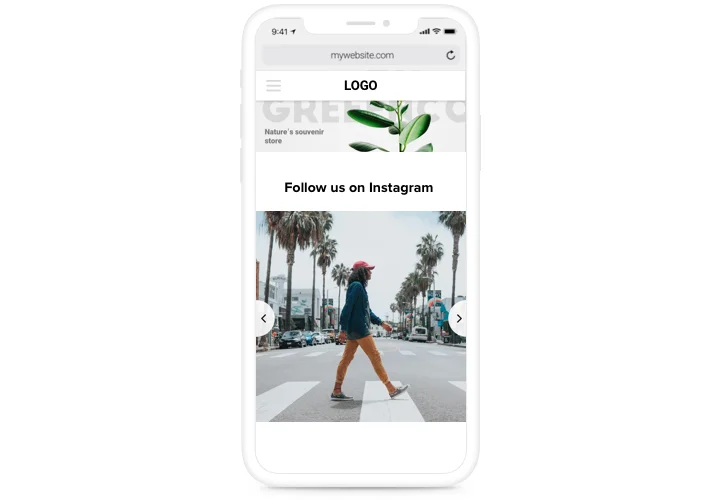
  • Responsive by default: From desktop screens to pocket-sized phones, your feed adapts automatically for the best viewing experience.
  • Beginner-friendly setup: If you can drag and drop, you can handle this widget. Installation takes just a few clicks.

Try every option in the live editor for free – no account needed.

How to Add the Instagram Feed to Wix

So, how to embed an Instagram feed on Wix without the headaches? Here’s a step-by-step for both inline and floating setups.

Method 1: Inline Feed

Perfect for embedding your posts right inside a page – like your homepage or portfolio.

  1. Select a Template: Open the Elfsight editor and choose a template you like.
  2. Personalize the Widget: Customize your feed with layout, colors, and filters.
  3. Generate the Code: Click “Add to website” and copy the code.
  4. Embed on Your Website: In your Wix editor, add an Embed Code block and paste the snippet. Save and publish – done.

Method 2: Floating Feed

This one sticks around while visitors scroll – like a little window into your Instagram.

  1. Choose a Template: Pick a floating layout in the editor, such as a sidebar or bottom panel.
  2. Customize the Design: Adjust the size and position to match your design.
  3. Generate the Code: Copy the code snippet.
  4. Embed on Wix: Paste it into your Wix dashboard using the Embed option, just before the closing </body> tag.

Need more details? Check our Help Center, or explore our blog article on how to add an Instagram Feed on your Wix website. Join the conversation in the Community Forum, drop your ideas into our Wishlist, or follow updates in the Changelog.

Do I need a Wix Premium plan to embed the app?

Yes. Wix’s Free plan doesn’t support external code, so a Premium plan is required to embed the app on your live website.

Is it compatible with Wix Editor, Editor X, and Wix Studio?

Yes, the Instagram Feed app is fully compatible with the classic Wix Editor, Editor X, and the new Wix Studio. You can easily embed it in any Wix version.

Do I need an Instagram Business account or a personal profile?

You can use a public personal Instagram account without logging in. If your profile is private or restricted, switch to a Business or Creator account to connect it properly on your Wix website.

Will the Instagram app work with a private account?

The feed displays content only from public Instagram profiles or authorized Business profiles. Private accounts won’t show posts unless they are converted and connected through the Business API.

What sources can I display in the feed?

You can display posts from an Instagram username (account feed) or from a specific hashtag. The app also supports a “Mentions & Tags” source that pulls in posts where your Instagram handle is mentioned or tagged.

Can I combine multiple accounts or hashtags in one feed?

Yes, you can add up to five different sources in a single app, including multiple usernames, multiple hashtags, or any combination of accounts and hashtags.

Does the app support videos, carousels, and Reels?

Yes, the Instagram Feed app supports all post types, including videos, multi-image carousel posts, and Reels. You can also filter by content type, such as showing only videos, images, or carousel posts.

What content filtering options are available?

The app offers Show and Hide Posts filters in the Sources settings, allowing you to include or exclude posts based on specific words, hashtags, or links in captions.

How often does the app update with new posts?

The feed refreshes automatically every 48 hours. To reduce load, the app caches Instagram posts and fetches new content when the cache period expires.

Does Elfsight cache images or data to improve performance?

Yes, for better performance, the Instagram Feed app caches images and data for about 48 hours on all platforms, including Wix.

Instagram Feed Template Catalog

Choose from our ready-to-use widget templates to use as is, or customize them to suit your style.
Embed a customizable grid of the Instagram feed on your website to enhance your website's visual appeal and raise brand awareness.
Embed an Instagram feed with profile details to highlight the legitimacy of your brand.
Embed a sleek and fully functional slider to display your trendy Instagram feed.

Pricing

14-day money back guarantee. Risk-free, you can cancel at anytime.
Elfsight Apps
Platform-independent digital solution that works on any website
from $0 / month
start with free plan
Unlimited domains
Premium customer support
Free of charge installation help
Special offer for multiple apps
Flexible design
Black Friday Sale
50% OFF
+1 FREE MONTH
The Biggest Sale of the Year. Don't Miss Out!
Grab The Deal