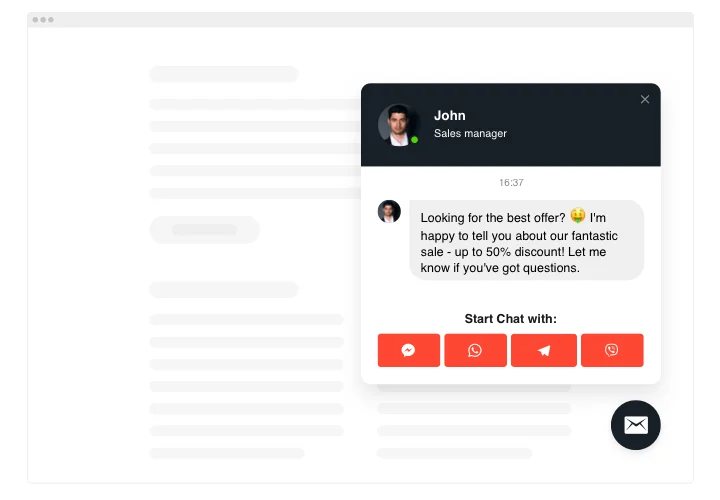
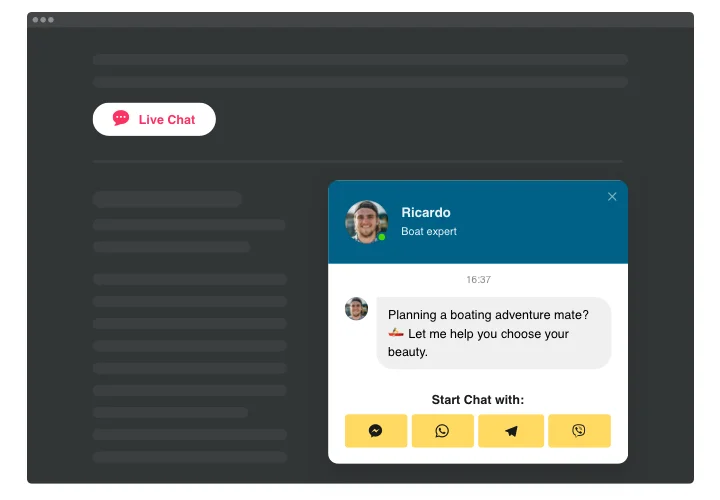
Webflow Live Chat widget

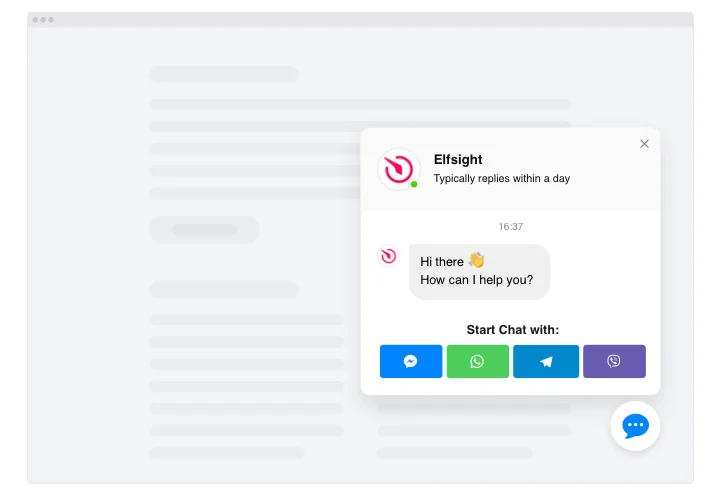
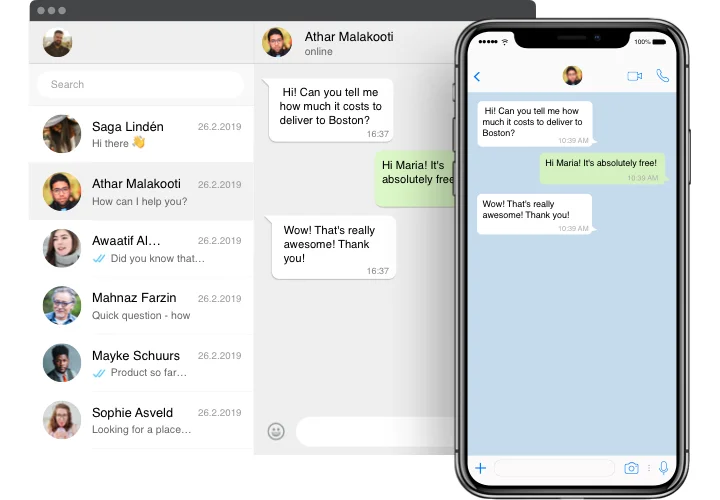
Connect a multi-channel chat with WhatsApp, Messenger, Telegram, and more to your Webflow website to assist users through the messaging formats they trust.
4.8 rating
10,000+ reviews
Free plan available
Create Widget for Free
No credit card needed
Webflow Live Chat widget
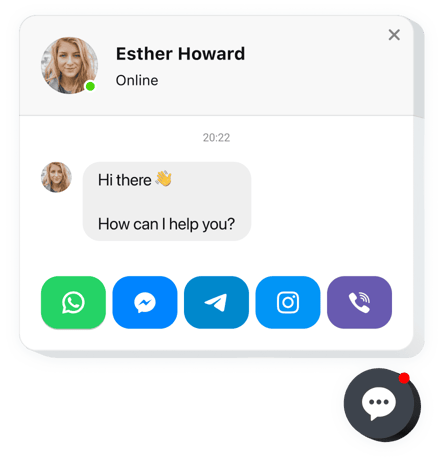
Create your All-in-One Chat widget

Configure your All-in-One Chat and add it to your Webflow website for free!

Screenshots

Webflow Live Chat widget
1 / 6

Embed All-in-One Chat on Webflow with the Elfsight widget

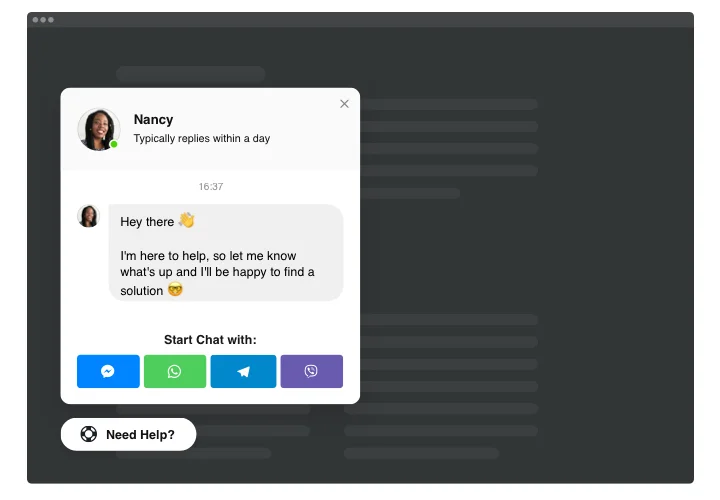
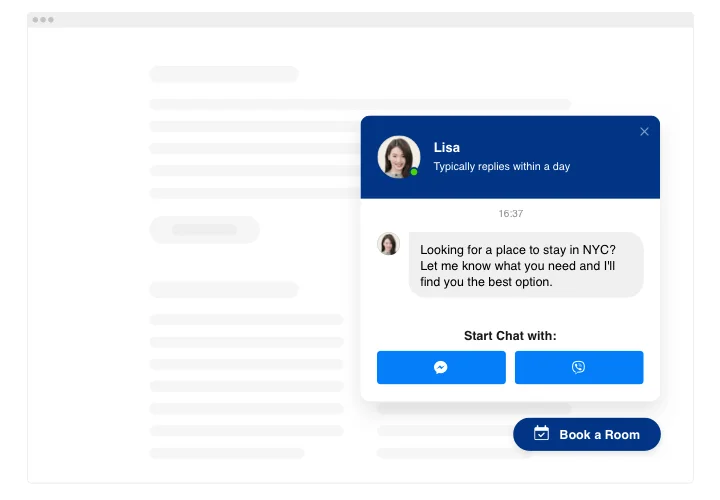
All-in-One Chat Box by Elfsight is one of the quickest tools for users to reach you and get support from you. You will be able to stay available online in all most well-used chats non-stop. Integrate the widget on your website and set it to appear on specific pages or for certain categories of visitors, choose chat initiating activators, write your welcome text, select icons and muchmore. Having the widget up and running you will be connected for people anytime and from anywhere.

Get more leads through direct contacting

Get to know the list of the greatest features:

  • Integrate All-in-One Live Chat messenger on your website to chat with users.
  • 3 types of chat position: floating bubble, embed bubble, and embed chat window.
  • A library of bubble icons to choose.
  • Malleable chat title with page picture, name, and caption
  • Setting page image by default, from our library or uploading a custom picture.

You can check full feature list in the intuitive editor

How do I add Live Chat widget to my Webflow website?

Just apply the instructions below to start using the tool.

  1. Opening our intuitive editor, start shaping your custom widget.
    Specify the selected layout and functional traits of the plugin and apply the edits.
  2. Receive the unique code revealed in the widow on Elfsight Apps.
    When the generation of your personal plugin is done, copy the personal code at the appearing popup and keep it for further occasion.
  3. Enter on using the widget on Webflow web page.
    Paste the code copied recently in your page and apply the adjustments.
  4. The Setup is successfully performed.
    Visit your web page to review how’s the online chat box running.

On condition of confronting inquiries or running over some obstacles, feel free to reach out to our customer service team. Our people will be delighted to help you with all the difficulties you might have with the tool.

Does All-in-One Chat work with Webflow CMS collections?

Yes, Elfsight widgets can be embedded inside CMS collection templates, allowing them to appear dynamically across CMS pages.

Do I need a paid Webflow plan to add the All-in-One Chat widget?

Yes, Webflow requires a paid plan to add custom code, as custom embeds are not available on free plans.

Does the chat open inside Webflow or redirect to apps?

Elfsight works as a messenger launcher. Clicking it transfers users to apps like WhatsApp, Messenger, or Telegram.

Is an account ID or phone number required?

Yes, each messaging platform needs its specific identifier to route conversations correctly.

Can I include Call and SMS options?

Yes, Call and SMS buttons can be added, launching the device dialer or default SMS app.

What if the selected app isn’t installed?

If unavailable, Elfsight shows a notification informing users they must install the app first.

Can I set business hours for the chat?

Yes, scheduling allows the widget to appear on your Webflow website only during defined hours with time zone control.

Can I display the chat on selected Webflow pages only?

Yes, URL-based rules allow you to include or exclude the widget on specific pages or folders.

How do triggers work in Webflow?

Multiple triggers can be enabled, such as delay or scroll, but only the first activated one opens the chat.

Is Google Analytics tracking supported?

Yes, events like widget open and contact clicks can be tracked through Google Analytics.

Can I customize the icon for the chat bubble?

Yes, you can upload a custom bubble icon to align the widget with your Webflow design.

Pricing

14-day money back guarantee. Risk-free, you can cancel at anytime.
Elfsight Apps
Cross-platform software
from $0 / month
start with free plan
Unlimited number of domains
Fast and on-time support
Free installation service
Special offer for multiple apps
Fully customizable