
Best-in-Class
Coding-Free
Easy-to-Use
Audio Player widget for website
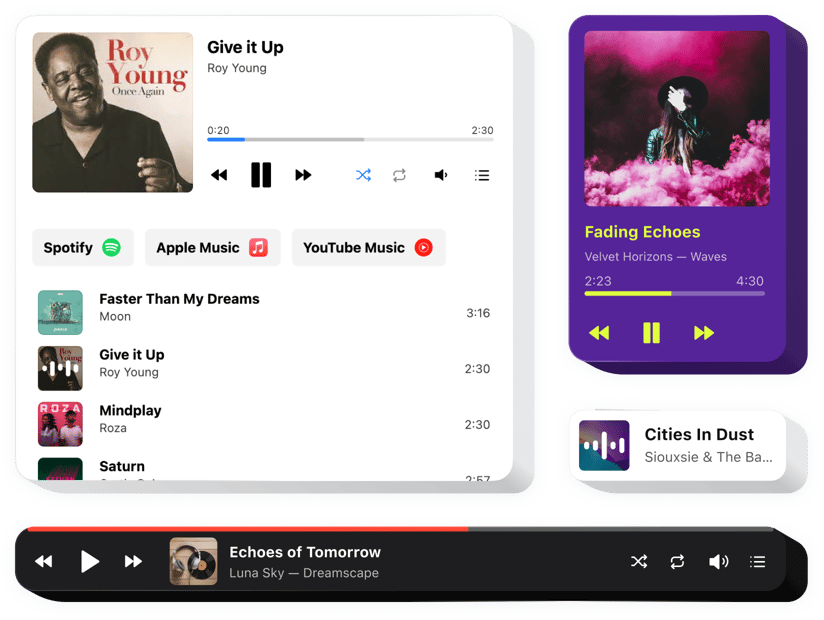
Embed a music player that helps visitors explore your music easily, experience clean continuous playback, and save the tracks they love.
Create Widget for Free
No credit card needed
Trusted by over 3,000,000 small business, agencies and top global brands worldwide
Create your Audio Player widget
Configure your widget and add it to your website for free!
Why do I need Elfsight Audio Player?
Share your music. Grow your fanbase.
Share your music with everyone
Promote your tracks beyond streaming platforms and reach listeners anywhere.
Grow your music fanbase
Turn your website visitors into loyal fans who follow and support your music.
Let users enjoy your audio without barriers
No external services or redirects – your music plays instantly from a single player.
0%
websites support
0+
hours of development invested
1 min
to start using the widget
0%
customer satisfaction rate
Join 2,078,753 customers already using Elfsight Apps
You can start with creating your first Elfsight Music Player widget for free.





















What makes Elfsight Audio widget special?
CASES
All types of audio content on your website
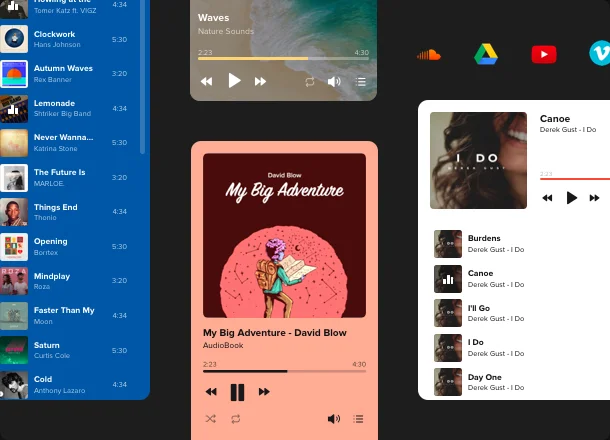
Elfsight Music widget suits for playback of all types of audio content. Share your favorite or the freshest releases, form an audio library, present your audioshows, educate your audience with audio lectures and articles. The widget supports numerous sources like SoundCloud, YouTube, Vimeo, Vista, Amazon, Google Drive and many more. Files can be uploaded by URL or directly from your device.
PLAYER
An accessible music player right on your homepage
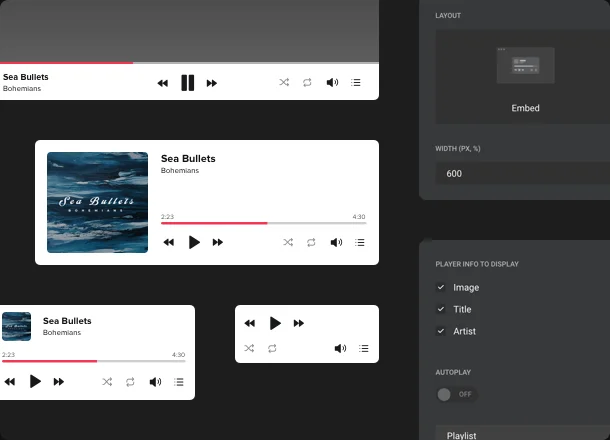
Using this uncomplicated tool, you’ll be able to create a playlist which your audience definitely won’t miss! Add an unlimited number of tracks by URL or directly from your device, loop and shuffle your audio files, enable the autoplay option to make an acquaintance with your web page notable and place the player anywhere you like. Choose the most appropriate layout to find the best position of the widget. And there’s also a possibility to show or hide playlists for greater audience convenience.
MARKETING
Add marketing options to your website player
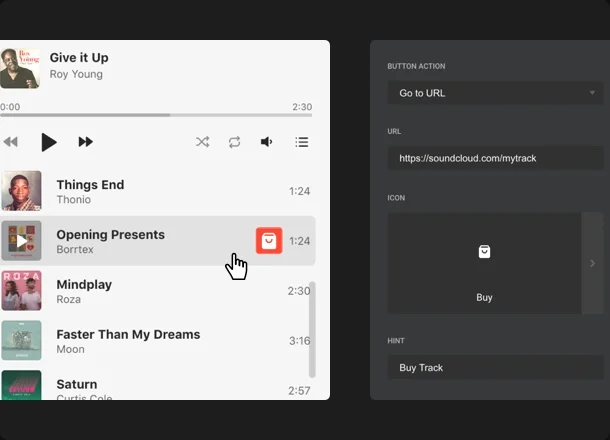
Broaden your website music player operability with our Audio widget marketing solutions. Give your audience the option to download audio tracks first-hand from your website, if you spread the content yourself. You can also direct people to a specific purchase page at any online marketplace where you distribute your audio content, to make the buying process faster and smoother. Add several buttons with marketplace icons to your website player, to let your visitors pick the one they are used to get their music from.
STYLE
Make your music player noticeable or neat
We offer different design options which will help you make your player remarkable and informative. Add author’s name, title and progress bar or switch them off to build a minimalistic player. You may also recolor its elements to make it harmonize with overall website's design. And of course, dark color scheme is there to help you make stylish addition to your web page in a click.
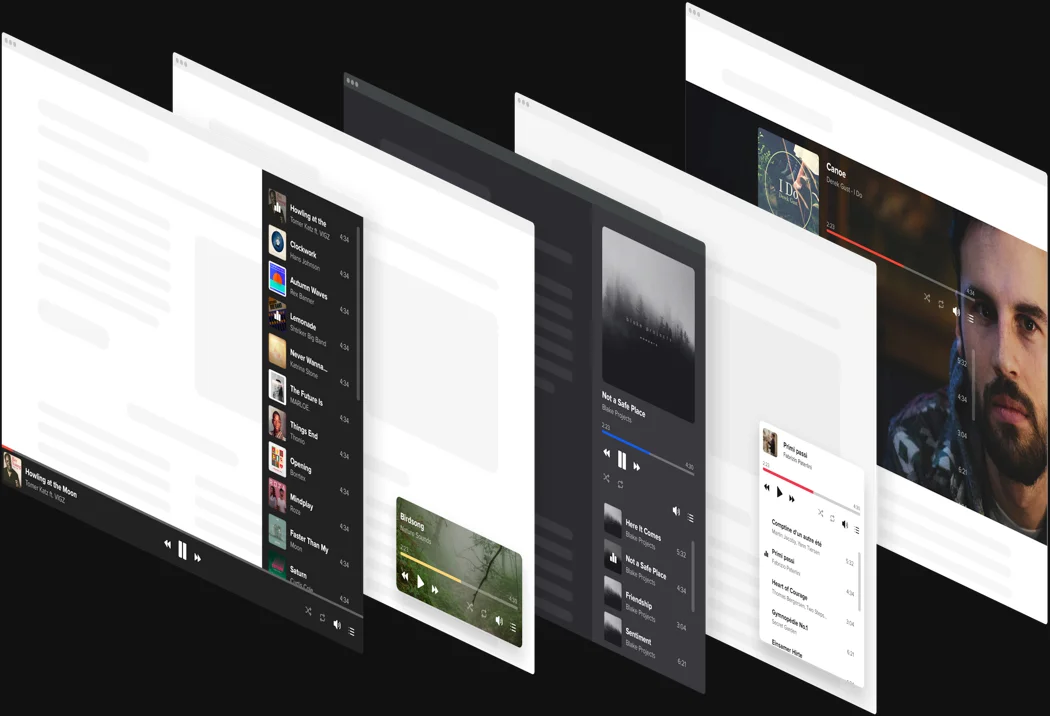
Usage examples
See a selection of real examples to explore the full potential of Audio Player for your website.
See in action
Live demo
Try all the features of Music Player widget in live demo now. No fees. No registration. No coding.
Try now
Why Elfsight widget of all others?
We will equip you with wide variety of features to choose from. Latest updates are always within reach to make your web page performance unbelievable. And if it happens that you experience some questions our support personnel is always here to help.

Interactive handy dashboard
No more urgency in looking for a qualified developer or coding. Utilize our live editor which guaranties painless plugin integration.

Qualified Elfsight team
Your trouble-free experience is provided by our qualified people. We will stay in regular contact to assist you with embedding plugins on your website.

Great Elfsight Apps service
You will regularly get the latest stable release. Cloud solutions will provide urgent bug fixes and great loading speed.
What our customers say ❤️

The easiest way to install the widgets they offer. They have a extended list of widgets and functions and the look is really cool and easy to set the style.
Audio Player Template Catalog
Choose from our ready-to-use widget templates to use as is, or customize them to suit your style.
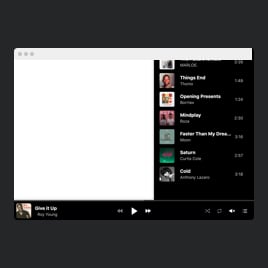
Add a playlist widget to a website to amplify your music's reach and boost engagement.

Embed a player template on a website to share ambience and relaxing soundscapes for meditations.
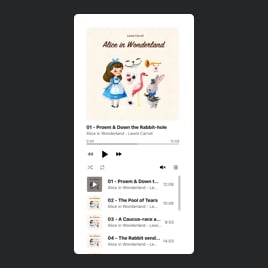
Create a player plugin for a website and elevate the listening experience with a sleek audiobook presentation.
Creating a player template for a website is perfect for embedding MP3 files and allowing visitors to listen instantly.
Add a player template to a website and maintain a constant audio presence with a sticky format.
Add a player widget to a website to allow audio to play in a convenient popup window.
Adding a playlist plugin to a website helps you promote new song releases or share classic hits.
No Suitable Template?
You can easily assemble the widget you need using our simple-to-use configurator.
Frequently Asked Questions
Which sources does the Audio Player support?
Elfsight works with various audio sources: you can use uploaded files, direct URLs, or popular platforms (e.g. YouTube, SoundCloud).
What audio file formats are supported?
It supports all common audio file formats – for example, MP3, AAC, WAV, OGG, M4A, and more (about a dozen standard file types are compatible).
Can I replace a track without rebuilding the playlist?
Yes, you can replace the audio file of an existing track via the editor. Using the “Replace Track” feature will swap in a new file for that track while keeping its spot and details in the playlist.
Does the Audio Player auto-fetch track details and cover art?
Yes, the Elfsight Audio Player can automatically pull track title, artist, and cover art when tracks are added via a link or YouTube URL. When uploading audio files, only the file name is added, and other details must be entered manually.
Can I hide player controls or track info?
Yes, you can hide any part of the player’s interface. The widget settings allow you to disable track details or specific control buttons to create a cleaner look.
Can I add Download or Buy buttons to tracks?
Yes, you can add a download button to each track, allowing visitors to save the audio file to their device. You can also include a custom action button on each track (for example a “Buy” link). This button can open any URL you set, and you can assign a suitable icon to it.
Can I use the Audio Player on any website platform?
Yes, Elfsight works with all major builders like WordPress, Wix, Shopify, Squarespace, HTML, Elementor, Webflow, BigCommerce, Blogger, Drupal, Joomla, jQuery, iFrame, Magento, Facebook Page, OpenCart, Webnode, Weebly, WooCommerce, Google Sites, GoDaddy, Jimdo, PrestaShop.
How can I embed an Audio Player on my website?
It takes just a few quick steps to add the music player widget to your website:
- In the Elfsight editor, select a template that fits your needs.
- Customize the player and copy the automatically generated installation code.
- Embed the code on your website.
That’s it! Your player is live on your website.
Here’s a full guide on how to add an Audio player to your website.
Join 2,078,753 customers already using Elfsight Apps
Get the taste of 80+ powerful apps by Elfsight. No credit card. Joining is free!
Get started
Get 20% discount now!