
Wix Social Media Icons app
Show social icons on your Wix website to promote your channels and give visitors an easy way to reach your Instagram, Facebook, X, and more.
Create Widget for Free
No credit card needed

Trusted by over 3,000,000 small business, agencies and top global brands worldwide
Create your Social Media Icons app
Configure your Social Media Icons and add it to your Wix website for free!
Screenshots
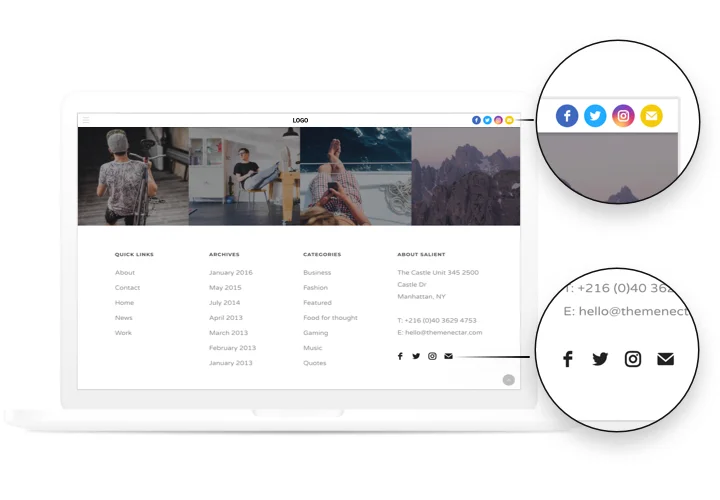
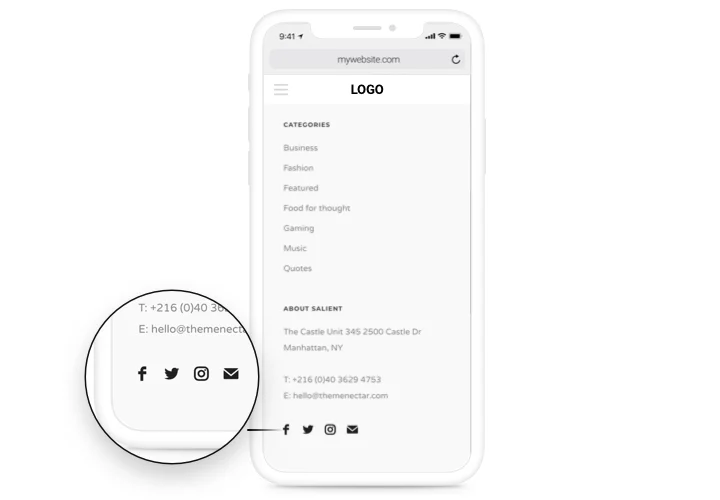
Description
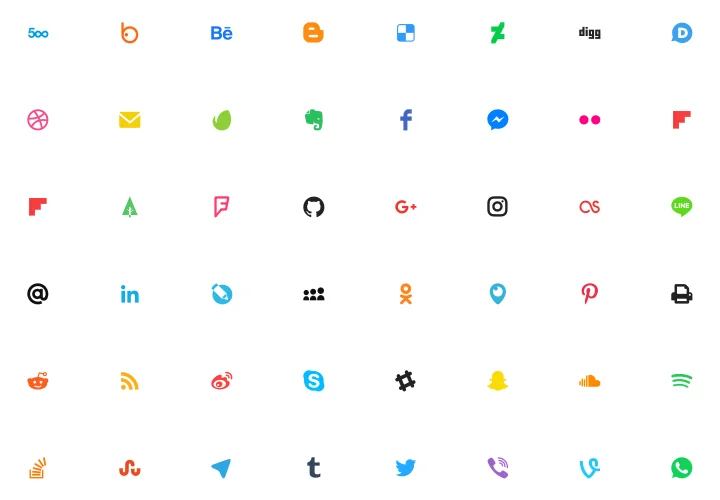
Handy and efficient Social Icons by Elfsight to integrate your website with all most popular social networks. Keep ties with your clients, converting them into your fans. A responsive layout, complete customization of interface and design with embedded icons of all main social media.
Improve reach of your business in social networks.
- An extra way to contact with customers.
Social networks are an additional method to strengthen connections with visitors, and improve your customer relations. - Maximum number of readers for your social accounts.
Give website clients another easy variant to visit your social media account and enjoy maximum readers in social media. - A solid social statement.
Increase confidence to your brand among visitors of your website thanks to profiles in all trendy social networks
Features
The main features, which make our icons the best Wix social app.
- A library of icons of the most popular media;
- 2 layouts: inline and floating;
- Floating layout to make icons follow the scroll;
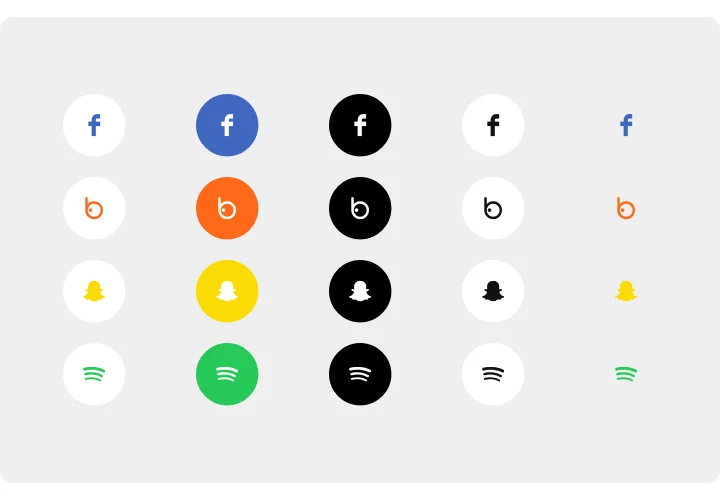
- Native, Black and White colors of icons;
- 3 variants of border radius: circle, rounded, square border radius.
How to add Social Media Icons app to Wix
An easy guide to show icons on a page without skills in developments. Full integration duration is around 60 seconds.
- Construct your personalized Social Icons.
Using our free configurator, assemble a widget with needed look and settings. - Receive a code for showing the app.
After widget creation, get a code for Social widget from the appearing notification on Elfsight Apps. - Embed the app on Wix website.
Reveal the widget to the desired spot of the page and publish the results. - Done!
Visit your website, to see your work.
Failing to set up or display the icons on your website? Study our full instruction «How to place icons on Wix» or leave an enquiry at our help team.
Do I need a Wix Premium plan to embed Social Media Icons?
You can install the app on a free Wix website using the standard embed method. Premium plans additionally allow installation via Settings → Custom Code, which avoids iframe embedding.
Is the Social Icons app compatible with Wix layouts?
Elfsight integrates smoothly with Wix sections and automatically adjusts to your Wix website’s responsive design.
Which social networks can I display on my Wix website?
Elfsight supports more than 50 platforms, including Facebook, Instagram, X, LinkedIn, TikTok, YouTube, and major messaging apps.
Is API access required to connect profiles?
No API keys or account logins are required. The app links directly to your public social profiles, making setup inside Wix quick and reliable.
Can I customize the appearance of the icons?
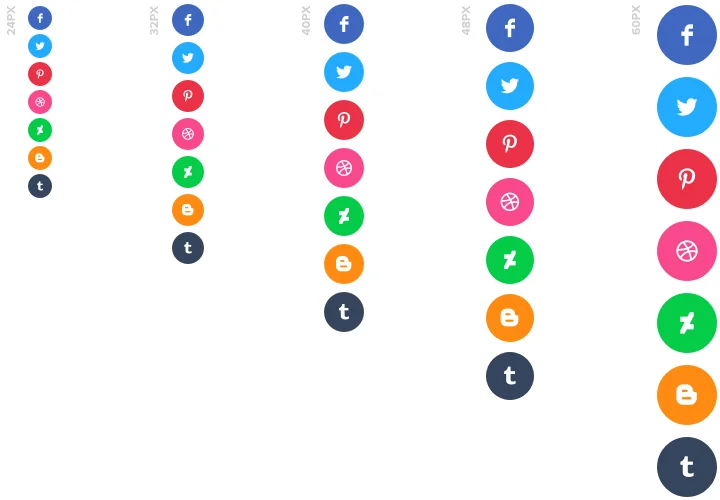
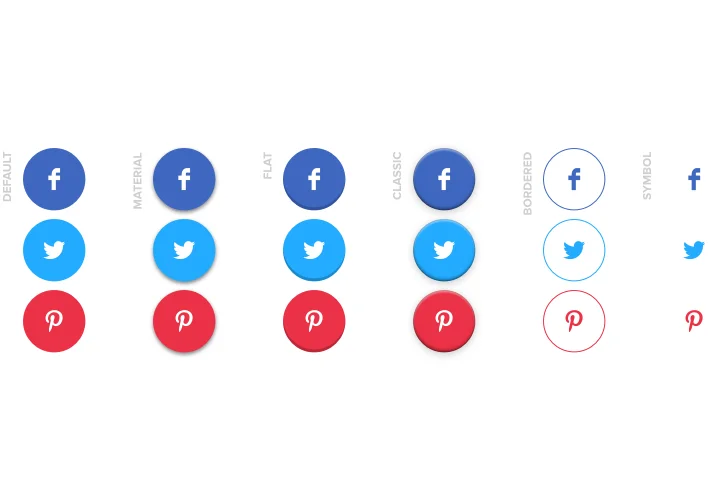
Yes, you can modify size, spacing, shapes, alignment, and border radius so the icons blend seamlessly with your Wix website design.
What layout options are available in Wix?
Icons can be arranged horizontally, vertically, or in grid format, allowing flexible placement within Wix sections, headers, or footers.
Can icons stay visible during scrolling in Wix?
Yes, Elfsight includes a floating mode that keeps social icons fixed on the screen while visitors scroll through your Wix pages.
Can I hide or reorder specific networks?
Absolutely. You can disable unused platforms and rearrange icon order, ensuring the app highlights the networks most relevant to your audience.
Pricing
14-day money back guarantee. Risk-free, you can cancel at anytime.
Wix app
Platform-independent solution that suits any site (including Wix)
from $0 / month
start with free plan
Unlimited number of domains
Dedicated and on-time support
Free of charge installation support
100% customizable
Price to catch for multiple apps