HTML Google Maps Widget

Display interactive maps on your HTML website with multiple locations, contact details, and navigation support to help users easily find your places.
4.8 rating
10,000+ reviews
Free plan available
Create Widget for Free
No credit card needed
HTML Google Maps Widget

Create your Google Maps widget

Configure your widget and add it to your HTML website for free!

Screenshots

HTML Google Maps Widget
1 / 6

Why People Love Elfsight

People visiting your website often want to know one simple thing: where are you located? The Elfsight Google Map widget makes that clear. With this widget, you can add a map that’s interactive, branded to your style, and easy to navigate.

No coding headaches, no complicated setup. You can embed it in minutes – even if this is your first time trying it.

Did you know?

Research from Think with Google found that 76% of people who search for something nearby visit a related business within a day.

Start using Elfsight’s free HTML map plugin today and make sure customers can always find their way to you.

Key Features of the HTML Google Map Widget

Elfsight makes it simple to add maps to HTML websites. Here’s what stands out:

  • Custom markers: Use branded pins, colors, or icons to highlight your locations.
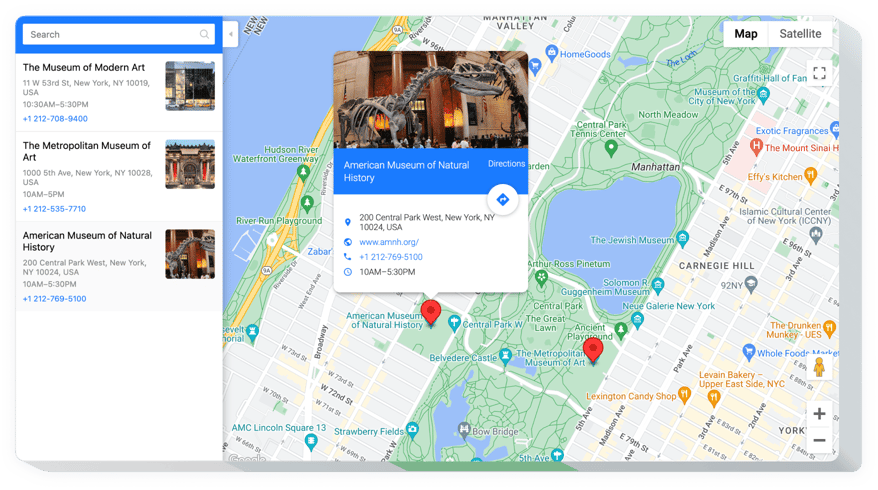
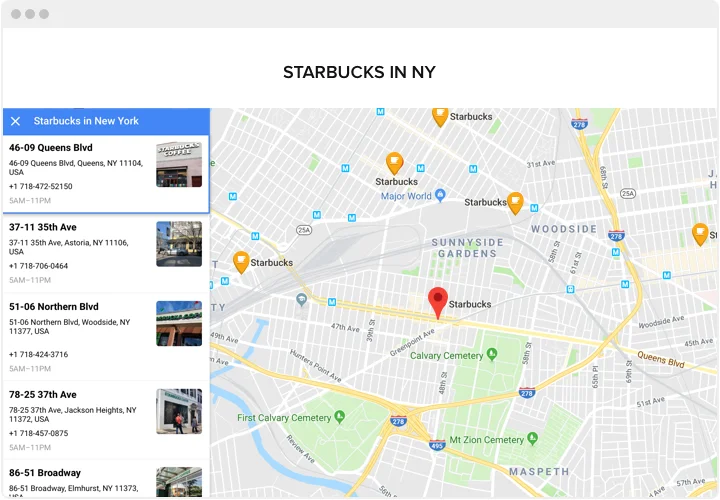
  • Multiple locations: Show one branch or dozens – perfect for businesses with more than one address.
  • Interactive: Visitors can zoom, pan, and explore without leaving your website.
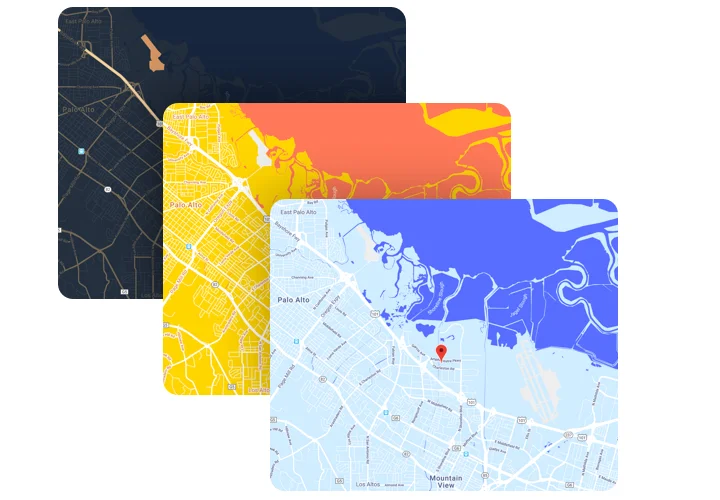
  • Style control: Change map colors, themes, and layouts to fit your brand identity.
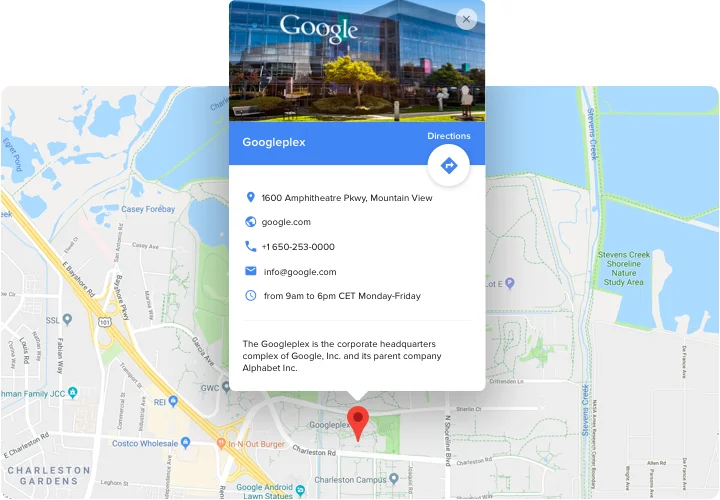
  • Popups and details: Add descriptions, contact info, or images when users click a marker.
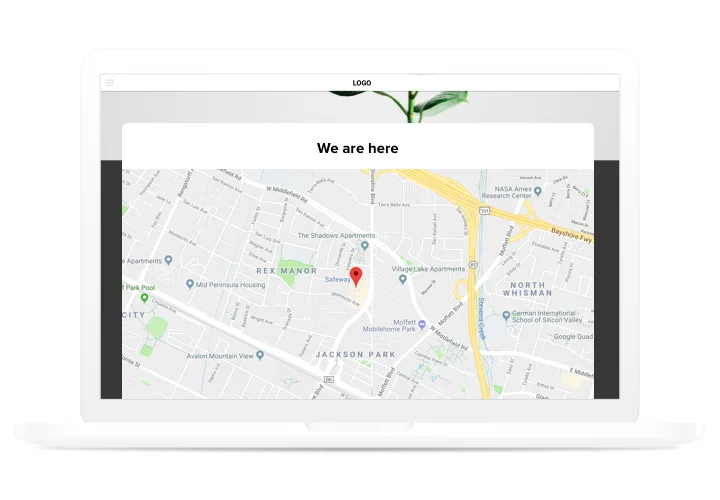
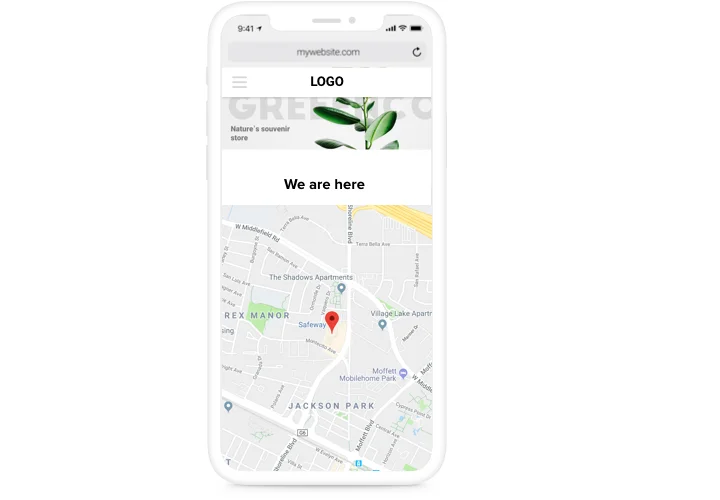
  • Responsive design: Works flawlessly on desktops, tablets, and smartphones.
  • No-code setup: You can embed it with a simple copy–paste of the code snippet.

Test the live editor to check all features – no signup needed

How to Add Google Maps to HTML

It’s as easy as copy-paste. Here’s how to embed a map in HTML step by step:

Inline Map:
Best for adding a map directly inside a contact page or footer.

  1. Pick a template: Open the Elfsight editor and choose the map style that works best.
  2. Personalize it: Add your addresses, set custom markers, adjust zoom level, and select colors.
  3. Generate the code: Click “Add to website for free” and copy the installation snippet.
  4. Embed in HTML: Open your HTML file, paste the code where you want the map to appear, and save.

Need help? Visit our Help Center or check out our blog guide on how to embed Google Maps in HTML. You can also suggest new ideas in the Wishlist or keep up with updates in the Changelog.

Can I embed Google Maps on a static HTML website?

Yes, Elfsight works on any static HTML website. Simply paste the installation code into your page source where you want the map to appear.

Do I need special hosting to use the Google Maps widget on HTML?

No special hosting plan is required. As long as your HTML website supports JavaScript, the Google Maps will display and function properly.

Do I need my own Google Maps API key for an HTML website?

Yes, the widget runs on the official Google Maps API, so you must generate and connect your own API key with billing enabled in your Google Cloud account.

Can I display several locations on one map?

Yes, you can add multiple markers to a single interactive map, making it easy to show offices, stores, or service points together.

How can visitors get directions from the map on my HTML website?

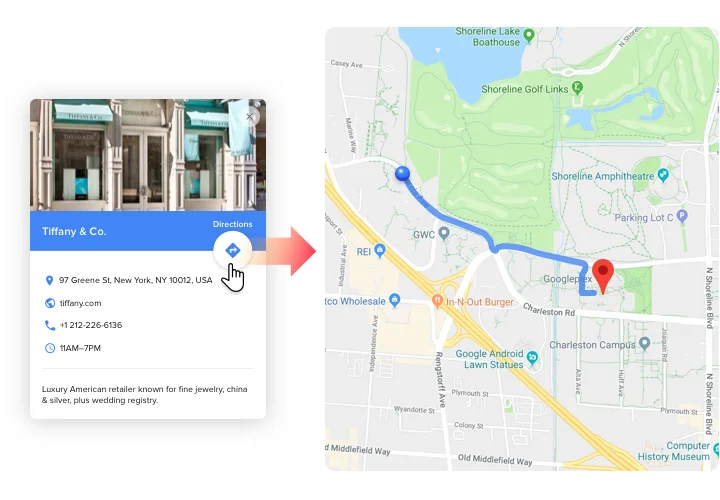
Users can click a marker and open driving directions in Google Maps, automatically generating a route from their current location.

What information can appear inside a marker popup?

Each marker can include details such as address, phone, email, website link, business hours, an image, and a short description.

How do I add locations to my map in HTML?

You can enter an address or place name, and the widget will automatically detect coordinates using Google’s geocoding system.

Is bulk import via CSV supported?

Using a CSV file, you can upload multiple locations at once on your HTML website. Existing entries are replaced during import, so include all needed locations in the file.

Can I organize locations into categories in HTML?

Yes, the widget allows categorizing markers and enabling filters or clustering for better navigation.

Is search available inside the map?

Yes, a built-in search bar lets visitors find locations by name or address directly on your HTML website.

Pricing

14-day money back guarantee. Risk-free, you can cancel at anytime.
Elfsight Apps
Cross-platform digital solution that works on any website
from $0 / month
start with free plan
Unlimited domains
24/7 company support
Charge-free installation help
Special price for multiple apps
100% customizable