
Overview
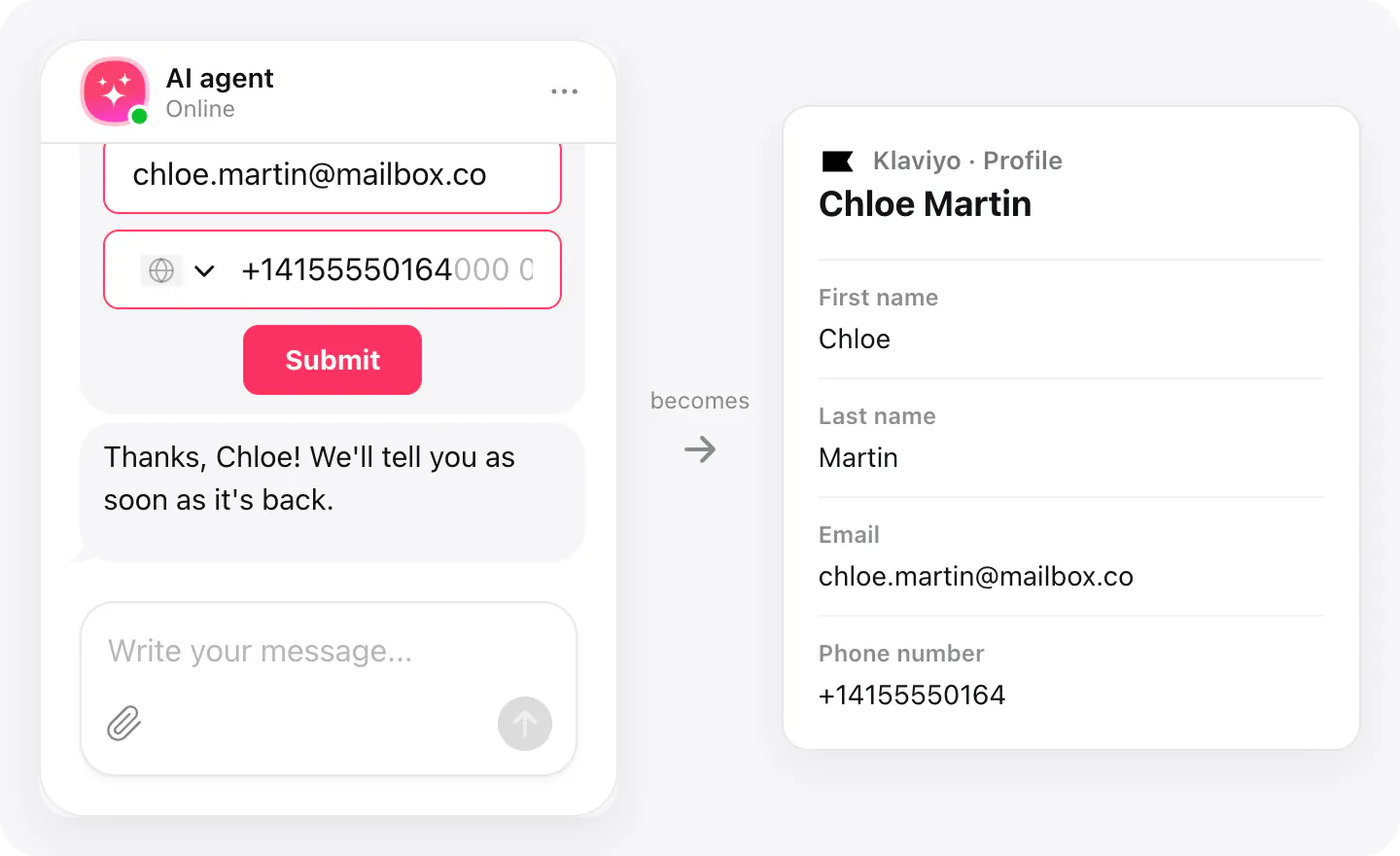
Shoppers ask about sizes, shipping and returns in the chat, and the ones who leave their email are worth keeping. With Klaviyo connected, each becomes a Klaviyo profile right away — first and last name, email and phone.
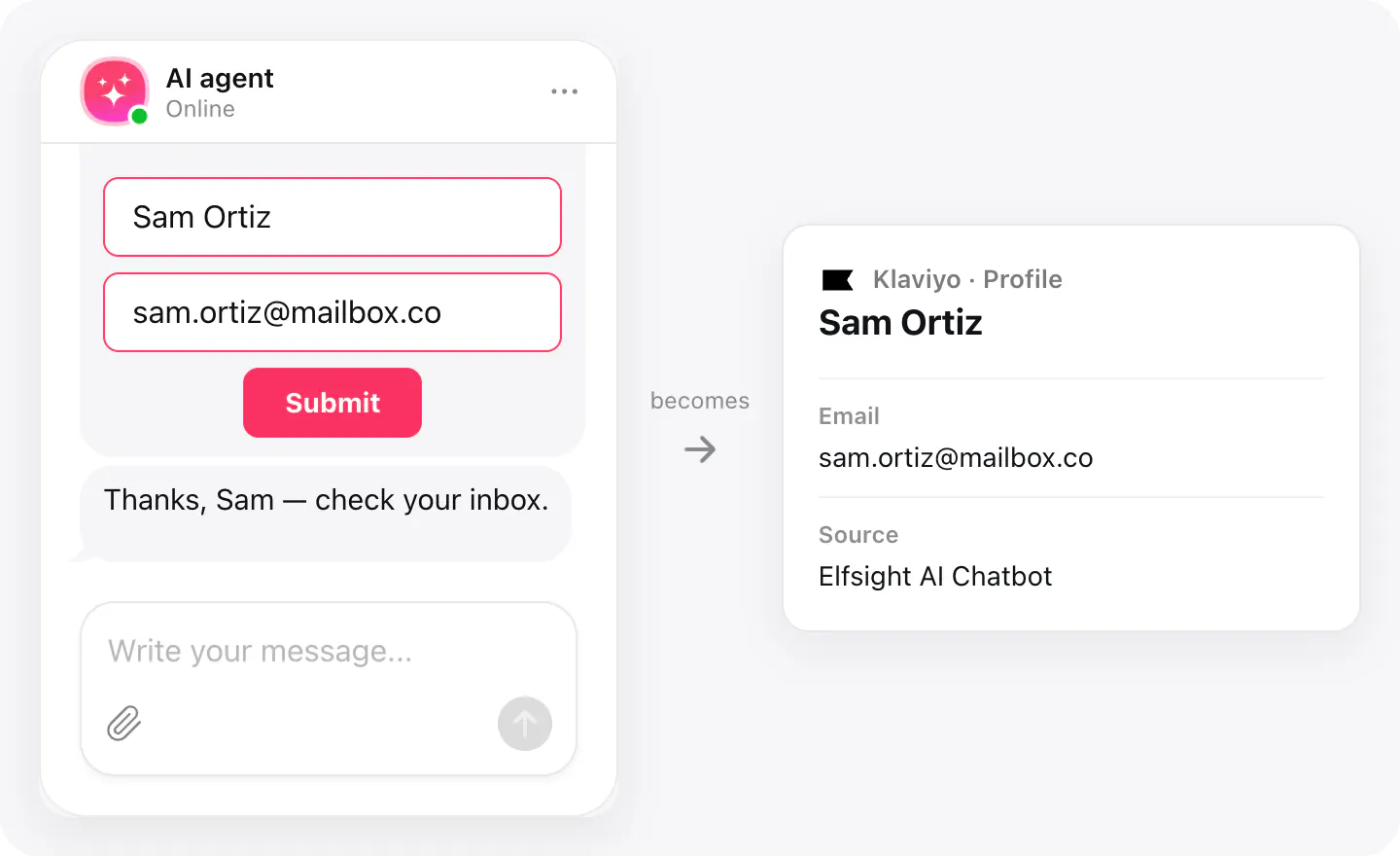
New profiles get the property Source set to «Elfsight AI Chatbot», so a segment of chat contacts is one filter away. Profiles aren't subscribed to your email or SMS marketing — that stays under your own consent rules.
What you can do
These are the jobs the integration is built for.
Collect profiles
When a visitor sends their details with an email in the chat, a Klaviyo profile appears with their first and last name, email and phone.
See who came from the chat
A new profile from the chat gets the property Source set to «Elfsight AI Chatbot» — use it in a segment. A profile that already had a source keeps it.
No duplicate profiles
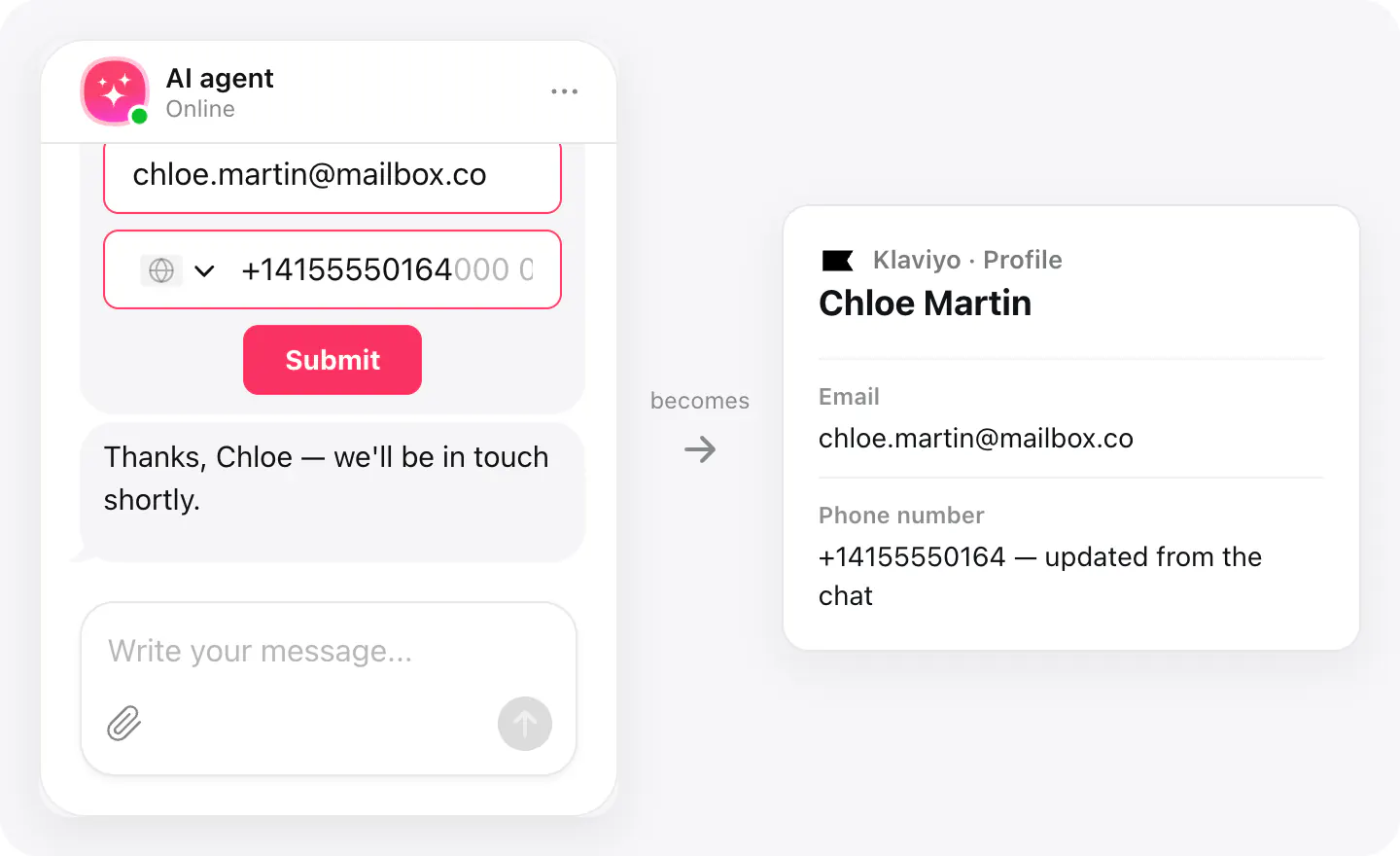
A shopper who is already in Klaviyo is matched by email, and their profile is updated with the name and phone from the chat.
Set up
Connect Klaviyo in your widget's Integrations; from then on, every contact the chat collects with an email goes there.
- Open your AI Chatbot widget, go to Integrations, choose Klaviyo and sign in to allow access to your account.
- In Agent skills, turn on Collect contacts and make sure the form asks for an email.
Connected apps and their status are listed in Integrations in your widget, where you can disconnect access at any time.
Requirements
- An AI Chatbot widget published on your site.
- A Klaviyo account with permission to manage profiles.
What gets sent
What the integration passes on.
Email (required — a contact without one isn't sent)
First name
Last name
Phone number, when it's in international format (+14155550164)
Source: «Elfsight AI Chatbot», on new profiles
If nothing arrives
- Check the email. Only visitors who leave an email are sent to Klaviyo; a phone number alone isn't enough.
- Missing phone number?. Klaviyo takes phone numbers only in international format, like +14155550164. Any other number is left out, and the profile is saved without it.
- Check the connection. If the access was removed in Klaviyo, connect Klaviyo again in Integrations.
How businesses use it
The same connection, set up for different kinds of business.
- Online storesShoppers asking about sizes, stock or returns become profiles for your flows and campaigns.
- Salons & spasClients asking about treatments and gift cards join your profiles for offers and reminders.
- Gyms & fitnessPeople asking about memberships become profiles you can send the schedule and promotions to.