Agent profile

Give your AI agent a name, a role and a voice

Choose how your agent looks, who it is for your visitors and how it talks — and set the rules it follows in every conversation.
Free plan · No credit card needed
Give your AI agent a name, a role and a voice
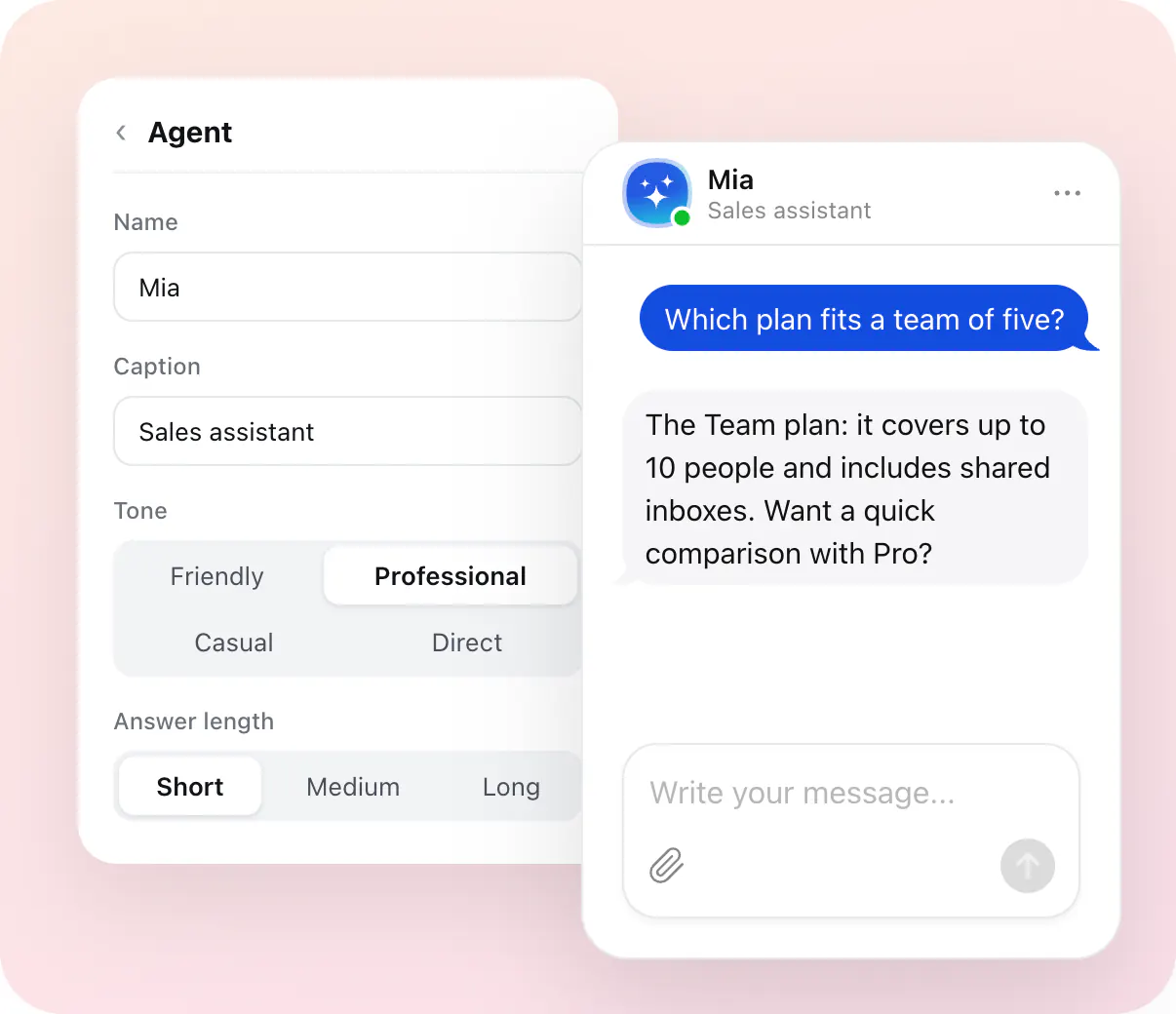
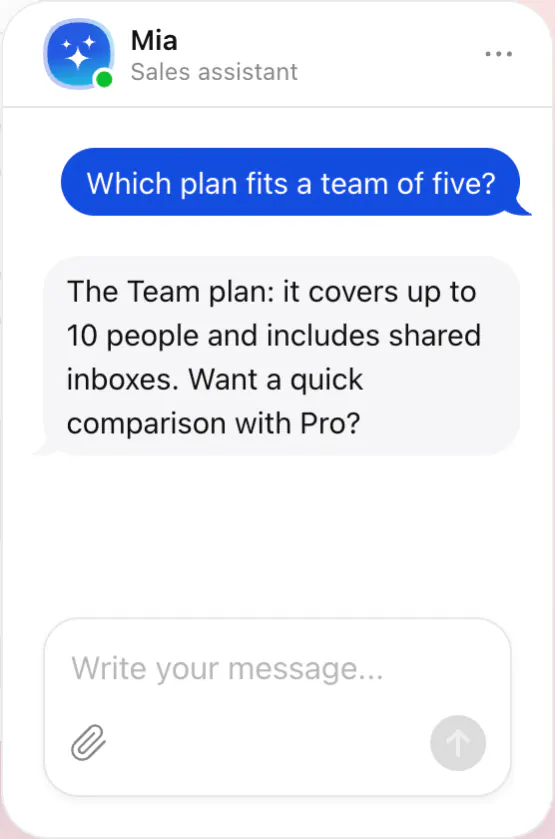
MiaSales assistant

Which plan fits a team of five?

The Team plan: it covers up to 10 people and includes shared inboxes. Want a quick comparison with Pro?

Trusted by over 3,000,000 small businesses, agencies and top global brands worldwide

Look

A face your visitors recognise

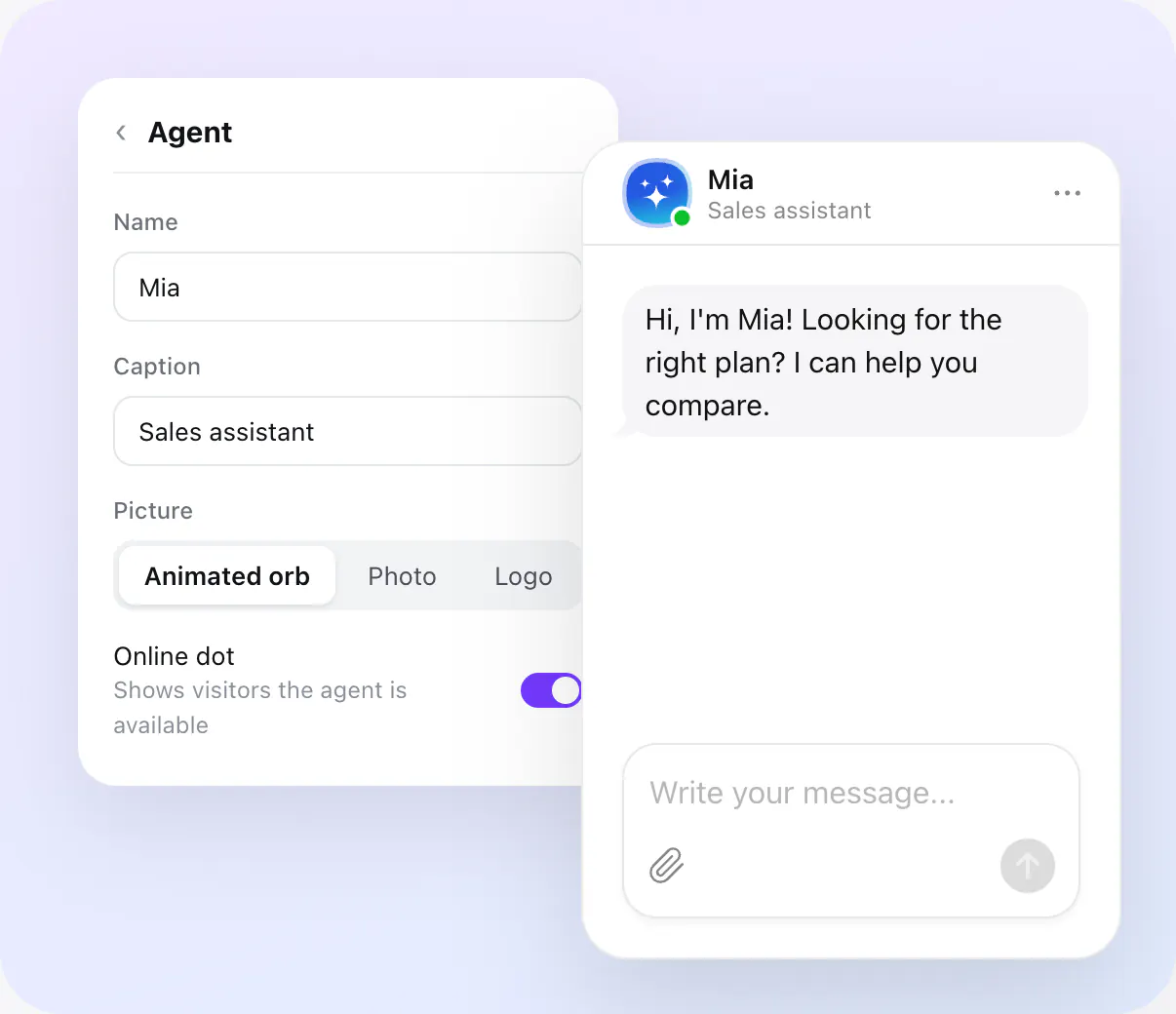
Set the agent's name and the caption under it, and give it a picture — your photo or logo, or the animated orb it comes with. An online dot tells visitors it's there to answer.

  • Name and caption

  • Your picture, or the animated orb

  • An online dot

A face your visitors recognise
MiaSales assistant

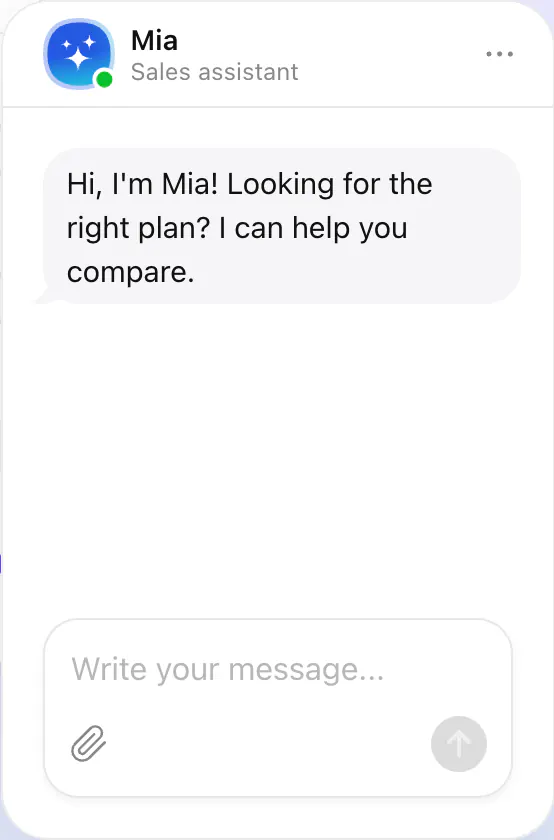
Hi, I'm Mia! Looking for the right plan? I can help you compare.

Role and tone

It talks the way your business does

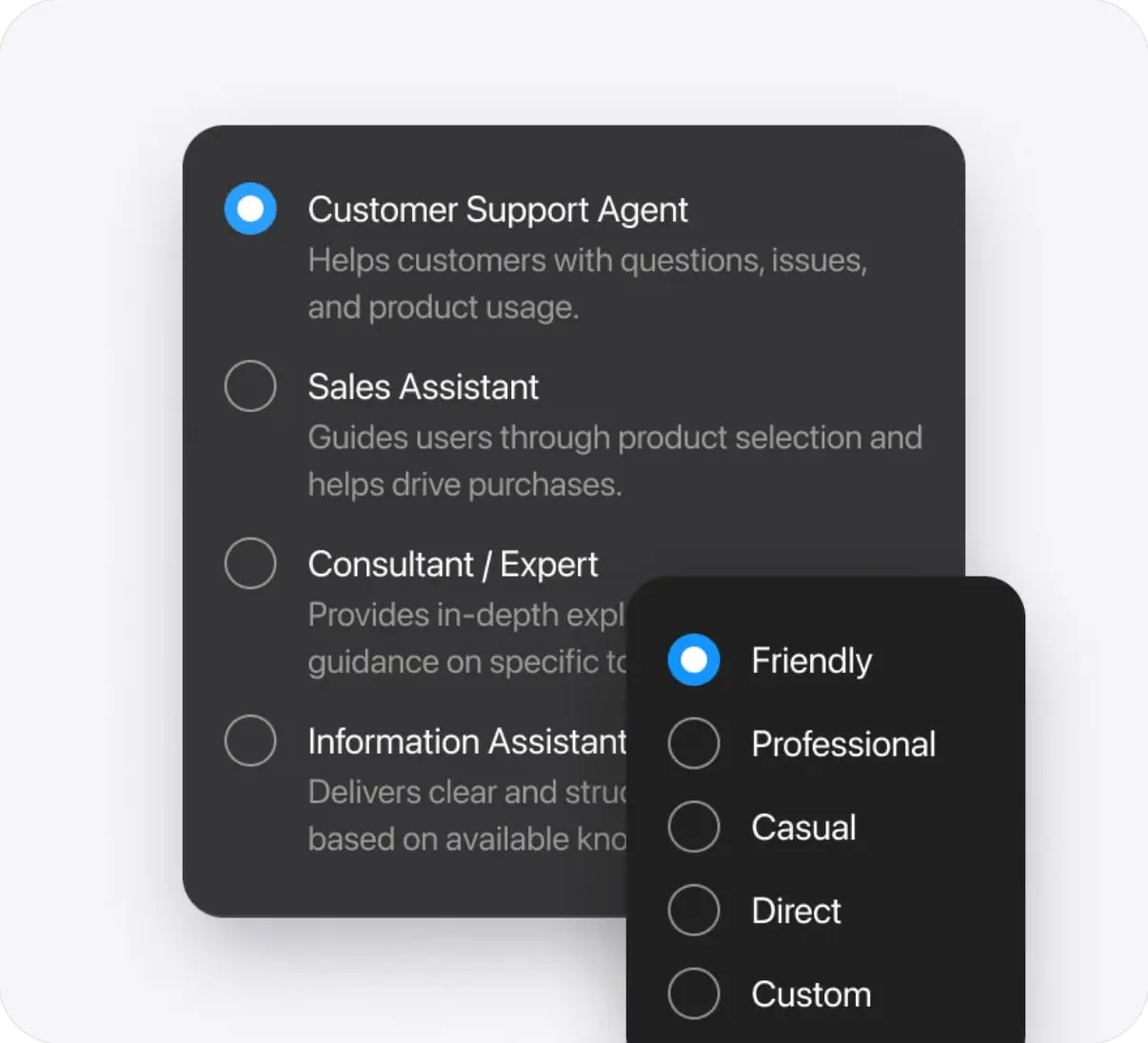
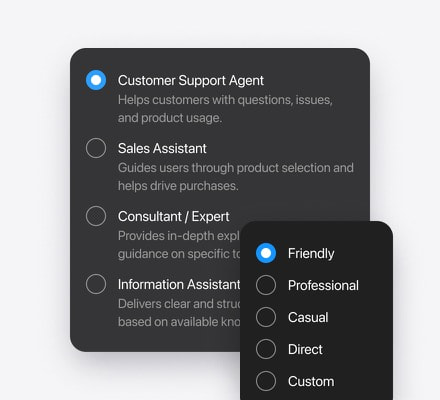
Tell it the role it plays — support, sales, a front desk — and pick a tone: Friendly, Professional, Casual, Direct, or describe your own. Short, medium or long answers: you choose.

  • A role in your own words

  • Five tones, or one you describe

  • Short, medium or long answers

It talks the way your business does
Define how your agent communicates

Rules

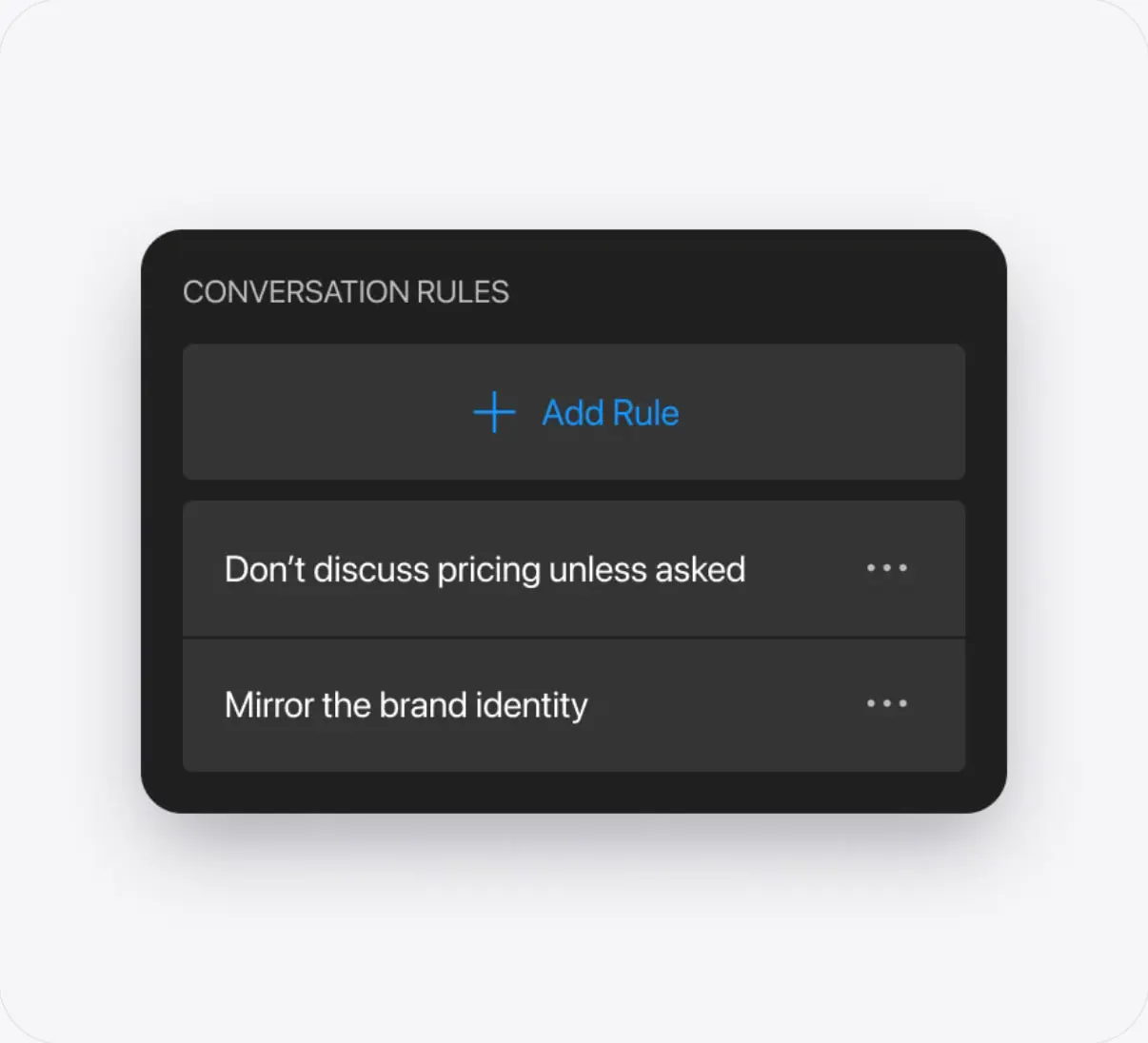
Rules for what it says, does and avoids

Write up to 100 conversation rules: what to say about prices, which topics to stay away from, when to offer a discount or a person from your team.

  • Up to 100 rules, in plain words

  • Topics to avoid and answers to give

  • Offers and handoffs at the right moment

Human handoff
Rules for what it says, does and avoids
Control what your agent says and does
In the profile

Everything that makes it yours

Name and caption

What visitors call it, and a line under the name: its job or «Online».

Picture

Your photo or logo — or the animated orb it starts with.

Role

Who it is for your visitors: support, sales, a front desk, a guide.

Tone of voice

Friendly, Professional, Casual, Direct — or a tone you describe.

Answer length

Short, medium or long answers, to fit your visitors.

Conversation rules

Up to 100 rules for what it says, does and avoids.

Create your AI agent for free

  1. 1. Enter your website
  2. 2. Shape your agent
  3. 3. Add to website

More about your agent

Automatic setup

Enter your website's address, and the agent sets itself up from it.

Knowledge

Train your agent on your website, files and FAQ.

Agent skills

Skills that let your agent collect leads, show buttons, follow up and take actions.

Greeting & welcome message

Greet visitors and suggest questions to start with.

Agent profile FAQ