Up to 10 skills
Combine the skills your business needs on one agent.
Agent skills
Your agent doesn't stop at answers: it collects contacts, shows buttons, follows up and brings in a person — up to 10 skills, each set up in a few clicks.
Trusted by over 3,000,000 small businesses, agencies and top global brands worldwide














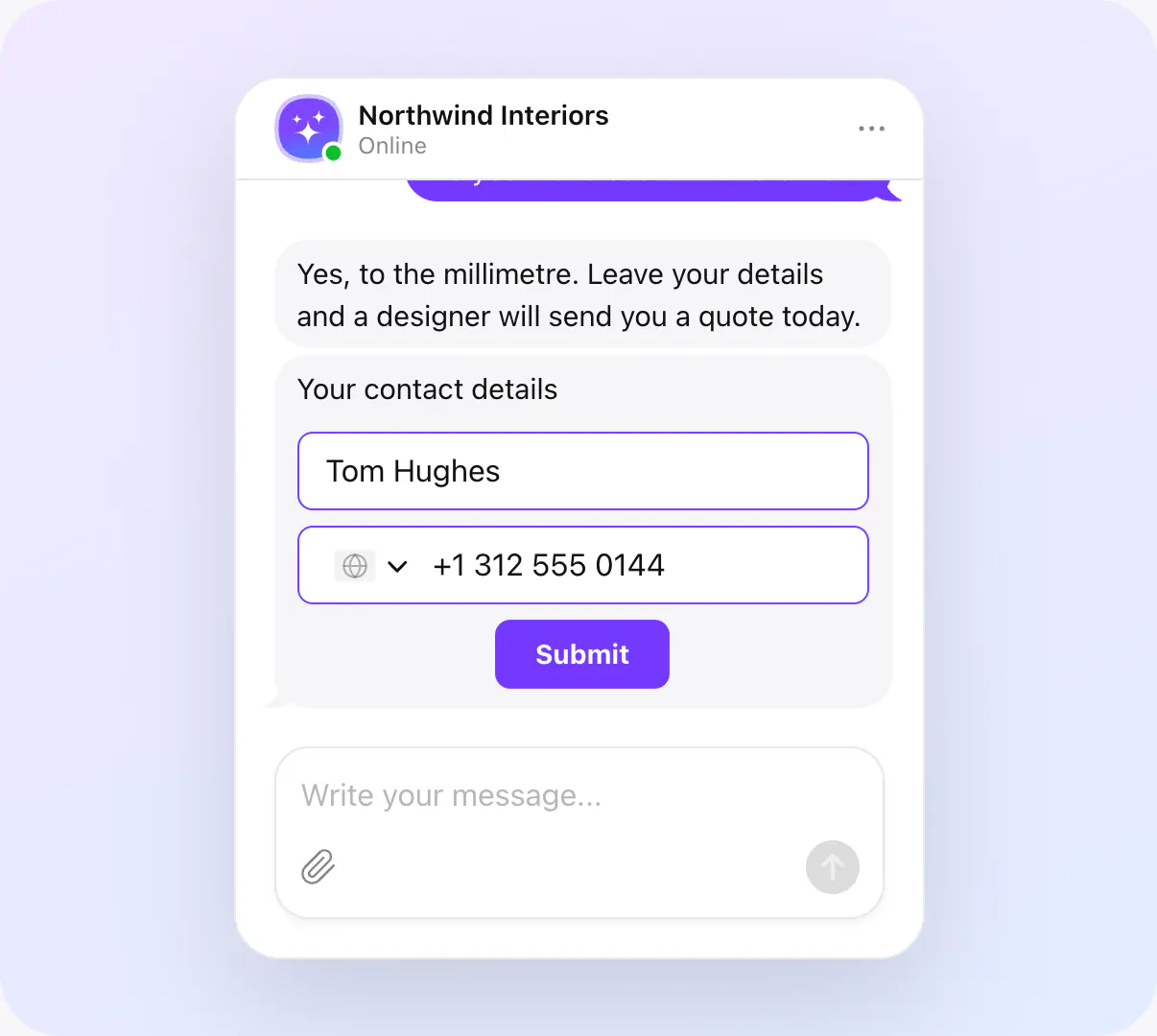
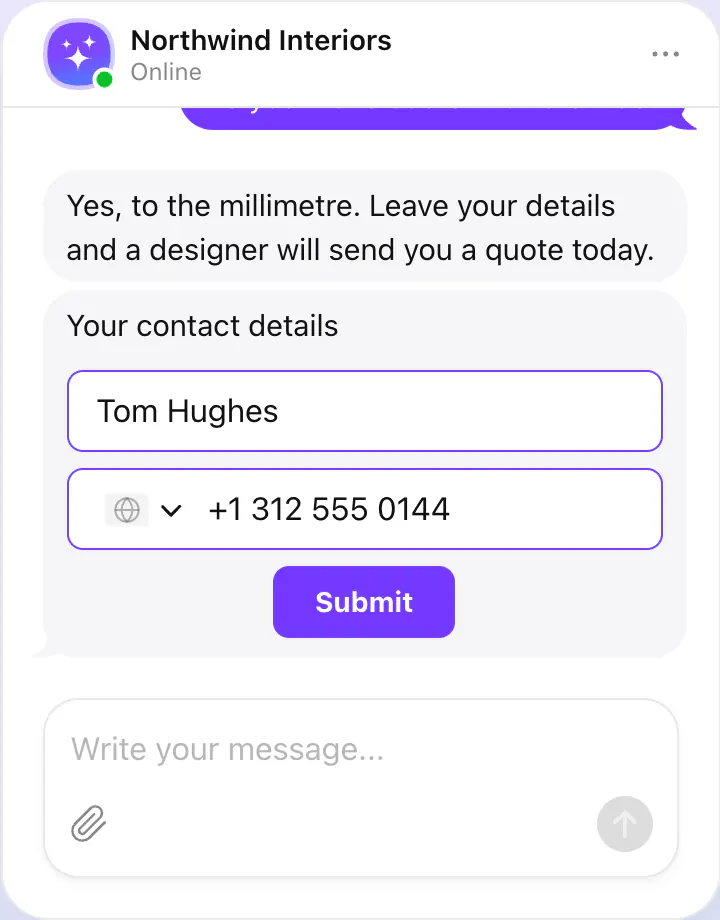
Collect contacts
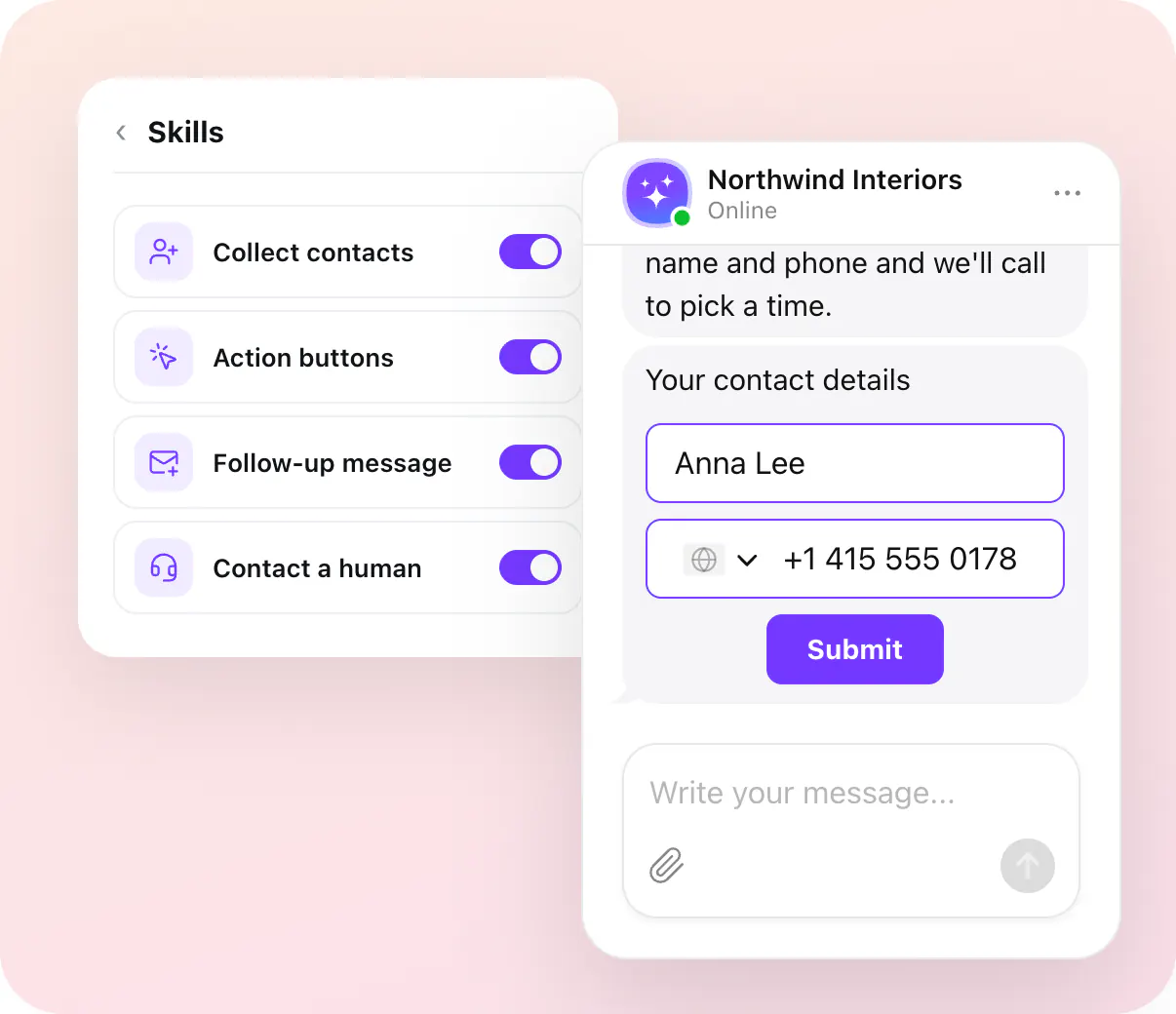
The agent asks for a name, phone or email at the moment you choose — after its first reply, before the chat starts, or as a must — and keeps the details with the chat they came from.
Name, phone, email and consent
After the first reply, before the chat, or required
Every lead with its conversation
Action buttons
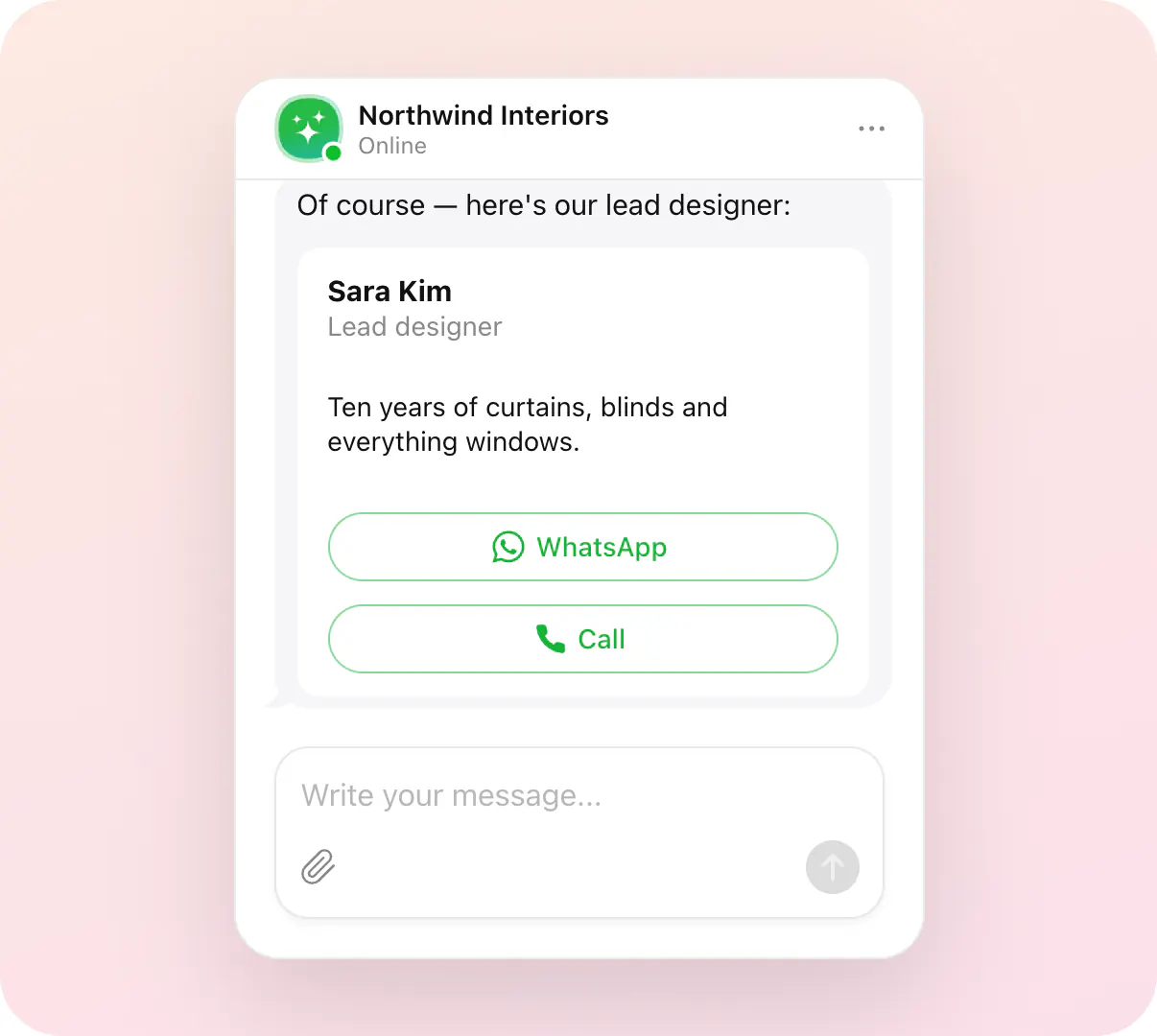
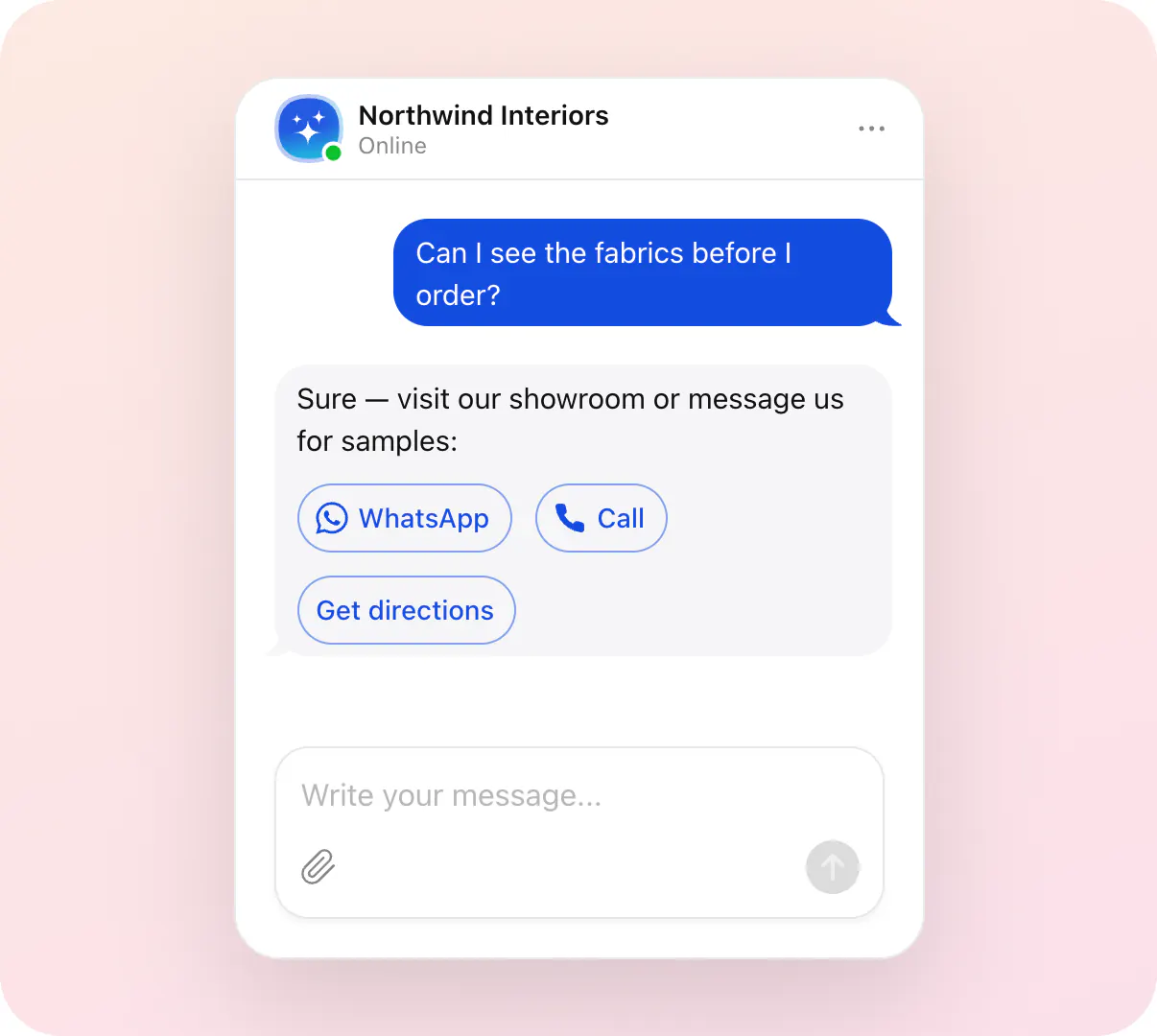
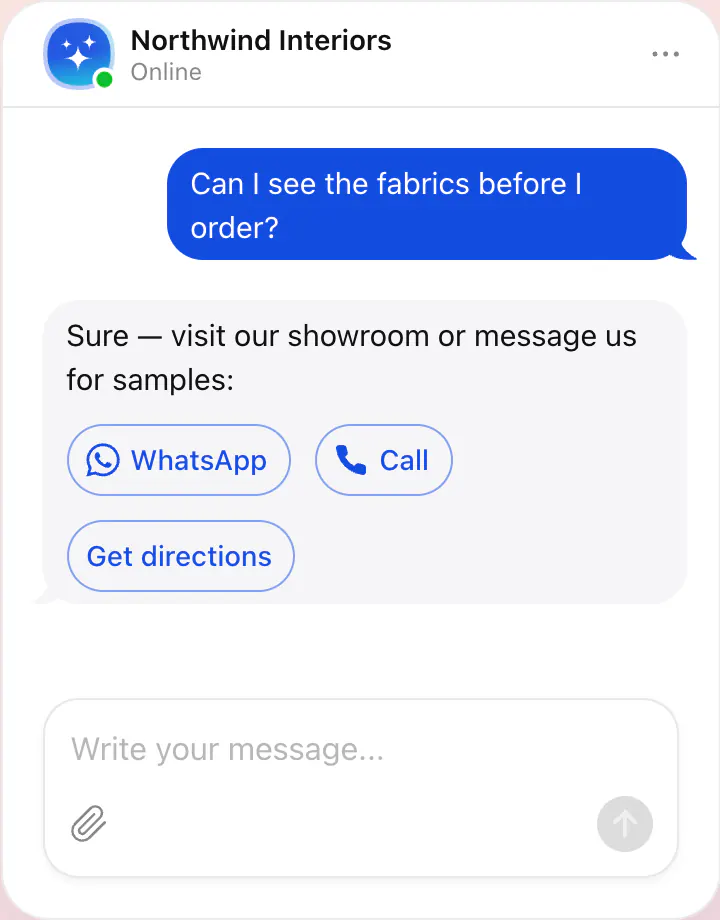
The agent shows buttons inside its replies: write on WhatsApp, call, send an email, get directions — or a button of your own that opens any page.
WhatsApp, Email, Call, Instagram, Telegram, Messenger
Get directions, Google Maps, SMS, Viber, WeChat and more
Custom buttons to any page
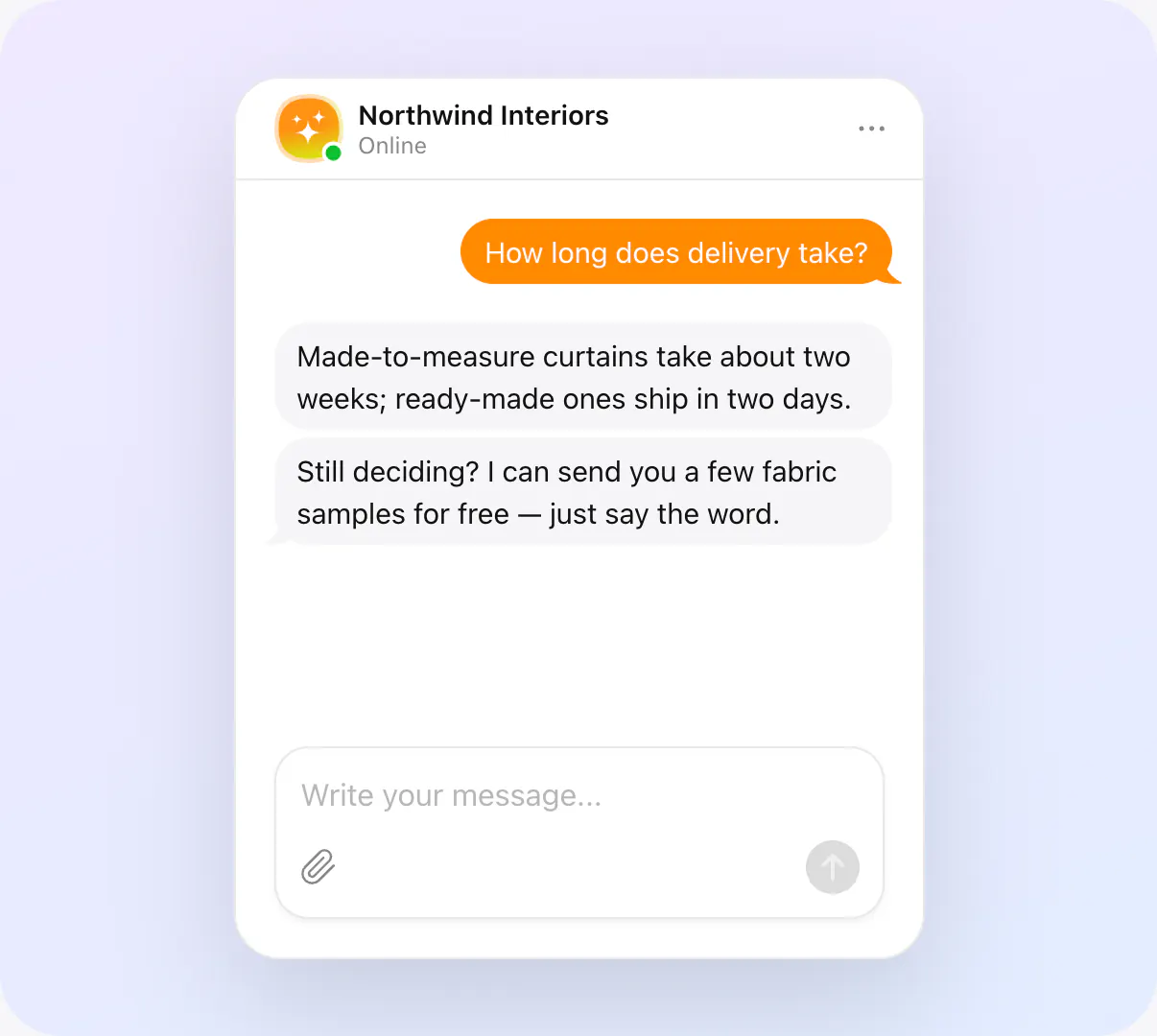
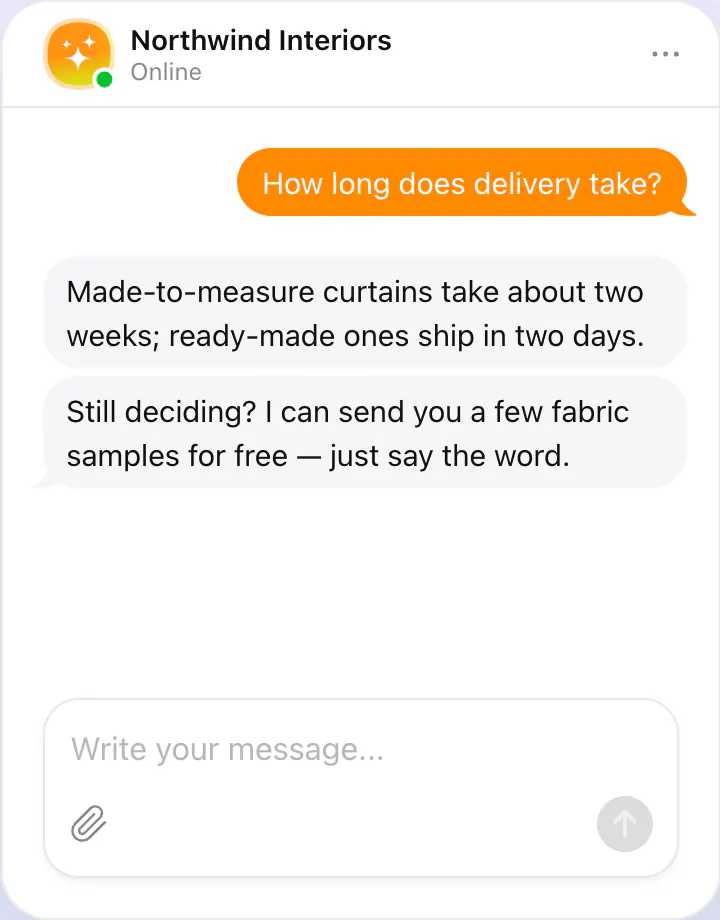
Follow-up message
When a visitor stops replying, the agent sends one more message after the delay you set — a question, a reminder, an offer — in the visitor's language.
Sent after inactivity
Your delay, your words
Fits the conversation
Agent collects user details through smart forms directly in the conversation.
Agent transfers the conversation to a real person when needed.
Agent shows buttons for key actions — visiting pages, starting flows, or making decisions.
Let the agent send a timely message when a visitor stops replying or leaves the chat idle.
Agent helps visitors schedule appointments or calls directly in the conversation using connected booking services.