Social Share Buttons for HTML

Display sharing buttons on your HTML website to expand your reach and let users share content on Facebook, Instagram, LinkedIn, X, and more.
4.8 rating
10,000+ reviews
Free plan available
Create Widget for Free
No credit card needed
Social Share Buttons for HTML

Create your Social Share Buttons widget

Configure your Social Share Buttons and add it to your HTML website for free!

Screenshots

Social Share Buttons for HTML
1 / 6

Description

A simple share widget for all websites, which will help your clients spread content in different social networks. Begin growing your brand in Facebook, Twitter, Medium and other. Have new followers and readers with high quality publications on your website.

Get more clicks and subscribers from social networks!

  • Maximum promotion of publications and offers in social media.
    With the help of a handy interface and functions, just in one click, your content will have a massive spreading in all social networks without problems.
  • Share exciting content for more viewers.
    Give your visitors a way to distribute your content with no efforts and quickly to reach a new audience.
  • Strengthen website SEO indexes.
    Level up the amount of clicks on your website with the help of social networks, to raise social parameters of your website and affect its place in Google rating.
  • Have new readers in social networks.
    You are good at creating first-class posts? Let users themselves spread it through media, easily sharing posts in their accounts.

Features

What makes our buttons widget the best of all HTML share code? Study our main traits:

  • Place unlimited number of buttons;
  • Left, right, or center aligning of the buttons;
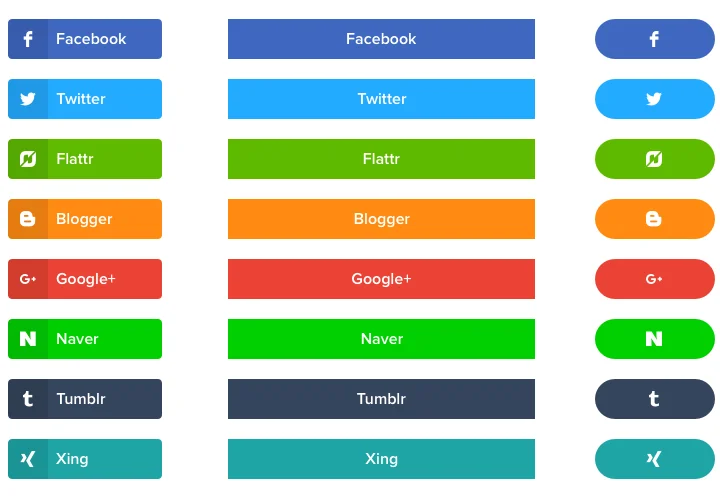
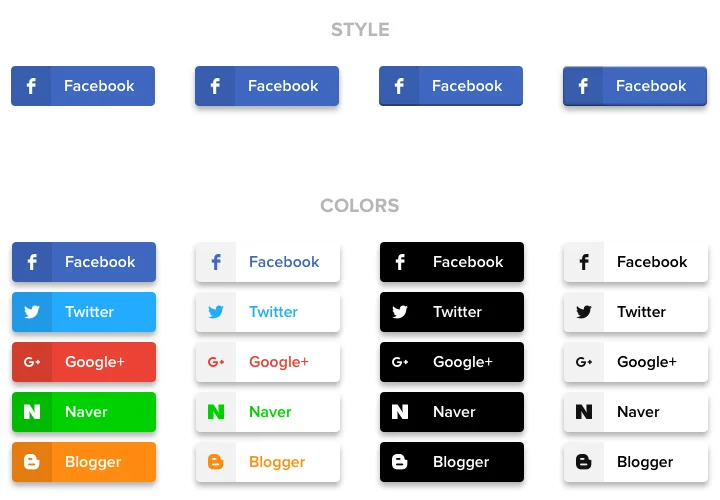
  • 3 button shape options;
  • 3 color schemes for icons, background and hover;
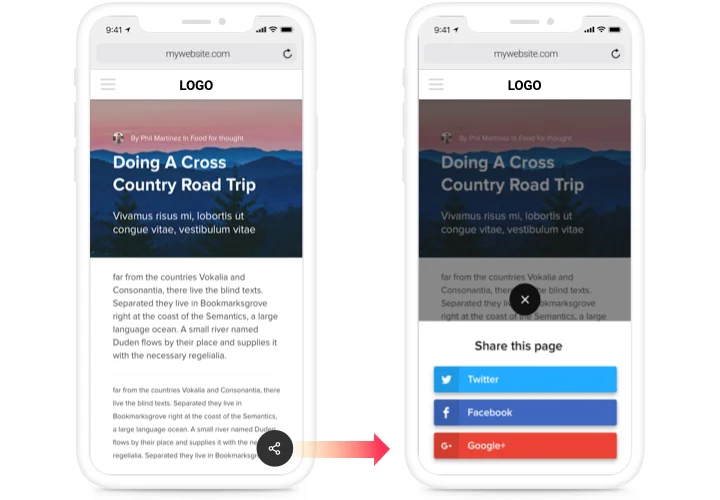
  • Mobile optimized with expandable icon.

Try all features in a free configurator

How to add Share Buttons to HTML

A brief instruction on inserting buttons into a website without skills in development or hiring a side programmer. You will need only 2 minutes to perform the installation.

  1. Construct your personalized Social Buttons.
    With the help of our free configurator, assemble a plugin with preferable layout and options.
  2. Receive a code for setting up the plugin.
    After widget tuning, acquire the code for Share Buttons plugin from the appearing window on Elfsight Apps.
  3. Place the widget on the HTML website.
    Start the page code in the HTML editor, add the widget on the required place (content, footer, sidebar etc), and publish the edits.
  4. The embedding is successful!.
    Go to the HTML website, to see your work.

Need help with adding or designing the widget? Our support specialists will be happy to provide help and integrate a solution! You can also try to solve the query yourself applying our complete instruction «How to integrate share buttons into an HTML website».

Can I add the Social Share buttons to a static HTML website?

Yes, Elfsight works on any static HTML website. Simply paste the installation code into your page source where you want your widget to appear.

Do I need special hosting to use the Share Buttons on HTML?

No special hosting plan is required. As long as your HTML website supports JavaScript, the widget will display and function properly.

How many social networks does the widget support?

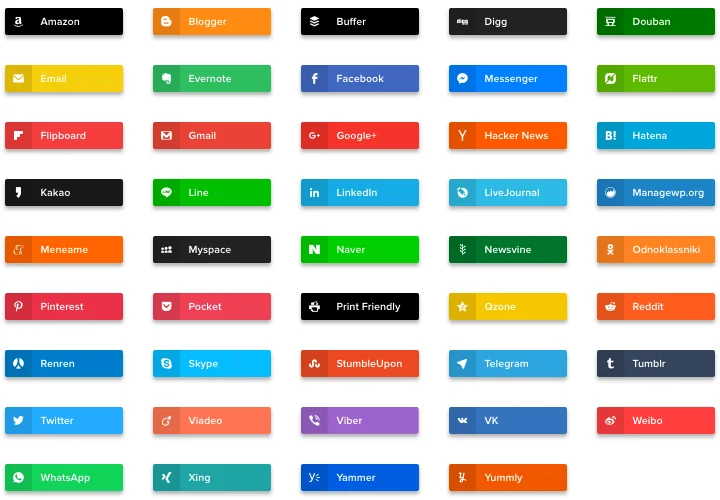
The widget supports over 40 popular social platforms, including Facebook, X, LinkedIn, and more. You can add unlimited buttons and arrange them using drag-and-drop controls.

Can visitors copy the page link instead of sharing?

Yes, a built-in Copy Link button allows users to instantly copy the current page URL, making it easy to share privately through chats or email.

Can I share a custom URL instead of the current page?

Yes, you can define a specific URL in the widget settings or dynamically pass a custom link for campaigns and landing pages.

Where can floating buttons appear on my HTML page?

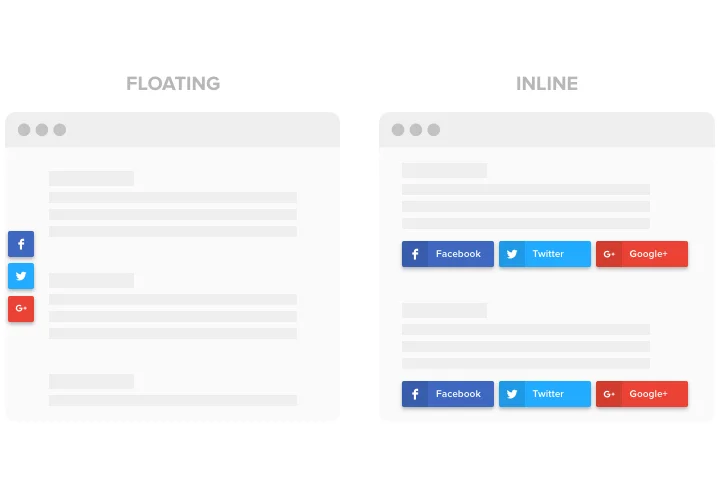
Floating share buttons can be positioned on different sides of the screen and remain visible as visitors scroll.

Can I hide buttons on mobile devices?

Yes, you can disable selected buttons or hide the entire widget on mobile to optimize space on smaller screens.

Does it support sharing via messaging apps?

Yes, the widget includes messenger options such as WhatsApp, Telegram, Viber, and Messenger for quick private sharing.

Can extra networks be hidden under a More button?

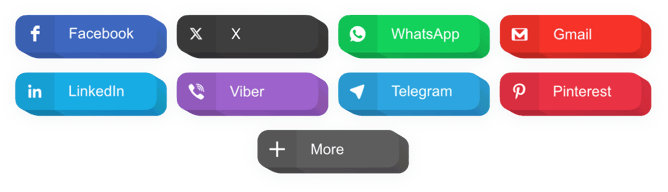
Yes, you can enable an expandable menu that hides additional networks behind a More button to keep your HTML website interface clean.

Pricing

14-day money back guarantee. Risk-free, you can cancel at anytime.
Elfsight Apps
Platform-independent digital solution
from $0 / month
start with free plan
Unlimited domains
24/7 customer support
Free of charge installation assistance
Great deal for multiple apps
100% customizable