
Magazine Website Templates






FAQ
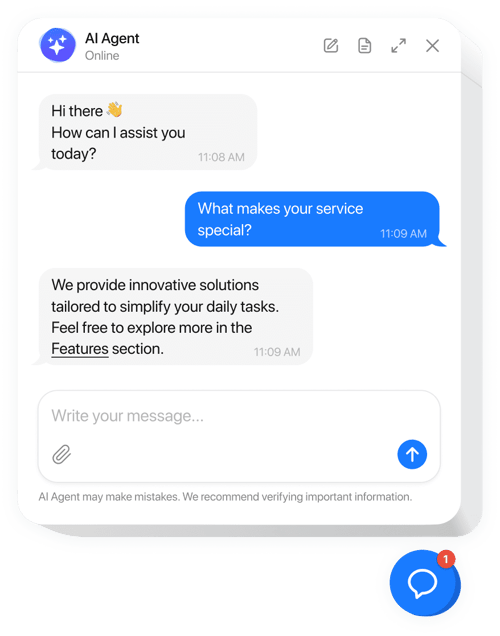
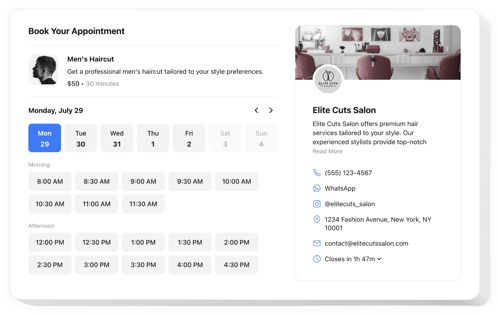
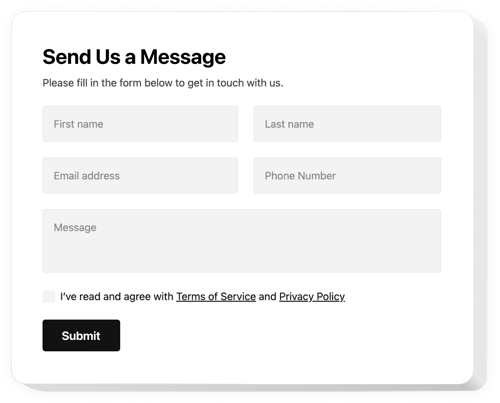
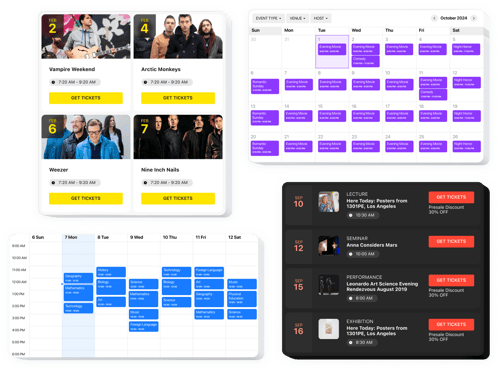
Do you have more solutions for publishers?
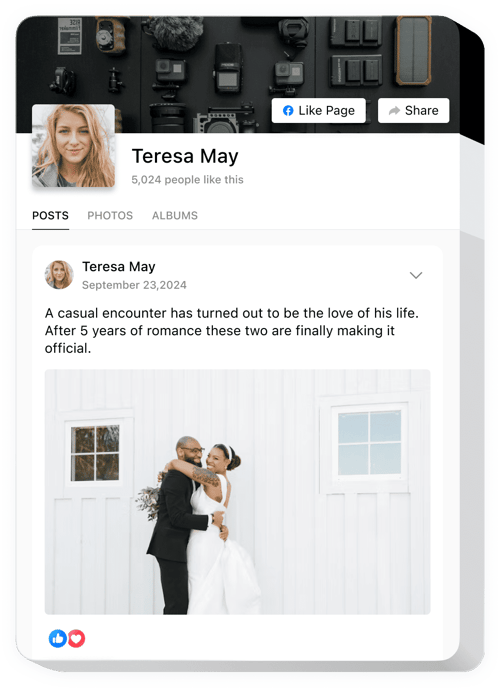
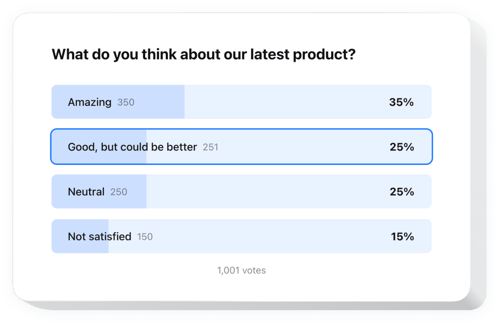
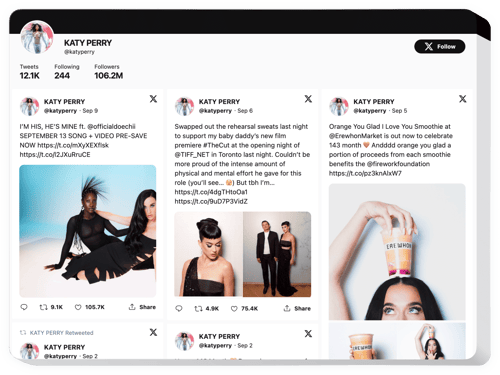
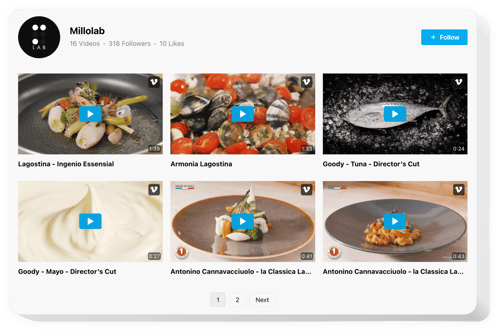
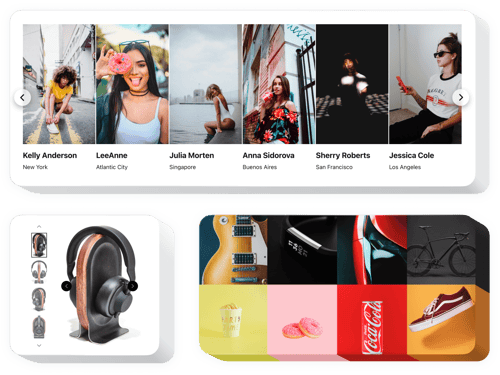
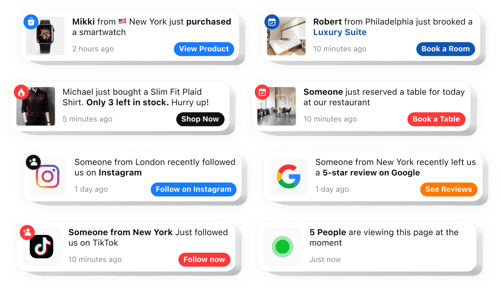
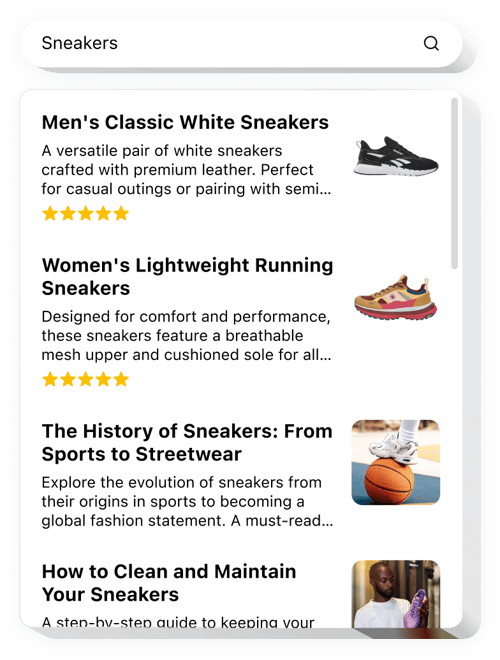
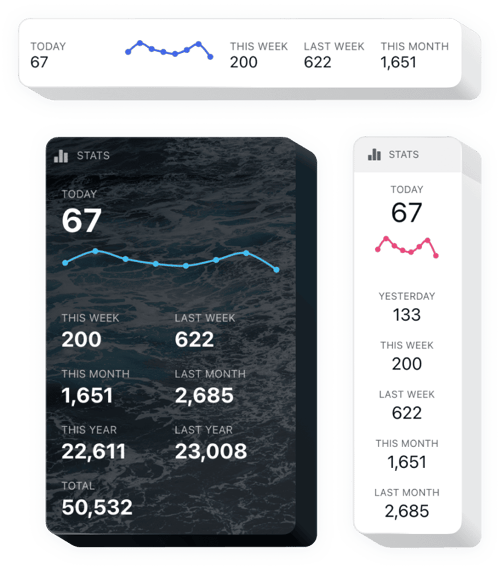
Yes, as you can tell, we have prepared solutions for the media industry projects, sush as:
How do I add these widgets to my magazine website?
You need to make a few simple steps
- Customize the template. fine-tune the design so it aligns with your publication’s style.
- Receive the code. Save the customized template and copy the code.
- Embed it on your website. Go to your website, add the shortcode, and update the page.
Will they work with my publishing platform?
Yes, most definitely, as our widgets are built to be universal. You can use them on Squarespace, Wix, HTML, Webflow, WordPress, Shopify, Elementor, Google Sites, GoDaddy, iFrame, Bigcommerce, Weebly, Joomla, etc.
Is there a free plan?
Yes, we offer a Free plan. And it looks like it has all the tools for full widget personalization and installation steps. As you need more advanced features, you can upgrade to a paid plan.
Do I need to be a developer to use these solutions?
No, you can manage everything without any coding. Just a simple copy-paste, and you’re all set.
Can I adjust the widgets to match my magazine’s brand?
Yes, the widget is highly adaptable. You can modify templates by changing colors, layouts, and interactive elements in just a few clicks. Also, inject your own custom CSS or JavaScript for more fun.
