
Computer Education Website Templates












FAQ
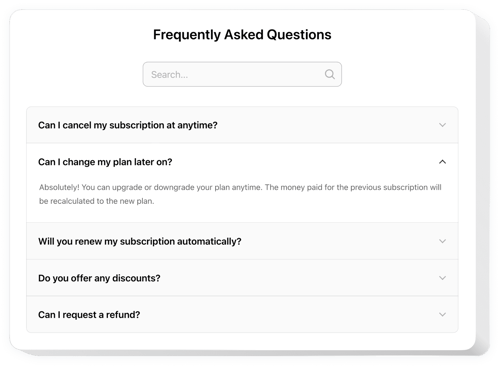
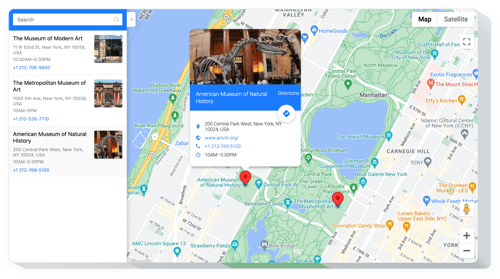
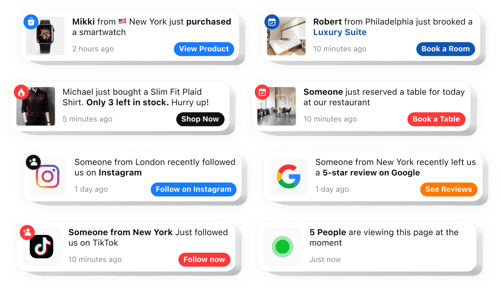
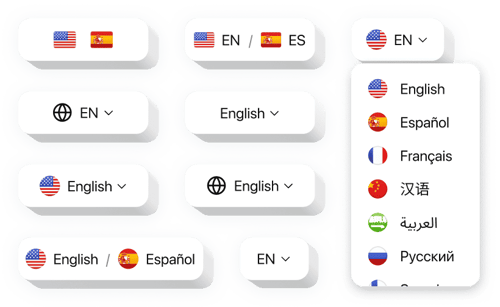
Do you have more specialized solutions for the education sector?
Yes, we have a variety of ready-to-go solutions designed specifically for schools, tutors, and learning platforms, such as:
How do I embed a widget on my computer education website?
Just follow these three simple steps:
- Customize the template. Adjust the settings and design to match your computer school’s branding.
- Obtain the embed code. Save the setup and copy the installation code.
- Add it to your website. Paste the code into your website, refresh the page, and you’re live!
Which CMS and builders are supported?
Our widgets work with 99.9% of website builders, such as:
Squarespace, Wix, HTML, Webflow, WordPress, Shopify, Elementor, Google Sites, GoDaddy, iFrame, Bigcommerce, Weebly, Joomla, and many others.
Is there a free plan available?
Yes, we offer a Free plan that includes all the core features you need. As your student base grows, you can easily scale up to one of our paid plans.
Do I need to know how to code to use these widgets?
No, you don’t need to write a single line of code. Our widgets are 100% user-friendly. If you can copy and paste, you can handle this.
Can I customize the widgets to fit my education website?
Yes, you can tweak everything from layout to color schemes in the editor. Also, we provide the option to add your own custom CSS or JS.