Welcome, Hunter! 👋 Enjoy 50% OFF annual plans with code PRODUCTHUNT — limited time ⏳
50% OFF annual plans — code PRODUCTHUNT

Pricing Table app for Wix

Create simple, clean pricing on your Wix website that organizes your service plans, highlights the value of each option, and helps visitors choose faster.
4.8 rating
10,000+ reviews
Free plan available
Create Widget for Free
No credit card needed
Pricing Table app for Wix

Create your Pricing Table app

Configure your Pricing Table and add it to your Wix website for free!

Screenshots

Pricing Table app for Wix
1 / 6

Description

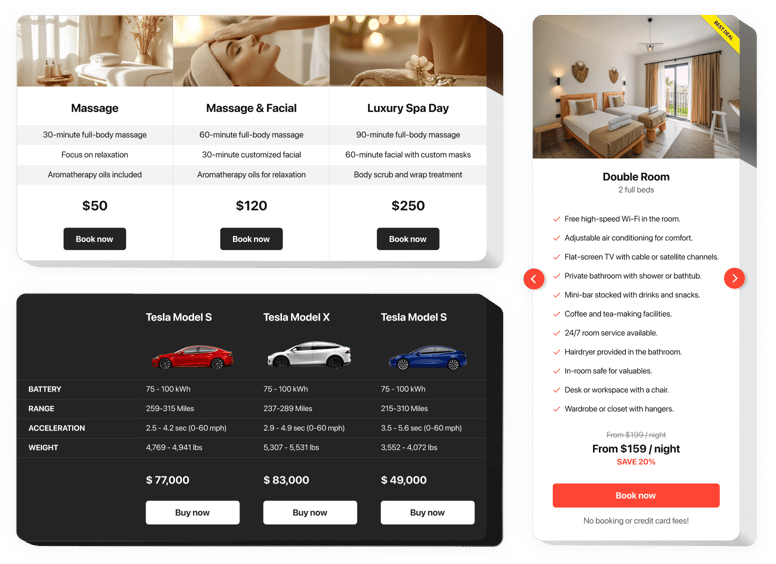
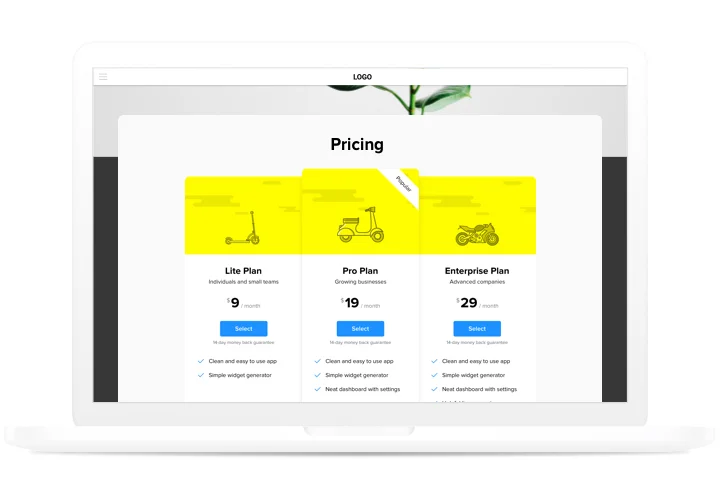
Pricing plays one of the basic roles in stimulating users to order from your site. App by our team not only helps customers of the site to visualize and compare several price offers fast and simple. It also contributes to uplifting conversion by using the latest tendencies in design and layouts.

Get sales of your site to another stage, using smart pricing.

  • Have more clients.
    Use various efficient tricks of pricing creation, to crash all fears and doubts of your customers that may appear on their way to buying, and have the best possible conversion.
  • Setting app in just 90 seconds.
    Spend a couple of minutes, to generate an ideal app. Choose all necessary parameters of interface and detailed info to display it in just one click.
  • Make your pricing attractive for clients.
    Change diverse colors, place units, add images, to make your pricing attractive for clients and bring positive influence to the buying decision.

Features

The advantages that make our app into the best Pricing Table for Wix websites.

  • 6 predefined column elements that can be arranged and customized to get the perfect look;
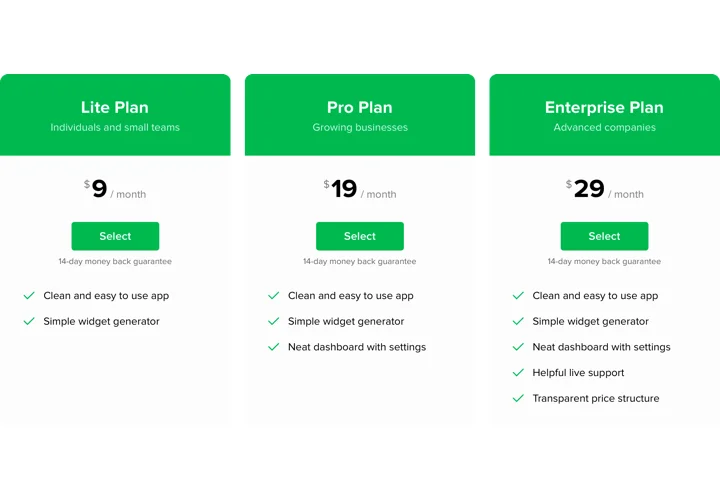
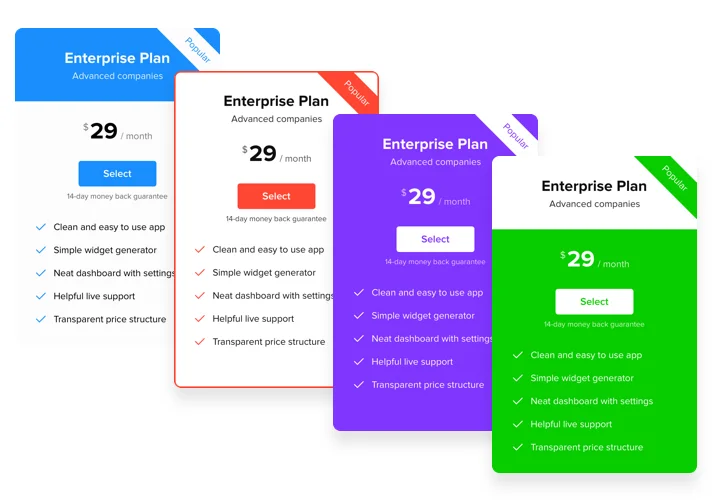
  • 5 predefined skins, featuring different color schemes;
  • 3 predefined feature styles;
  • Linking the Button to the required page;
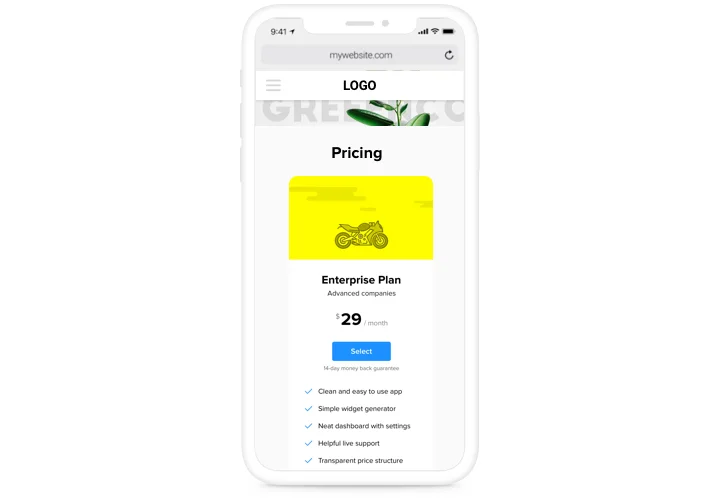
  • Mobile optimized layout.

You can try all the advantages in live demo

How to add Pricing Table to Wix website

A instruction on integration of our app. To carry this, you will not need knowledge in programming or much time. Just several quick actions and3 minutes.

  1. Build your unique Pricing Table.
    With our free editor, create a widget with necessary look and functions.
  2. Copy a code for adding the app.
    After widget creation, obtain a code for Pricing widget from the appearing window on Elfsight Apps.
  3. Place the app on Wix website.
    Show the widget to the desired spot of the website and publish the changes.
  4. You fully accomplished the installation!
    Go to your site, to see your work.

Experiencing queries with setting up of the app? Check our thorough instruction «How to display pricing table into a Wix» or address our customer support, which will solve any kind of issues quickly.

Do I need a Wix Premium plan to embed Pricing Table?

Wix’s Free plan doesn’t support any external code. You need a Premium plan to embed the app on your live Wix website.

Is Elfsight compatible with Wix Editor, Editor X, and Wix Studio?

Yes, the Pricing Table app is fully compatible with the classic Wix Editor, Editor X, and the new Wix Studio. You can embed them easily in any version of Wix.

Can I visually highlight best-value plans in the Pricing Table?

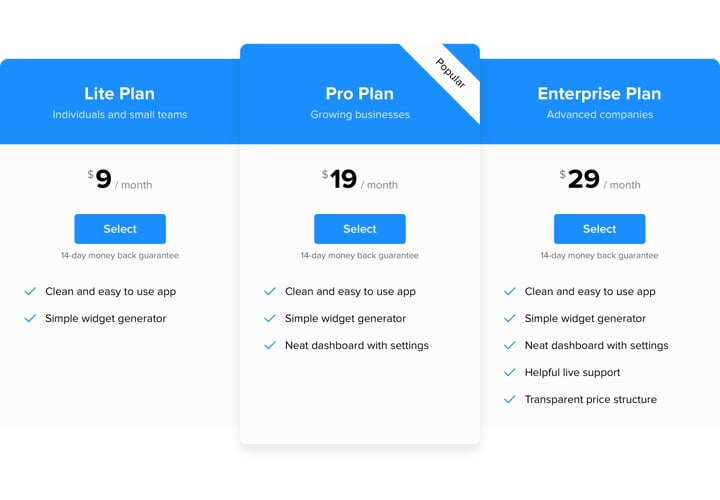
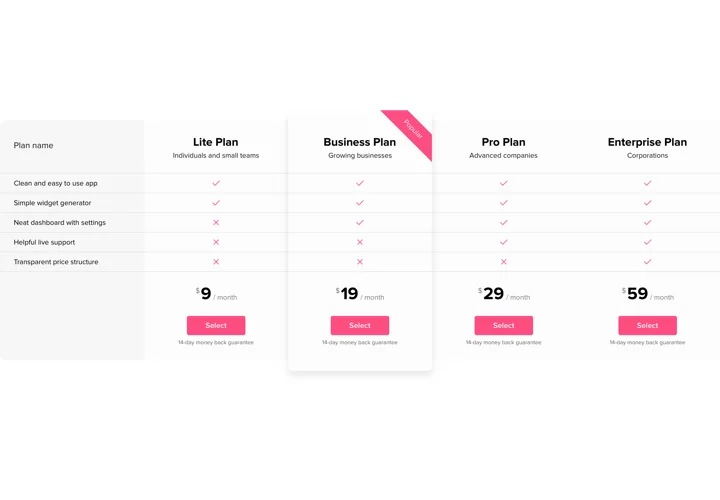
Yes, Elfsight lets you emphasize a best-value plan using ribbons accent colors or featured placement helping guide choices on your Wix website.

Can I display crossed-out old prices for discounts?

The Pricing Table app supports crossed-out prices so you can show discounts by displaying previous and current prices on your Wix website.

Is a horizontal layout available for the Pricing Table?

Yes, the app includes a horizontal layout option allowing plans to be displayed as rows instead of columns when needed.

How many currencies does the Pricing Table app support?

Elfsight supports around 100 global currencies with symbols making it easy to show accurate pricing on international Wix websites.

Can I add a monthly and yearly pricing toggle?

Yes, Elfsight supports pricing toggles so visitors can switch between monthly and yearly plans directly in your Wix pricing table.

Does the Pricing Table support one-time and recurring prices?

You can display both one-time and recurring charges by customizing postfix text like one-time or per month in the app settings.

Can I show or hide buttons, images or other elements?

Yes, the app allows you to show or hide specific elements such as buttons, images or features with simple toggles.

How are long plan names handled in the Pricing Table?

Long plan titles automatically wrap within their columns helping keep the table aligned and readable on Wix pages.

Can I add tax or VAT notes to prices?

Yes, you can add custom captions below prices to specify VAT tax inclusion or regional notes for clarity on your Wix website.

Pricing

14-day money back guarantee. Risk-free, you can cancel at anytime.
Elfsight app
Cross-platform version that suits any website
from $0 / month
start with free plan
Unlimited domains
Free customer support
Free of charge installation service
Special price for multiple apps
Fully customizable