
10+ HTML Pricing Table Templates for Websites






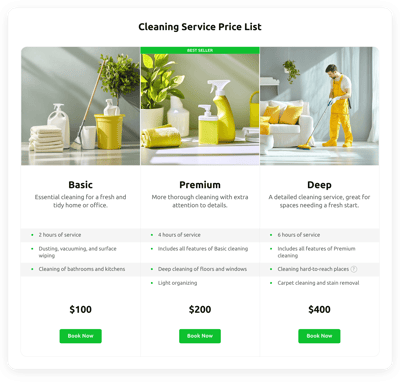

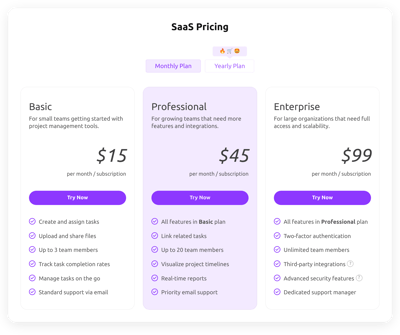

What Is Pricing Table Template?
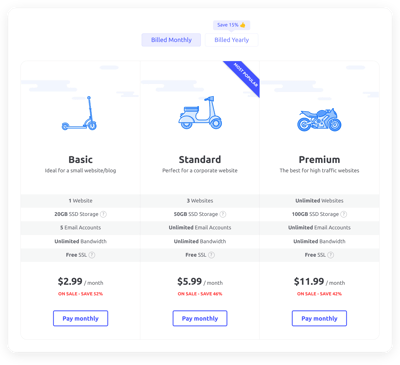
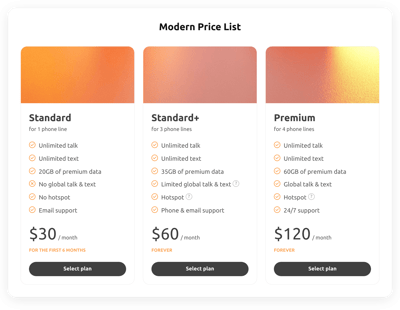
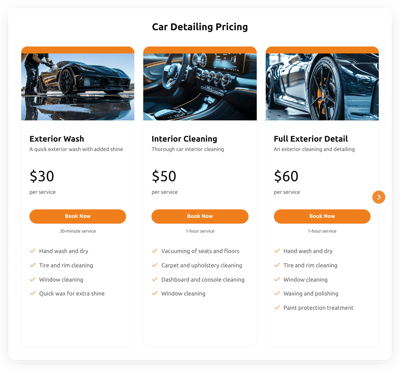
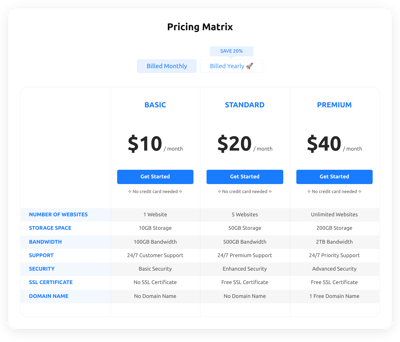
It is a pre-designed pricing that helps different businesses visually organize their services, plans, or product tiers. All you need to do is enter your content, adjust the styling, and publish the template on your website.
No coding, no complex setup. It’s super simple. The templates take care of everything and look great anywhere. Give them a go!
Top Pricing Table Template Features
With each Pricing Table template, you get access to a set of flexible features. These are the key tools available for customization:
- Create custom plan columns.
Add as many pricing plans as you want: from starter packages to extensive multi-tier systems. Rearrange columns, clone existing ones, add names, include titles, upload images, and highlight your best-selling plan for maximum visibility. - Include unlimited feature rows.
List every feature included in each plan. You can add unlimited rows, use icons to highlight important or premium options, and include hits for additional information. - Set dynamic price settings.
Specify exact pricing for each plan, introduce crossed-out old prices, show discounts, choose your preferred currency, and establish billing cycles. This way, you will be able to build the perfect model for your business case. - CTA buttons are helpful too.
Each plan comes with a customizable call-to-action button. Set your own text, link, and caption. Encourage users to sign up, purchase, or book your service right away. - Explore design controls.
Fine-tune the appearance of your pricing section by adjusting layout, size, styles, colors, fonts, and more. Ensure you have a seamless integration with your website’s branding. - Custom CSS and JS for advanced personalization.
Developers and designers can apply their own CSS and JS rules to achieve pixel-perfect results or introduce unique visual effects not available in the standard editor. But it is not necessary at all!
How to Add Pricing Table Template to Website?
Adding a new pricing section to your website is simple and requires only four steps:
- Choose a template. Browse our collection and pick the template that best matches your website style or business model. You can select one by industry, design, or layout structure.
- Customize your pricing content. Enter your plan names, prices, feature lists, button labels. Apply your brand colors, adjust layout elements, and preview the table live as you edit it.
- Generate the installation code. Once everything looks perfect, click “Add to your website for free” to receive an embed code.
- Publish it on your website. Choose where you would like your plans to appear, paste the code into your HTML editor, and watch it live.
If you run into any difficulties, our Help Center, Community discussions, and support team are always available to guide you through installation or customization.
FAQ
Can I use a template for free?
Yes, all Pricing Table templates come with a lifetime Free plan that includes essential editing tools, mobile responsiveness, and unlimited plan columns. You can publish your pricing table on an HTML website without any mandatory upgrade.
Can I change a pricing template’s design?
Yes, you can customize colors, fonts, layout styles, column skins, visibility settings, and CTA buttons. If you need more control, the Custom CSS editor allows you to enhance and fine-tune the appearance even further.
Do I need to edit my website’s HTML to use a pricing table template?
No coding is required. You simply embed a small code snippet into your page; everything else, including the layout and design, stays the same on a website.
What are the best examples of using templates for prices?
Pricing Table templates are suitable for many industries. Some great examples include:
- SaaS platforms. Display monthly and yearly pricing tiers, feature comparisons, and highlight the recommended plan.
- Educational platforms. Showcase course bundles, membership levels, or instructor-led vs. self-paced pricing.
- Agencies and freelancers. Present service packages, consulting tiers, retainers, or project-based pricing.
- E-commerce businesses. Use pricing tables for subscription boxes, extended warranties, or add-on services.
- Local service providers. Show membership packages, service bundles, or appointment pricing in a clear, structured way.
If none of the templates match exactly what you’re looking for, you can request a new variation in our Community Wishlist. We actively review user suggestions.
Can I create my version of a pricing using templates?
Yes, open any template in the live editor, adjust the plan structure, pricing, features, and design styles, and save your customized version. You can also start from a completely blank template to build a fully unique pricing section tailored specifically to your business.
Can I manually rearrange the pricing plans inside a template?
Yes, you can freely reorder your pricing plans by drag-and-dropping them in the Content tab. Highlight the options you want your audience to see first.
