Welcome, Hunter! 👋 Enjoy 50% OFF annual plans with code PRODUCTHUNT — limited time ⏳
50% OFF annual plans — code PRODUCTHUNT

Elementor Number Counter widget

Highlight key numbers on your Elementor website to showcase performance, share important stats, and build credibility with quick visual proof.
4.8 rating
10,000+ reviews
Free plan available
Create Widget for Free
No credit card needed
Elementor Number Counter widget

Create your Number Counter widget

Configure your Number Counter and add it to your Elementor website for free!

Screenshots

Elementor Number Counter widget
1 / 6

Embed Number Counter on Elementor with the Elfsight widget

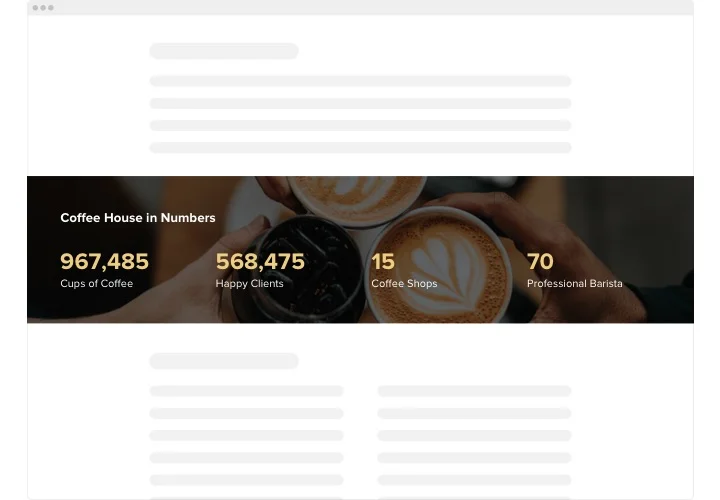
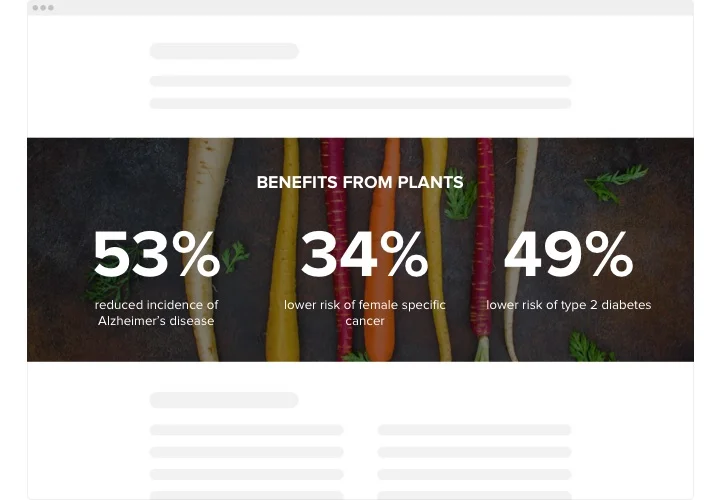
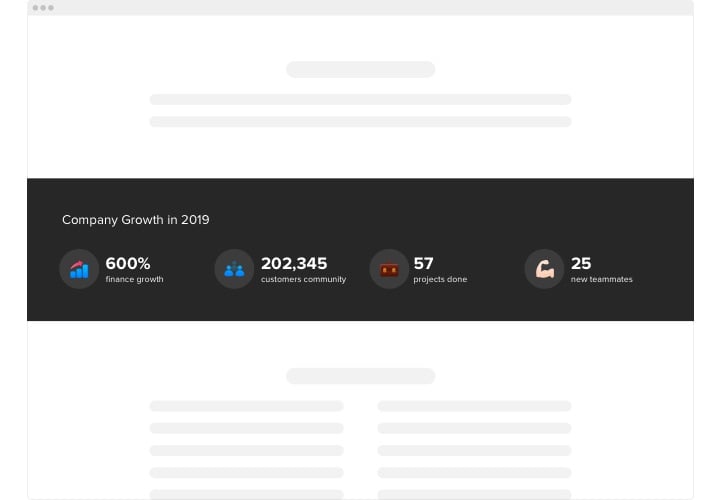
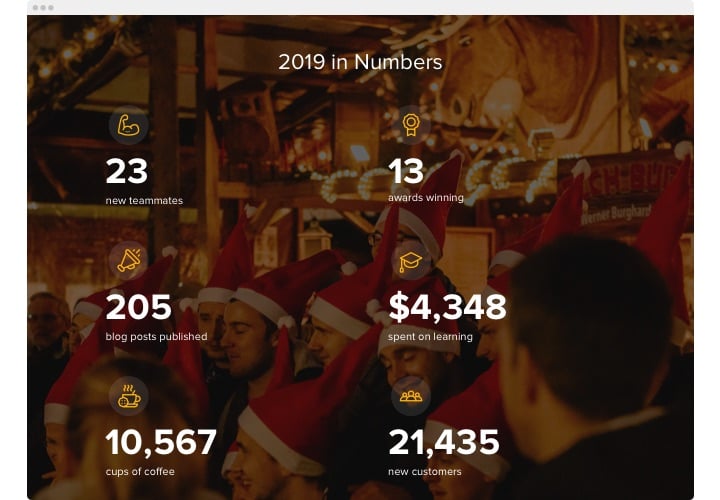
Elfsight Number Counter is an easy to work with widget for Elementor with a wide array of options. It is good for showcasing your splendid business stats, the quantity of works done so far and many more. The plugin is extremely customizable. You are free to add any number of counters, set them up in columns, select icons from our library or upload your own, make them colorful or monocolor, attach captions to equip your users with readily understandable data, recolor any element, choose the background image, and that’s not even the half. Start shaping your feature now and see your main business stats grow rapidly!

Expose your impressive attainments to your future purchasers. Get more successful sales and leads!

Study the list of the most powerful features:

  • Any number of counters.
  • Unlimited amount of columns.
  • Adjoin titles, headlines, prefixes and postfixes.
  • Decide on the icon category – take it from our library or upload your customized.
  • Embed links.

You can feel how the widget works using the demo

How can I add Number Counter into my Elementor site?

Simply take these steps described below to integrate the widget.

  1. Open our free editor and start building your customized widget.
    Choose the selected form and functionality of the plugin and save the modifications.
  2. Get your personal code which is shown in the box on Elfsight Apps.
    After the creation of your personal plugin is complete, copy the individual code in the emerged popup and keep it for later usage.
  3. Enter on using the widget on Elementor website.
    Integrate the code you’ve saved recently into your web page and save the improvements.
  4. You’re done! The integration is fully ended.
    Visit your web page to take a look at how’s the widget operating.

In case you encounter any problems, feel free to address our support team. Our specialists are longing to help you with all the questions you might have with the widget.

Can I use the Number Counter inside Elementor templates?

Yes, you can place the Elfsight widget in any Elementor section, column, header, footer, or template, and it will display across dynamic pages.

Do I need Elementor Pro to add the Number Counter widget?

You can embed the counter using Elementor Free with the HTML widget, while some advanced layout controls may require Elementor Pro.

Can I set custom prefixes or suffixes for each counter?

Yes, in the editor you can define unique prefixes or postfixes for every number, such as %, $, +, or custom measurement labels.

Is it possible to assign different icons to each counter in Elementor?

Yes, you can choose icons from the built-in collection or upload your own images to visually highlight each statistic.

Can the Number Counter pull live values from an external source?

Yes, using the External URL option, you can connect a JSON endpoint to display real-time data.

Can counters begin from a custom starting value?

Yes, when working with dynamic JSON data, you can specify a startValue so the animation starts from any number you choose.

Will multiple counters slow down my Elementor page?

No, the counter runs through cloud infrastructure, so performance remains stable even if you add many counters to one page.

Can I make individual counters clickable?

Yes, each counter item can include its own link, directing visitors to a landing page, product, or detailed section.

Can counters link to external pages or social media profiles?

With Elfsight, you can assign a custom URL to every counter, whether it leads to a campaign page, service details, or social account.

Can I adjust alignment of numbers and icons in Elementor?

You can customize alignment for numbers, headings, and icons, choosing left, center, or right to match your design.

Does the Number Counter support multilingual websites?

Yes, built-in language settings allow template text to adapt automatically based on your selected localization.

Pricing

14-day money back guarantee. Risk-free, you can cancel at anytime.
Elfsight Apps
Cross-platform software that suits for any site
from $0 / month
start with free plan
Unlimited websites
Premium company support and well documented
Charge-free installation assistance
Special deal for multiple apps
Fully customizable