
Wix Instagram Feed app

Create your Instagram Feed app
Screenshots




Why People Love Elfsight
At Elfsight, we believe your social media presence deserves more than being hidden away on an app. That’s why we built an Instagram plugin – a simple yet powerful way to bring your posts, reels, and hashtags straight onto your website.
The best part? You don’t need to touch a single line of code. Elfsight works even if you’ve never set up a widget before. It’s copy-paste easy. Just connect your account, pick a layout, and your feed is live. Think of it like snapping a puzzle piece into place – suddenly everything just fits.
Did you know?
According to Statista, Instagram has over 2 billion monthly active users worldwide.
That’s a huge audience, so connect your Instagram feed to Wix using Elfsight and keep that connection alive right on your website.
Key Features of the Wix Instagram Feed Widget
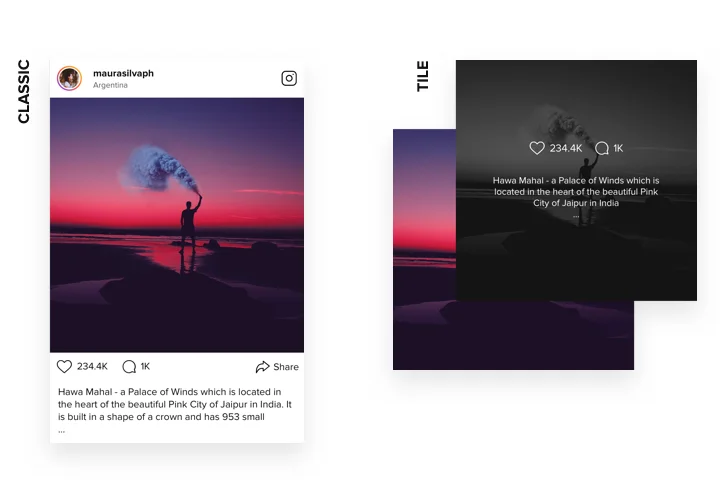
- Different display options: Show your Instagram as a grid, slider, or masonry feed – pick the look that suits your brand best.
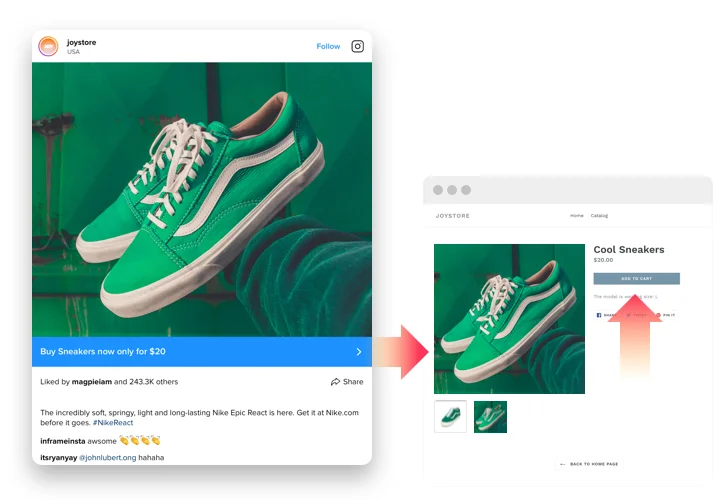
- Highlight what matters: Display posts by account, hashtag, or even a mix of both. Great for campaign hashtags or user-generated content.
- Customizable design: Adjust fonts, colors, spacing, and more so your feed feels like a natural extension of your website.
- Moderation and filters: Hide posts you don’t want, show only what fits your brand vibe, or set up automatic filtering rules.
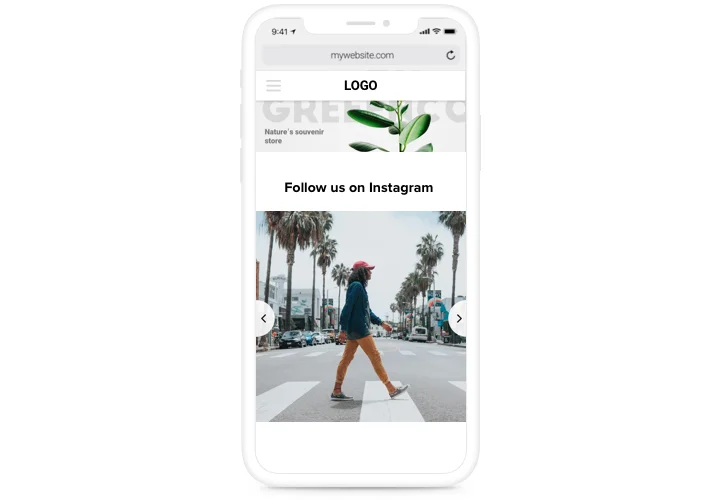
- Responsive by default: From desktop screens to pocket-sized phones, your feed adapts automatically for the best viewing experience.
- Beginner-friendly setup: If you can drag and drop, you can handle this widget. Installation takes just a few clicks.
Try every option in the live editor for free – no account needed.
How to Add the Instagram Feed to Wix
So, how to embed an Instagram feed on Wix without the headaches? Here’s a step-by-step for both inline and floating setups.
Method 1: Inline Feed
Perfect for embedding your posts right inside a page – like your homepage or portfolio.
- Select a Template: Open the Elfsight editor and choose a template you like.
- Personalize the Widget: Customize your feed with layout, colors, and filters.
- Generate the Code: Click “Add to website” and copy the code.
- Embed on Your Website: In your Wix editor, add an Embed Code block and paste the snippet. Save and publish – done.
Method 2: Floating Feed
This one sticks around while visitors scroll – like a little window into your Instagram.
- Choose a Template: Pick a floating layout in the editor, such as a sidebar or bottom panel.
- Customize the Design: Adjust the size and position to match your design.
- Generate the Code: Copy the code snippet.
- Embed on Wix: Paste it into your Wix dashboard using the Embed option, just before the closing
</body>tag.
Need more details? Check our Help Center, or explore our blog article on how to add an Instagram Feed on your Wix website. Join the conversation in the Community Forum, drop your ideas into our Wishlist, or follow updates in the Changelog.