Welcome, Hunter! 👋 Enjoy 50% OFF annual plans with code PRODUCTHUNT — limited time ⏳
50% OFF annual plans — code PRODUCTHUNT

Webflow Instagram widget

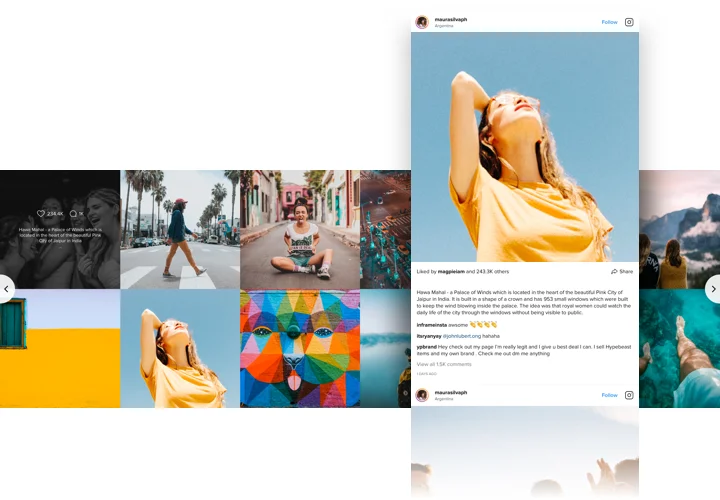
Show Instagram photos, videos, and reels on your Webflow website to boost visual appeal and give visitors the social proof they need to trust your brand.
4.8 rating
10,000+ reviews
Free plan available
Create Widget for Free
No credit card needed
Webflow Instagram widget

Create your Instagram Feed widget

Connect your widget and display it on your Webflow website for free!

Screenshots

Webflow Instagram widget
1 / 7

Instagram Feed Integration for Webflow

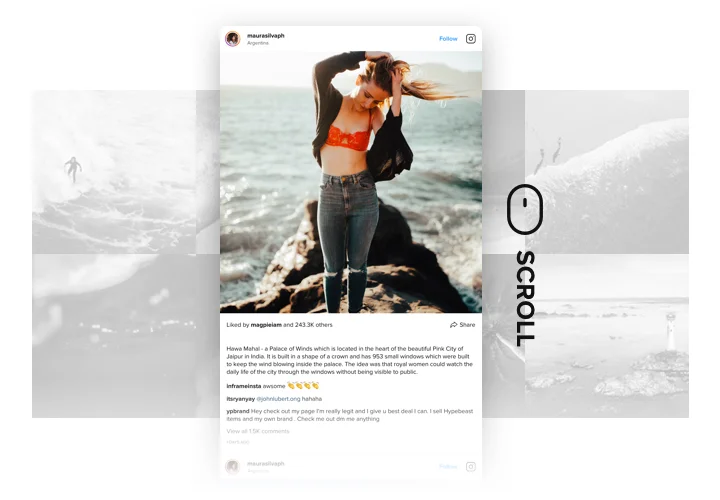
Want to feature dynamic social media content on your Webflow website? The Instagram Feed widget for Webflow makes it easy to display your posts, profiles, or hashtag feeds directly on your website. Designed for effortless Webflow integration, this widget requires no coding and offers powerful customization options, letting you personalize it to match your site’s design. Whether you’re showcasing your latest posts or curated content, it’s a great way to enhance your site’s appeal and engagement.

Increase engagement and build social proof with Webflow Instagram widget!

Instagram Feed Widget Features

  • Filters and moderation. Control your feed by including or excluding specific hashtags, users, or posts. This helps you manage both the content and the appearance of your feed to suit your brand.
  • Advanced design and customization. Customize your layout, color palette, and even specific elements to match your website’s style. Enable or disable various features to create a personalized look.
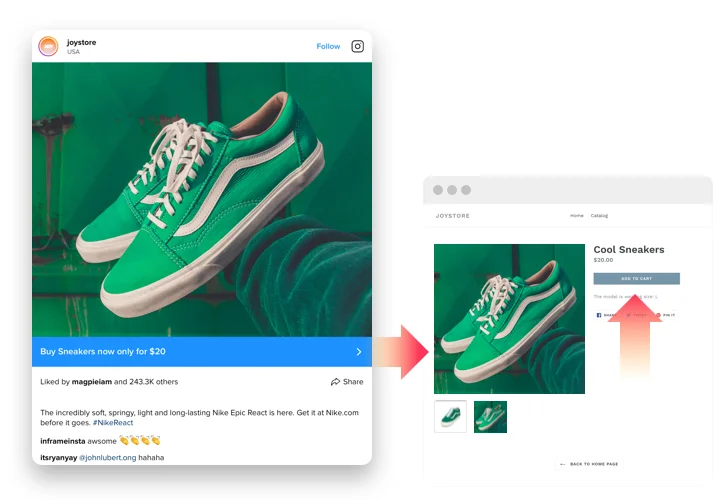
  • CTA buttons for posts. Add customizable Call-To-Action buttons to any post in the feed. Direct users to product pages, blogs, or other links with ease.
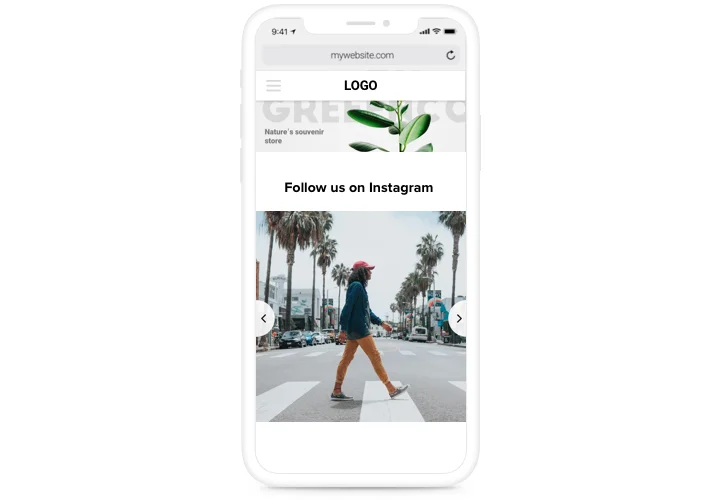
  • Responsive design The Webflow Instagram widget is fully responsive, ensuring that your feed looks great and functions flawlessly on any device.
  • Real-time updates. Benefit from automated updates of your content with no need to refresh or wait, guaranteeing that your feed is always up-to-date and engaging.

Explore the user-friendly editor to see the widget in action

How to embed Instagram Feed on Webflow

Meet Official Tutorial by Weblow Team

Here’s a quick and easy guide to adding the widget to your Webflow website. It takes only a few minutes and requires no coding skills.

  1. Create your personal Instagram Feed widget
    Begin with choosing a template in the editor. Connect your Instagram profile or desired hashtags, and adjust the widget settings to match your design preferences.
  2. Get your personal code to embed the widget
    After customizing your widget, you’ll receive a unique HTML code in your dashboard. Copy the code, which contains all your widget settings.
  3. Display the widget on your Webflow site
    Choose where you’d like the widget to appear on your website and paste the code into those sections. Save your changes, and you’re done!

That’s it! Now you can see how the Webflow Instagram integration enhances your website with beautiful, live content.

Having trouble or need more guidance? Read our guide on how to add the Instagram feed to your website.

Which Webflow plans support adding the Instagram Feed widget?

Webflow CMS, Business, and Ecommerce plans support custom JavaScript embeds, so you can easily add the Instagram Feed to your website.

Do I need a Business or personal Instagram account?

You can use a public personal profile. Private ones must be converted to Business or Creator mode to connect properly. Private profiles won’t display posts unless connected through the Business API.

Which Instagram sources can I show on my Webflow website?

Display feeds by username or hashtag. For tagged content or posts where your profile is mentioned, try the Elfsight Social Feed.

Can I mix accounts and hashtags in one feed?

Yes, up to five different sources can be combined in one widget, including multiple usernames, multiple hashtags, or any combination of accounts and hashtags together.

Does the Instagram Feed support all post types?

Yes, with Elfsight you can display photos, videos, Reels, and carousel posts, so all modern Instagram content will work seamlessly on your Webflow pages.

What filtering options are available for Instagram posts?

You can include or exclude posts by keywords, hashtags, or specific post URLs using the built-in Show and Hide filters.

How frequently does the Instagram Feed update on Webflow?

The feed updates automatically about every 48 hours. Cached loading keeps pages fast while new posts appear after each refresh cycle.

Instagram Feed Template Catalog

Choose from our ready-to-use widget templates to use as is, or customize them to suit your style.
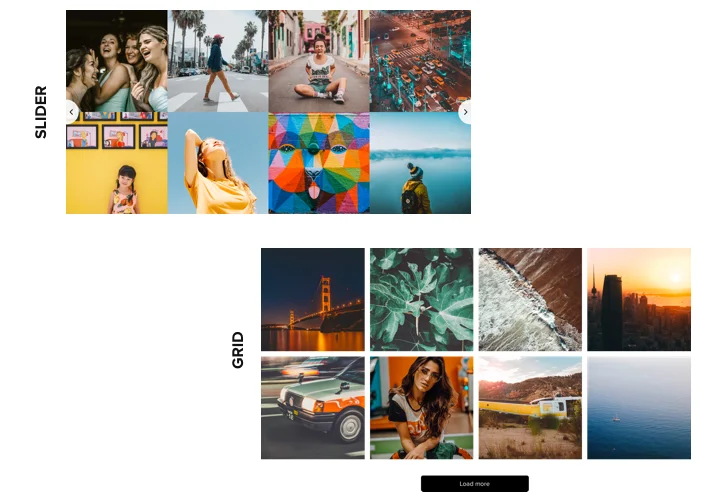
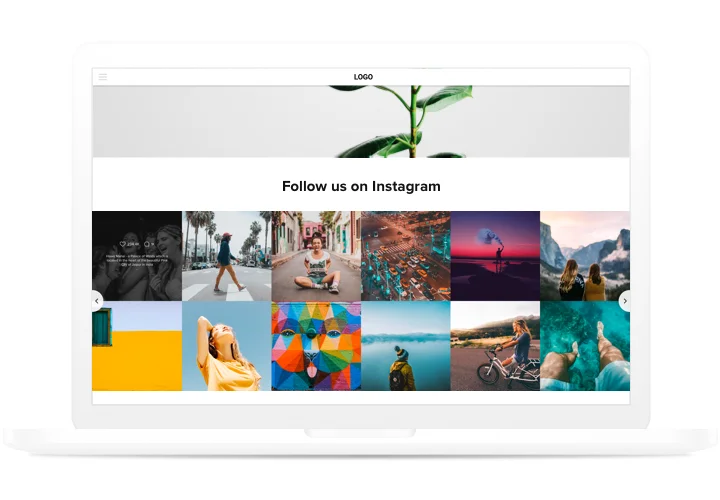
Embed a customizable grid of the Instagram feed on your website to enhance your website's visual appeal and raise brand awareness.
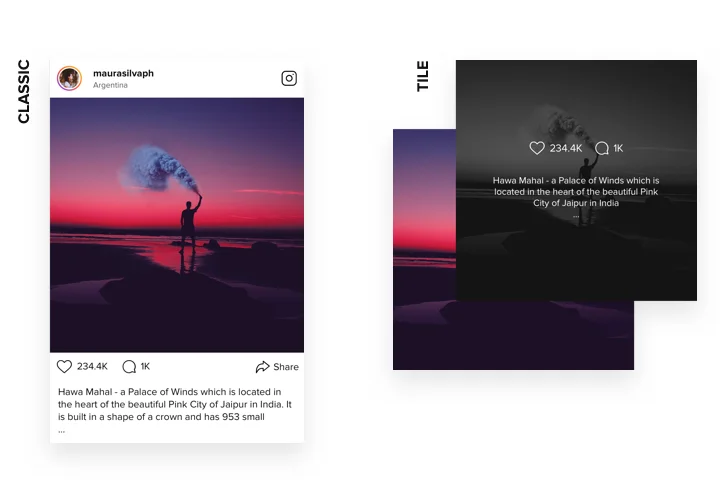
Embed an Instagram feed with profile details to highlight the legitimacy of your brand.
Embed a sleek and fully functional slider to display your trendy Instagram feed.

Pricing

14-day money back guarantee. Risk-free, you can cancel at anytime.
Webflow widget
Platform-independent digital solution that works on any site
from $0 / month
start with free plan
Unlimited domains
Fast customer support
Charge-free installation support
Special offer for multiple apps
Fully customizable