
WordPress Countdown Timer plugin
Create your Countdown Timer plugin
Screenshots
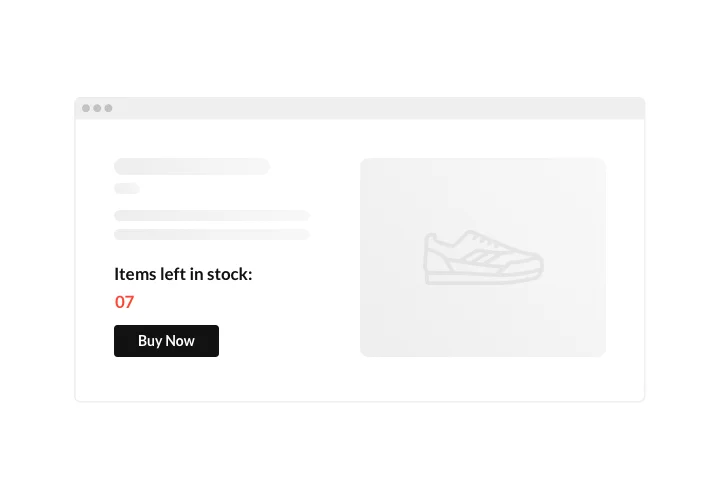


Embed Countdown Timer on WordPress with the Elfsight widget
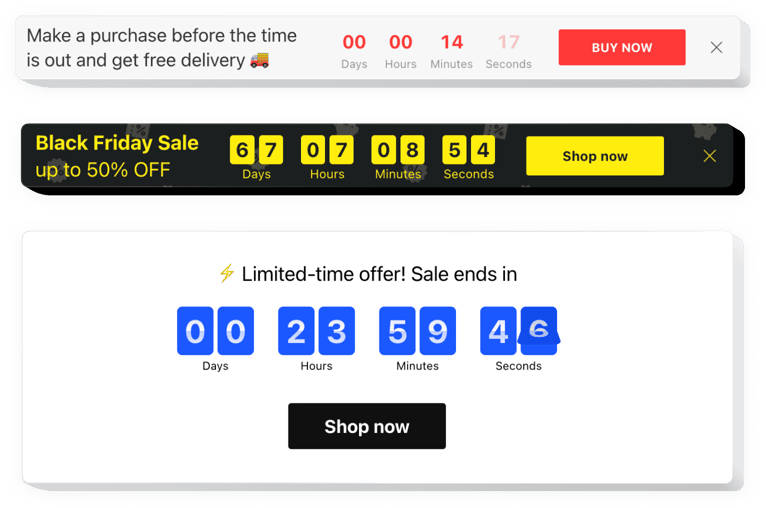
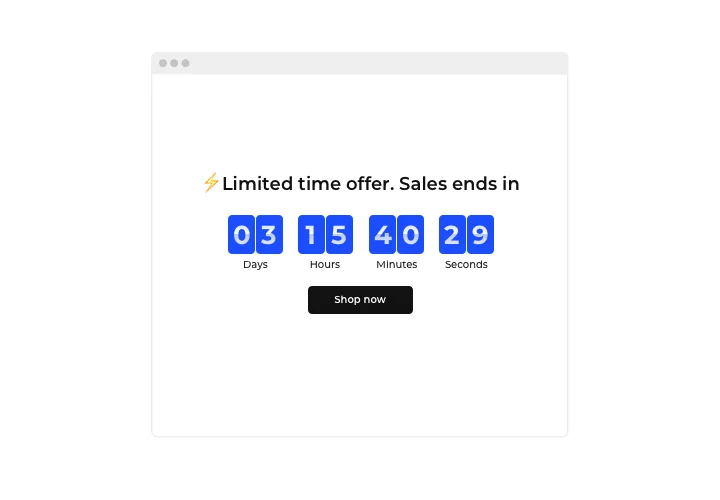
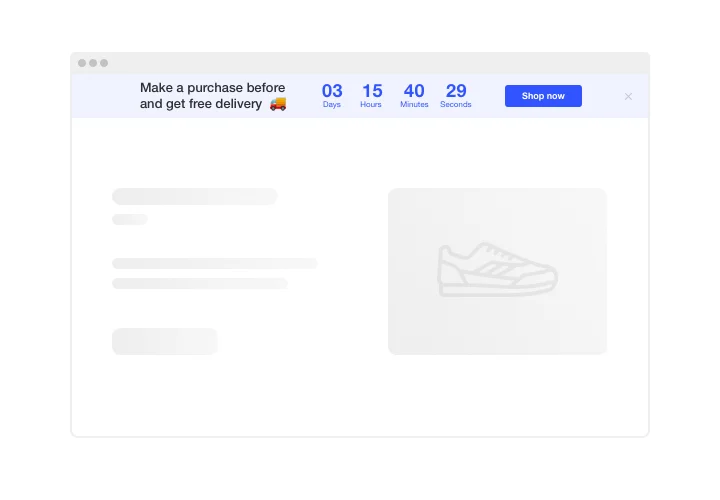
Use Elfsight Countdown plugin to create all possible kinds of counts and timers that push visitors to shop. Stock or sales count will bring a feeling of scarcity and competition; sale countdown will stimulate shoppers to purchase before they miss low prices. A personal countdown will encourage each person to use a personal deal faster; holiday sale banners will attract attention thanks to theme design.
Make your events and sales unmissable and draw more purchases.
Encourage customers to buy by setting a feeling of urgency.
Make your audience sense a fear of losing your low prices time and sale showing time ticking down to the end of it. It will make audience purchase quicker and lift sales on your website.
Show a decreasing stock of your items and convince users to buy.
Demonstrate that your items are being sold out quickly and becoming scarce, with a special stock count. It will make audience value the items higher and become eager to have them too.
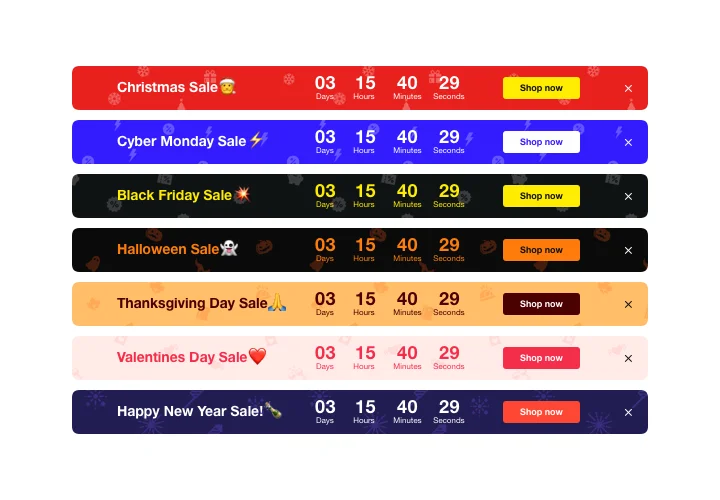
Attract more attention to your sale period using a special holiday-style countdown bar.
With eye-catching theme bars, you can demonstrate your seasonal offers and sales and reach more audience. Use holiday time to the maximum to level up sales on your website.
Main features of the Countdown Timer widget
The most Important features of our Countdown, which turn it into the perfect WordPress plugin:
- Option to set start and finish date and time;
- Option to set button link for redirection;
- Editable time unit labels;
- 5 timer styles included;
- Responsive interface with automated adapting to the screen size.
How to embed Countdown Timer to WordPress website
The embedding procedure of our WordPress countdown widget is straightforward and clear for any user. Simply follow several steps presented below to activate the widget on WordPress.
- Open our free editor and start building your custom instrument.
Find the preferable layout and features of the plugin and save the modifications. - Copy the unique code which appears in the box on Elfsight Apps.
When the creation of your personal Countdown Timer plugin is done, copy the exclusive code from the emerged window and save it for later usage. - Enter on using the tool on WordPress website.
Integrate the code you’ve saved recently in your website and apply the adjustments. - You’re done! The setup is successfully accomplished.
Visit your page to see the performance of the plugin.
Having difficulties or questions while following the tutorial or setting a customized plugin? Leave a request at Help Center and support team will be pleased to help you in shaping and inserting plugin on your website. We will be glad to consult you on adding the Countdown Timer plugin to a desired website and its pages. Also, we can find more solutions to empower your sales platform or blog. Or check our guide on adding countdowns to WordPress.
Does the Countdown Timer plugin work with WordPress themes and builders?
Do I need a specific WordPress plan to install the Timer plugin?
Can the Countdown Timer count up instead of down?
How do I schedule a delayed start in WordPress?
What happens when the timer reaches zero?
Does the plugin support fixed time zones for WordPress visitors?
Can the countdown repeat automatically?
What is a Personal Countdown?
Are seasonal themes available for the Timer in WordPress?
What button actions can I add to the Countdown?
Can I track timer interactions in Google Analytics?
Countdown Timer Template Catalog


