
Wix Facebook Messenger app
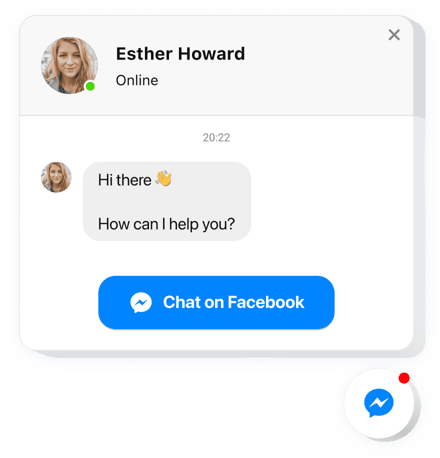
Create your Facebook Chat app
Screenshots
Description
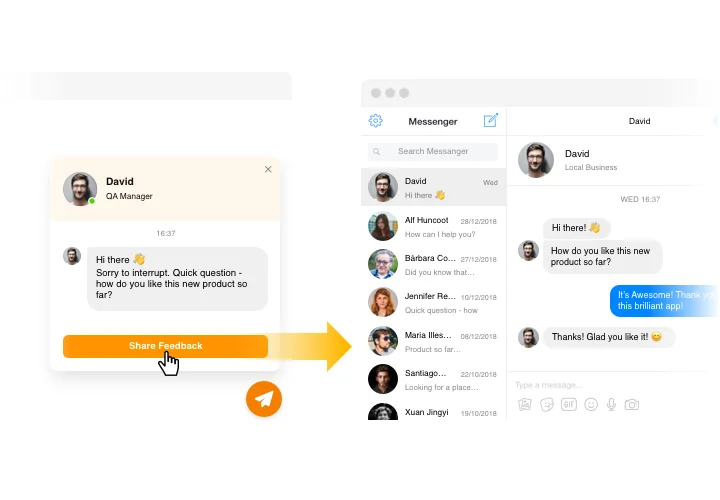
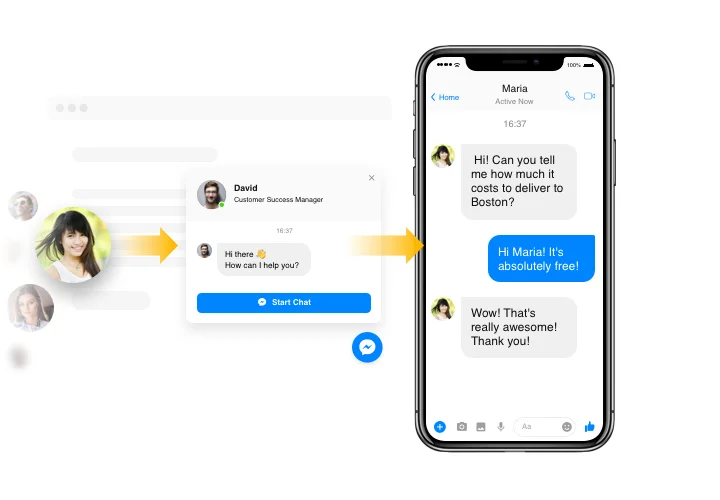
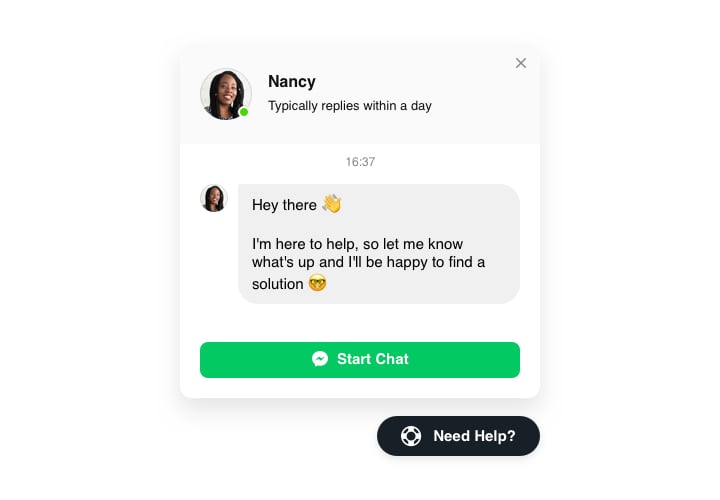
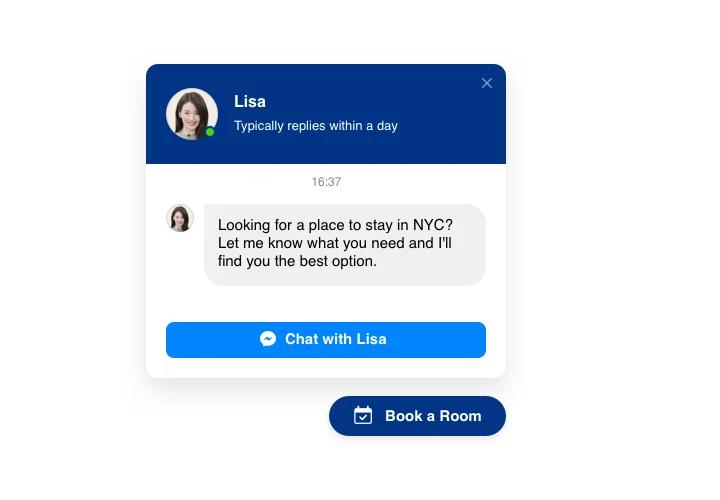
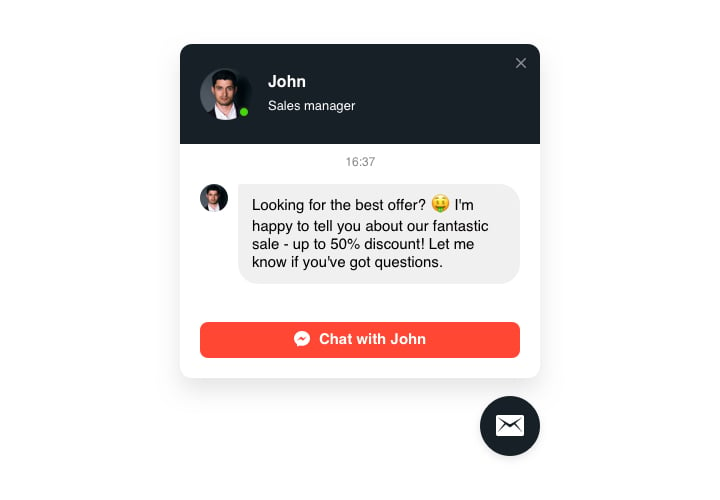
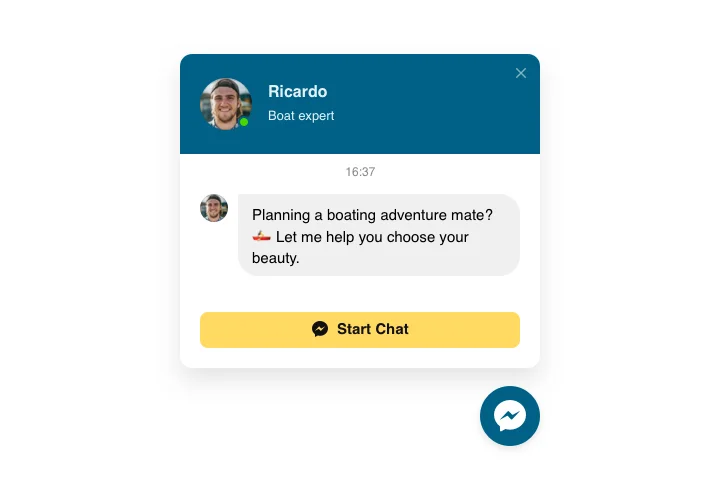
Facebook Chat Box developed by Elfsight is a simple method for your website audience to reach you and hear answers to their questions and requests. Now you are available for users in their most beloved messenger wherever you are. Paste Live Chat on your website and let it appear on chosen pages or for a certain types of visitors, create start-chat triggers, create your personal welcome message, select icons and apply other personalization. Having Facebook messenger on your website, you will remain connected to your audience at all times and regardless of your place.
Features
In order to form a full knowledge of the widget, check the list of its essential features. They make the widget incredibly efficient for you:
- Insert Facebook messenger on your web page to stay always available for your audience;
- Provide answers directly from your Facebook account;
- Use three types of chat layout: floating bubble, embed bubble, and embed chat window;
- Explore a collection of bubble icons to select from;
- Editable bubble text.
Learn how to add the Facebook Chat to your Wix website. It is fast
To publish messenger on your website, you only need to take a couple of simple steps.
- Construct your own app
With the help of our free editor, create a plugin with a preferred design and functionality. - Copy the individual code to integrate the plugin
After you have configured your widget, you will obtain the unique code from the popup window on Elfsight Apps. Copy the code for future use. - Publish the plugin on your website
Find the place where you plan to place the plugin and add the copied code there. Apply the edits. - You’re done!
Enter your website, to take a look at your Chat.
Still doubt something? Or having problems? Simply write a request to our support team, they will do their best about your any issue.
