
HTML Booking Reviews widget
Create your Booking Reviews widget
Screenshots
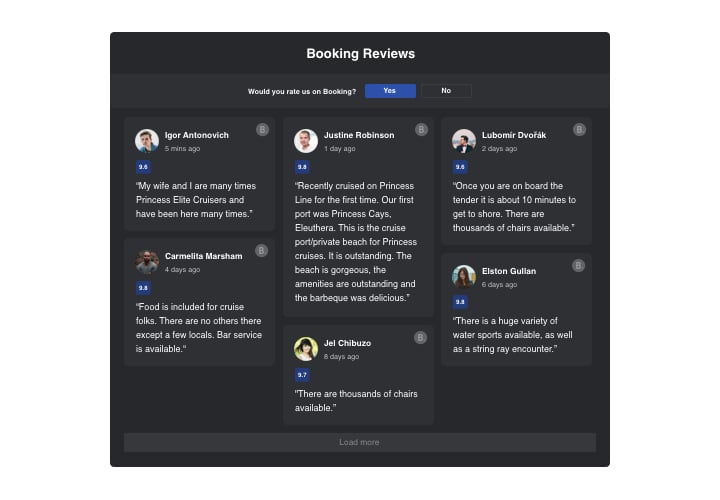
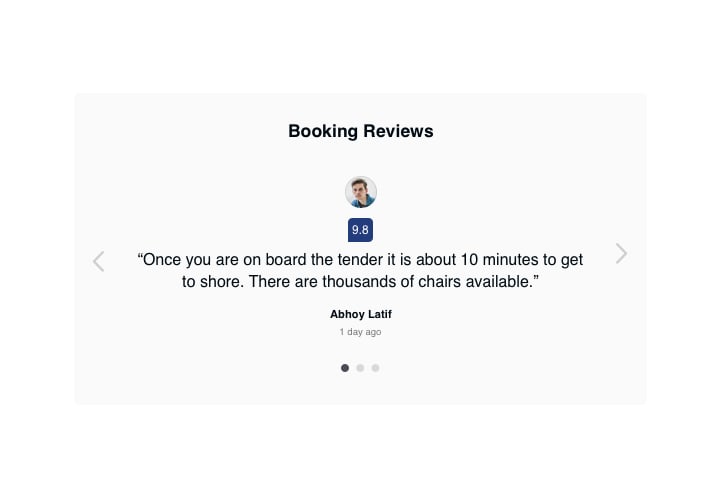
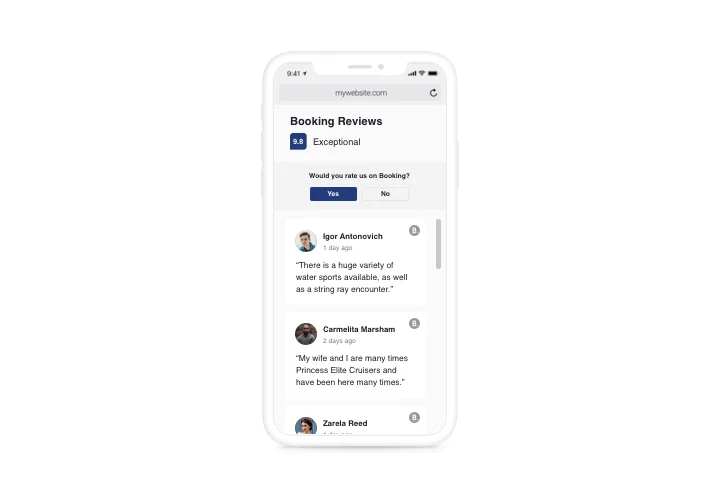
Description
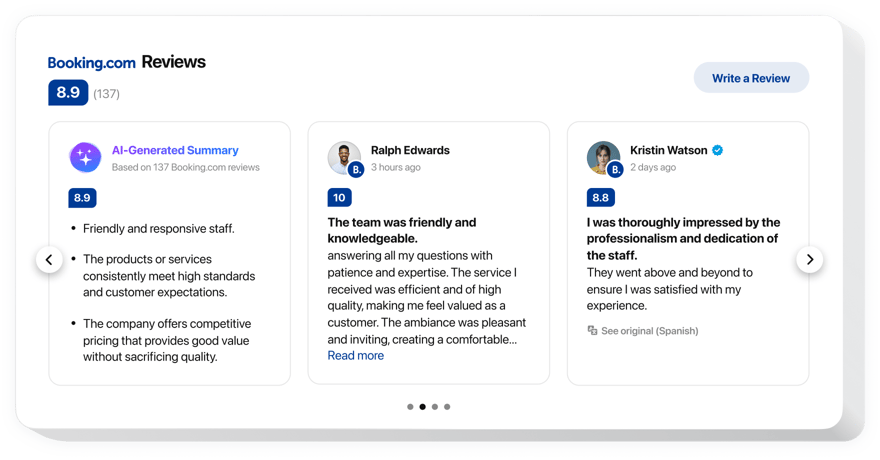
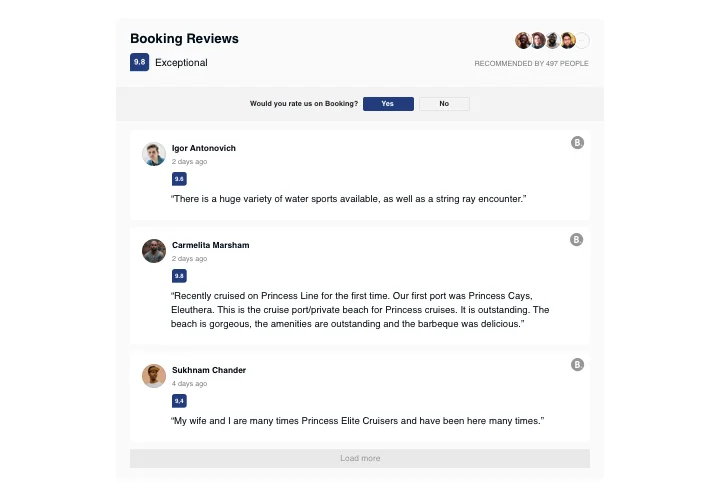
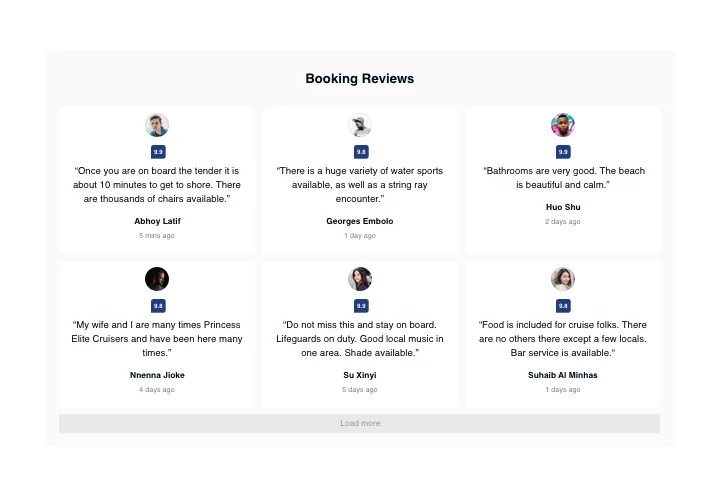
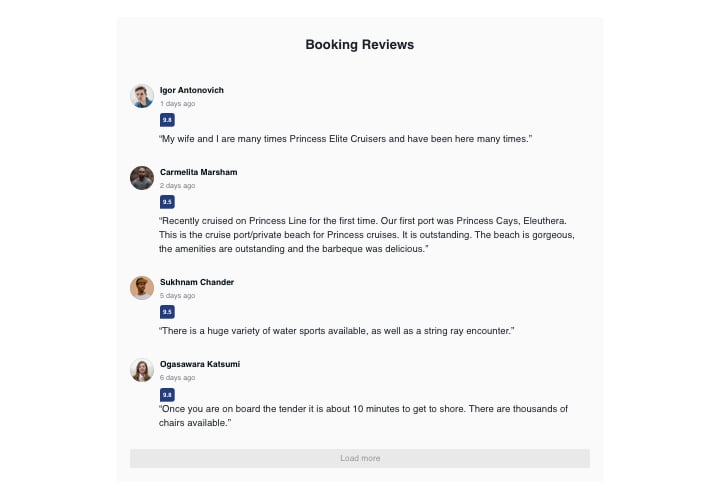
If you need to boast your appreciation among clients and convince website visitors that your products or services are worth buying, Elfsight Booking Reviews will be the right choice. With the help of this widget, you will be able to demonstrate customer reviews from Booking on your website with information about their authors, use filters to show only good ones, add ratings and an active button that will take people to your Booking account, where they can add a fresh review.
Features
To have a better knowledge of the widget, see the list of its essential features. They make this widget incredibly efficient for you:
- 4 variants of layouts: List, Grid, Masonry, and Slider;
- An opportunity to control displaying the header of the widget;
- Two variants of scenarios after review request refusal: show a custom message or hide away the button.
Discover how to integrate the Booking Reviews in your HTML website
The below steps are the only thing you need to do.
- Design your personal Booking Reviews plugin
In our free configurator, set up a plugin with a selected layout and other features. - Copy the personal code to integrate the plugin
After you have set your widget, you will acquire the unique code from the appearing window on Elfsight Apps. Copy it for further use. - Publish the plugin on your HTML website
Chose the area you where want to integrate the plugin and insert the saved code there. Apply the changes. - Installation is finished
Go to the page with the widget, to view it.
Still have doubts or queries? Simply send a request to our support team. We will resolve any issue.