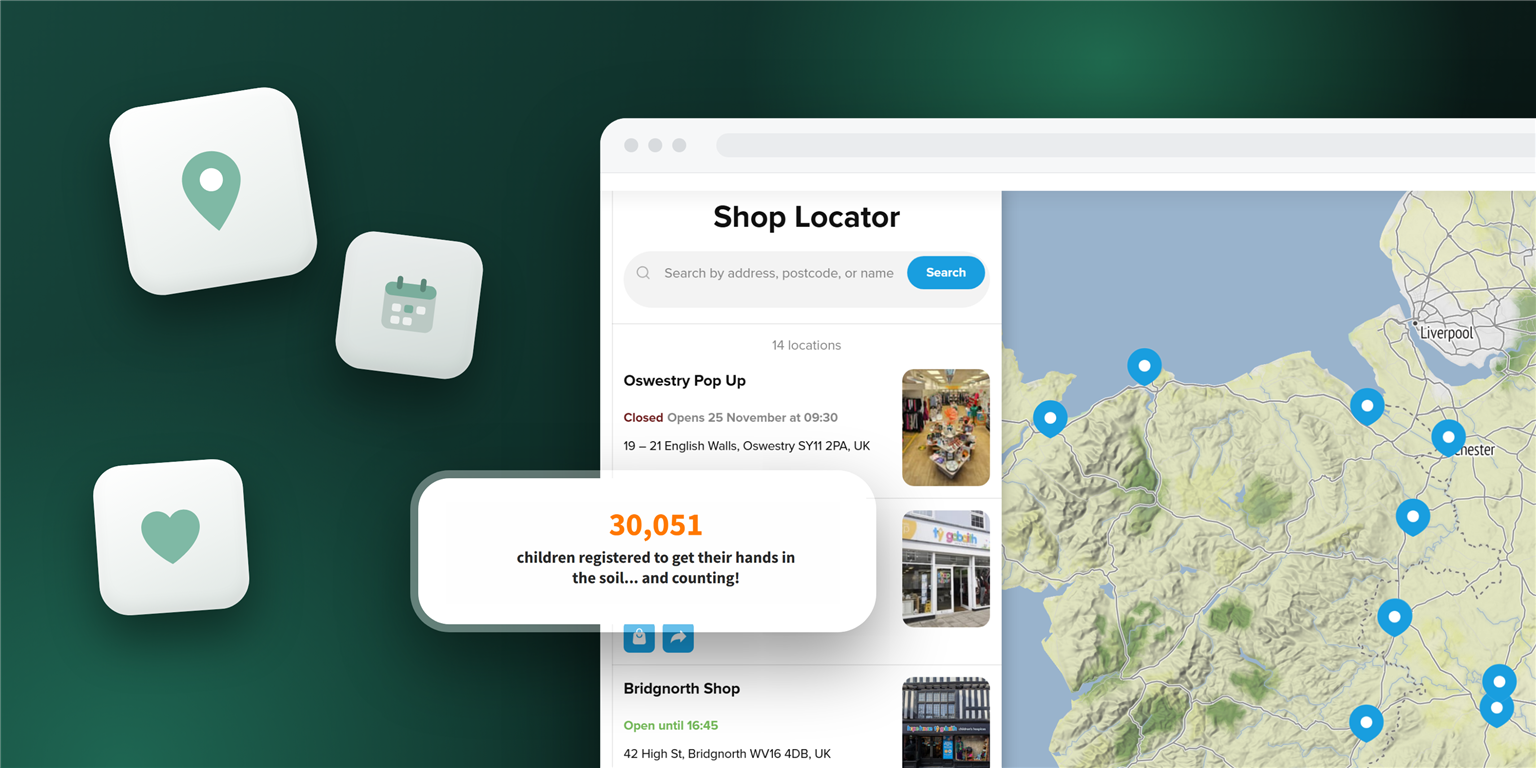
There are plenty of lists of the best nonprofit websites, and many come from design agencies. They judge branding and storytelling, which helps if you’re planning a redesign. If you already have a working website, you may want to look at smaller things.
We went through more than 300 nonprofit sites and picked the ones that stood out. Each of the nonprofit website examples below shows one part of a site doing one job for its visitors. A blood center maps its donor locations, for example, and a summer camp collects interest through a form.
All of these organizations use Elfsight widgets, which is how we found them. The ideas would work with other tools too.
- What a good nonprofit website helps people do
- How to show locations and events so people can find the nearest one
- How to write a form that says what happens next
- How nonprofits show their work with photos and numbers
- How to add these features to a site you already have
Nonprofit website examples at a glance
| Organization | What its site does well | Feature |
|---|---|---|
| New York Blood Center | Shows donor centers on a map | Store Locator |
| Hope House | Lists its shops with opening hours | Store Locator |
| Women’s Engineering Society | Maps events around the world | Store Locator |
| Special Olympics Malaysia | Puts weekly training on a calendar | Event Calendar |
| Camp Paradise Valley | Collects interest through a form | Form Builder |
| ONE | Shows a campaign in photos | Photo Gallery |
| The Country Trust | Counts who is taking part | Number Counter |
| Basic Rights Oregon | Turns its history into a timeline | Timeline |
| Vermont Public | Puts audio inside the story | Audio Player |
What makes a good nonprofit website
A good nonprofit website helps a visitor do what they came for. One person wants to give blood, and another wants to sign a child up for camp. If they can do that without hunting through menus, the site is working.
That’s also how to decide what a nonprofit website should include. Past the basics, the right features depend on why people visit. The organizations below handle these jobs:
- Helping people find them
- Bringing people to events and programs
- Making it easy to sign up
- Showing what their work has done
Help people find you
When supporters come to you in person, the first thing they need is the address. A line on the contact page covers one location. Once there are many, visitors need a way to find the closest.
New York Blood Center – a map of donor centers
New York Blood Center has donor centers across New York and New Jersey. Its Donor Center Locations page puts them in a scrolling list next to a map, with a pin for each one. Someone who knows the Brooklyn center can pick it from the list. A person new to the area can start from the map instead.
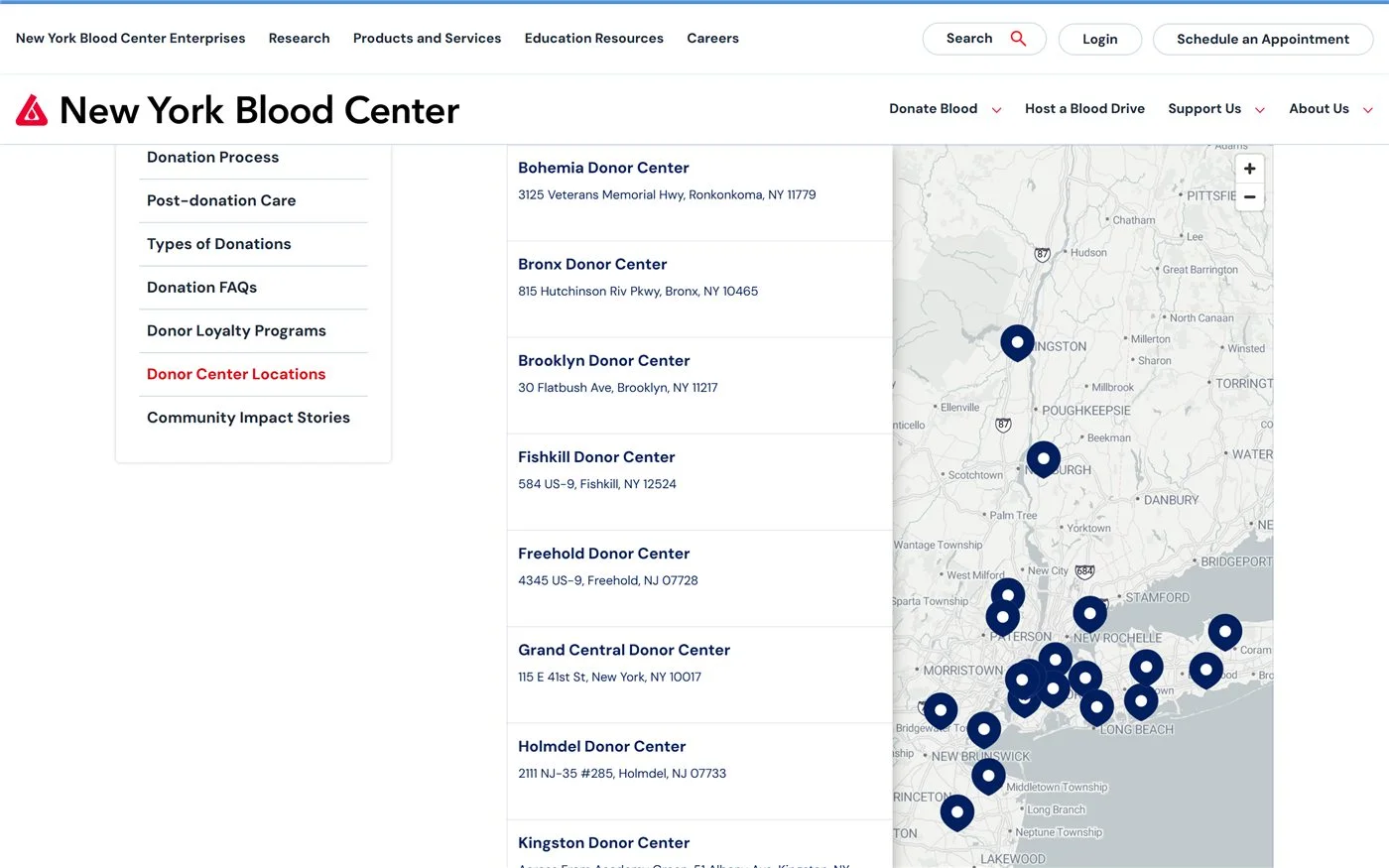
Worth copying: The list and the map show the same information, so visitors can use whichever suits them. The page is built with Elfsight’s Store Locator.
Hope House – a shop finder with opening hours
Hope House is a children’s hospice charity with shops across Shropshire, North Wales, Powys and Cheshire. Its shop locator tells you whether a shop is open right now. Each entry also gives the address and phone number, and a photo helps you recognize a shop you haven’t visited before.
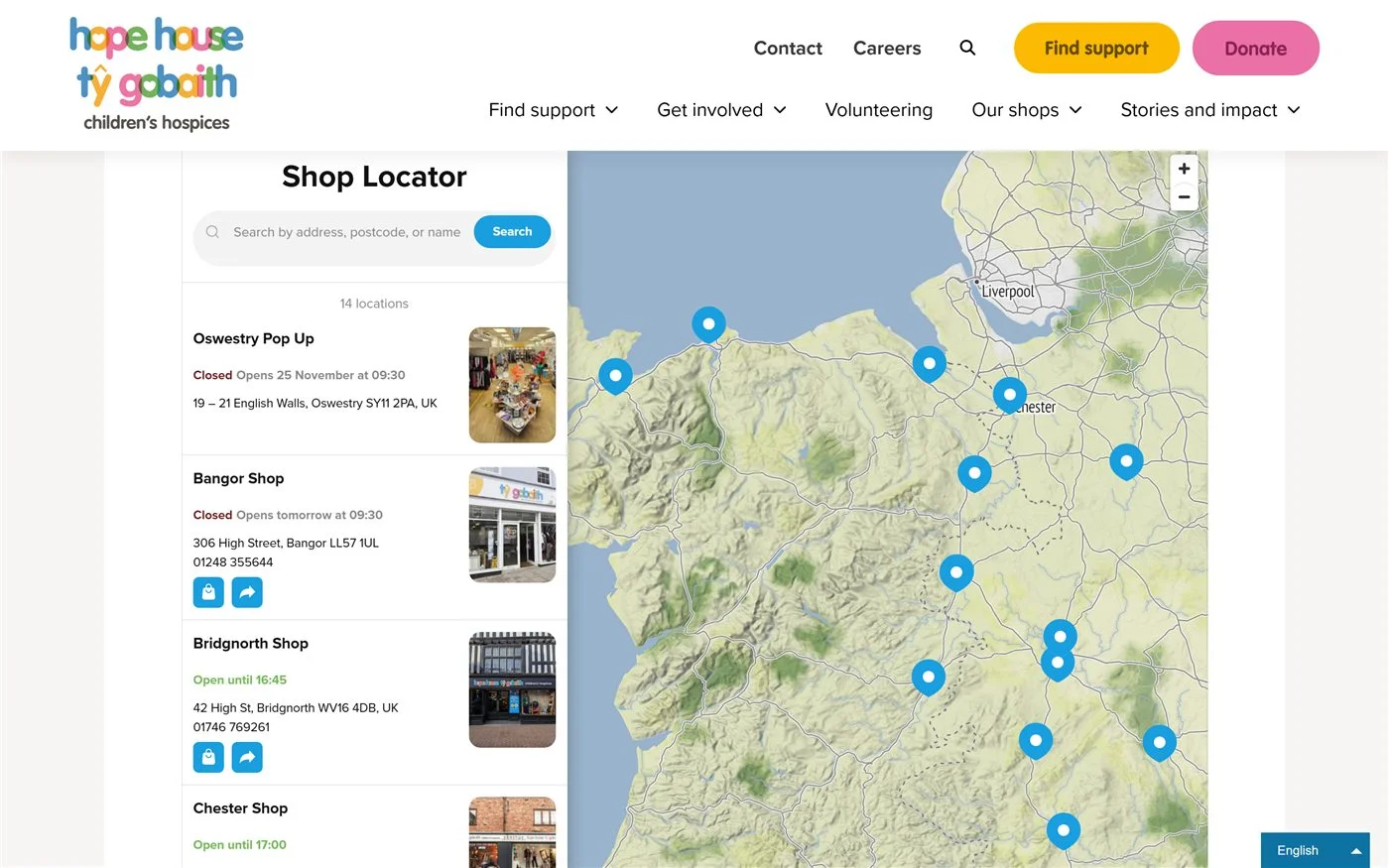
Worth copying: Opening hours beside each address save people a wasted trip. Hope House uses Store Locator too.
Bring people to events and programs
A page of past events makes a site look neglected. A map or a calendar gives everything one home that visitors can search.
Women’s Engineering Society – a world map of events
International Women in Engineering Day is marked by events in many countries, so one long list wouldn’t help much. On its INWED page, under the heading “Find your closest INWED event”, the Women’s Engineering Society shows them on a world map. Each entry links to the organizer’s own page, and visitors can search by postcode to see what’s nearby.
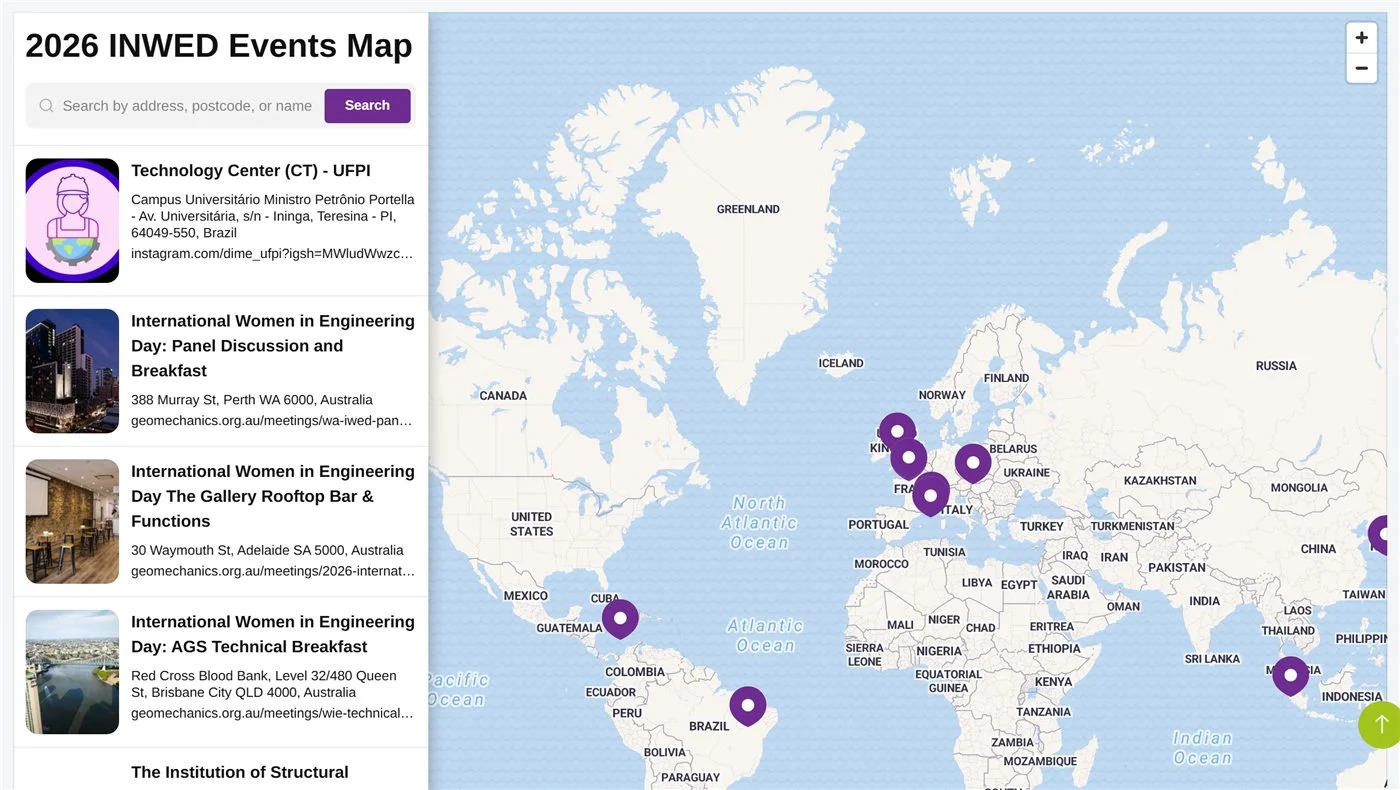
Worth copying: A locator works for anything with an address. The society uses Store Locator for events where others show shops.
Special Olympics Malaysia – a training schedule
Events pages tend to list one-off dates. Special Olympics Malaysia uses its Events page for something more regular: weekly training run by its state programs. Sabah, Perak and other states each get a card that opens with more information. A line above the schedule invites athletes and volunteer coaches to contact the program nearest them.
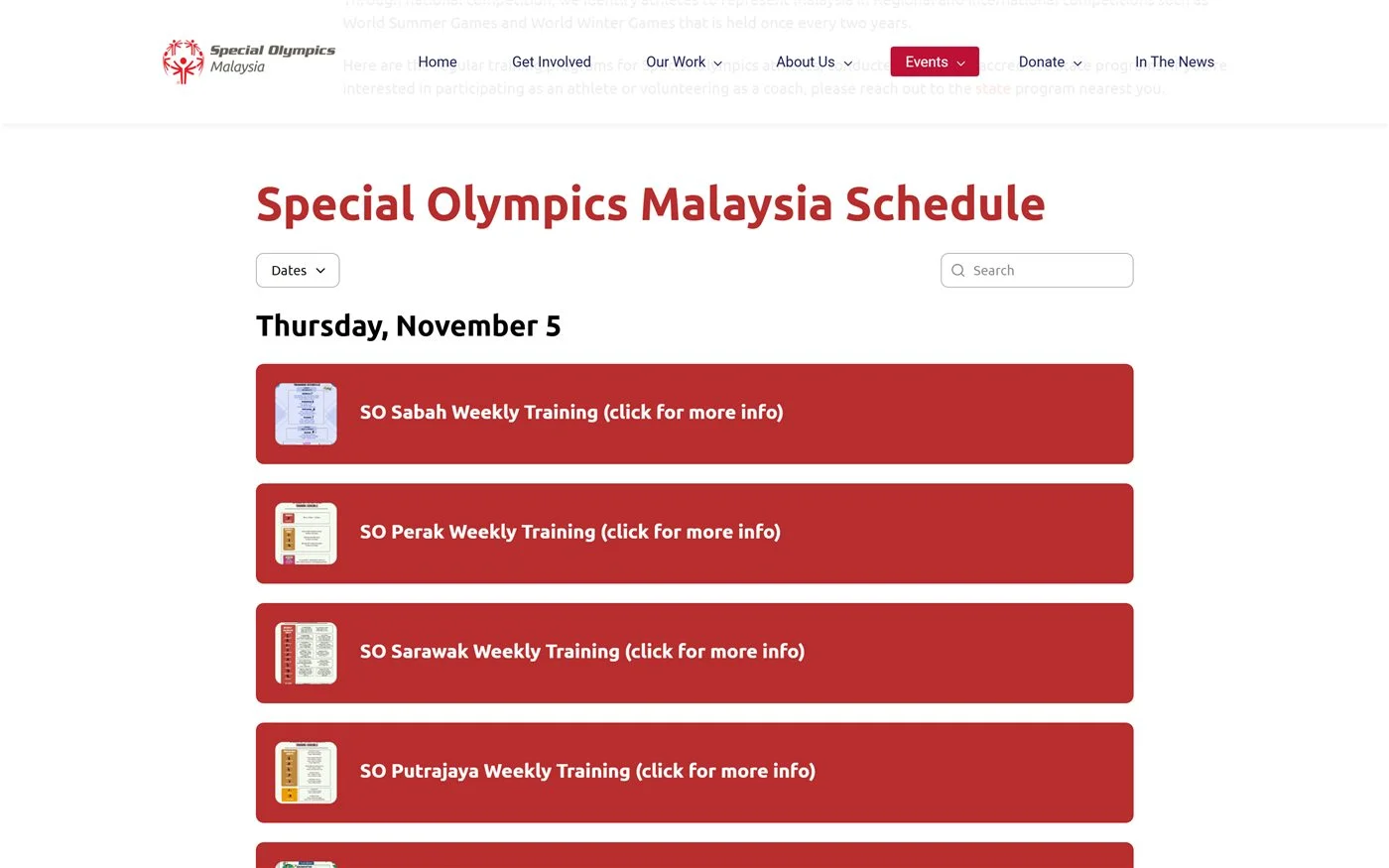
Worth copying: A weekly routine belongs on a calendar as much as a big event does. This schedule is an Event Calendar with search and a date filter.
Make it easy to sign up
A form catches someone while they’re still interested. The best ones ask for what your team needs and then explain what comes next.
Camp Paradise Valley – a summer camp interest form
Camp Paradise Valley is a Salvation Army camp in Burkesville, Kentucky, that has welcomed children since 1972. Its Summer Camp Interest Form asks parents for their contact details and their child’s name and age, then which programs they’d like. Above the fields, a short note says someone from the local Salvation Army unit will get in touch to help make arrangements. Parents can see who will contact them before they type anything. The form also picks up the page’s yellow, so it looks like part of the site.
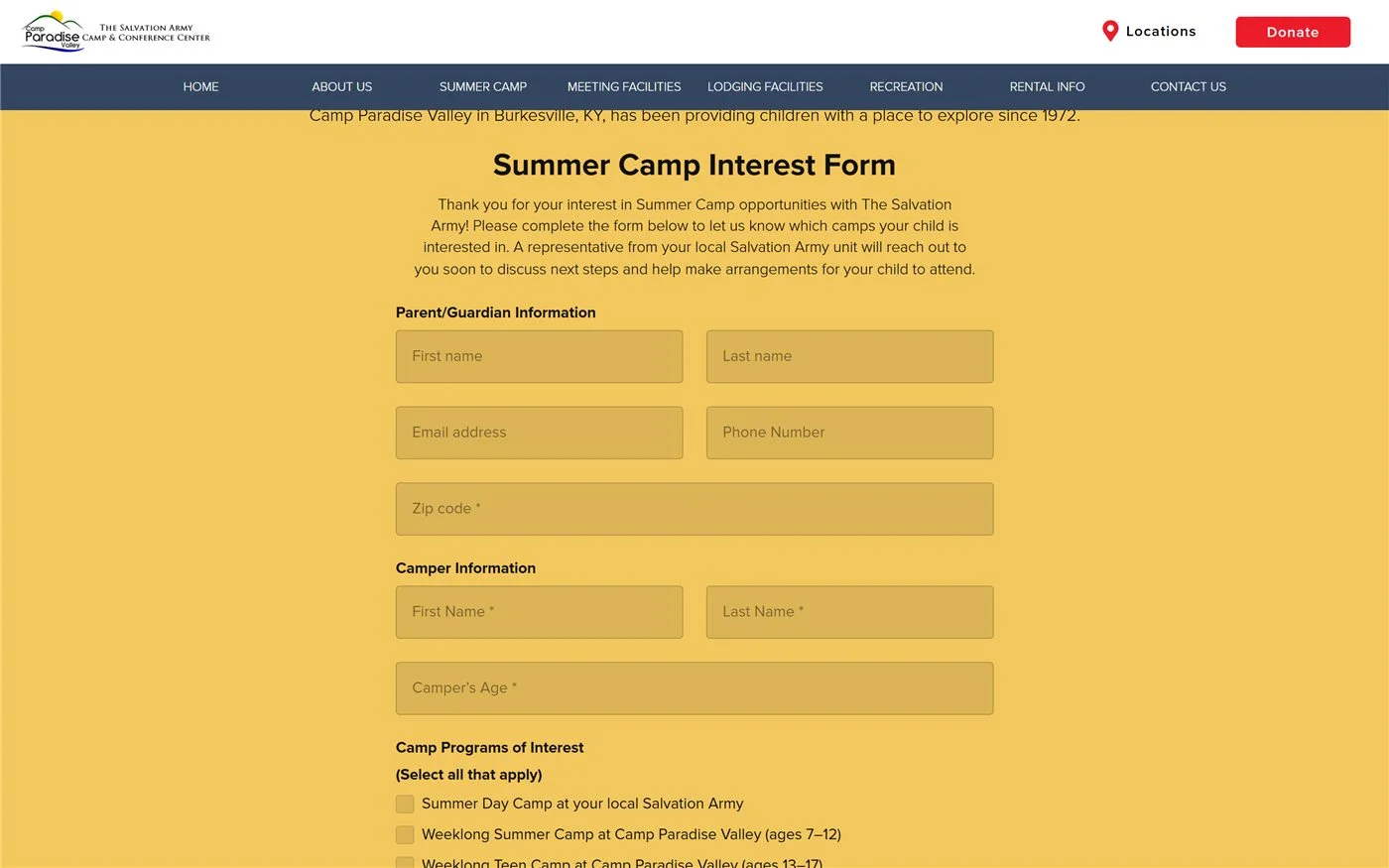
Worth copying: Add a sentence about what happens after someone submits. The camp’s form is made with Form Builder.
Show what your work has done
A paragraph can describe what an organization does. The examples here show it instead.
ONE – a campaign in photos
ONE took a giant birthday cake on a road trip around the UK as part of Born to Live, its campaign on child survival. The Thousand Mile Cake page has a map of the route, followed by a gallery from the trip. You see the cake on city streets, with passers-by stopping to look and writing messages of support. Anyone who missed it can still get a sense of the day.
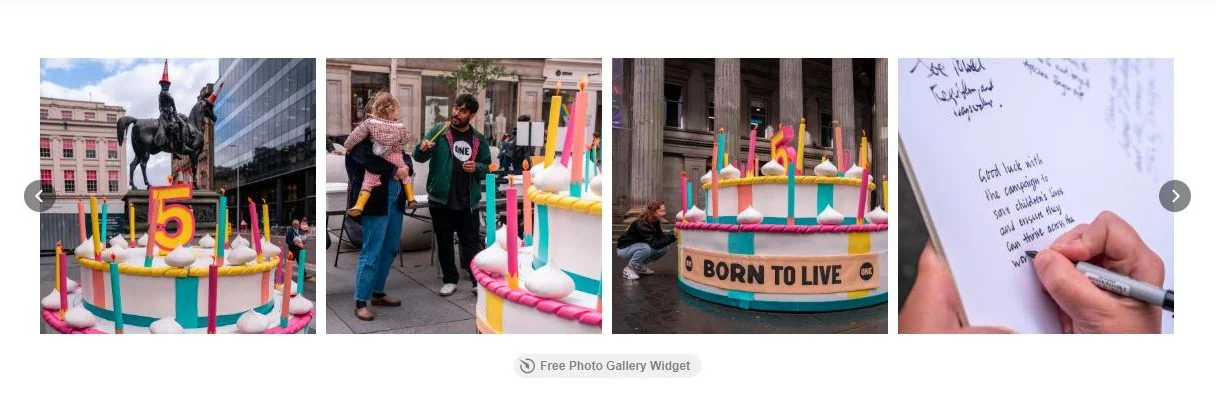
Worth copying: After an event, put the photos on the page where people read about it. ONE’s carousel is a Photo Gallery widget.
The Country Trust – a count of who’s taking part
Plant Your Pants is a campaign from The Country Trust, a UK charity. Children bury a pair of cotton underpants, wait eight weeks and see what’s left, which helps them connect with the natural world. Right under the header, the campaign page shows how many children and adults have registered. A new visitor sees straight away that plenty of others have joined in.
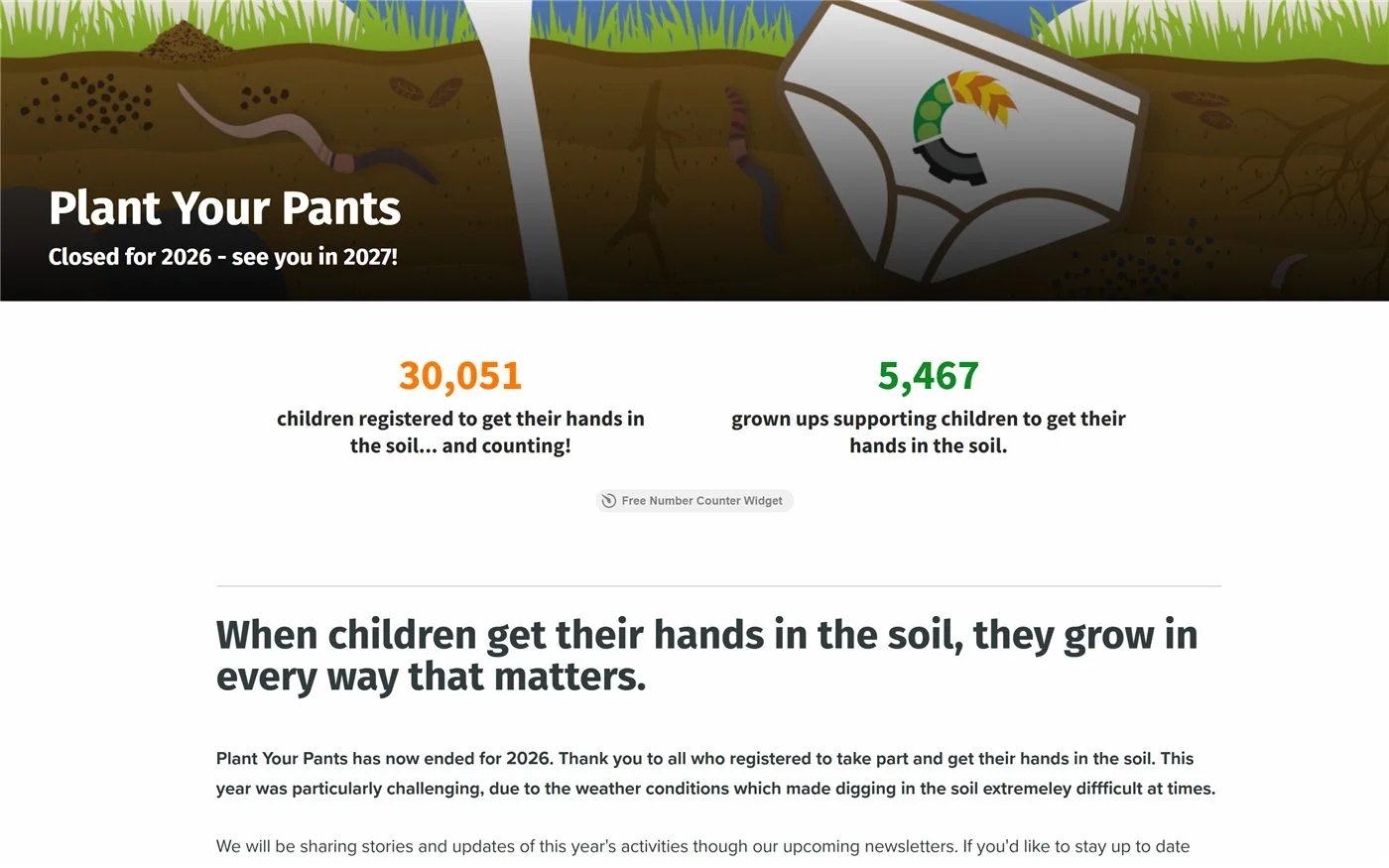
Worth copying: If a campaign has a number worth sharing, put it near the top of the page. This one uses a Number Counter.
Basic Rights Oregon – a history you can click through
Basic Rights Oregon was formed in 1996 to work on LGBTQ+ rights in the state. Its History page starts earlier, in 1988, and moves forward through a timeline. Each entry has a headline and a short paragraph, and readers can click a year or use the arrows to move between them. People can skim the headlines or stop at the year they care about.
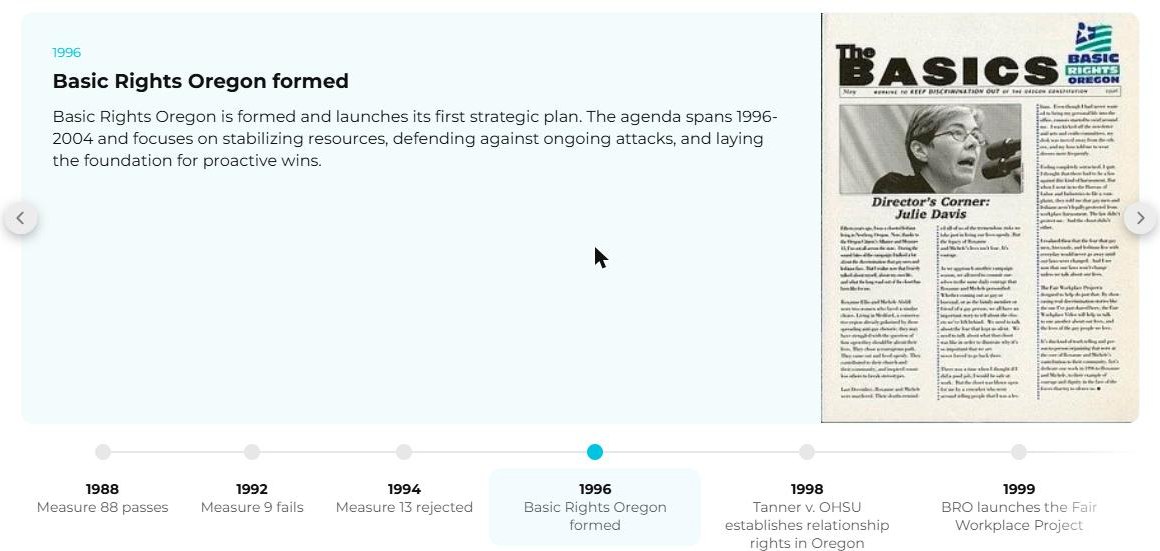
Worth copying: A history full of dates reads better as a Timeline than as a long About page.
Vermont Public – audio inside the story
For a public radio and TV organization, much of the work is sound. On an episode page for its show Homegoings, Vermont Public places a player in a section called “Deep listen”, with a photo from the performance and the track title. Readers can press play without leaving the page.
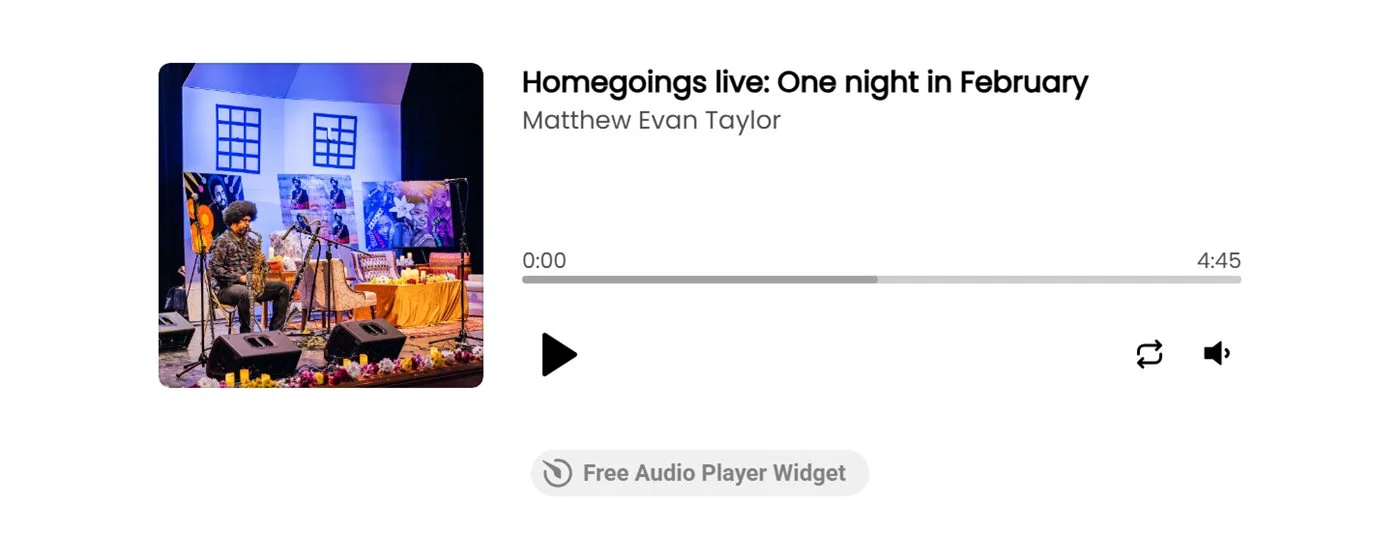
Worth copying: If your work includes talks, music or interviews, keep the recording next to the text about it. Vermont Public uses Audio Player.
How to add these to your own site
Every feature in this post is an Elfsight widget. You add one by pasting a piece of code into a page, so the rest of your site stays as it is:
- Choose a widget or template and match it to your site’s colors.
- Copy the embed code.
- Paste it into the page where you want it to appear.
Widgets work on WordPress, Wix, Squarespace, Webflow and most other website platforms. Our page for nonprofits and charities has more ideas, and there are templates for a volunteer calendar and a volunteer sign-up form.
They range from free use of one Elfsight app for a year to 50% off the first payment of a yearly plan. Any kind of nonprofit can apply, from charities and schools to sports clubs and animal welfare groups. See how to apply.
Common questions
What should a nonprofit website include?
What are good examples of nonprofit websites?
What is the best website platform for nonprofits?
Do I need a developer to add these features?
How can a small nonprofit keep its website up to date?
Final thoughts
A nonprofit site doesn’t have to win a design award to be useful. The organizations here each found something their visitors needed and put it on the page.