Elementor Background Music widget

Embed looped ambient audio on your Elementor website to set the mood, draw visitors in, and make their experience feel more vivid and immersive.
4.8 rating
10,000+ reviews
Free plan available
Create Widget for Free
No credit card needed
Elementor Background Music widget
Create your Background Music widget

Configure your Background Music and add it to your Elementor website for free!

Screenshots

Elementor Background Music widget
1 / 6

Embed Background Music on Elementor with the Elfsight widget

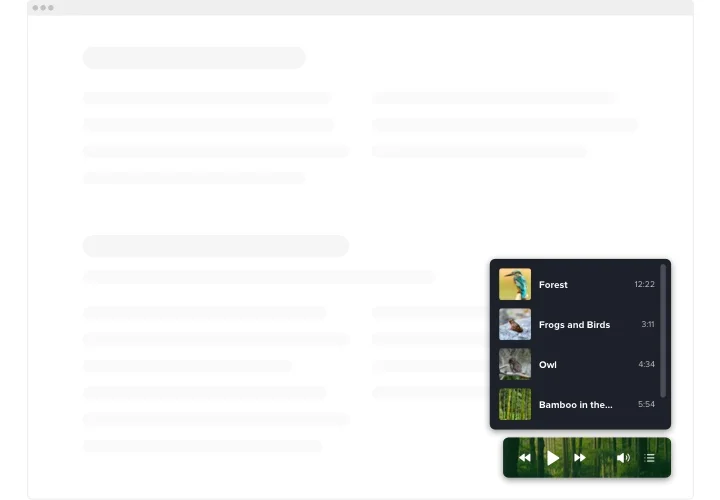
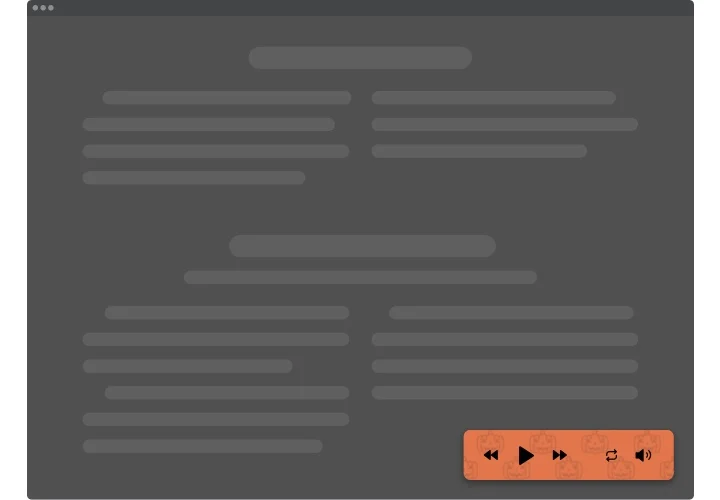
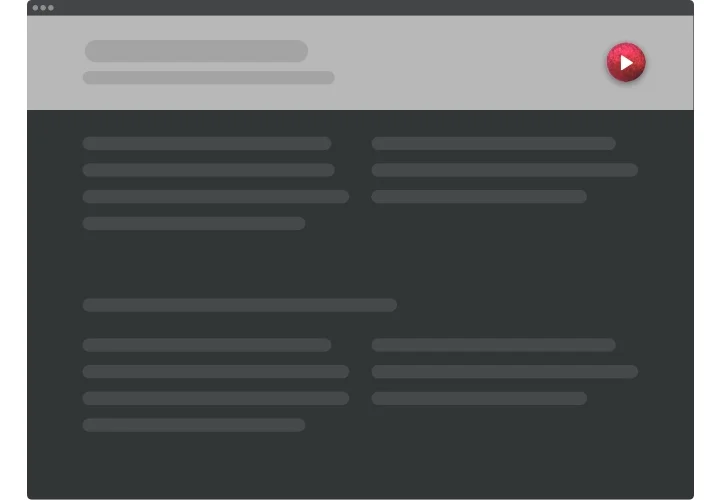
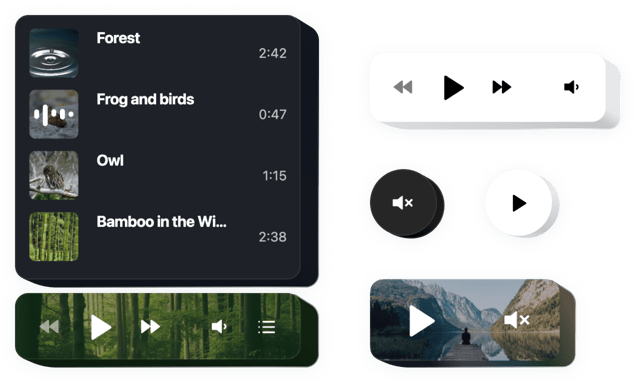
Elfsight Background Audio is a simple tool for Elementor letting you to playback music tracks directly on the pages of your website. The tool is exceedingly modifiable: you can change its placement, putting it anywhere on the page, scale its size, do over the background and other elements to mingle it with your website’s layout, employ dark theme, reveal covers and show or conceal four additional player details like progress bar, title and many more. Add as many tracks as you want to engage your users, turn the autoplay on and have no doubt – your visitors won’t leave your website immediately!

Make your website more efficient for ecommerce targets with autoplay Background Music player

We offer practical and fast features, view some of them:

  • Unlimited color alterations
  • Dark/light color theme
  • Malleable design
  • Two layouts applicable
  • An opportunity to use background image

You can find out the full functionality of the widget in the demo right now

How to add Background Music on my Elementor website?

Just fulfill the guidelines below to integrate the plugin.

  1. Employing our free configurator start creating your custom-made plugin.
    Find the preferred design and functionality of the tool and save the corrections.
  2. Copy your unique code exposed in the widow on Elfsight Apps
    As soon as the generation of your tool is over, copy the exclusive code at the appeared box and keep it for further use.
  3. Initiate applying of the widget on Elementor website
    Implement the code you’ve saved before in your web page and save the improvements.
  4. The Setup is fully performed
    Go to your web page to see how’s the tool working.

On condition of confronting inquiries or faced any problems, don’t hesitate to get in touch with our customer service staff. Our specialists are longing to resolve all the issues you might have on the plugin.

Does the Background Player work with Elementor Pro templates?

Yes, you can place the widget inside headers, footers, popups, or product templates, and it will display across dynamic Elementor pages.

Do I need Elementor Pro to use the Background Music player?

You can embed the widget using Elementor Free with an HTML block, while some advanced layout controls may require Elementor Pro.

What audio file formats are supported in Elementor?

The audio player supports common formats such as MP3, WAV, AAC, OGA, M4A, MP4A, WEBM audio, and other browser-compatible extensions.

Can I add my own tracks or only use external links?

You can upload audio files directly in the editor or add tracks via external URLs, giving you full flexibility on your Elementor website.

Is there any size limit for uploaded tracks?

Each uploaded track can be up to 100 MB, which is suitable for long recordings, podcasts, or high-quality background music.

Which external platforms are supported?

The background audio solution works with SoundCloud, YouTube (video audio), Vimeo, Twitch, Wistia, and self-hosted files.

Are API key credentials needed for YouTube or SoundCloud?

No API keys are required. Simply paste the media link into the widget, and it will handle playback automatically.

Can I show or hide the playlist in Elementor?

Yes, you can show a visible playlist with track titles or hide it for a clean, minimal background music layout on your Elementor website.

Can shuffle or repeat be enabled by default?

You can preset Shuffle for random playback and Loop for continuous repetition when the player loads.

Does autoplay work on Elementor pages?

Elfsight lets you enable autoplay, but most browsers require user interaction before audio starts, so visitors may need to click play.

Can I add a custom background image to the player?

Yes, you can upload your own background image to match your Elementor design instead of using a solid color.

Will Background Music pause other audio apps on mobile?

On smartphones, playing background audio may pause other apps like Spotify because mobile systems allow only one active audio source.

Pricing

14-day money back guarantee. Risk-free, you can cancel at anytime.
Elfsight Apps
Platform-independent software
from $0 / month
start with free plan
Unlimited domains
24/7 company support
Free of charge installation help
Great deal for multiple apps
Easy to edit content