
45+ HTML Appointment Booking Templates for Websites












What Is Appointment Booking Template?
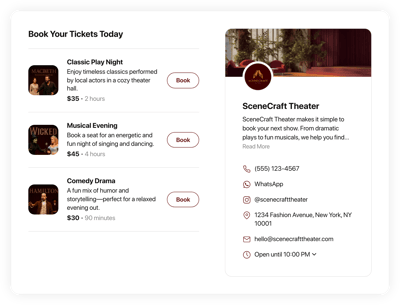
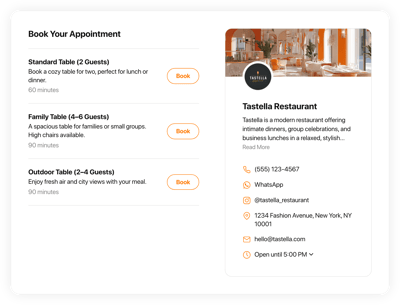
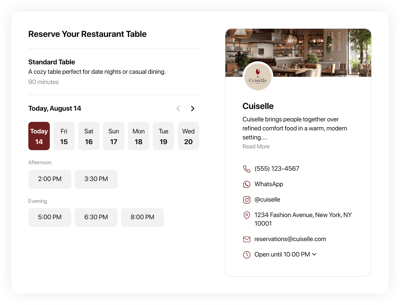
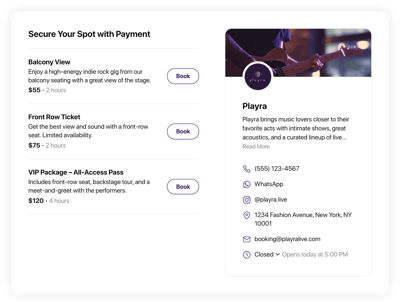
It is a pre-configured scheduling system created to help business owners accept bookings through a website without manual handling. Instead of building everything from scratch, you simply choose a template that fits your niche, adjust it to your needs, and publish in minutes.
No technical experience is needed. Feel free to try it today and let your users view your services, pick a convenient time slot, and confirm their appointment instantly!
Top Appointment Booking Template Features
Our templates are packed with easy-to-use features that can help you automate the scheduling workflow. Let us guide you through a few available options:
- Add your business services
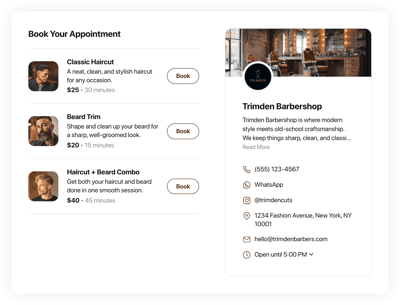
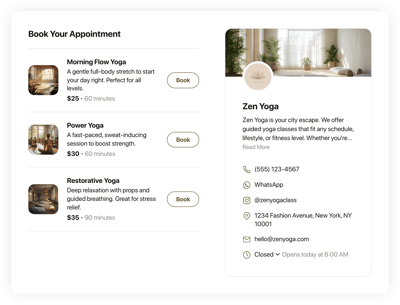
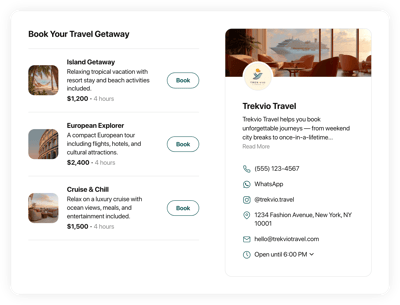
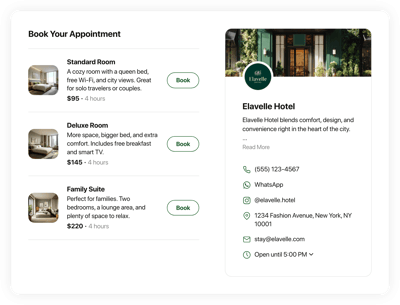
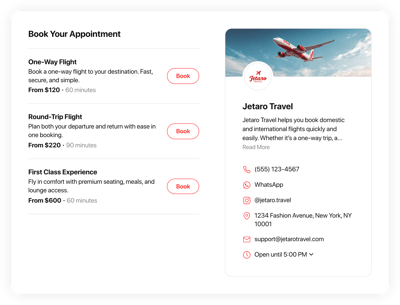
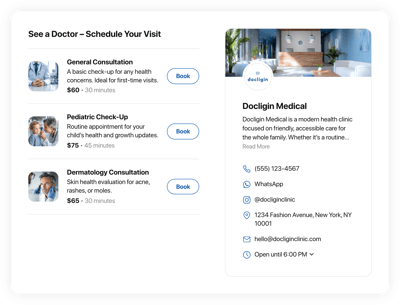
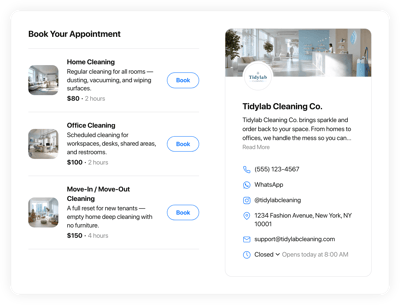
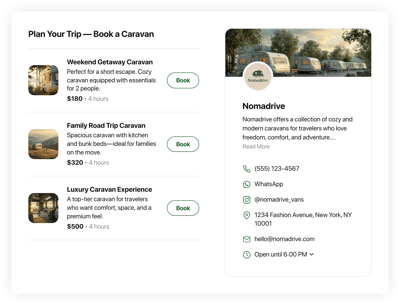
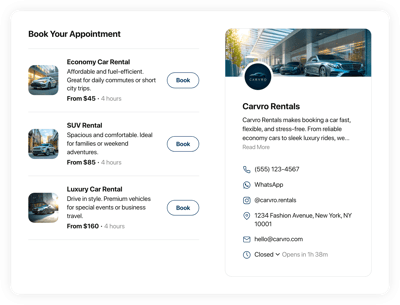
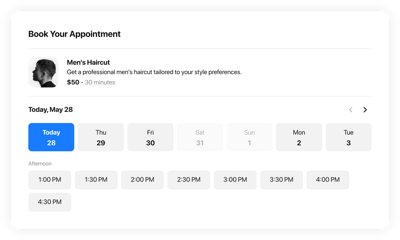
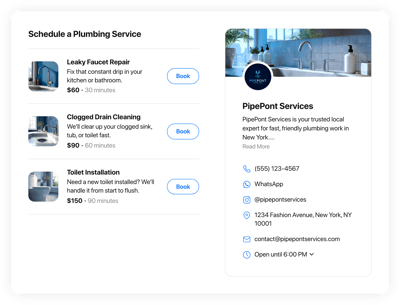
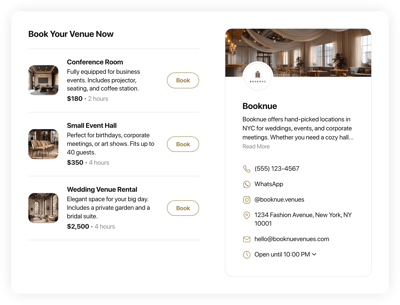
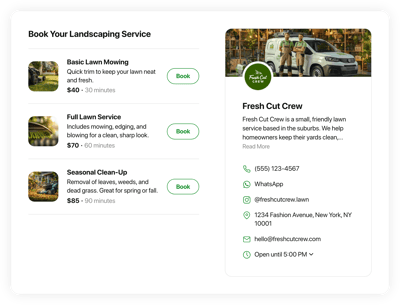
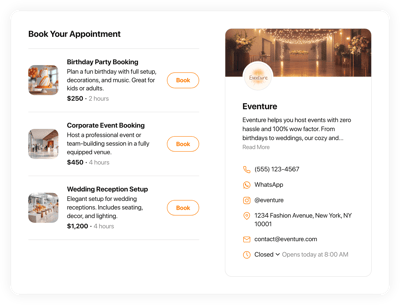
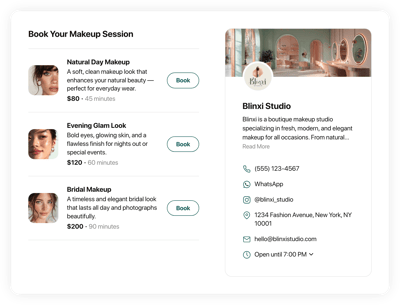
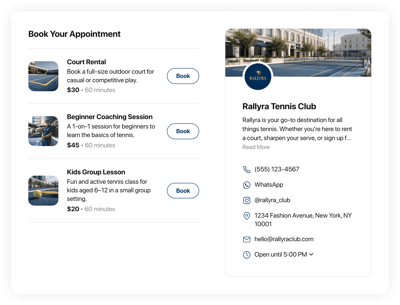
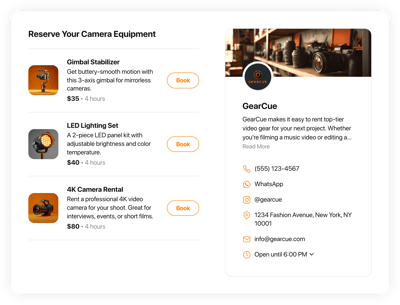
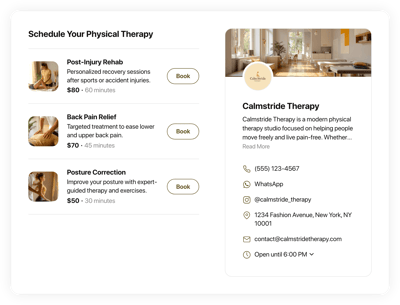
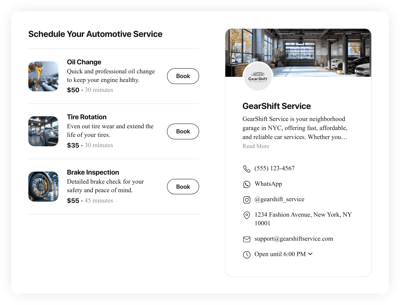
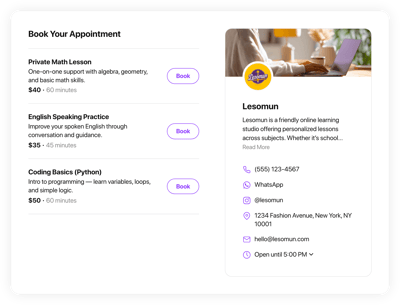
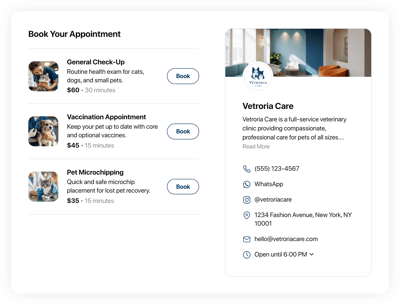
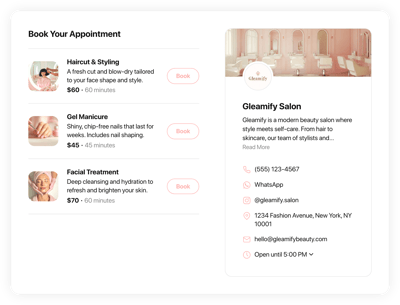
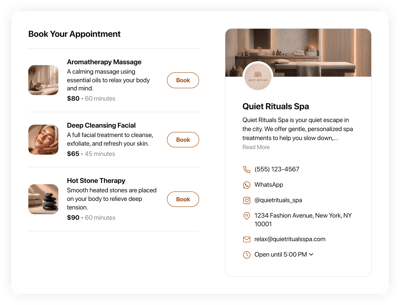
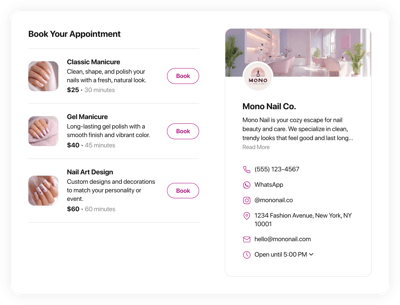
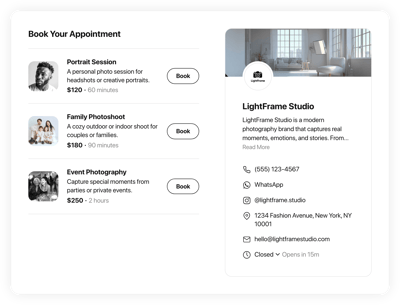
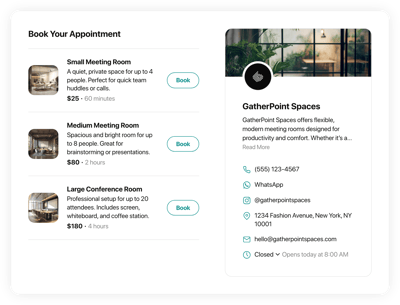
Start by adding services to a single template: each with its own name, description, picture, duration, and pricing. By the way, there are no limits; you can include as many as your business provides. - Estimate business hours.
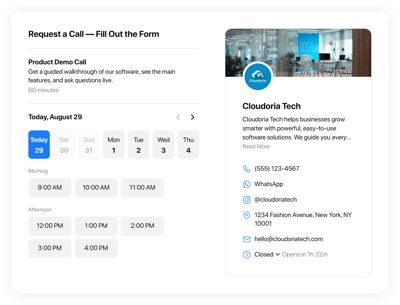
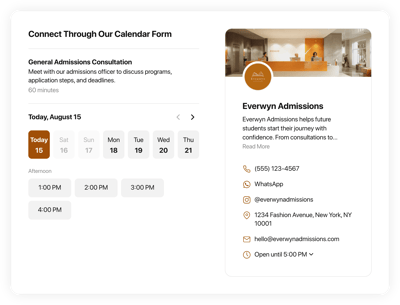
Let your clients know the exact days and hours you’re available. Go to the Hours tab in the live editor to set a custom schedule for each weekday, mark special days/holidays, and set a timezone to avoid any complicated situations. - Complete your company’s profile.
Build trust and share more contact options by displaying your business information: name, description, logo, phone, social media accounts, email address, and location. Give the clients confidence in you and an understanding of who they are dealing with. - Explore integrations.
Connect your booking system with different integrations and avoid double effort. The template supports a Google Calendar for automatically syncing your availability and Google Sheets and Zapier for storing your data. - Advanced design customization.
Fine-tune layouts, colors, fonts, and the entire visual style. Match the booking template with your website’s branding for a cohesive user experience. - CSS & JS editors for deeper personalization.
You don’t need to touch any code to configure your Elfsight template. But if you have coding skills, you can apply custom styles or implement additional behavior using the built-in editors.
How to Add Appointment Booking Template to Website?
Follow these four steps to publish the template on your website:
- Choose your template. Browse through the collection and pick a template that fits your industry, visual style, or the type of booking flow you need.
- Customize it for your business. Add your services, adjust pricing and timing, set your weekly schedule, configure notifications, and apply your branding.
- Generate your installation code. Once you’re satisfied, click “Add to your website for free” to get an HTML code.
- Embed it on your website. Paste the code into any section or page of your HTML-based website. The widget will appear instantly and start accepting bookings.
If you ever need help or want to troubleshoot something, visit our Help Center, ask the Community, or contact our support team. We’re always here to assist you.
FAQ
Can I use a template for free?
Yes, all Appointment Booking templates are completely free to use. You can customize the structure, add your services, and publish it on your website without paying for access.
The free plan includes all essential features required to accept online bookings from day one.
Can I change an appointment booking template’s design?
Yes, every template can be personalized through visual settings such as color themes, fonts, and layout options. You can also upload your logo and adapt it to match your website’s branding.
If you want fine-grained control, the built-in CSS and JS editors let you extend the design even further.
Do I need to edit my website’s HTML to use a booking template?
No major edits are required. Simply insert the generated HTML embed code into your page, and the booking system will appear automatically. The rest of your website stays unchanged.
What are the best examples of using scheduling templates?
The Appointment Booking templates suit a wide range of service-based businesses. Here are some of the most common use cases:
- Beauty & Wellness. Allow customers to schedule haircuts, spa treatments, brow shaping, massages, and more.
- Healthcare & Therapy. Clinics, dentists, psychologists, and physical therapists can organize consultations and follow-up visits with automated reminders.
- Fitness, Sports & Coaching. Trainers, instructors, and studios can manage class sign-ups, personal sessions, workshops, and fitness evaluations.
- Professional & Business Services. Consultants, agencies, accountants, and lawyers can handle client meetings without back-and-forth emails.
- Home & Technical Services. Electricians, plumbers, cleaning teams, and repair specialists can allow clients to book visits instantly, reducing call volume.
If you don’t see your niche here, explore our catalog or submit your idea through the Community Wishlist. We’re continually expanding the selection.
Can I create my version of a booking system using templates?
Yes, every template is fully editable, allowing you to create a personalized booking system tailored to your services, rules, and design preferences. Adjust anything: from the service list and schedule to style options.
For complete creative freedom, you can also start with a blank template and build your booking setup from scratch.
Can I disable certain time slots or days in a template?
Yes, you can easily block out specific dates, time slots, or even entire days. Adjust your date-specific hours in the Hours tab of the live editor to mark holidays, breaks, or periods when you are unavailable.
