Wix Weather app

Display current weather information on your Wix website to engage local and traveling visitors with helpful daily insights.
4.8 rating
10,000+ reviews
Free plan available
Create Widget for Free
No credit card needed
Wix Weather app

Create your Weather app

Configure your Weather and add it to your Wix website for free!

Screenshots

Wix Weather app
1 / 6

Description

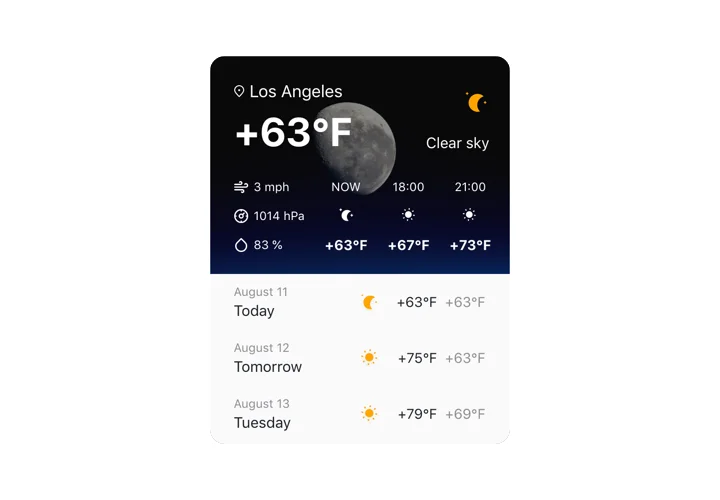
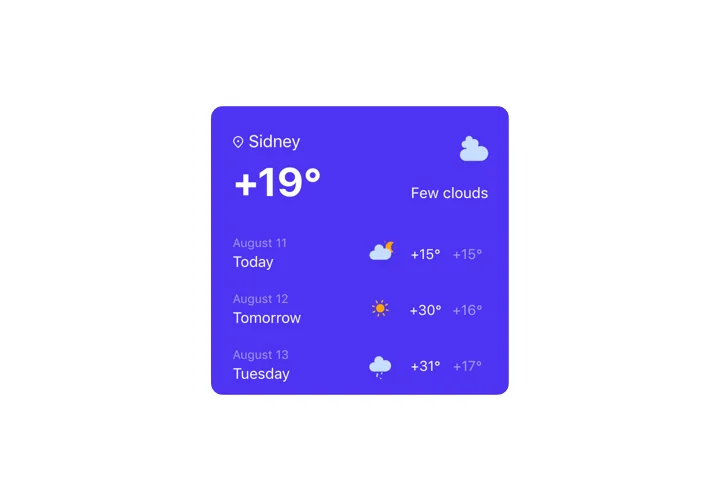
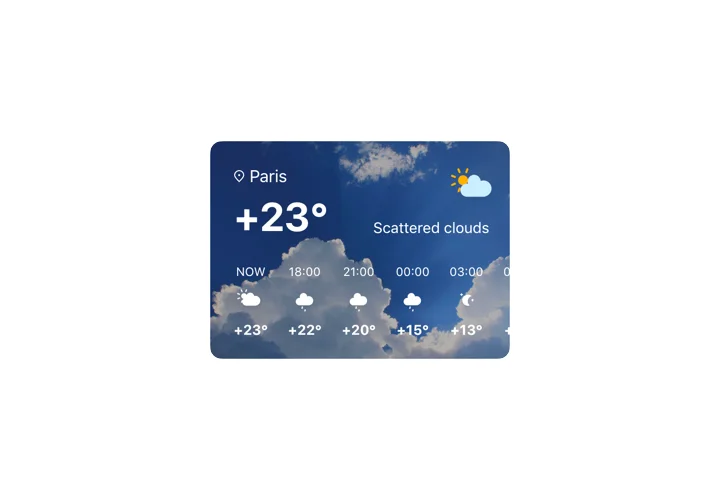
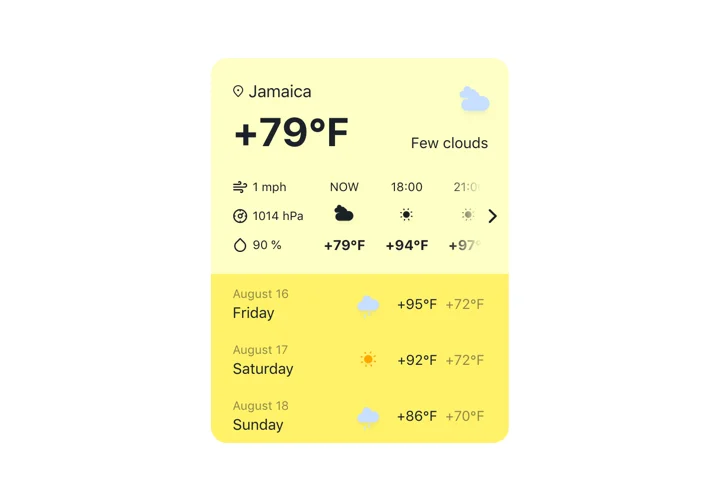
Elfsight Weather widget is an uncomplicated and customizable website widget displaying the up-to-date weather forecast for any required location. Add a location using the name, ZIP or the coordinates. Website visitors will be able to see the fresh info on the temperature, air pressure, humidity percentage, and active weather. You can also show the forecast for the week or for the next twelve hours. The widget also offers themed background and the feature to choose any colors.

Raise sales of weather-dependant products providing relevant weather forecast on your website!

Here you can see all the functional traits of Weather widget. You can manage them straight in the editor and they will help you construct the widget right for your needs.

  • 3 methods to add the location: the name, the ZIP code, or the coordinates;
  • Over 30 languages included to display weather info in the language your audience speak;
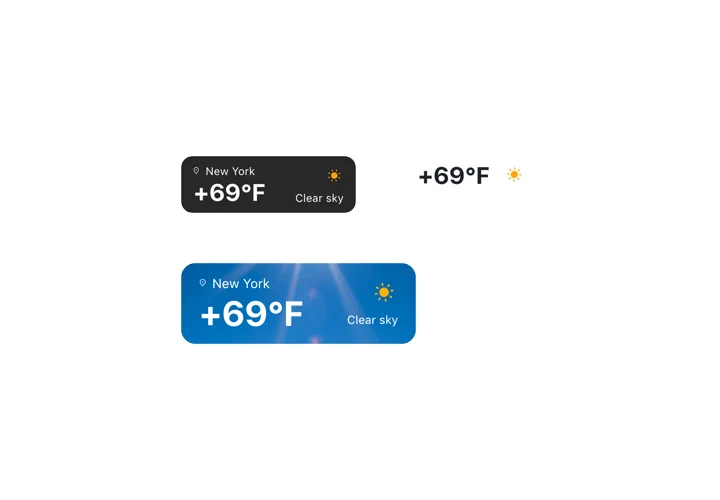
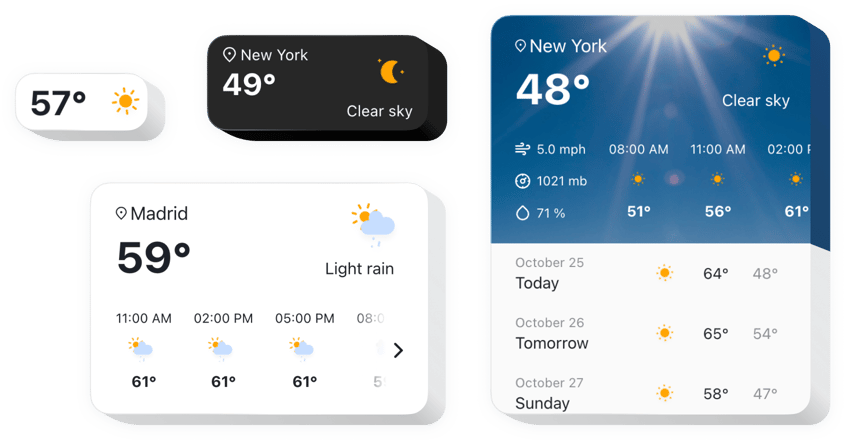
  • 5 types of the widget configuration for various use-cases;
  • The ability to show the daily forecast for the week ahead with dates;
  • Demonstrate hourly weather for the next 12 hours.

Check how all the features work, in our free editor

How to add Weather app to Wix website?

To introduce widget, follow the guidelines below

  1. Design your custom Weather widget
    Managing our free demo, get a plugin with a custom look and settings.
  2. Receive the individual code to publish the plugin
    After you have created your widget, you will receive a unique code from the appearing notification on Elfsight Apps. Copy the code for further use.
  3. Publish the plugin on your Wix website
    Select the place you plan to integrate the plugin to and insert the copied code there. Save the results.
  4. The setup is finished
    Visit your store, to view your new widget.

Feel free to address Elfsight customer service when you need help or have queries. We will be glad to help with every request.

Do I need a Wix Premium plan to embed the Weather app?

You can install the app on a free Wix website using the standard embed method. Premium plans additionally allow installation via Settings → Custom Code, which avoids iframe embedding.

Is the Elfsight Weather compatible with Wix layouts?

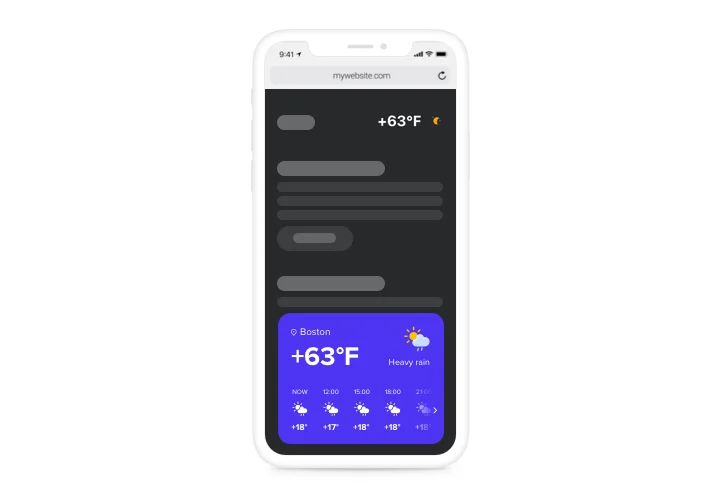
Yes, Elfsight integrates smoothly with Wix sections and automatically adjusts to your Wix website’s responsive design.

What location options are supported in the Weather app?

Elfsight accepts city names, postal codes, and exact geographic coordinates for global forecast accuracy.

Does the forecast support multiple languages?

Yes, Elfsight includes 30+ languages and automatically adapts temperature units based on region.

What forecast layouts are available in Wix?

You can display current temperature, weather summary, hourly updates, weekly forecast, or extended details.

Are weather readings updated automatically?

Yes, live data refreshes continuously and integrates smoothly into Wix page designs.

Can I show additional weather metrics?

Yes, humidity, wind speed, pressure, and related data can be enabled in a detailed view on your Wix website.

Can the background design be customized?

Yes, choose dynamic weather visuals or custom brand colors with automatic text contrast.

Is visitor location detection supported?

Yes, Elfsight can auto-detect user location or allow manual destination entry.

Pricing

14-day money back guarantee. Risk-free, you can cancel at anytime.
Elfsight Apps
Platform-independent software that suits any site
from $0 / month
start with free plan
Unlimited websites
Dedicated customer support
Free of charge installation service
Special deal for multiple apps
Flexible design