
Online Class Website Templates

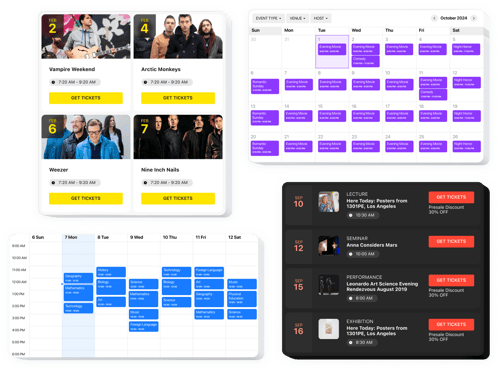
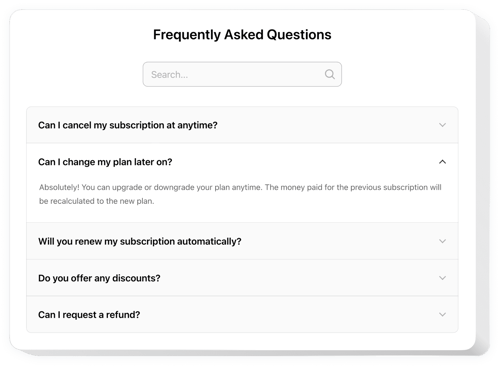
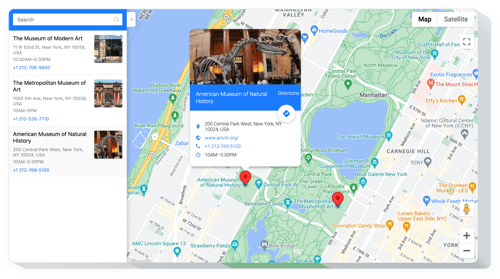


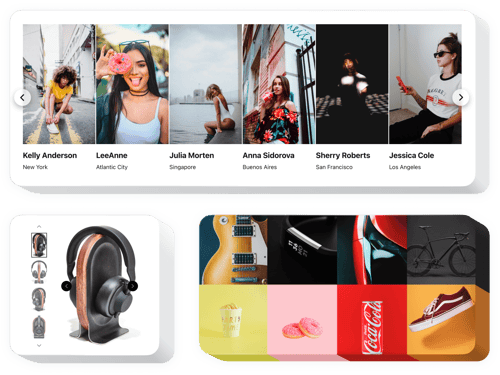



FAQ
Do you offer solutions for other educational websites?
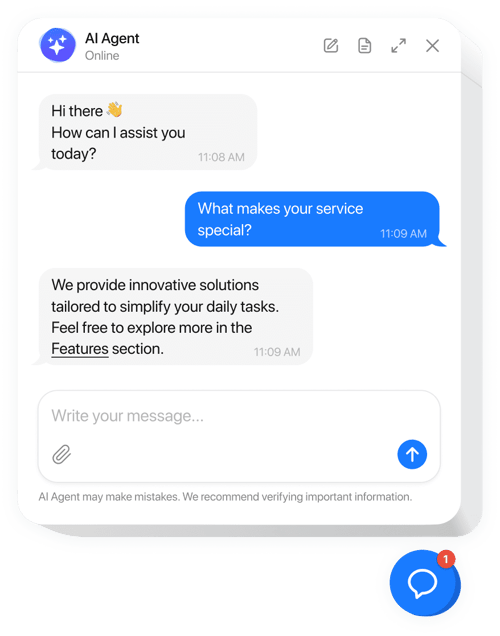
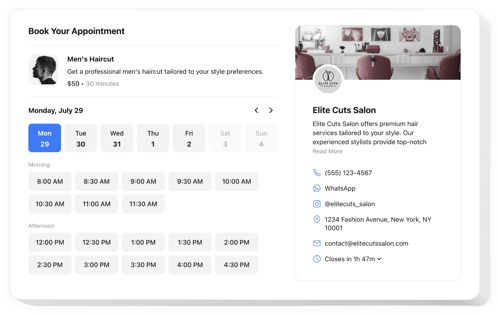
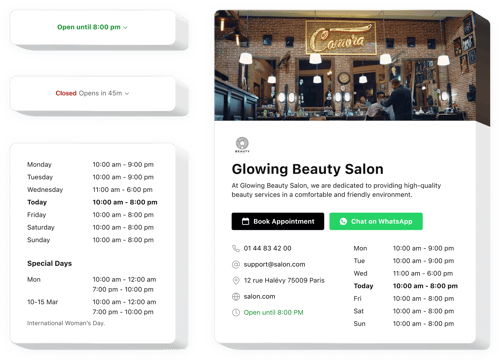
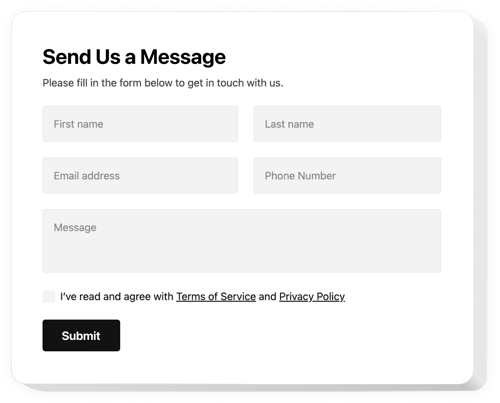
Yes, we work with many educators and training platforms. Here are some related examples:
How can I add widgets to my online class website?
Getting started is quick; follow 3 steps:
- Personalize the template. Adjust the layout, colors, and content to fit your courses.
- Receive the code. Save the customized template and copy the embedding code.
- Add the code to your website editor. Go to your website, put the shortcode, and update the page.
Which website platforms support your solutions?
Our widgets work with almost all popular website builders and learning platforms:
Squarespace, Wix, HTML, Webflow, WordPress, Shopify, Elementor, Google Sites, GoDaddy, iFrame, Bigcommerce, Weebly, Joomla, and many others.
Is there a free plan available?
Yes, you can start with our Free plan and test how the widgets work. It’s a good way to try things out before upgrading to a paid plan with more features and limits.
Do I need technical skills to set them up?
No, you don’t need any coding experience. All widgets are built for teachers and course creators, so you can manage everything on your own, even if you’ve never worked with websites before.
Can I customize the widgets for my online classes?
Yes, you can change colors, fonts, layouts, and content to match your teaching style and branding. If you ever need more advanced control, add your own CSS or JavaScript.