
Leaderboard Website Templates
FAQ
Do you offer solutions for leaderboard and education-based websites?
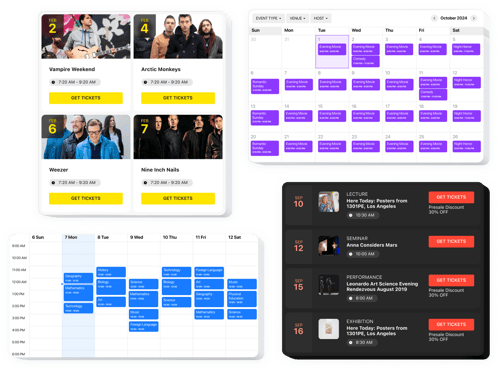
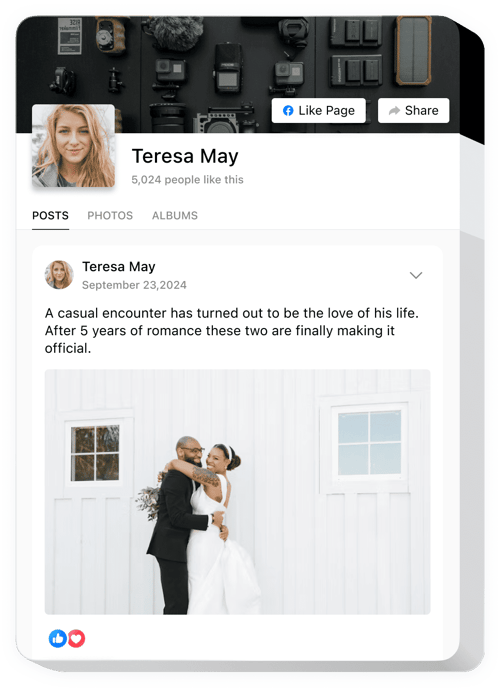
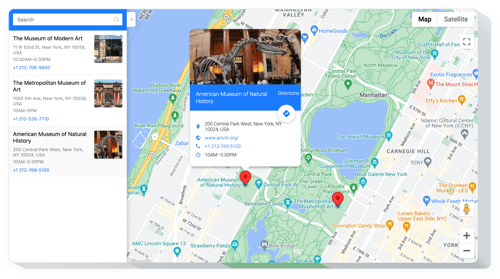
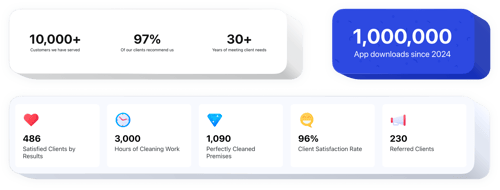
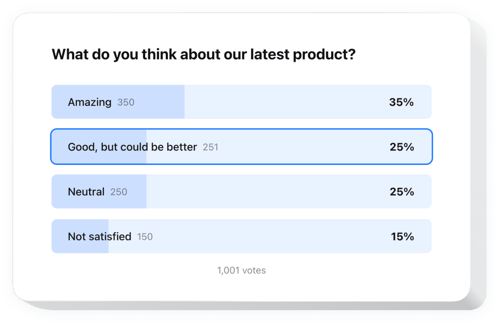
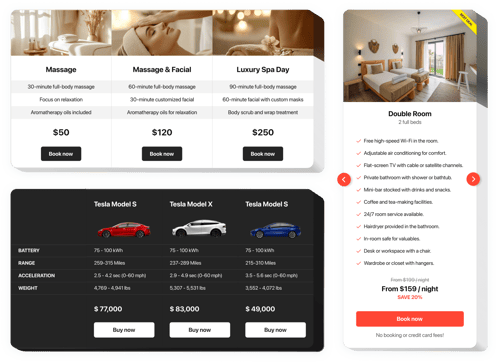
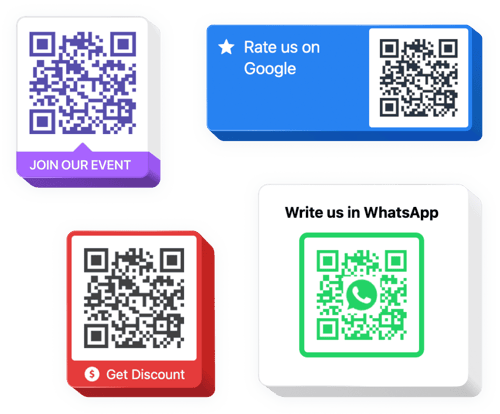
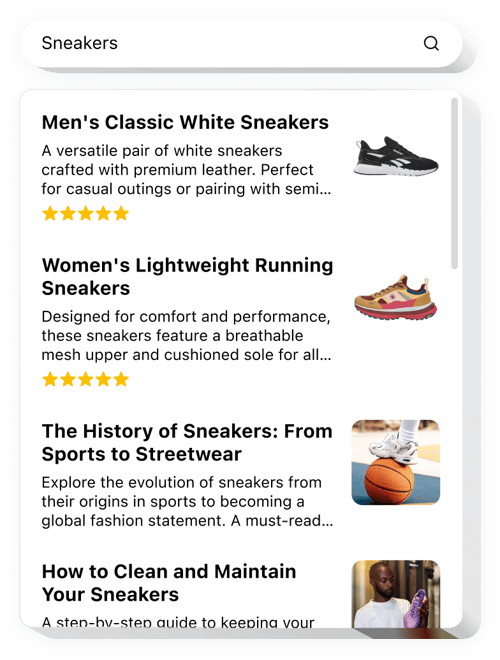
Yes, we offer a range of solutions tailored for various business websites. Have a look:
How do I add widgets to my leaderboard website?
Add widgets in three simple steps:
- Personalize the template. Use the live editor to adjust the design and settings.
- Get the installation code. Save your changes and copy the embed code.
- Add it to your website. Paste the code into your website where you want the widget to appear.
Will the widgets work with my website builder or CMS?
Our solutions work with almost any website builder, including:
Squarespace, Wix, HTML, Webflow, WordPress, Shopify, Elementor, Google Sites, GoDaddy, iFrame, Bigcommerce, Weebly, Joomla, etc.
Is there a free plan available?
Yes, you can use the widgets with the Free plan. It comes with lots of ready-to-use templates, customization options, and quick website setup.
Do I need coding skills to use the widgets?
No, Elfsight’s solutions require no coding. Everything is set up through a visual editor. You can manage and update the template without technical experience.
Can I customize the widgets to fit my leaderboard design?
Yes, every widget comes with customizable templates. You can change the layout, colors, and content to match your leaderboard website. Plus, add custom CSS or JavaScript for deeper personalization.