Elementor Social Icons

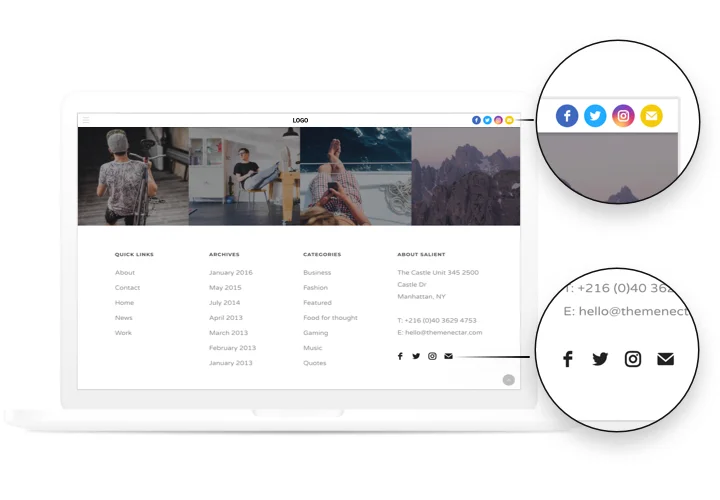
Show social icons on your Elementor website to promote your channels and give visitors an easy way to reach your Instagram, Facebook, X, and more.
4.8 rating
10,000+ reviews
Free plan available
Create Widget for Free
No credit card needed
Elementor Social Icons

Create your Social Media Icons widget

Configure your Social Media Icons and add it to your Elementor website for free!

Screenshots

Elementor Social Icons
1 / 6

Embed Social Media Icons on Elementor with the Elfsight widget

Begin growing your business in social media networks and cover new followers and readers using effective publications on your personal website.

Have more clicks and readers from social networks!

Maximum promotion of publications and products in social media
Just in 1 clicking, your content will acquire an active promotion in all social media without limits.

Boost views on your website
Bring new users on you website via active presence in social networks and have a boost in the number of visits.

Increase the amount of readers in social media
Publishing exciting content? Let viewers themselves share publications for their readers and spred them further.

Main features of the Social Media Icons widget

What makes Elfsight icons the best among Elementor social plugins? See our strategic advantages:

  • Add a new media by just inserting a URL to your profile;
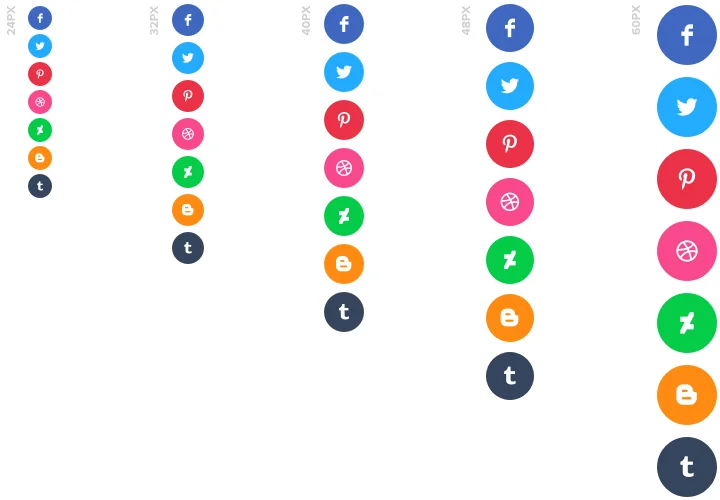
  • 5 options of icon size;
  • 3 align variants of the icons: left, right, center;
  • Icons and background change color on hover;
  • 5 types of animation on hover.

Check the other advantages in a free editor

How to add Social Media Icons to Elementor website

A quick tutorial on displaying widget without experience in web development or help from a professional developer. You will need 2 minutes to perform the guide.

  1. Design your unique Social Icons
    With our free demo, create a plugin with desired template and settings.
  2. Receive a code for integrating the plugin
    After widget generating, obtain a code for Social plugin from the appearing window on Elfsight Apps.
  3. Place the plugin on Elementor website
    Embed the plugin on a selected place of the website and apply the edits.
  4. The embedding is successful!
    Visit your website, to check your widget.

Require advice about setting up or customizing the plugin? Elfsight help center team will be here to help and offer a solution!

Do I need Elementor Pro to use the Social Media Icons?

You can add the widget using Elementor Free while some advanced display and layout options may require Elementor Pro.

Is the Social Icons widget compatible with Elementor layouts?

Elfsight integrates smoothly with Elementor sections, columns, and templates, adapting automatically to responsive designs.

Which social networks can I add in Elementor?

The Social Icons widget integrates smoothly with Elementor and supports 50+ networks, including Facebook, Instagram, X, LinkedIn, YouTube, TikTok, and major chat platforms.

Do I need API access to connect social networks?

No API keys or external authorizations are required. Elfsight simply connects to your public profile links, making setup inside Elementor quick and reliable.

Can I customize icon size and styling?

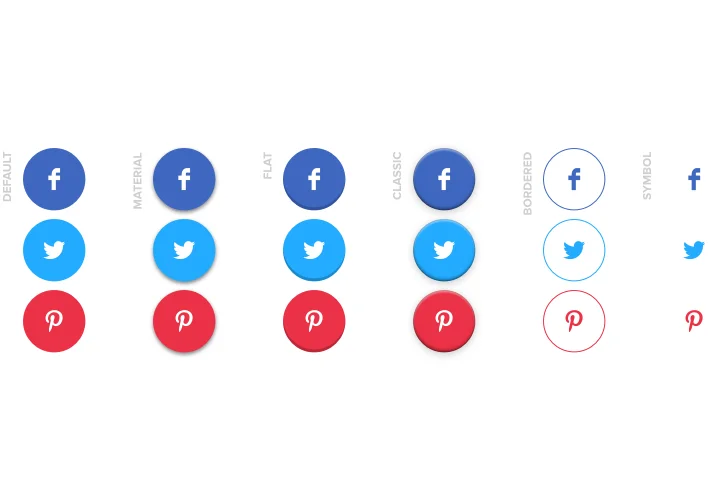
Yes, you can adjust dimensions, shapes, spacing, alignment, and corner radius so the widget matches your Elementor layout and branding.

How can icons be displayed in Elementor layouts?

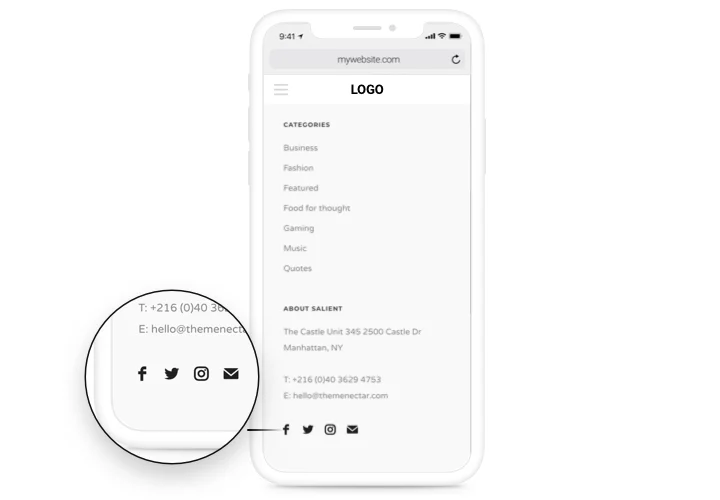
Elfsight supports horizontal, vertical, and grid arrangements, fitting naturally into Elementor headers, footers, sidebars, or standalone blocks.

Is a floating option available?

Yes, you can enable floating mode to keep the Social Media Icons visible while users scroll through your Elementor pages.

Can I highlight certain platforms?

You can rearrange icons in any order and disable unused networks, allowing the widget to emphasize the most important platforms.

Pricing

14-day money back guarantee. Risk-free, you can cancel at anytime.
Elfsight Apps
Cross-platform solution that suits for any website
from $0 / month
start with free plan
Unlimited domains
24/7 support
Charge-free installation help
Price to catch for multiple apps
Editable content