
WordPress Pinterest plugin
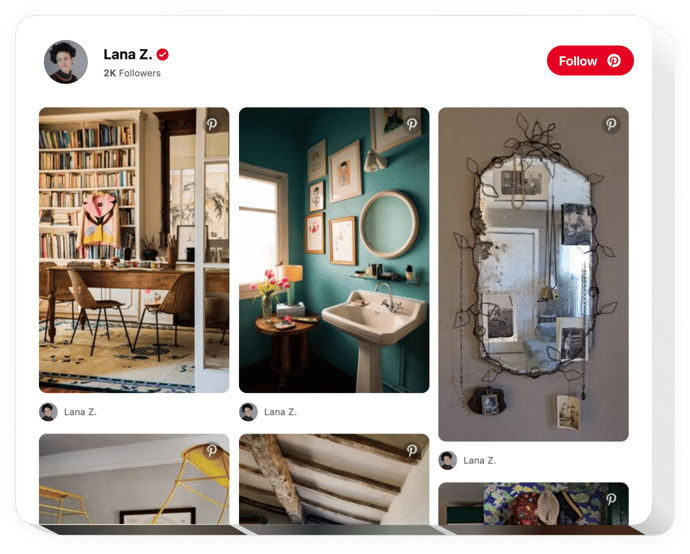
Create your Pinterest Feed plugin
Screenshots

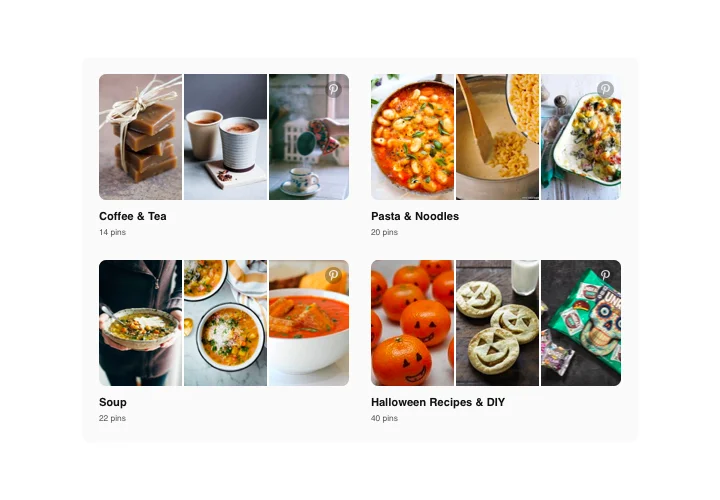
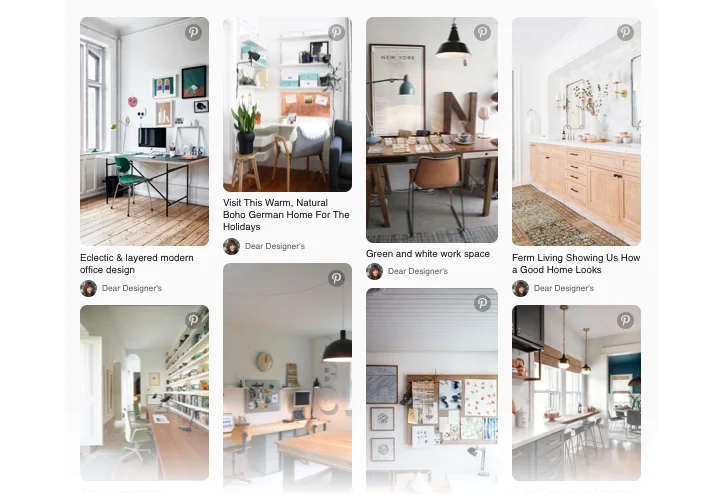
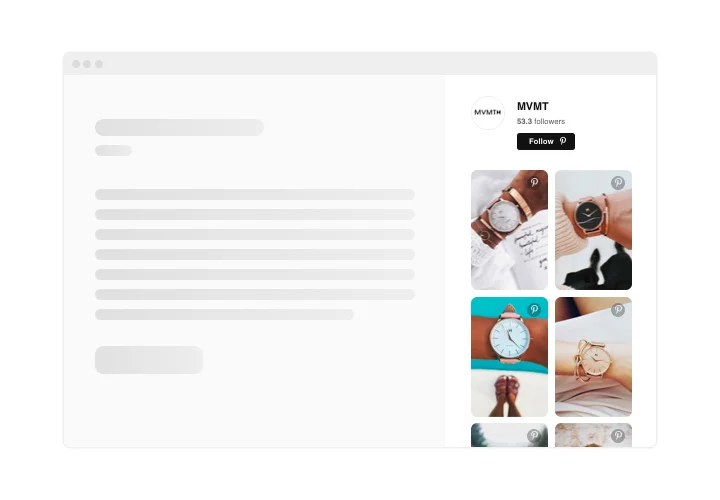
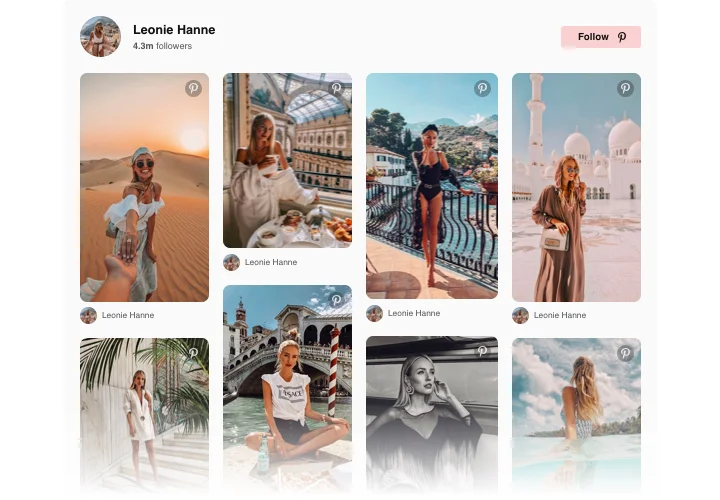
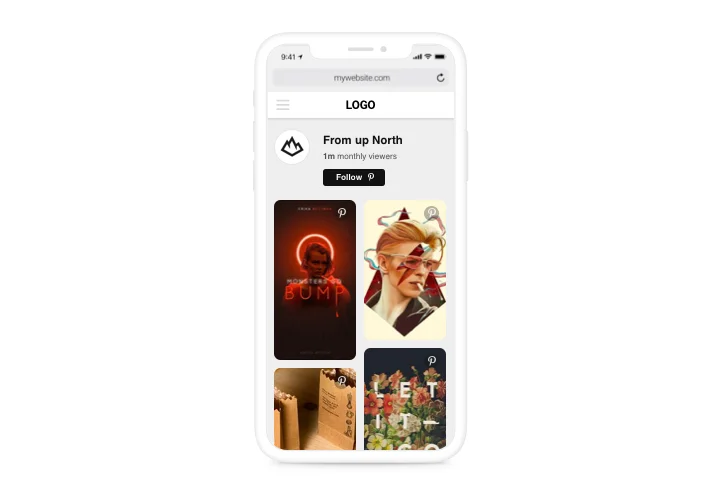
Embed Pinterest Feed on WordPress with the Elfsight widget
With the help of Pinterest plugin by Elfsight, you are able to insert any kind of photos from Pinterest into your website. Elfsight widget allows showing desired pins, boards, and your full profile on any web page. Entice your customers with thoroughly selected content: pins, boards, and your own unique collections. Widen the extent of your content, raise engagement on the website and get more subscribers for your Pinterest account along with this.
Add images from Pinterest to your website quickly and conveniently.
- Increase user engagement on your website
Carefully picked and relevant content attracts maximum users’ attention and keep clients engaged. - Grow subscribers on Pinterest
Thanks to Follow button available in the feed, more future customers will get a chance to become your subscribers. - Greater amount of user-engaging visuals on your website
Having pins and boards at your disposal, feel free to choose the best visual content for your website to make your visitors attracted.
Main features of the Pinterest Feed widget
Here are the functions, thanks to which our Pinterest widget is one of must-have plugins for every WordPress website.
- Editable widget title;
- Choose widget width and height;
- Show or hide header;
- Click on the image will open it on Pinterest;
How to add Pinterest plugin to WordPress website
Simply take the following steps presented below to integrate the plugin on WordPress.
- Open our free editor and start building your unique plugin.
Determine the preferred look and features of the widget and apply the modifications. - Get your personal code which is shown in the window on Elfsight Apps.
As soon as the customization of your plugin is over, copy the exclusive code in the appearing window and save it for later usage. - Enter on using the Pinterest Feed plugin on your WordPress website.
Add the code saved before into your page and save the adjustments. - The Setup is successfully ended.
Go to your website to take a look at the functioning of the widget.
Any queries appeared while applying the instruction? Make an enquiry at our support service.