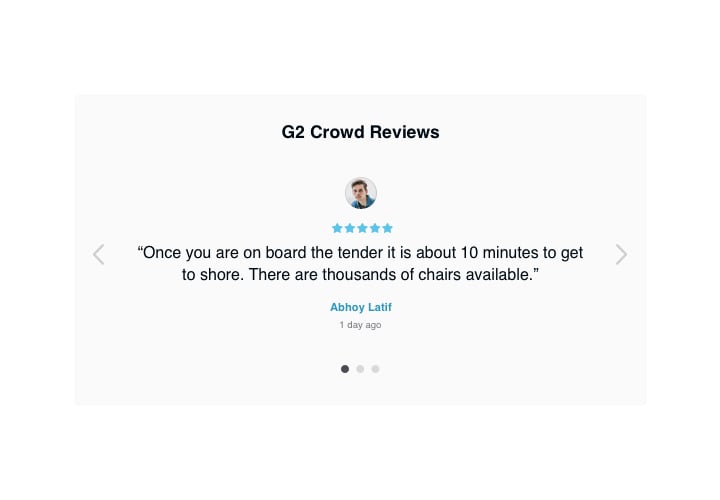
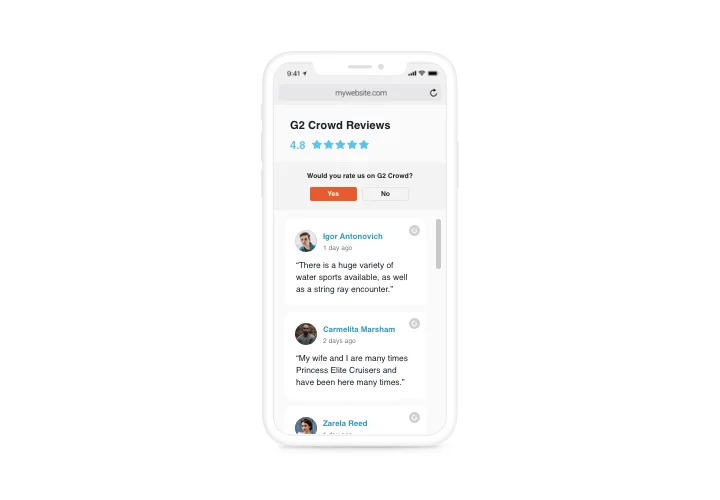
G2 Crowd Reviews for Squarespace

Showcase business reviews from G2 on your Squarespace website to boost trust and give visitors insight into real user experiences, ratings, and satisfaction.
4.8 rating
10,000+ reviews
Free plan available
Create Widget for Free
No credit card needed
G2 Crowd Reviews for Squarespace
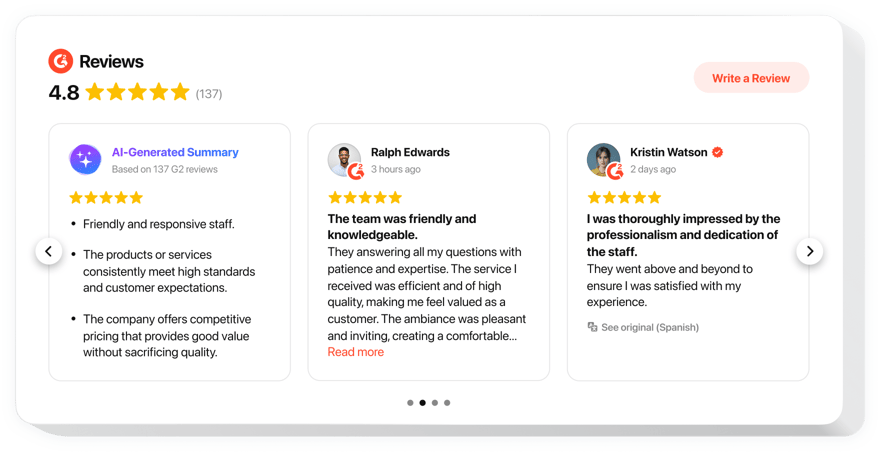
Create your G2 Crowd Reviews plugin

Configure your G2 Crowd Reviews and add it to your Squarespace website for free!

Screenshots

G2 Crowd Reviews for Squarespace
1 / 6

Embed G2 Crowd Reviews on Squarespace with the Elfsight widget

Elfsight G2 Reviews plugin is the best way to improve your business reputation by showing real clients’ reviews on your offers. Reveal only the positive or the most appealing reviews and organise them the way you need. Collect social proof via showing to your website visitors that you have high client trust. Inspire people to add fresh comments on your business and encourage user communications!

Raise the level of trustworthiness to your brand via G2 Crowd reviews on your website

Main features of the G2 Crowd Reviews widget

To have a full perception of G2 Crowd plugin, see the list of the major functions. They make this widget incredibly beneficial for you:

  • Three available filters: by type, exclude by, and the number of reviews to show;
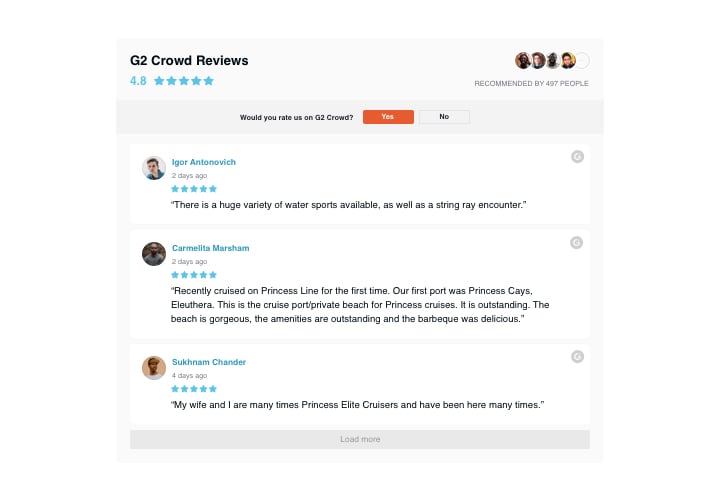
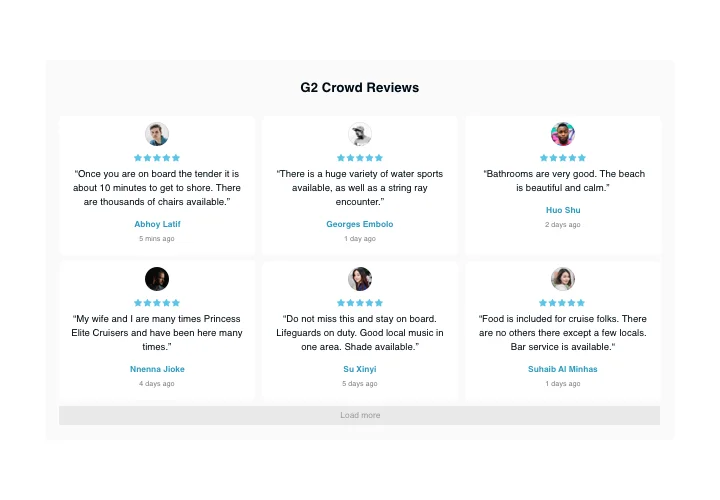
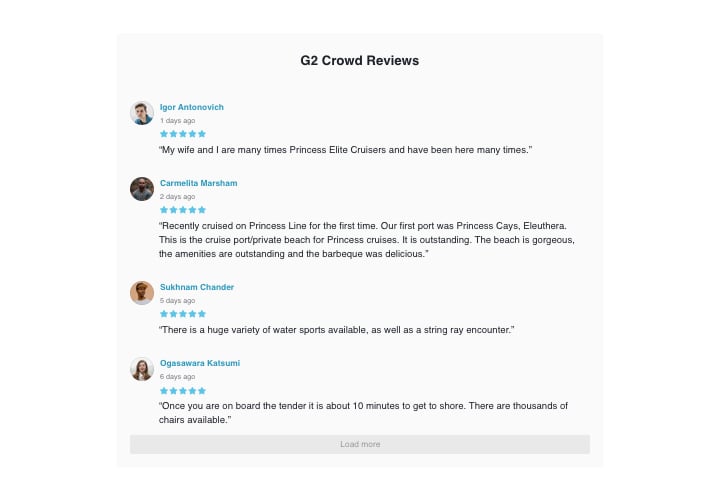
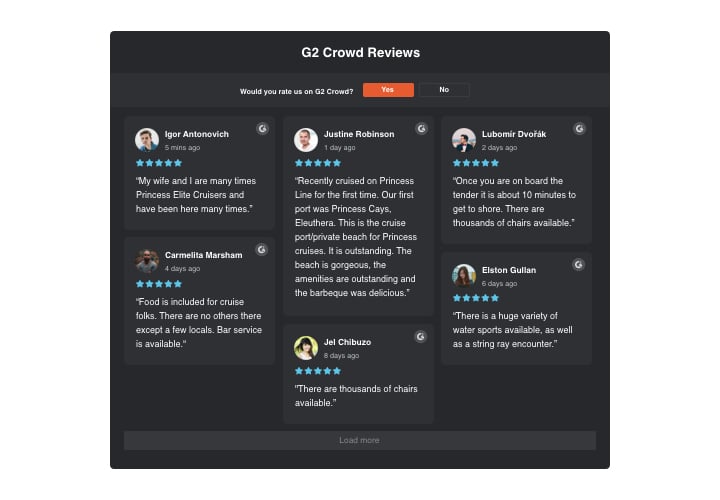
  • Four ready-to-use layouts: List, Grid, Masonry, and Slider;
  • Customizable plugin header;
  • The active button for posting one more review directs people to your G2 account;
  • Six customizable elements of the reviews: the name of the author and the photo, review text, the date of sharing, G2 sign, and star rating;
  • Two potential scenarios of review request refusal: revealing a custom text or hiding the button.

To explore more features, see our free editor

How to add G2 Crowd Reviews to Squarespace website

A couple of simple actions is the only thing you need in order to have the plugin up and running.

  1. Create your own G2 Crowd plugin
    Managing our free editor, create a plugin with a selected design and functionality.
  2. Get the individual code to display the plugin
    After you have created your widget, you will acquire the installation code from the popup notification on Elfsight Apps. Copy it for later use.
  3. Display the plugin on your Squarespace website
    Select the area where you plan to reveal the plugin and add the saved code there. Save the results.
  4. The integration is successful!
    Go to the website, to take a look at your work.

Still have doubts? Or experiencing problems? Simply write a request to our customer support department, they will resolve any issue.

Is the G2 Reviews plugin compatible with Squarespace 7.1?

Yes, all Elfsight plugins are fully compatible with 7.0 and 7.1, including the new Fluid Engine editor.

Which Squarespace plans allow adding the G2 Reviews?

Business and Commerce plans allow standard custom code embedding. On the Basic (formerly Personal) plan, the plugin can be added using a Markdown block. Trial websites support installation depending on the selected plan.

How frequently are the reviews updated in Squarespace?

Elfsight refreshes G2 testimonials roughly every three days. This automated sync ensures your website reflects recent feedback without manual effort.

Can I highlight only top-rated reviews?

Yes, you can configure a minimum rating threshold so the plugin displays only your highest-scoring G2 reviews on your Squarespace website.

Is a G2 API key required?

No additional API setup is needed. Adding your public G2 product page URL is enough for the plugin to retrieve and display available reviews.

Can certain testimonials be excluded?

Yes, you can filter out reviews by specific keywords or reviewer names, giving you control over which testimonials appear.

How do visitors leave a new review?

A built-in CTA button redirects Squarespace visitors to your G2 profile, where they can log in and post their review.

Does the Reviews plugin support multiple languages?

Interface labels can be customized in any language in all plans. While automatic review translation is available on higher-tier plans only.

Can review order be adjusted?

Yes, you may display the latest reviews first or shuffle them randomly to keep the content varied.

How does AI Summary work?

AI Summary processes review content and creates a concise overview summarizing common feedback themes and overall sentiment.

Pricing

14-day money back guarantee. Risk-free, you can cancel at anytime.
Elfsight Apps
Cross-platform version that suits for any website
from $0 / month
start with a free plan
Unlimited websites
24/7 and on-time support and well documented
Free installation assistance
Flexible design
Limited time offer for multiple apps