
Shopify File Embed app
Create your File Embed app
Screenshots


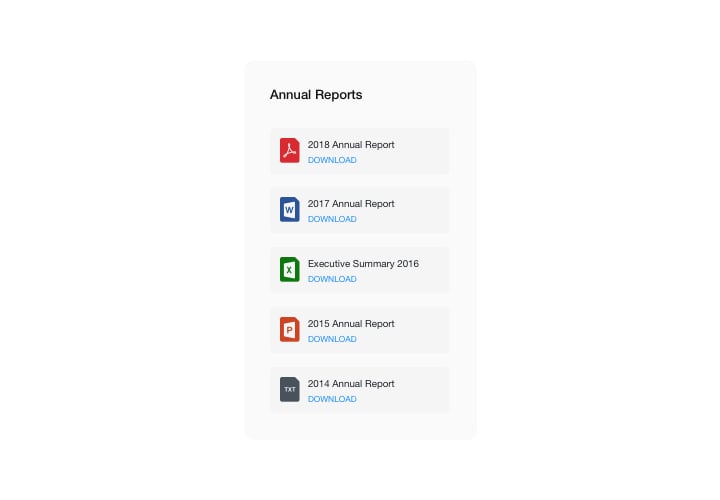
Embed File Embed on Shopify with the Elfsight widget
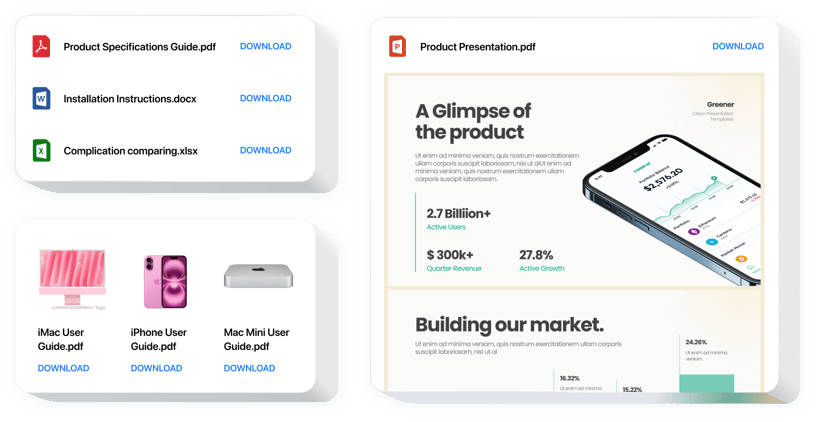
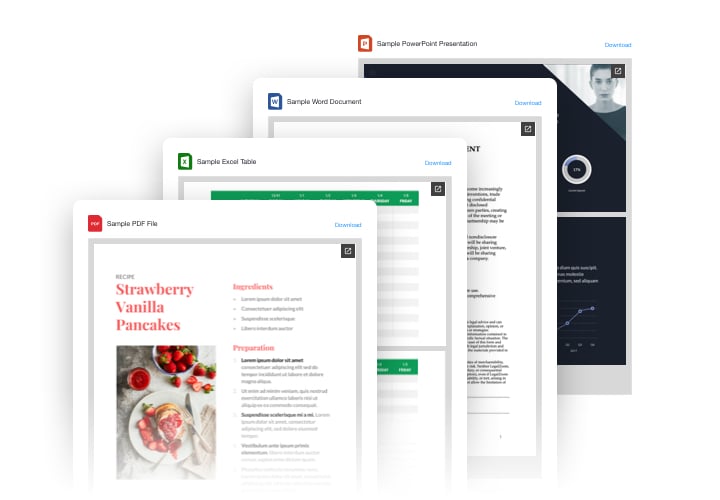
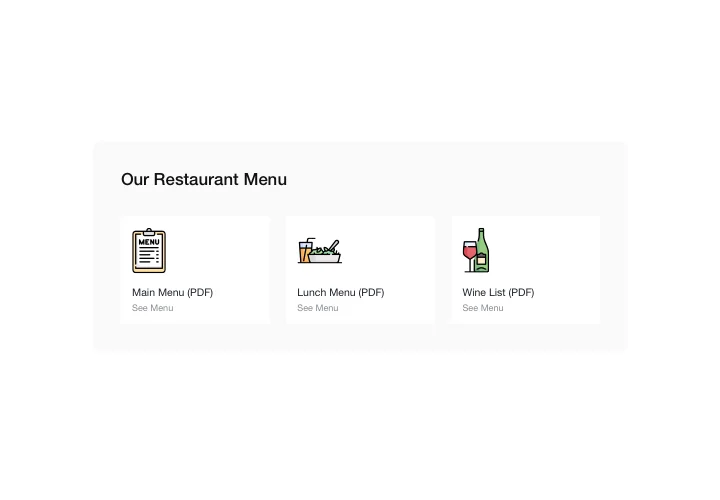
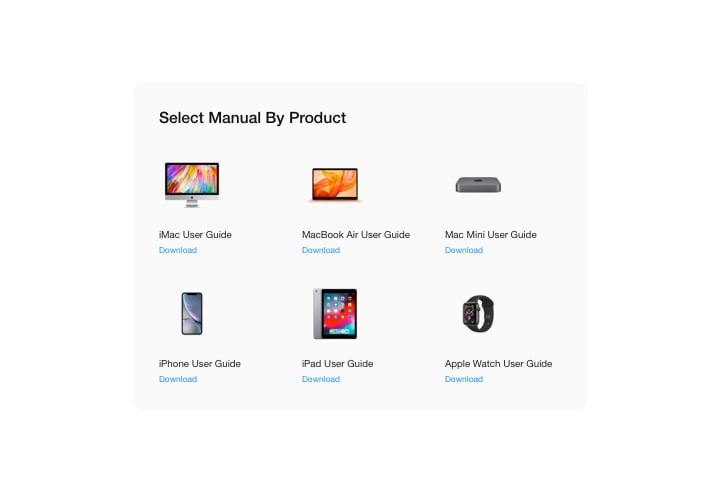
Elfsight File Embed widget is the most handy and speedy way for adding files to a website. Integrate all widespread file formats: PDF, Docx, Jpg, Pptx – all in all around 20 formats. For your ease of use, documents can be embedded by simply uploading, entering their URLs, or by picking from the latest uploaded. You can give every file your own title, upload your own icon and image, pick layout variant, and other. Website audience can view the files directly on the page, open them in a new browser tab and download.
Main features of the File Embed widget
To have a full idea of File Embed, discover the list of the major functions. They make our widget incredibly beneficial for you:
- Integrate unlimited docs;
- File Viewer layout option to view documents on the page;
- Uploading images for icons and previews;
- Showing or hiding away Download file label;
- 6 colorable elements of the interface.
To get to know all features, see the free editor
Here’s how to add the File Embed widget to your Shopify store. It is unbelievably simple.
These several steps are the only thing you need to do.
- Employ our free demo and start working with your custom app.
Choose the suitable layout and aspects of the app and apply all the edits. - Get your individual code which is shown in the special form on Elfsight Apps.
Right after the setting up of your personal app is done, copy the exclusive code in the emerged box and save it for future usage. - Commence utilization of the app on Shopify website.
Implement the code saved before into your website and apply the improvements. - The installation is fully accomplished.
Go to your website to examine the performance of the app.
Still unsettled? Or experiencing problems? Just a single request to our customer service will settle any problem.