Overview
If you have a developer, a webhook is the most direct way in. Each chat that ends arrives at your endpoint as one JSON body: the visitor's name, email and phone, the topic and an AI summary, the page, when it started and how long it lasted, the full transcript and the questions the agent couldn't answer.
From there it's your code: store it in your database, create a lead in an in-house CRM, feed it to your analytics. No automation service sits in between, and you can add several webhooks to one widget.
What you can do
These are the jobs the integration is built for.
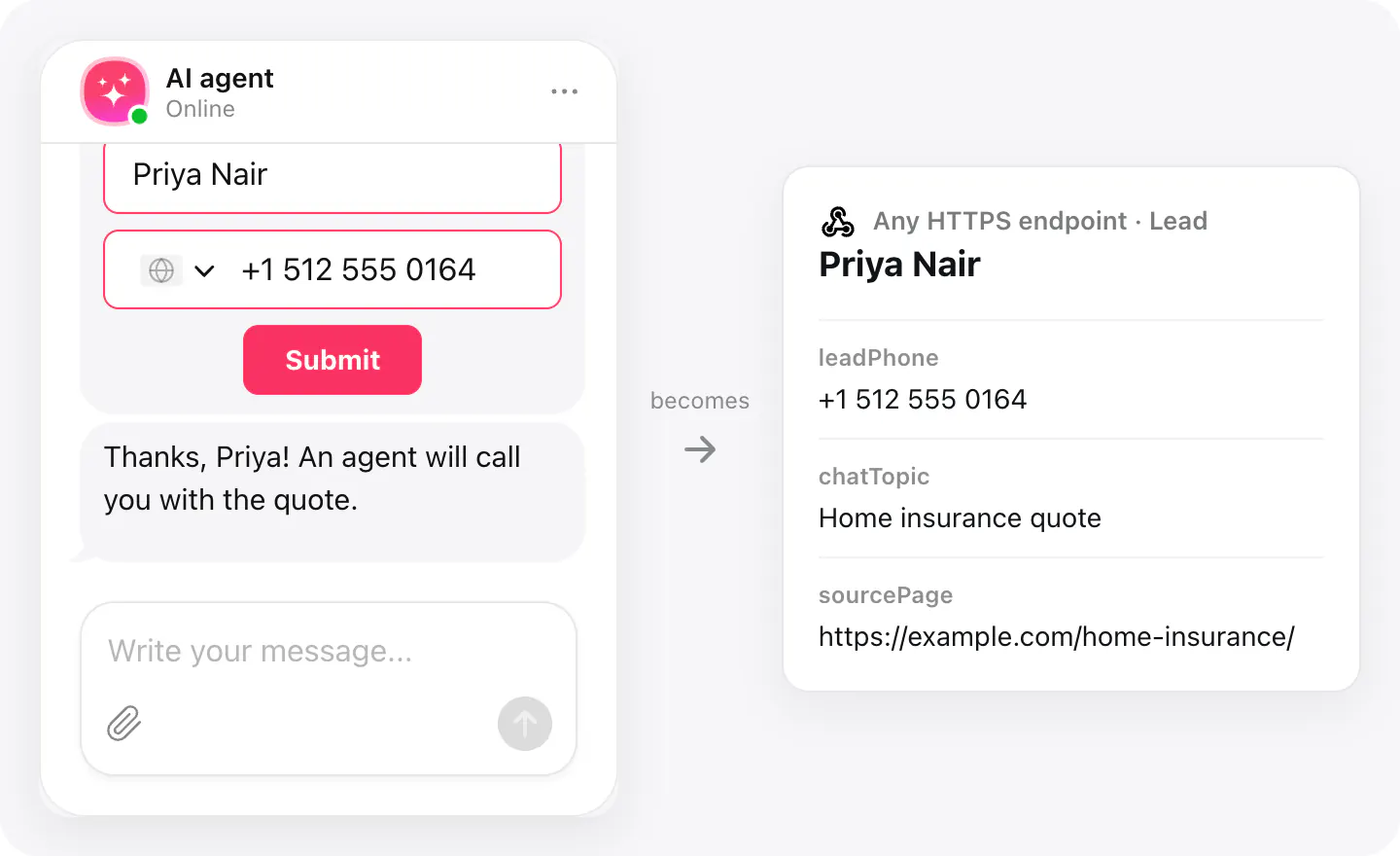
Create leads in your own CRM
Read leadName, leadEmail and leadPhone from the body and create the lead in the system your sales team already works in.
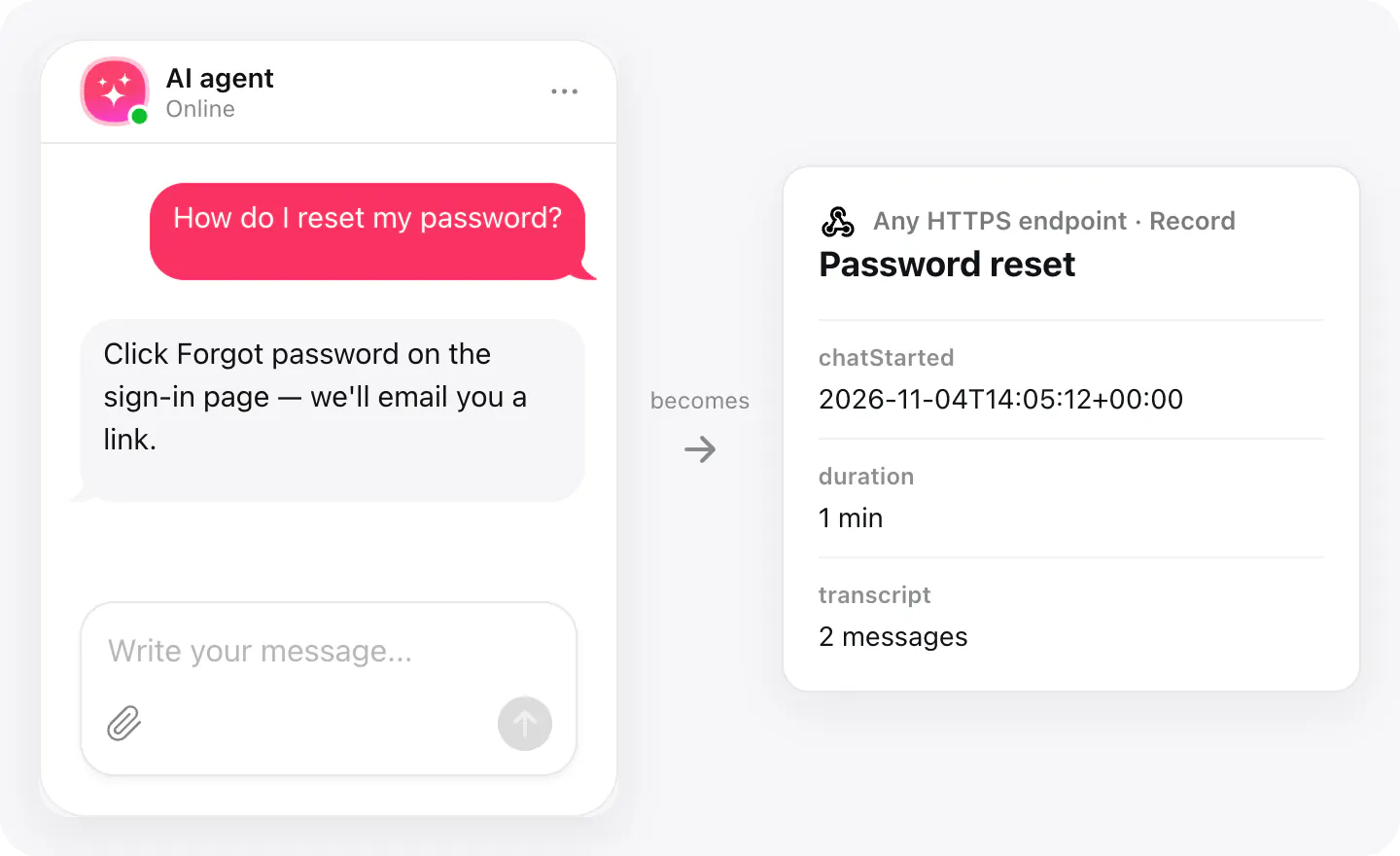
Keep the history in your database
Store every chat — with its transcript, duration and the page it started on — next to your own data, for reports you control.
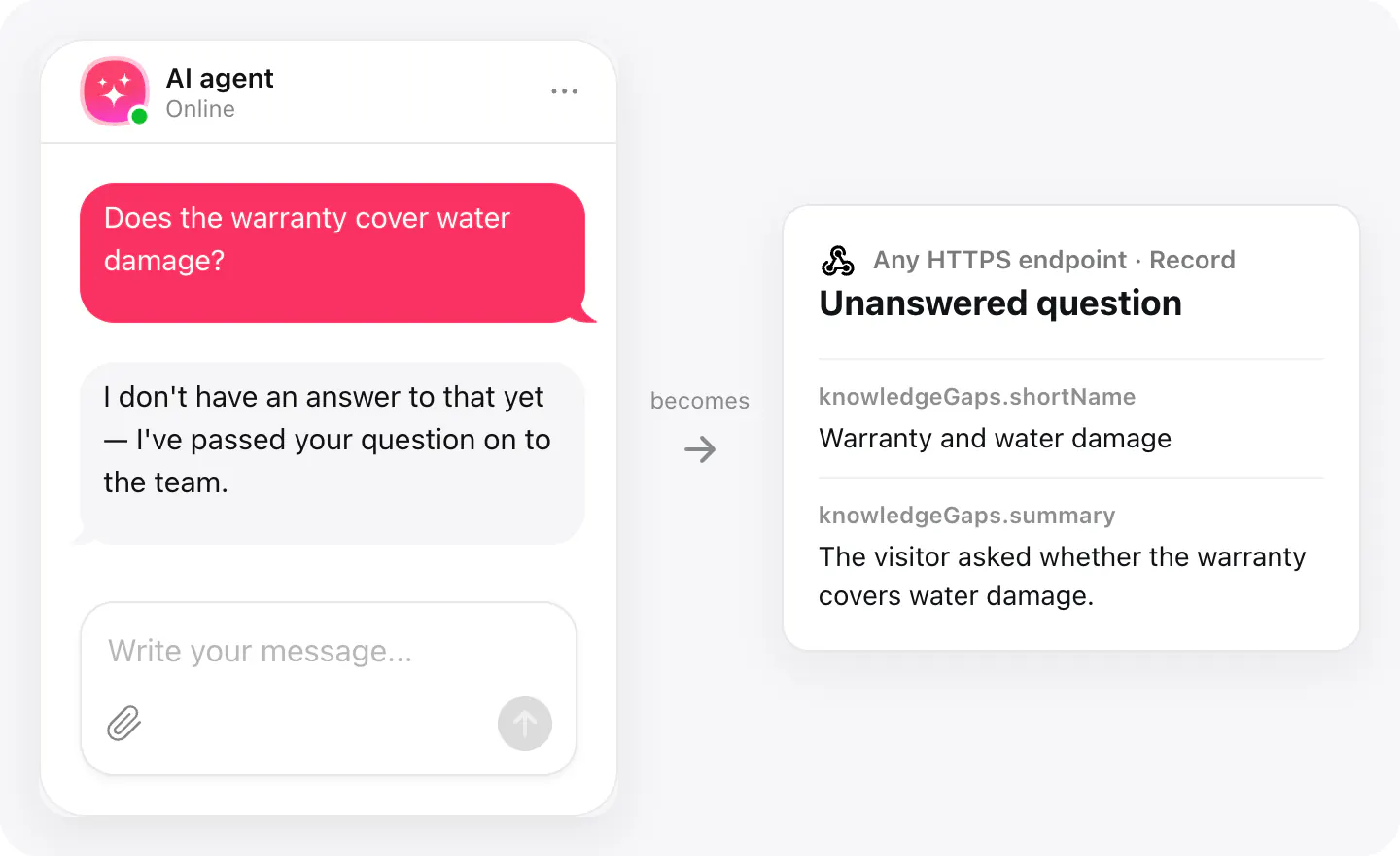
Fill the gaps in the knowledge base
Collect the questions the agent couldn't answer from every chat, and hand the most frequent ones to whoever maintains your content.
Set up
Add your endpoint in your AI Chatbot widget's Integrations. Each finished conversation is posted there as JSON.
- Open your AI Chatbot widget, go to Integrations and choose Webhooks.
- Paste the HTTPS address that should receive finished chats.
- Finish a test chat on your site and check that your endpoint got the JSON.
Connected apps and their status are listed in Integrations in your widget, where you can disconnect access at any time.
Requirements
- An AI Chatbot widget published on your site.
- An HTTPS endpoint on a public domain that accepts a JSON POST.
What gets sent
What the integration passes on.
Name, email and phone, if the visitor left them (leadName, leadEmail, leadPhone)
The visitor's consent, if you ask for it: status, text and time (leadConsent)
Chat topic and an AI summary (chatTopic, summary)
The page the chat started on (sourcePage)
When it started, how long it lasted, your time zone (chatStarted, duration, durationMinutes, timeZone)
The transcript: role, message and time of each reply, with attachments, ratings and forms (transcript)
Questions the agent couldn't answer in this chat (knowledgeGaps)
Links to the chat and to unanswered questions in your dashboard (dashboardLink, knowledgeGapsDashboardLink)
The agent's language and the chat's, agent's and widget's IDs (language, threadPid, assistantPid, widgetPid)
If nothing arrives
- Answer with a 2xx status. Any response of 400 or above counts as a failure, and the chat is sent again — up to three more times, with a longer pause each time.
- Use HTTPS on a public domain. The address must start with https:// and use a real domain name; a local or internal address can't receive chats.
- Wait for the chat to end. A chat is sent when it ends: the visitor ends it, or nobody writes for a while (10 minutes by default). A chat that's still open hasn't been sent yet.
How businesses use it
The same connection, set up for different kinds of business.
- SaaS & softwareChats go into the product's own database and support tools, mapped by the team's developers.
- InsuranceQuote requests create leads in the agency's in-house system, with the visitor's consent attached.
- Law firmsEnquiries reach the firm's intake software directly, with no automation service in between.
- Online storesChat history sits next to orders in the store's own database, for reports the team controls.