
Overview
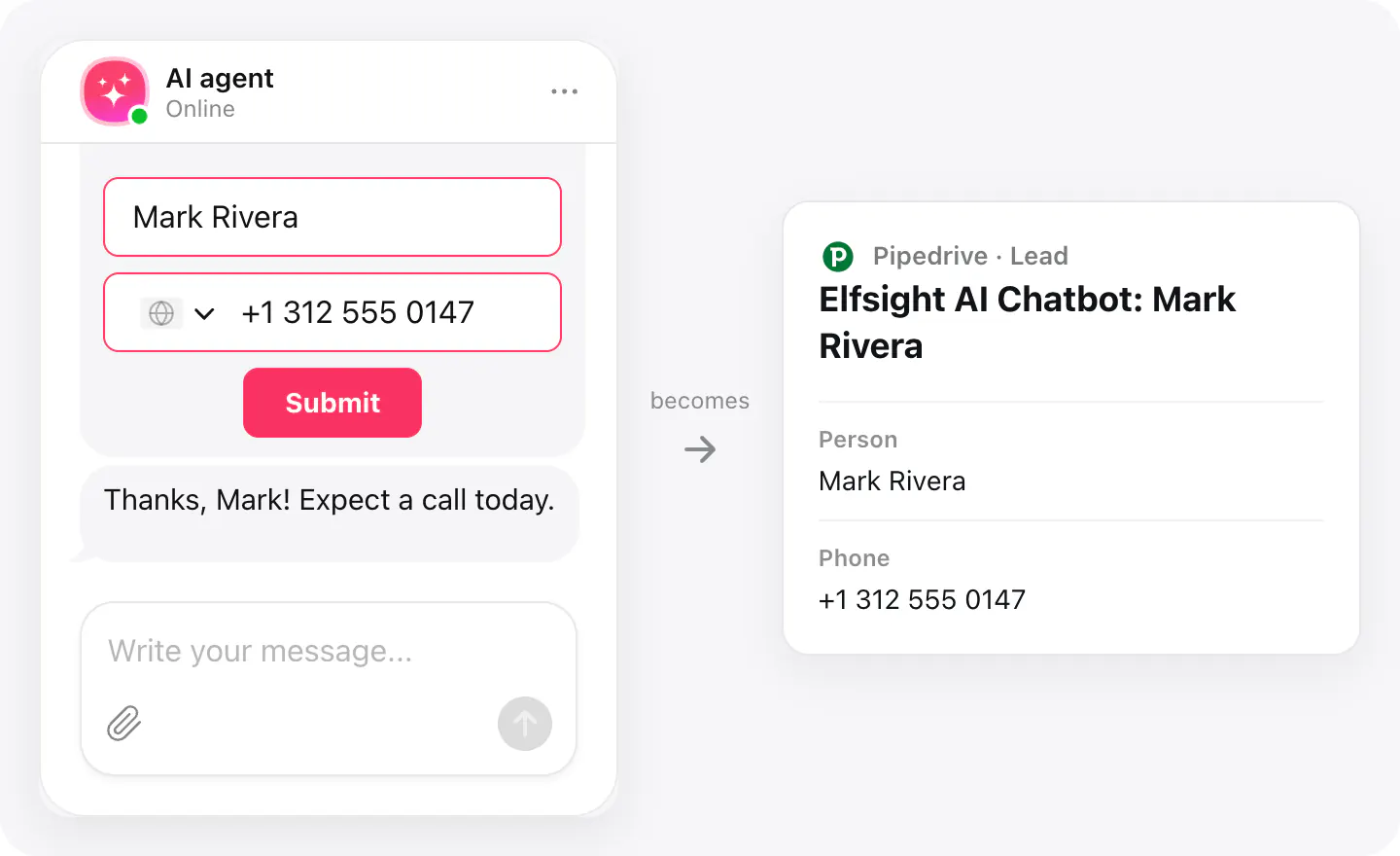
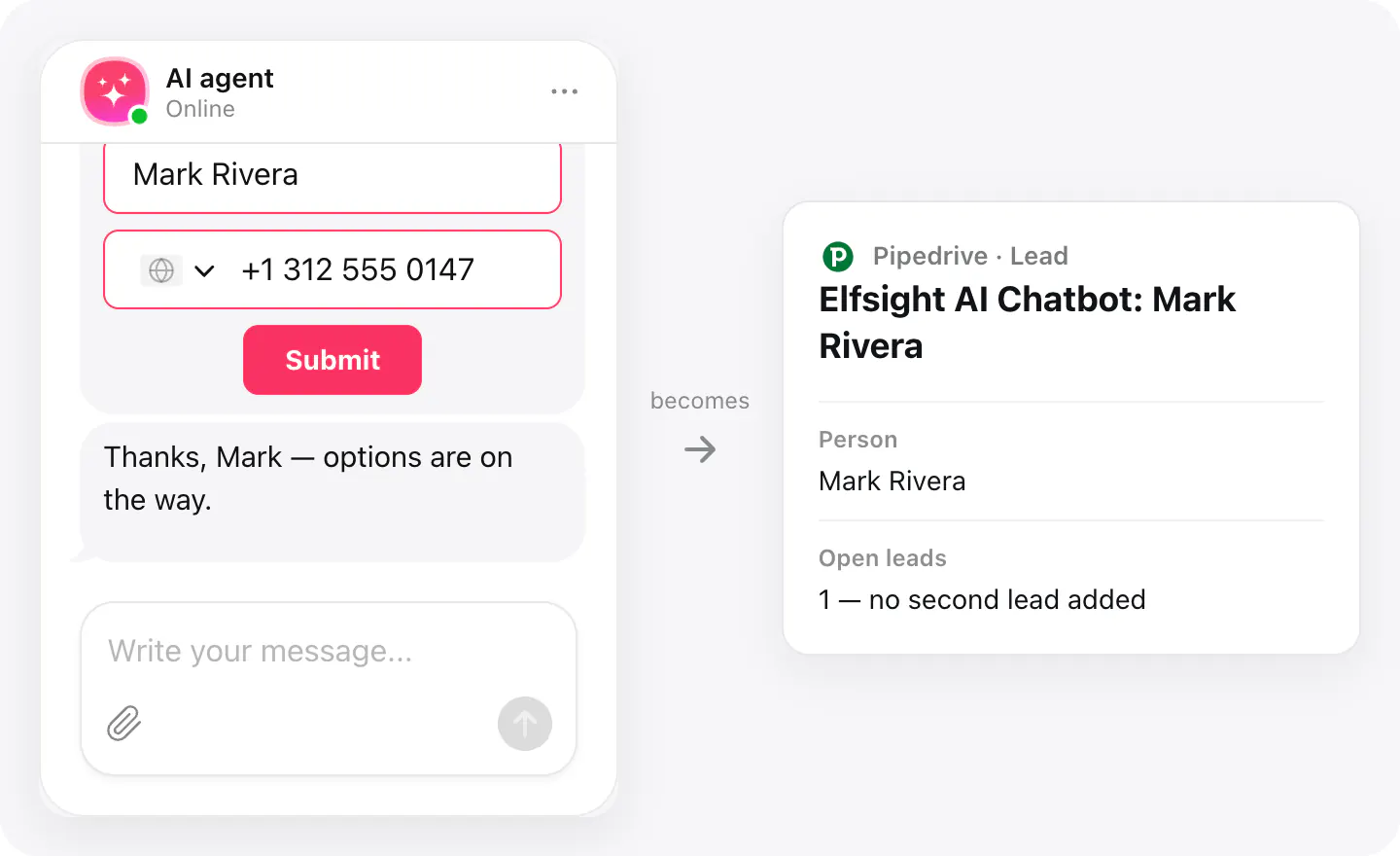
A visitor who asks about prices and leaves a phone number is a lead — but only if someone sees it. With Pipedrive connected, the details a visitor leaves in the chat reach Pipedrive right away: a person with their name, email and phone, and a lead linked to that person, titled «Elfsight AI Chatbot:» and their name, so your team knows where it came from.
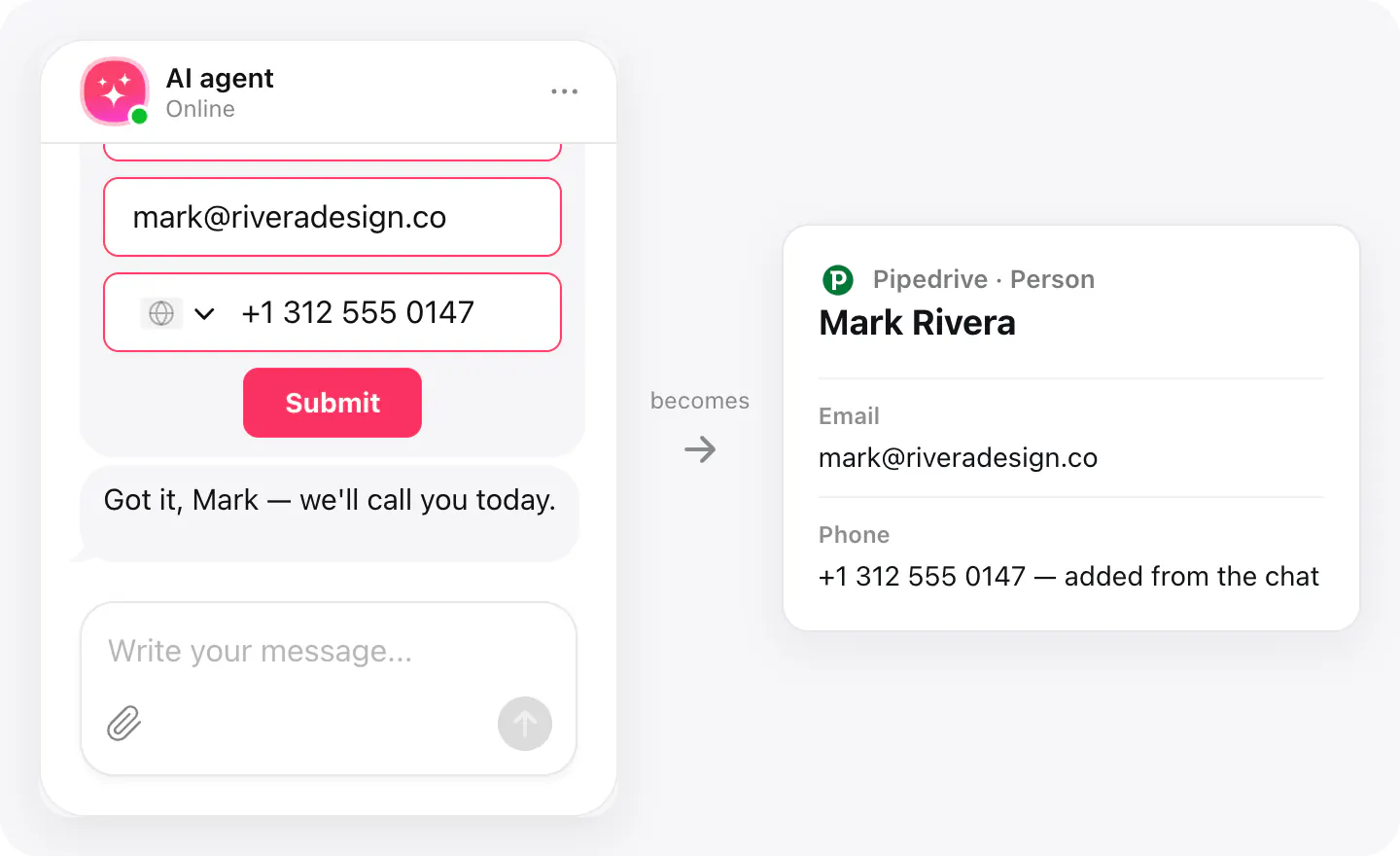
Returning visitors don't clutter your pipeline. People are matched by email: an existing person keeps their name, gets a phone number only if they had none, and gets no second lead while one is still open — including one your team created.
What you can do
These are the jobs the integration is built for.
Collect leads
When a visitor sends their details in the chat, Pipedrive gets a new person and a lead linked to them, titled with the visitor's name.
No duplicate people
A visitor who is already in Pipedrive is matched by email: the person keeps the name you have, and gets the phone from the chat only if they had none.
One open lead per person
If the person already has an open lead — from an earlier chat or one your team created — no second one is added, so repeat chats don't fill your leads with copies.
Set up
Connect Pipedrive in your widget's Integrations, then pick it in the Collect contacts skill as where contacts go.
- Open your AI Chatbot widget, go to Integrations, choose Pipedrive and sign in to allow access to your company account.
- In Agent skills, turn on Collect contacts and pick Pipedrive as where contacts go.
- Make sure the form asks for an email: it's how a returning visitor is matched to the person already in Pipedrive.
Connected apps and their status are listed in Integrations in your widget, where you can disconnect access at any time.
Requirements
- An AI Chatbot widget published on your site.
- A Pipedrive account with permission to add people and leads.
What gets sent
What the integration passes on.
| What gets sent | Person | Lead |
|---|---|---|
| Name (the email or phone stands in when there's no name) | ||
| Phone | ||
| Title: «Elfsight AI Chatbot:» and the visitor's name | ||
| Linked to the person |
If nothing arrives
- Check the skill. Collect contacts needs Pipedrive picked as where contacts go; with no CRM picked there, nothing is sent.
- Check the contact details. A person is added only when the visitor leaves an email or a phone number; a name alone isn't enough.
- Look for an open lead. A person who already has an open lead doesn't get another one — check the lead that's already open for them.
How businesses use it
The same connection, set up for different kinds of business.
- Real estateVisitors asking about a listing become people and leads your agents call back the same day.
- Car dealershipsTest drive and trade-in questions reach your sales team as leads with the buyer's phone.
- Local & small businessQuote requests from the website go straight to the leads your team already works through.