
HTML Yelp Reviews widget

Create your Yelp Reviews widget
Screenshots
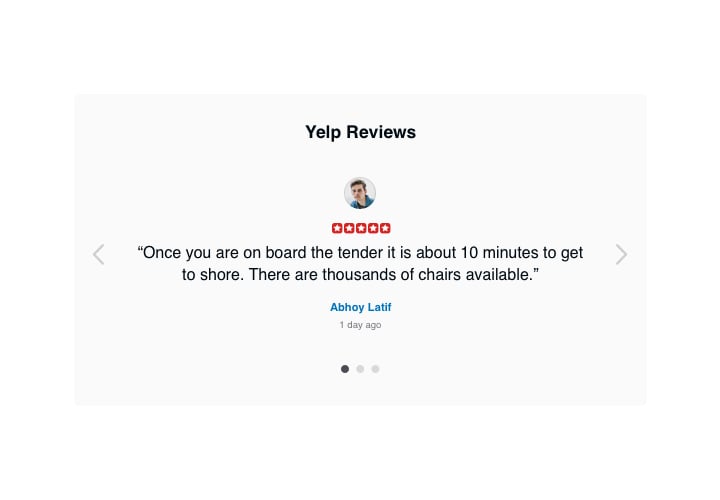
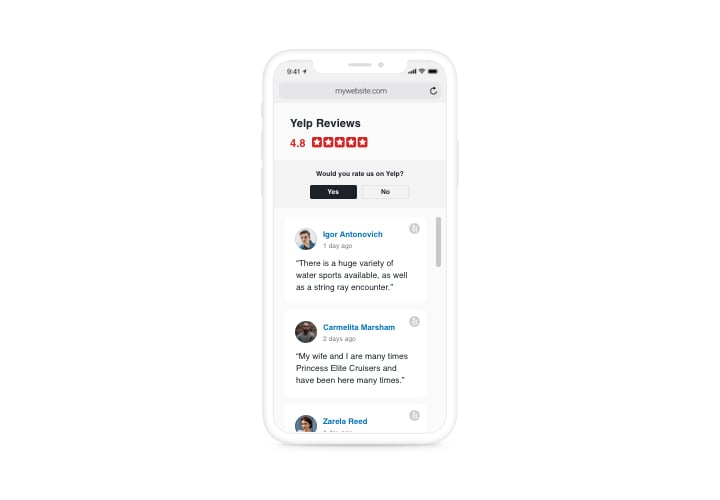
Description
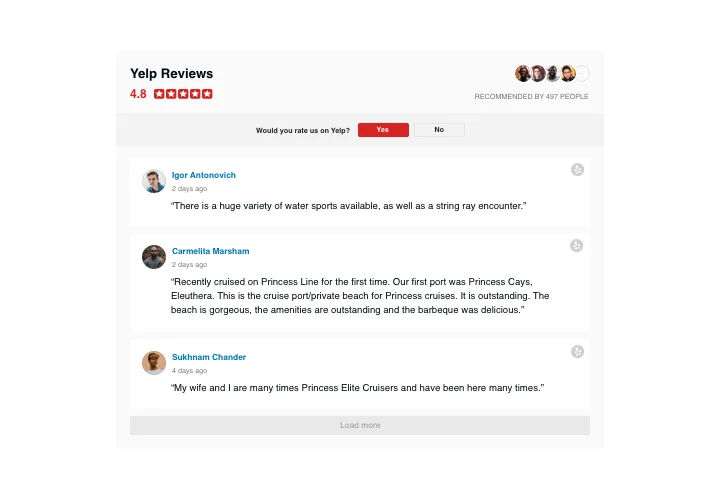
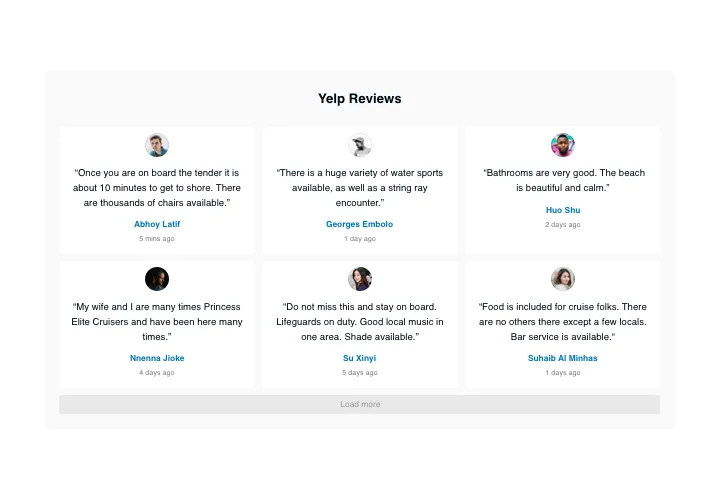
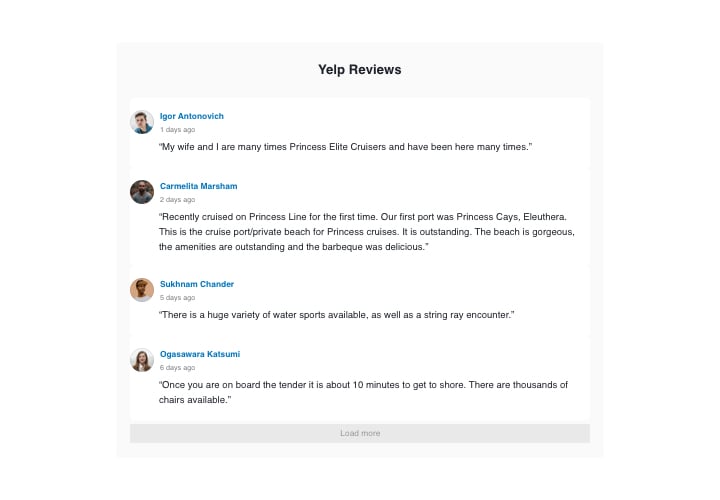
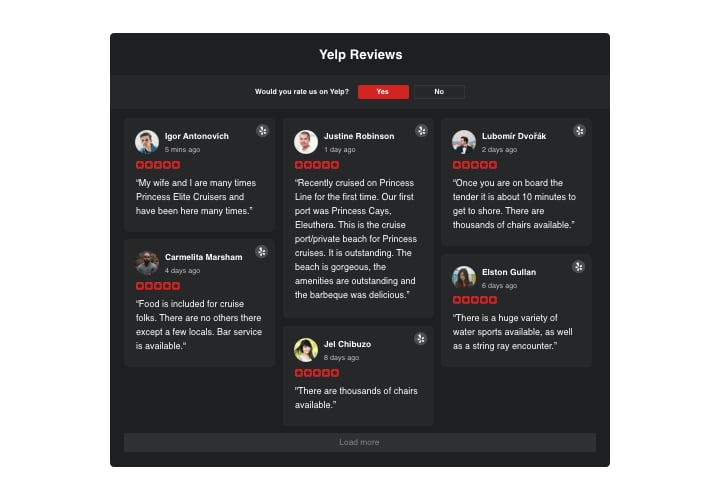
If you would like to show your high appraisal by users and convince website visitors that your offers are worth spending money on, Elfsight Yelp Reviews is right for you. Having this tool, you can demonstrate customer reviews from Yelp on your website with info about their authors, sort them out to show only good ones, add ratings and a redirect button that will lead users on your Yelp page, so that they can write a fresh review.
Features
In order to have a full idea of the widget, you can study the list of its primary functions. They make this widget maximum efficient for your business:
- Three predefined filters: by type, exclude by, and quantity of reviews for displaying;
- Four predefined of layouts: List, Grid, Masonry, and Slider;
- An option to control displaying the header of the widget;
- The button to request a review directs people to the Yelp page;
- Six flexible elements of the reviews: author name and photo, recommendation text, date, Yelp icon, and star rating;
- Two options of scenarios after review request denial: demonstrate a custom message or remove the button.
Learn how to set up the Yelp Reviews to your HTML website. It is incredibly easy
The below steps are the only thing you need to do to add the widget.
- Generate your custom-made Yelp widget
Managing our free editor, generate a plugin with a preferable design and functionality. - Copy the individual code to publish the widget
After you have customized your widget, you will obtain the individual code from the popup window on Elfsight Apps. Copy it for later use. - Integrate the widget on your website
Pick the area you want to show the widget to and add the copied code there. Apply the changes. - The setup is successful!
Enter the web page, to take a look at your reviews.
Still can’t make up your mind? Or stumbled upon anything? Simply send a request to our customer support department, we will help with every issue.
