Wix Viber Chat

Allow direct messaging via Viber on your Wix website to assist visitors, handle inquiries smoothly, and boost conversions with a familiar chat experience.
4.8 rating
10,000+ reviews
Free plan available
Create Widget for Free
No credit card needed
Wix Viber Chat

Create your Viber Chat app

Configure your Viber Chat and add it to your Wix website for free!

Screenshots

Wix Viber Chat
1 / 6

Description

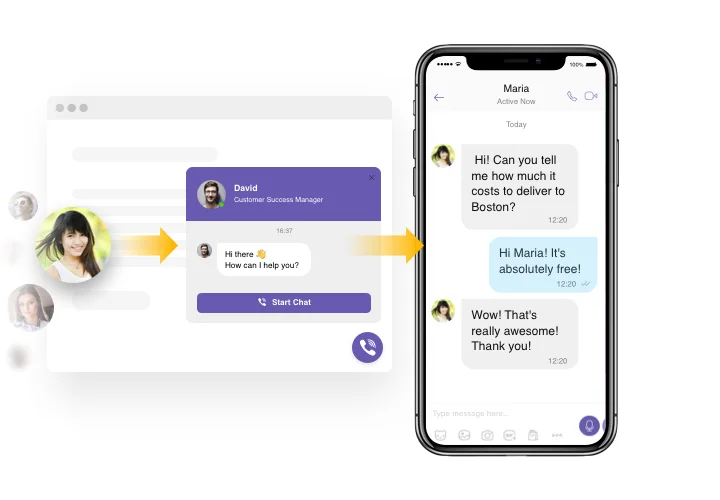
Elfsight Viber Chat is among quickest possibility for people to reach you via your website. Every user will quickly get solutions to their queries or help from you. You will be able to stay available online in one the most used messenger non-stop. You can set Elfsight Viber Chat to show on selected pages and direct it for certain groups of audience. There are a lot of customization options: choose start-chat activators, write your welcome message, select icons and more. Using Viber Chat on your page you will stay connected for people anytime and in any location.

Launch Viber Chat to take your business challenges more efficiently!

Check the list of the most useful features:

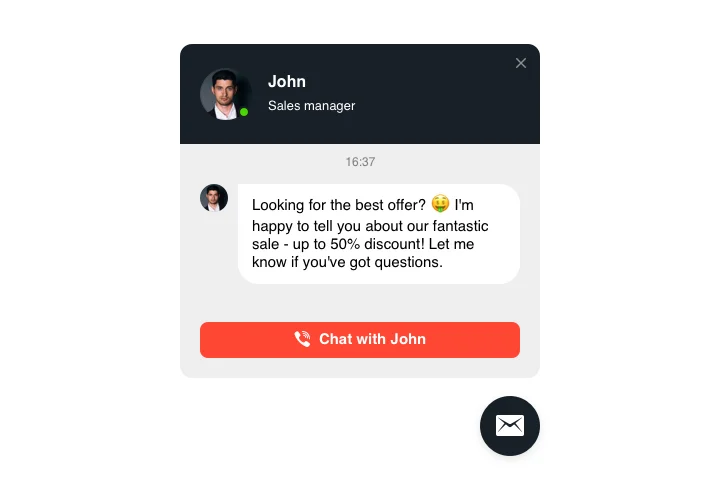
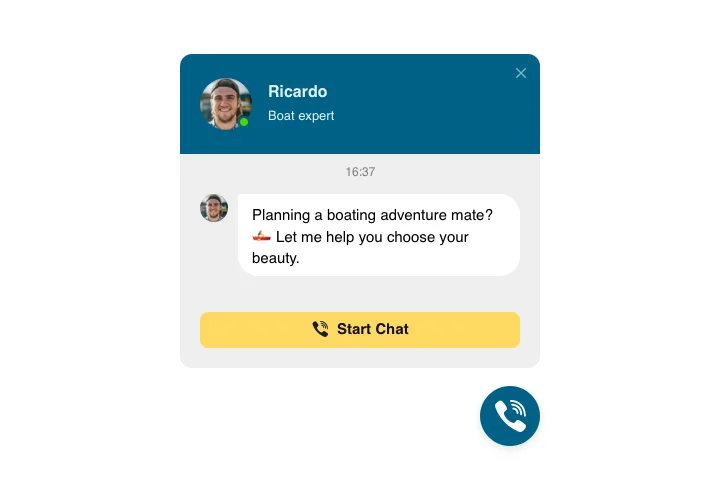
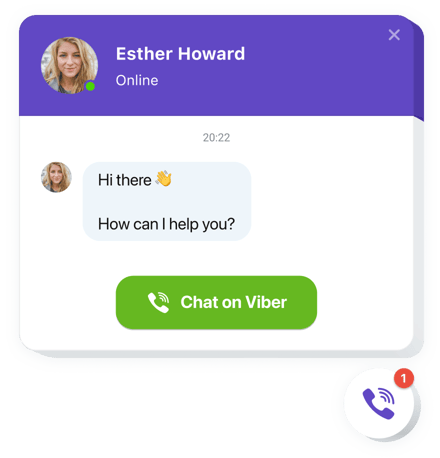
  • A collection of bubble icons to choose
  • Editable bubble text
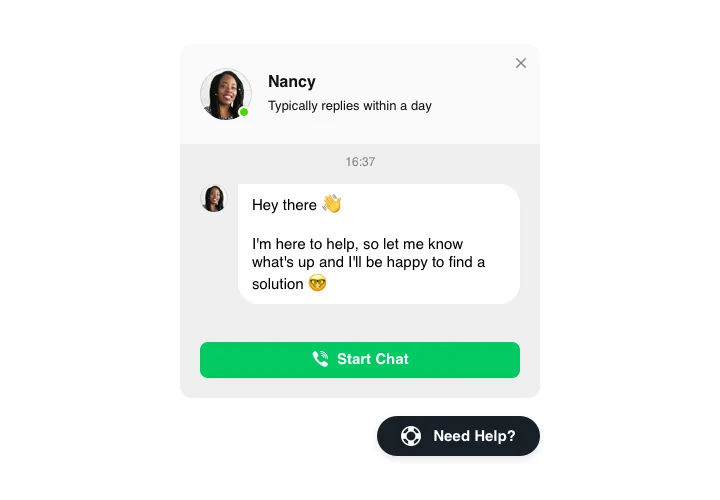
  • FlexibleChat header with page logo, name, and caption
  • Setting page picture by default, from our library or uploading your own picture
  • Setting custom text as chat caption
  • Editable welcome message with formatting options and links

Just try our intuitive editor to get the full idea

How do I add Viber Chat to my Wix?

Just follow several steps given below to embed the app.

  1. Employ our free editor and start creating your custom-made app.
    Specify the suitable design and features of the app and save the edits.
  2. Copy the unique code revealed in the special form on Elfsight Apps
    Right after the generation of your widget is done, copy the individual code in the appearing popup and save it for further occasion.
  3. Begin using the app on your Wix homepage
    Add the code saved before in your page and save the modifications.
  4. The installation is successfully performed
    Visit your page to inspect how’s the plugin running.

On condition of confronting inquiries or running over some obstacles, don’t hesitate to get in touch with our customer service staff. Our consultants are longing to help you with all the difficulties you may have with the widget.

Do I need a Wix Premium plan to embed the Viber Chat?

You can install the app on a free Wix website using the standard embed method. Premium plans additionally allow installation via Settings → Custom Code, which avoids iframe embedding.

Is Viber Chat compatible with Wix layouts?

Elfsight integrates smoothly with Wix sections and automatically adjusts to your Wix website’s responsive design.

Is a Viber account required to start chatting from Wix?

Yes, visitors must be logged into Viber to send messages. Elfsight connects directly to Viber’s official messaging environment.

How does Viber open after clicking the button?

On smartphones, Elfsight opens the Viber application automatically. On desktop, users are redirected to Viber Desktop if available.

Can I connect a Viber Business profile?

You can link your Viber Business Account in the app settings so Wix visitors can message your verified channel.

Can I add a custom greeting near the chat button?

Yes, Elfsight allows you to display personalized greeting text to guide visitors before they start chatting.

Does it support floating and inline layouts?

Viber Chat can float above your Wix content or be embedded directly inside a section of your Wix page.

What triggers can automatically display the chat?

You can enable triggers such as time delay, scroll position, time spent on page, or exit intent for contextual visibility.

Pricing

14-day money back guarantee. Risk-free, you can cancel at anytime.
Elfsight Apps
Multi-platform digital solution
from $0 / month
start with free plan
Unlimited domains
Professional support
Free installation service
Special offer for multiple apps
Fully customizable