
Student Website Templates
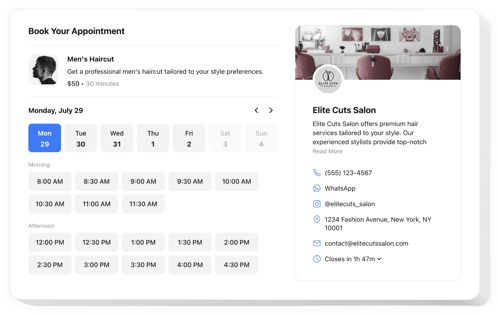

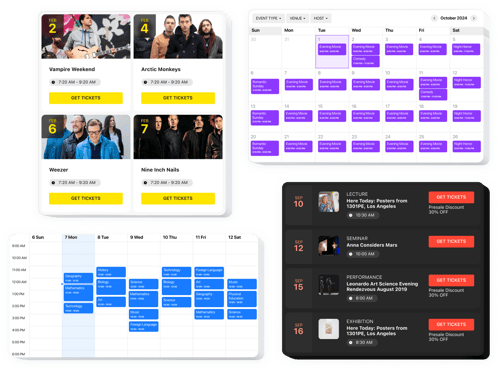
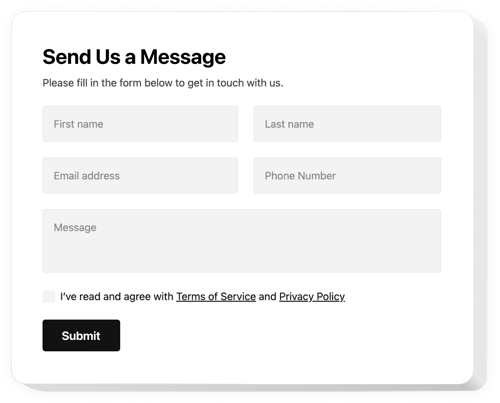

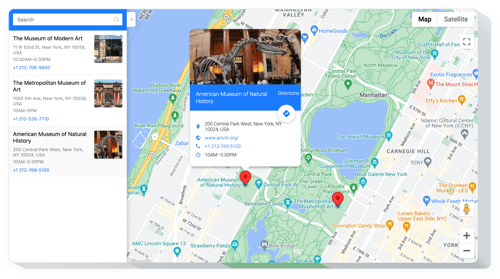




FAQ
Do you have solutions for other educational needs?
Yes, we support a wide range of academic and learning environments, such as:
How do I add a widget to my student website?
You can get everything running in three steps:
- Personalize the template. Choose a layout and color scheme that fits your school’s colors.
- Receive the embed code. Save the completed work and copy the installation code.
- Install the code on your website. Open your website, add the snippet, and save.
Which educational platforms or CMS are compatible?
Our plugins work seamlessly with 99.9% of website platforms. This includes popular builders, like:
Squarespace, Wix, HTML, Webflow, WordPress, Shopify, Elementor, Google Sites, GoDaddy, iFrame, Bigcommerce, Weebly, Joomla, and many others.
Is there a free version plan?
Yes, we have a Free plan that includes all the essential tools to help you get started. If your project expands, you can switch to a paid plan.
Do I need coding skills?
No, you don’t need any coding skills. Our widgets are user-friendly, so you can focus on your studies rather than technical troubleshooting.
Can I customize the widgets for a specific course?
Yes, you have full control. You can easily adjust the settings to match your club’s branding or your course requirements. Advanced users can also use custom CSS or JavaScript.
