
Professional Services Website Templates




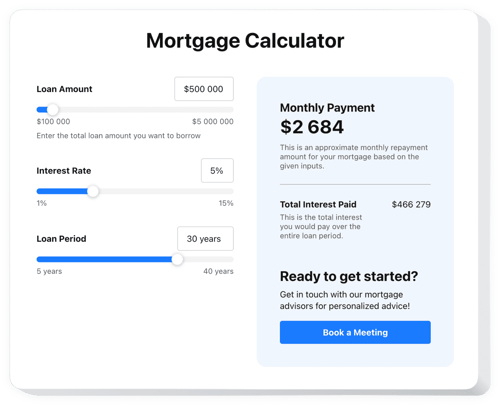
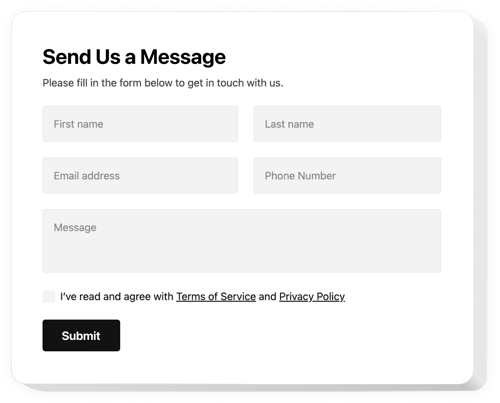

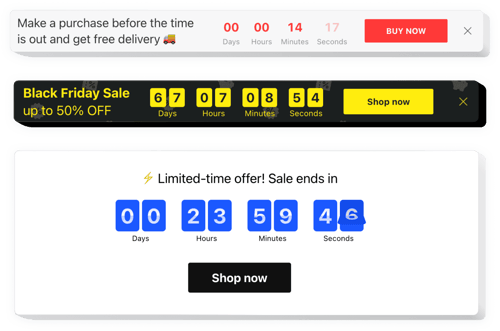








Explore More Industry Solutions
FAQ
Do you have solutions for more specific projects?
Yes, we have solutions designed to streamline operations across various sectors, such as:
How do I add a widget to my professional services website?
Setting up a widget takes just a few minutes:
- Personalize the template. Choose layouts and colors that match your firm’s identity.
- Generate the embed code. Save the completed work and copy the installation code.
- Add it to your website. Access your website, put the code, and update the page.
Will they work with my website builder?
Our plugins are applicable for most website builders and CMS, the leading ones include:
Squarespace, Wix, HTML, Webflow, WordPress, Shopify, Elementor, Google Sites, GoDaddy, iFrame, Bigcommerce, Weebly, Joomla, Bigcommerce, Weebly, Joomla, and many others.
Is there a free version I can use?
Yes, we have a Free plan that lets you build your own version of a widget. It has all the features for customization and installation. For more, explore our paid plans.
Do I need to hire a developer to install the widgets?
No, you manage everything on your own. All you need to do is paste a small code into your website. The rest will stay the same, meaning you get an almost tech-free experience.
Can I change the looks to match my brand?
Yes, each widget can be fully tailored to your branding. Adjust colors, layouts, styles, etc. For advanced users, there are built-in CSS and JS editors.