Welcome, Hunter! 👋 Enjoy 50% OFF annual plans with code PRODUCTHUNT — limited time ⏳
50% OFF annual plans — code PRODUCTHUNT

Wix Restaurant Menu app
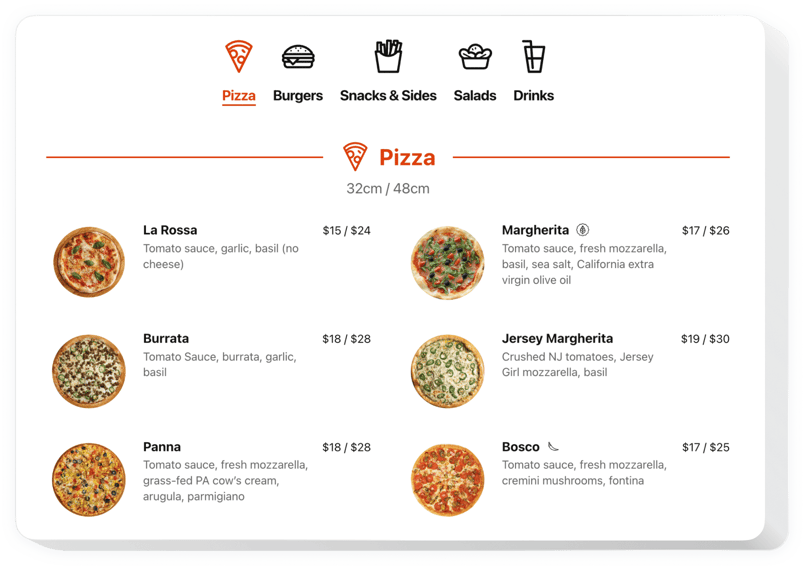
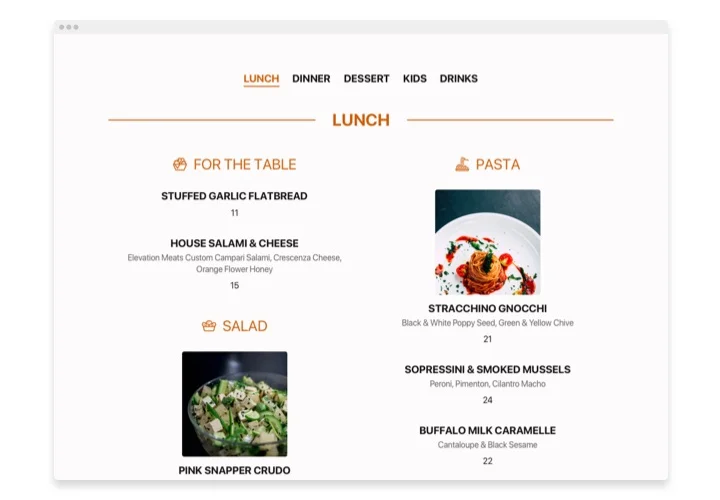
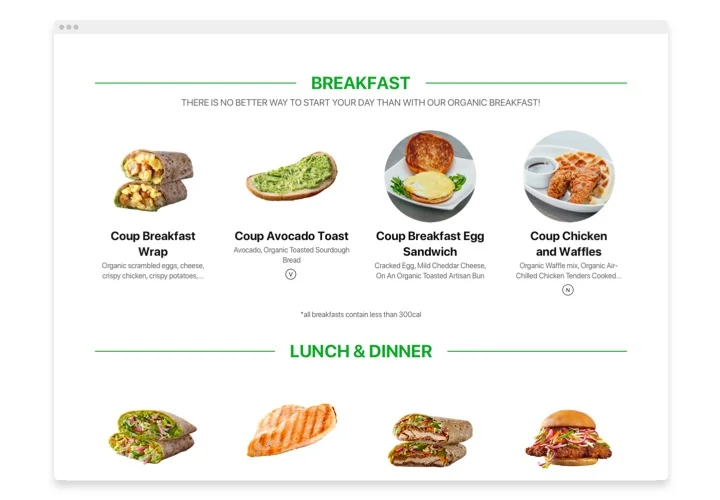
Showcase menu items on your Wix website with photos, descriptions, categories, and pricing to present your cuisine in the most appealing way.
4.8 rating
10,000+ reviews
Free plan available
Create Widget for Free
No credit card needed
Wix Restaurant Menu app

Create your Restaurant Menu app

Configure your Restaurant Menu and add it to your Wix website for free!

Screenshots

Wix Restaurant Menu app
1 / 6

Description

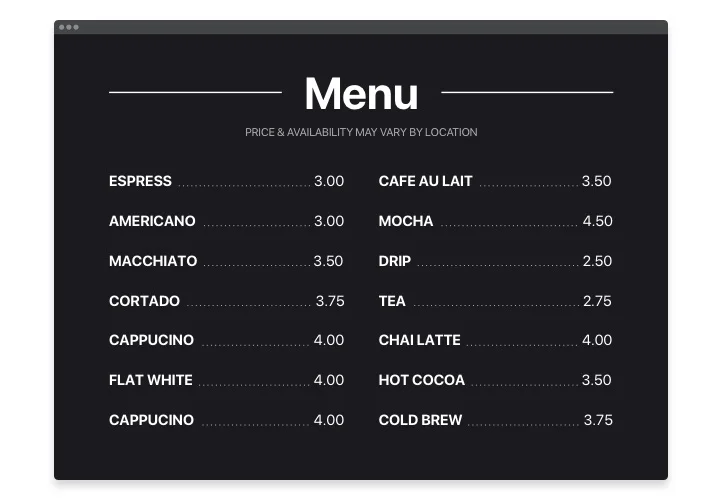
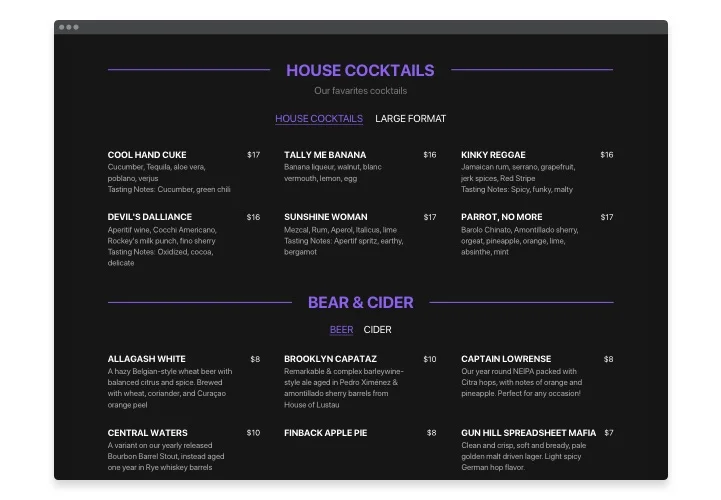
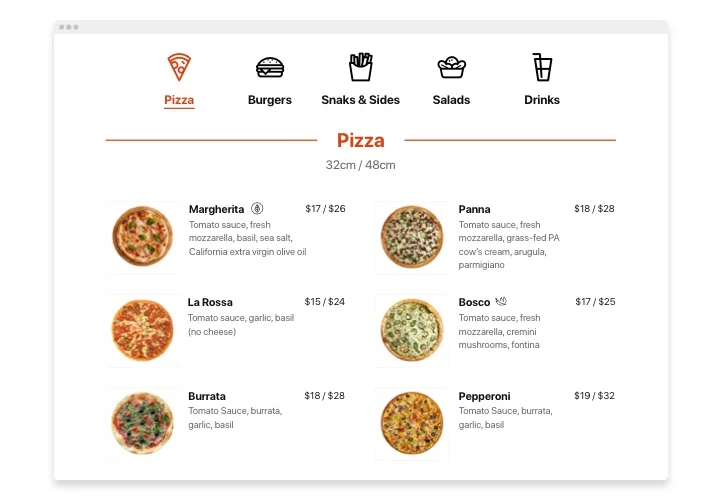
The Restaurant Menu is an easy way to demonstrate your tasty food and beverages for your audience, convey an outstanding concept and capture their attention with magnetic product photos. The plugin is a highly handy. You can present limitless amount of menu pages with numerous sections and items. Choose light, dark scheme or adapt any elements you need, recoloring all elements. Besides your menu can always be relevant: you can update pricing or a list of items, add new dishes or even menus in a couple of seconds! No more ready-to-print menus which you have to create from the scratch. Just start creating your stylish menu right now.

Get the best of Restaurant Menu to take your popularity peaks with less effort! With the help of the menu on your webpage your establishment can invite more visitors than ever. Start using Restaurant Menu by Elfsight

We offer useful and uncomplicated features, see some of them:

  • User-friendly editor even for non-tech users
  • Endless amount of menus, sections or items, easily organised by stylish layouts
  • Always up-to-date info. Correct menu and all its settings anytime you wish
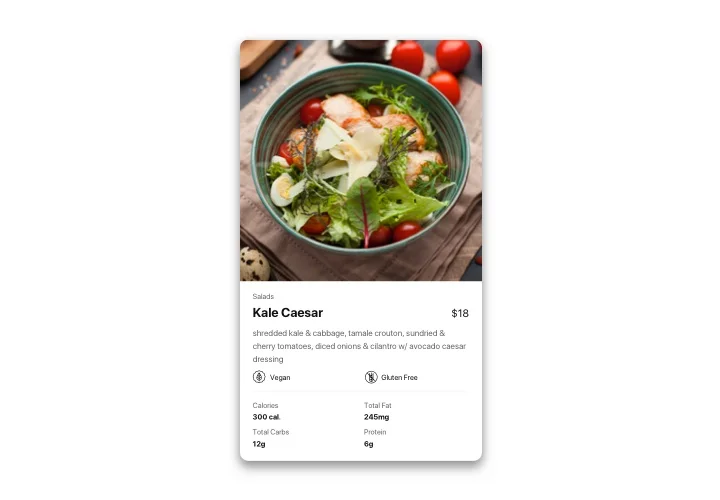
  • Display detailed description for the items: even icons, nutrition elements and badges
  • Set stunning photos for the items and even present them in a popup view
  • Customize colors of all elements: text, color scheme and icons

Explore all the customization options in 100% functional demo

How do I add Restaurant Menu into my Wix web page?

Simply follow the guidelines below to add the tool:

  1. Launch our free editor and start shaping your custom app.
    Specify the preferable design and parameters of the app and save the corrections.
  2. Copy your unique code appearing in the window on Elfsight Apps.
    As soon as the creation of your personal app is complete, copy the exclusive code in the appeared box and save it for further use.
  3. Get started with using the widget on Wix web page.
    Integrate the code saved before in your homepage and save the modifications.
  4. The Setup is successfully performed.
    Go to your web page to inspect the functioning of the app.

In case you have any difficulties, don’t hesitate to address our support team. Our specialists will be delighted to resolve all the issues you might have with the tool.

Do I need a Wix Premium plan to embed Restaurant Menu?

Wix’s Free plan doesn’t support any external code. You need a Premium plan to embed the app on your live Wix website.

Is Elfsight compatible with Wix Editor, Editor X, and Wix Studio?

Yes, Restaurant Menu is fully compatible with the classic Wix Editor, Editor X, and the new Wix Studio. You can embed them easily in any version of Wix.

Is it possible to organize my menu into sections?

Elfsight enables dividing your menu into numerous sections for easy browsing and better organization.

Does the app allow for resizing and column customization?

The Restaurant Menu plugin by Elfsight offers control over the width and column count, making it adaptable for different menu lengths.

Can I reorder menu sections or items on my Wix website?

Both menu sections and items can be reordered at any time through the drag-and-drop editor.

Can I add images to each menu item?

With Elfsight, images can be uploaded for each menu item to visually enhance your menu’s appeal.

Can I add nutritional or allergen info to menu items?

Elfsight offers item-specific nutrition and allergen details, displayed as icons or text for guest awareness.

Can I add badges for new or featured items?

The plugin lets you assign badges to flag new, popular, or allergen-containing meals using icons or labels for clear communication.

Can I disable popups for items or layouts on my Wix website?

You may enable or disable the popup display for images and text in the Restaurant Menu to suit your menu needs.

Can I show daily specials, happy hour, or event menus?

Multiple menu sections and items can be updated or highlighted to reflect daily specials, events, or limited-time offers.

How are updates to menu content applied to the website?

All content edits – prices, dishes, categories – made in the Elfsight admin automatically sync to your website on save.

Pricing

14-day money back guarantee. Risk-free, you can cancel at anytime.
Elfsight Apps
Platform-independent solution that suits any website
from $0 / month
start with free plan
Unlimited number of websites
Fast and on-time support
Free installation support
Special price for multiple apps
Flexible design