Squarespace Radio Player plugin

Stream your radio station on your Squarespace website to reach more listeners and keep your broadcast playing continuously without interruptions.
4.8 rating
10,000+ reviews
Free plan available
Create Widget for Free
No credit card needed
Squarespace Radio Player plugin
Create your Radio Player plugin

Configure your Radio Player and add it to your Squarespace website for free!

Screenshots

Squarespace Radio Player plugin
1 / 6

Embed Radio Player on Squarespace with the Elfsight widget

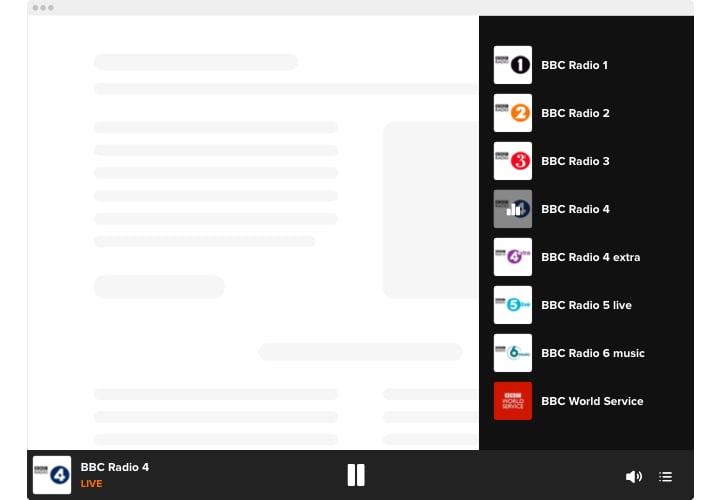
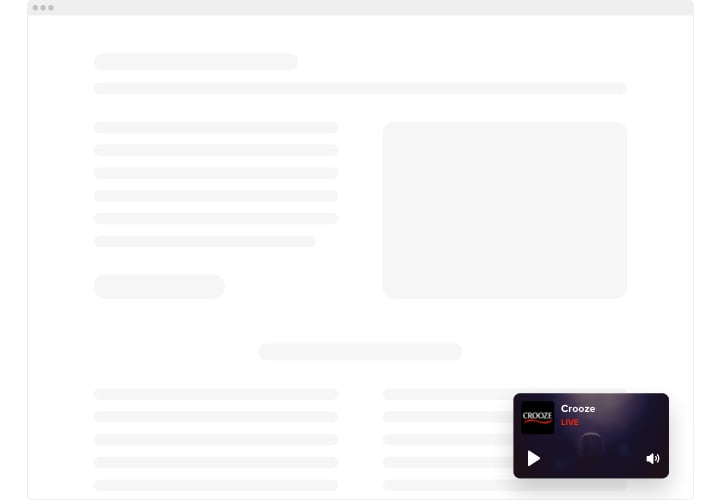
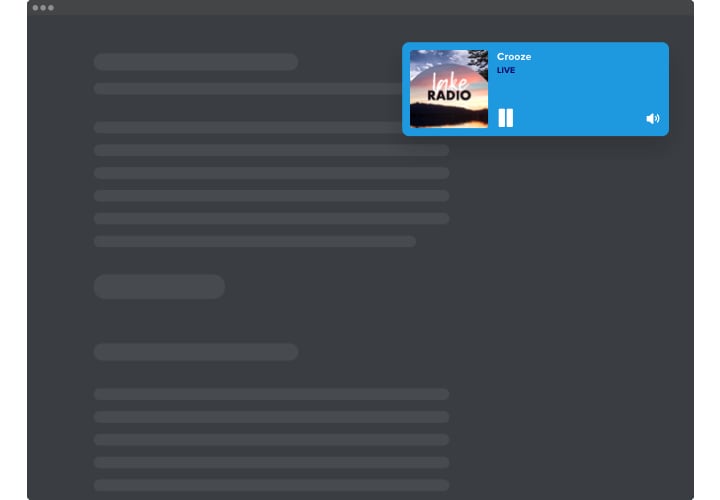
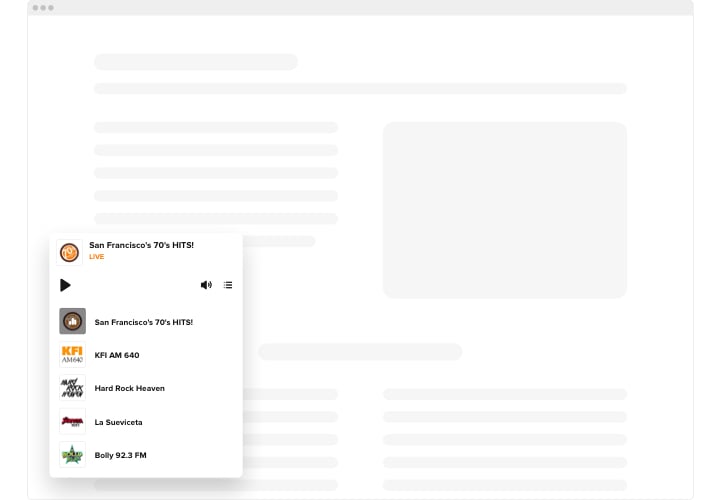
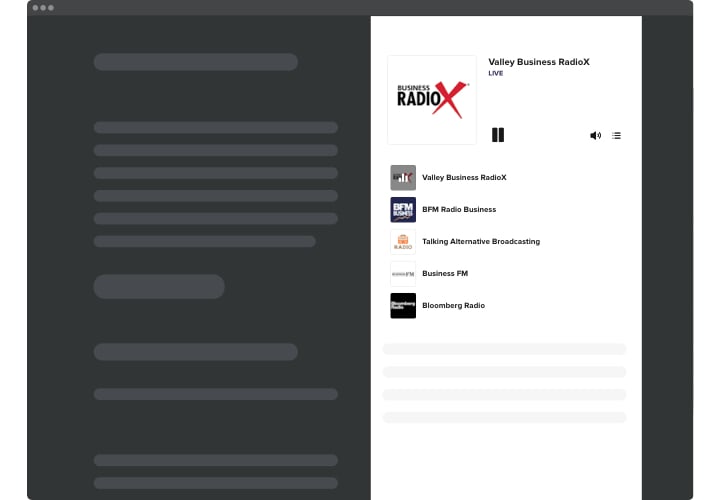
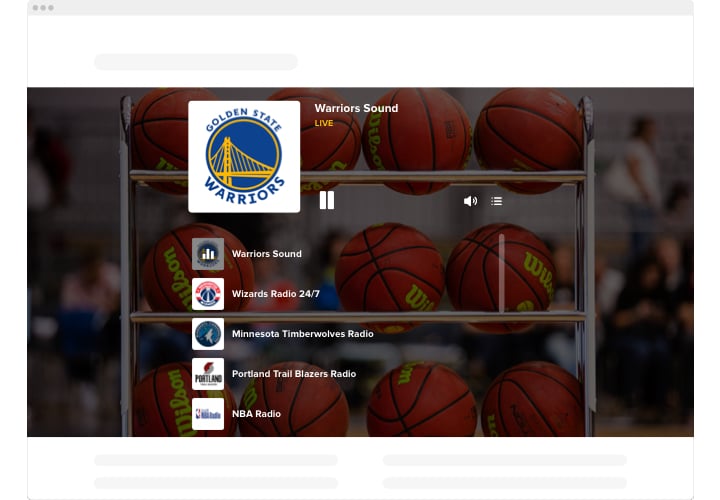
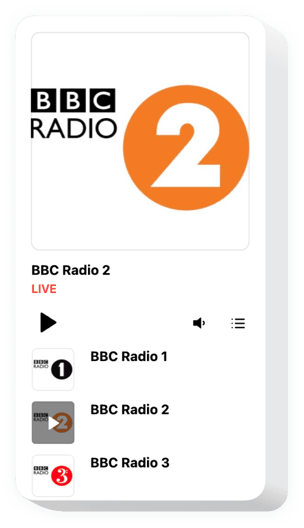
Elfsight Radio is a simple plugin giving you an opportunity to stream radio stations on the pages of your website. The widget is extremely adjustable: you can change its placement, settling it anywhere on the page, alter its size, do over the background and other elements to combine it with your website design, use dark theme, show images and demonstrate or hide three additional player details like, heading, status and others. Include as much stations as you need to delight your users, turn the autoplay on and be sure – your visitors won’t leave your web page in a hurry!

Equip your visitors with new source of useful and interesting content using Elfsight Radio Player.

These are just several of the various plugin features:

  • Numerous color alterations.
  • Dark/light color scheme.
  • Two layouts available.
  • Possibility to add background image.
  • Adject unlimited amount of stations.

You can try the full functionality of the plugin in the free editor

How to add Radio Player into my Squarespace website?

Just follow the instructions below to integrate the plugin.

  1. Employing our free configurator and start creating your customized plugin.
    Specify the preferred design and specifications of the widget and save the edits.
  2. Receive the individual code which appears in the box on Elfsight Apps.
    When the generation of your personal widget is complete, copy the individual code from the appeared window and keep it for later occasion.
  3. Begin using the plugin on your Squarespace web page.
    Add the code you’ve saved before into your web page and apply the improvements.
  4. The installation is successfully accomplished.
    Go to your web page to inspect the work of the plugin.

If you have any obstacles, do not be afraid to reach out to our customer service staff. Our consultants will be happy to resolve all the difficulties you may have with the product.

Is the Radio Player compatible with Squarespace 7.1?

Yes, all Elfsight plugins are fully compatible with 7.0 and 7.1, including the new Fluid Engine editor.

Which Squarespace plans allow adding the Radio Player plugin?

Business and Commerce plans allow standard custom code embedding. On the Basic (formerly Personal) plan, the plugin can be added using a Markdown block. Trial websites support installation depending on the selected plan.

Can the player show live track title and artist?

If the connected radio stream transmits metadata, Elfsight displays the current song title and performer directly inside the interface.

Is switching between stations possible?

Yes, by adding multiple streams, visitors can change stations easily using the built-in station selector.

Can I customize visible interface parts in Squarespace?

You may toggle elements like song details, playback status, and artwork to keep the player clean and aligned with your Squarespace design.

Is autoplay available on my Squarespace page?

Yes, autoplay can be activated, but browser rules may require the visitor to interact with the page first.

Can I apply a custom background image?

You can set a background image in addition to colors to ensure the Radio Player blends with your Squarespace layout.

Pricing

14-day money back guarantee. Risk-free, you can cancel at anytime.
Elfsight Apps
Cross-platform version that works on any website
fron $0 / month
start with a free plan
Unlimited websites
Professional and on-time support and well documented
Free installation support
100% customizable
Special price for multiple apps