
The best Elementor Portfolio widget
Create your Portfolio widget
Screenshots



Embed Portfolio on Elementor with the Elfsight widget
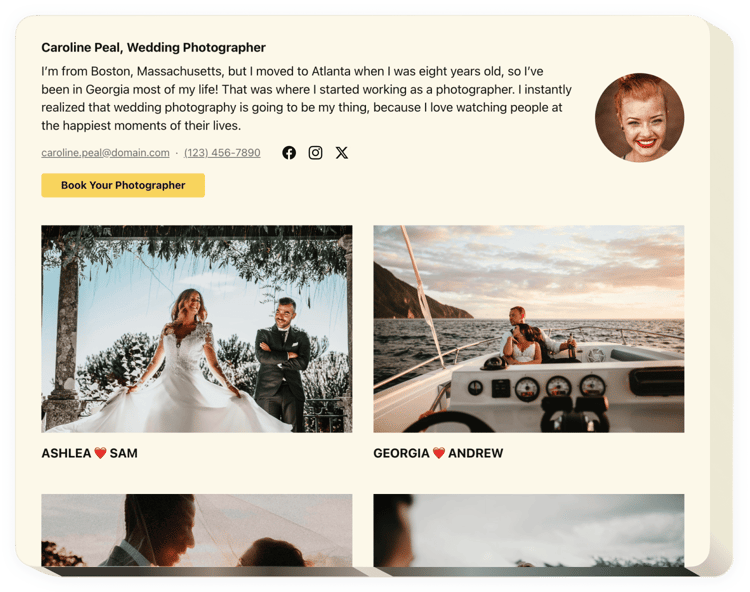
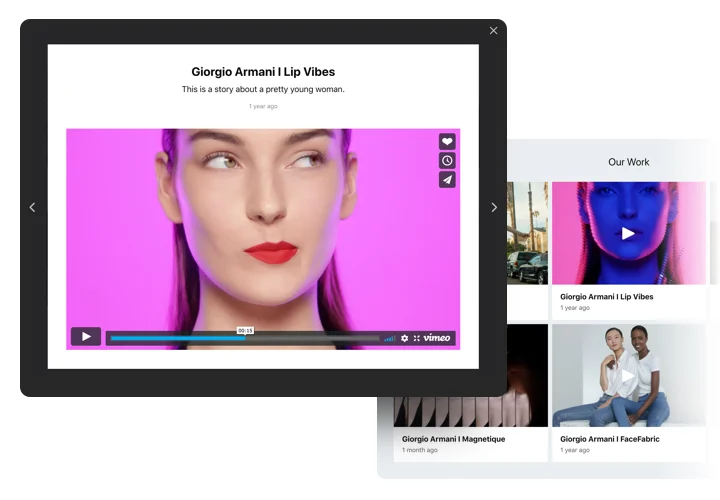
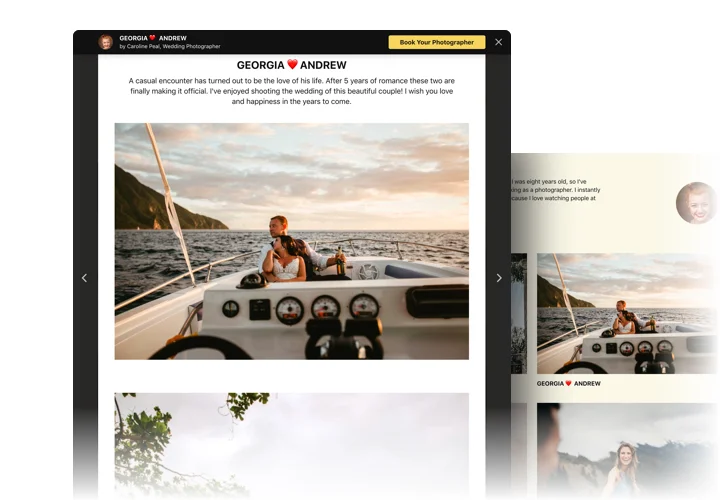
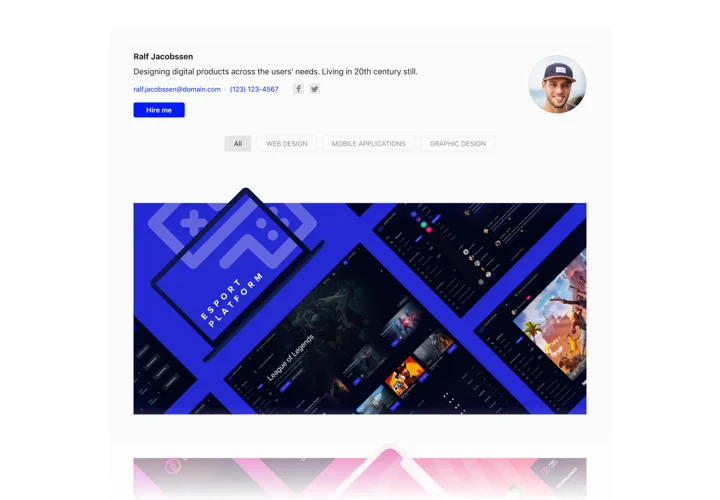
Elfsight Portfolio widget will help everyone who wants to embed their work collection on the site and attract fresh sales. With our tool, you can show collections of pictures, videos, drawings and other materials. Every piece of content can have a detailed description and date. You have an opportunity to link projects to their websites and divide projects in categories. Users will view your project portfolio, click on a project and view its content right on your website. The header of the widget shows your full name, picture and contact details, that allow to communicate with you. Call-to-action button will bring users to the order placing page and help you raise the amount of sales.
Main features of the Portfolio widget
To shape a full perception of Elementor Photo & Video Portfolio, examine the list of its essential features. They make the widget maximum beneficial for your business:
- Display multiple projects and add project titles;
- Set categories and unite projects in them;
- Choose the types of data to display in popup and hover;
- The option to add descriptions and assign dates to the files in the project;
- Call-to-action button on the widget header and in the popup redirects clients to any page.
How to create the Portfolio widget to your Elementor website
These several actions are the only thing you need in order to set up the plugin on your website. It is going to take a couple minutes of your time and doesn’t require coding.
- Create your personalized Elementor Portfolio plugin
In our free configurator, set up a widget with a custom template and functional traits. - Get the personal code to integrate the plugin
After you have created your widget, you will acquire the unique code from the appearing window on Elfsight Apps. Copy this code for later use. - Integrate the plugin on your Elementor website
Go to the area where you wish to add the widget to and paste the copied code there. Publish the results. - You fully performed the installation
Visit the website, to take a look at your Portfolio.
Still doubt something? Or stumbled upon anything? Just a single request to our customer support department will help with any matter.