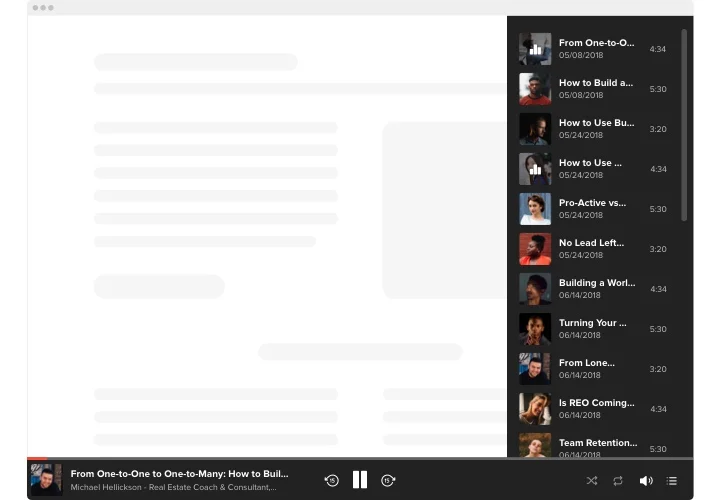
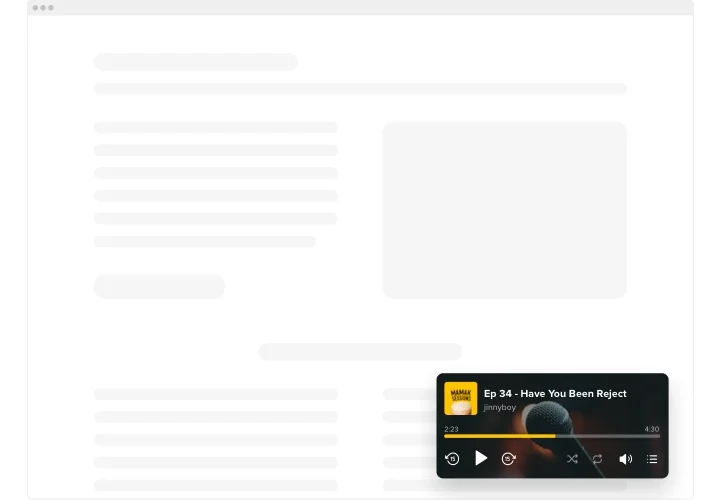
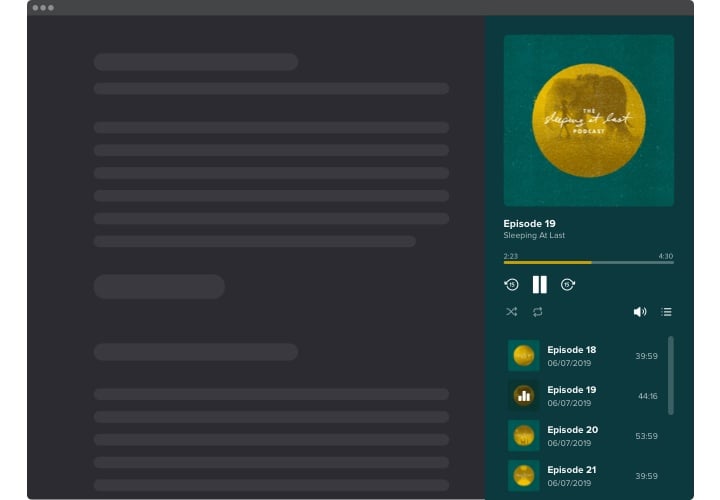
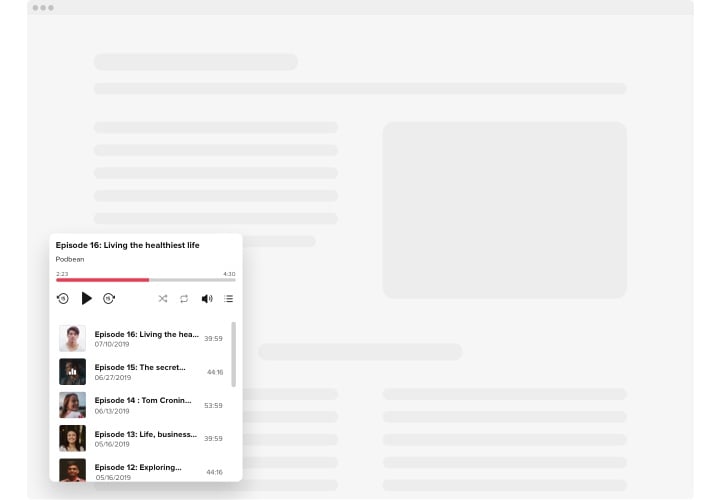
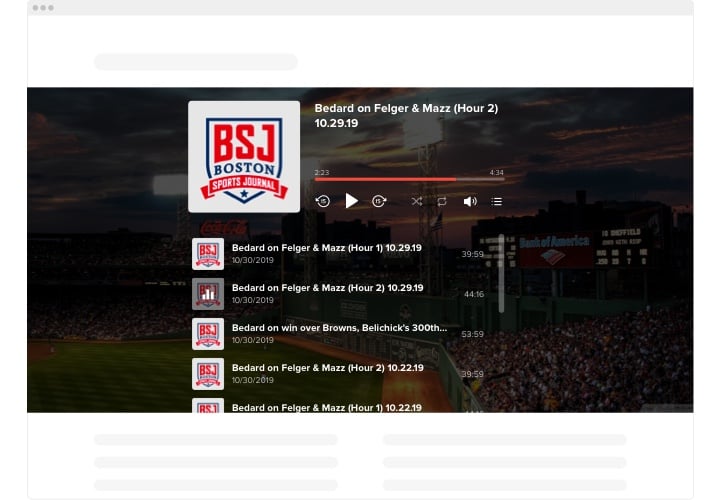
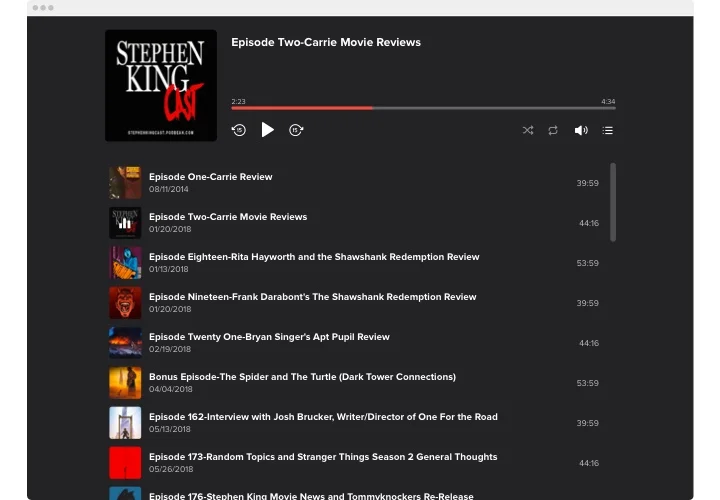
Wix Podcast Player app

Stream podcast episodes on your Wix website to expand your reach, showcase expertise, and deliver content in a format that keeps users coming back.
4.8 rating
10,000+ reviews
Free plan available
Create Widget for Free
No credit card needed
Wix Podcast Player app
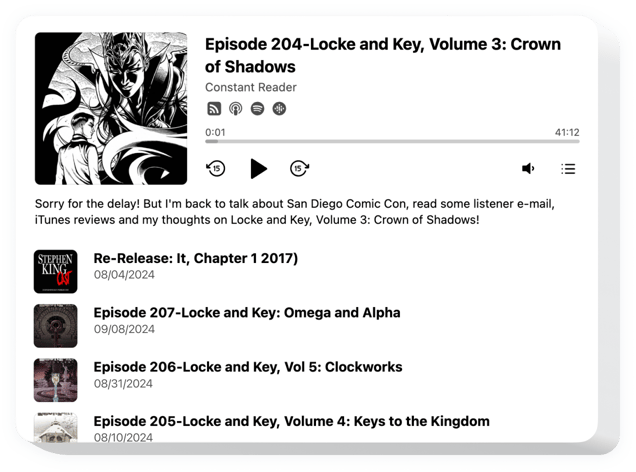
Create your Podcast Player app

Configure your Podcast Player and add it to your Wix website for free!

Screenshots

Wix Podcast Player app
1 / 6

Description

Elfsight Podcast Player is an uncomplicated app for Wix websites allowing you to playback podcasts right on your homepage. The tool is hugely adjustable: you are free to alter its position, settling it anywhere on the page, scale its size, recolor the background and other parts to blend it with your website style, employ dark theme, show images and show or hide three additional player details like progress bar and many more. Entertain your visitors, turn the autoplay on and have no doubt – your visitors won’t leave your homepage in a hurry!.

Interest your users by equipping them with valuable and captivating materials by means of Elfsight Podcast Player

The widget has practical and uncomplicated features, see some of them:

  • Various color variations.
  • 2 layouts applicable.
  • An option to add background image.
  • Add unlimited number of tracks.
  • A possibility to design your personalized color scheme.

Simply try our editor to see how it works

How to embed Podcast Player into my Wix website?

Just follow a couple of steps described below to integrate the widget.

  1. Using our free demo and start creating your custom app.
    Specify the selected interface and features of the tool and save the modifications.
  2. Acquire your individual code shown in the box on Elfsight Apps.
    After the generation of your personal app is finished, copy the individual code at the appeared window and keep it for later occasion.
  3. Initiate utilization of the tool on your Wix website.
    Paste the code copied before into your page and apply the edits.
  4. The installation is fully performed.
    Go to your website to see how’s the app working.

In case you encounter any obstacles, feel free to contact our support team. Our consultants are eager to help you with all the questions you might have with the product.

Do I need a Wix Premium plan to embed the Podcast Player?

You can install the app on a free Wix website using the standard embed method. Premium plans additionally allow installation via Settings → Custom Code, which avoids iframe embedding.

Is the Podcast app compatible with Wix layouts?

Elfsight integrates smoothly with Wix sections and automatically adjusts to your Wix website’s responsive design.

How are episodes displayed in the Wix app?

The app connects to your podcast RSS feed and automatically shows episode titles, cover art, author information, and playback controls on your Wix website.

Can I hide certain player components?

Yes, you can disable the playlist, episode titles, author details, or cover images to create a compact player that matches your Wix layout.

Which RSS sources are supported?

The app supports standard RSS feeds from Apple Podcasts, SoundCloud, PodBean, RSS.com, and other providers offering public podcast feeds. See how to get the source link for your Podcast Player in our Help Center article.

Is autoplay available in Wix?

Autoplay can be enabled in the app settings, though browsers may require user interaction before audio playback starts.

How often does the feed refresh?

Elfsight reflects new episodes as soon as they are published in the RSS feed, ensuring timely updates on your Wix website.

Does Elfsight preload full audio files?

Audio begins buffering only when playback starts, keeping your Wix pages lightweight and efficient.

Pricing

14-day money back guarantee. Risk-free, you can cancel at anytime.
Elfsight Apps
Multi-platform version
from $0 / month
start with free plan
Unlimited websites
Dedicated support
Free installation support
Flexible design
Special deal for multiple apps