Webflow Number Counter widget

Highlight key numbers on your Webflow website to showcase performance, share important stats, and build credibility with quick visual proof.
4.8 rating
10,000+ reviews
Free plan available
Create Widget for Free
No credit card needed
Webflow Number Counter widget

Create your Number Counter widget

Configure your Number Counter and add it to your Webflow website for free!

Screenshots

Webflow Number Counter widget
1 / 6

Embed Number Counter on Webflow with the Elfsight widget

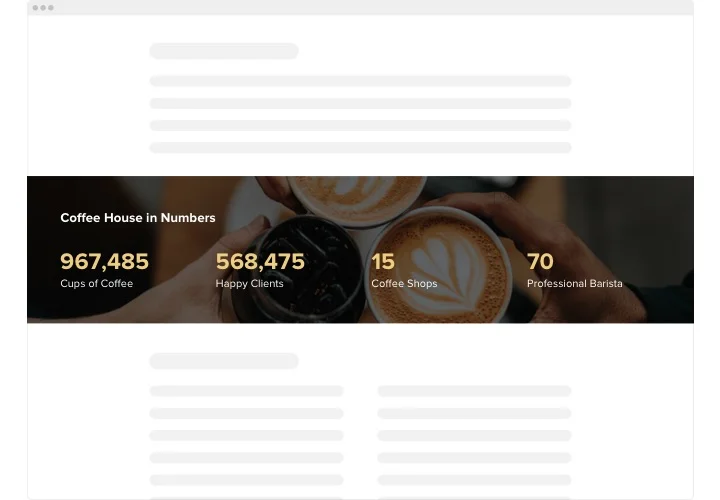
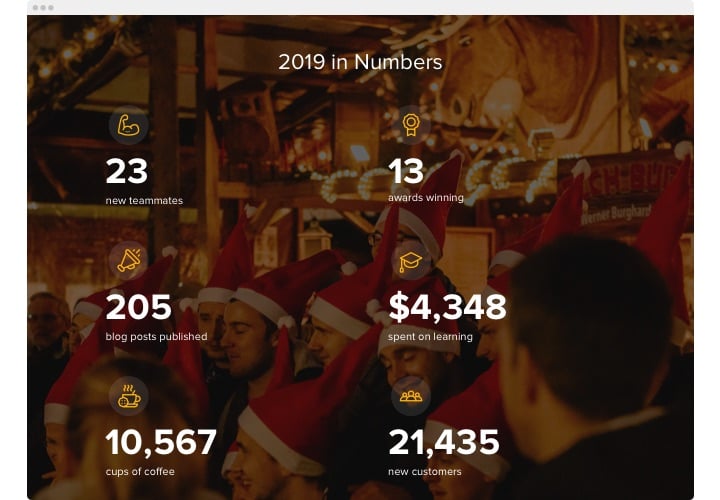
Elfsight Number Counter is a manageable widget for Webflow with lots of options to choose from. It is a great feature for showing off your superb business stats, the number of works done and much more. The tool is exceptionally customizable. You are free to construct any amount of counters, organize them in columns, choose icons from our library or upload your custom-tailored, make them colorful or monochromatic, adjoin captions to provide your audience with readily understandable information, repaint any feature, choose the background image, and that’s not all. Start shaping your widget now and see your crucial business stats grow rapidly!

Boast your impressive achievements to your prospective purchasers. Get more successful deals and leads!

The basic widget features include

  • Any amount of counters.
  • Any number of columns.
  • Attach captions, headings, prefixes and postfixes.
  • Decide on the icon category – pick it from our collection or upload your own.
  • Add links.

You can check whet the widget offers trying out the demo

How can I embed Number Counter into my Webflow web page?

Just apply the instructions below to activate the plugin.

  1. Employing our free editor and start shaping your custom-built instrument.
    Find the preferable form and characteristics of the tool and save the corrections.
  2. Acquire your unique code popping up in the widow on Elfsight Apps.
    Right after the creation of your plugin is complete, copy the personal code at the appearing window and save it for further usage.
  3. Commence utilization of the tool on Webflow website.
    Add the code you’ve saved recently into your homepage and apply the adjustments.
  4. You’re done! The integration is fully accomplished.
    Go your website to take a look at the functioning of the tool.

On condition of dealing with inquiries or clashing with some obstacles, please address our support staff. Our consultants are eager to resolve all the difficulties you might have with the widget.

Do I need a paid Webflow plan to embed the Number Counter?

Yes, Webflow requires a paid plan to add custom code, as custom embeds are not available on free plans.

Does the Number Counter work on Webflow CMS Collection pages?

Yes, you can insert the widget inside CMS Collection templates, and the counters will display automatically across dynamic Webflow pages.

Can I add custom prefixes or suffixes to each number?

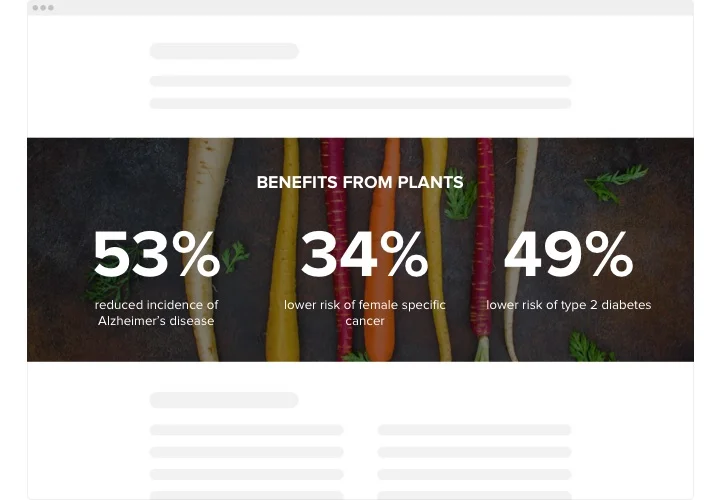
Yes, inside the editor you can assign individual prefixes or suffixes to every counter, such as %, $, +, or descriptive units.

Is it possible to use custom icons for each counter on Webflow?

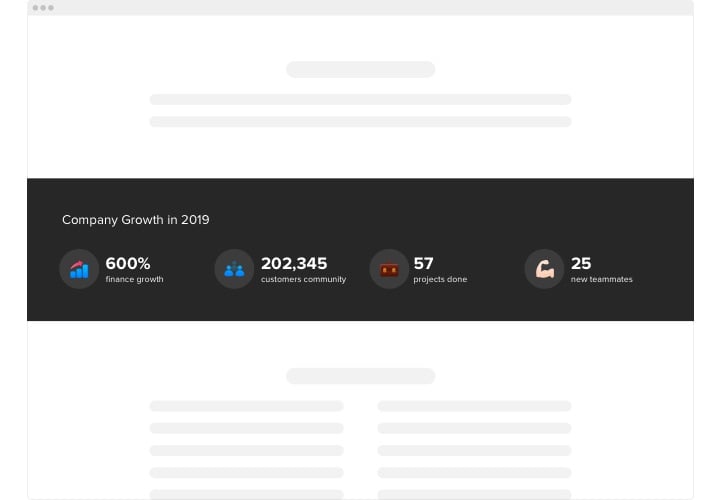
Yes, you may select icons from the built-in library or upload your own graphics to visually support each statistic.

Can the Number Counter display live data from an external source?

Yes, with the External URL option you can connect a JSON endpoint so values update dynamically with real-time data.

Can counters start from a number other than zero?

Yes, when using dynamic JSON data, you can define a custom startValue so the animation begins from any number you set.

Will adding multiple counters affect Webflow performance?

No, the solution runs via cloud infrastructure, ensuring smooth performance even with numerous counters on one page.

Can individual counters include clickable links?

Yes, each counter block can contain a custom link, allowing visitors to navigate to related pages or detailed sections.

Can I link counters to landing pages or social profiles?

Absolutely, every counter can be connected to a specific URL, whether it’s a campaign page, product link, or social account.

Can I control alignment of numbers and icons in Webflow?

Yes, you can adjust alignment for numbers, titles, and icons, choosing left, center, or right positioning to suit your layout.

Does the Number Counter support language translation?

Yes, language settings allow template text to adapt automatically according to your selected localization preferences.

Pricing

14-day money back guarantee. Risk-free, you can cancel at anytime.
Elfsight Apps
Multi-platform digital solution
from $0 / month
start with free plan
Unlimited domains
Dedicated and on-time support
Charge-free installation service
Special offer for multiple apps
Flexible design