
Shopify Contact Us Form app
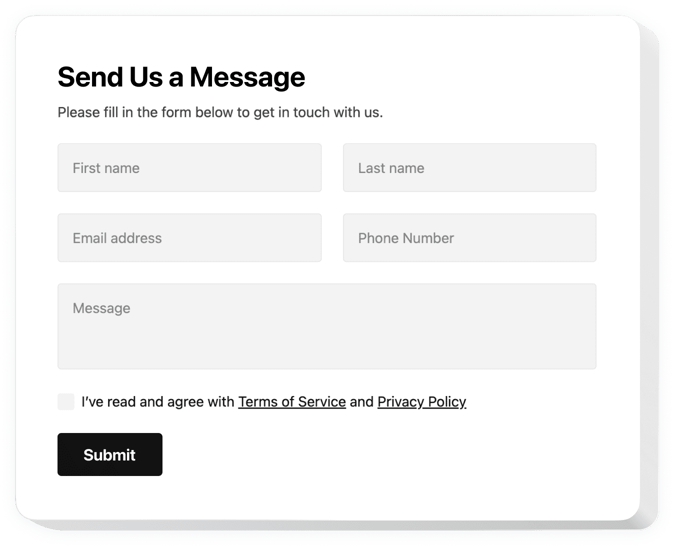
Create your Contact Form app
Screenshots
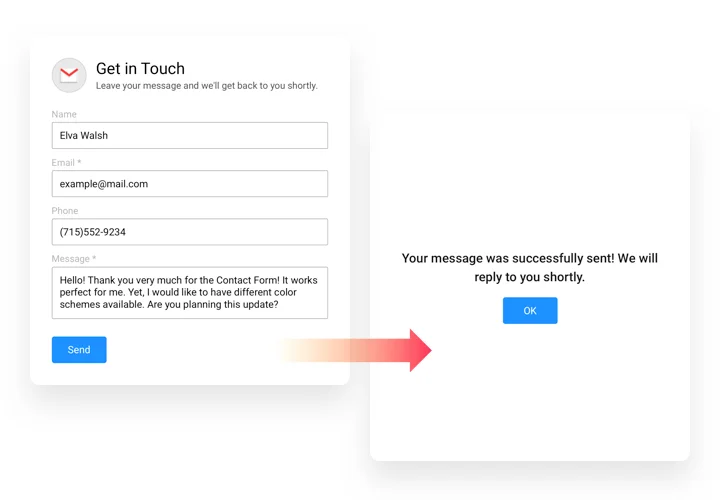
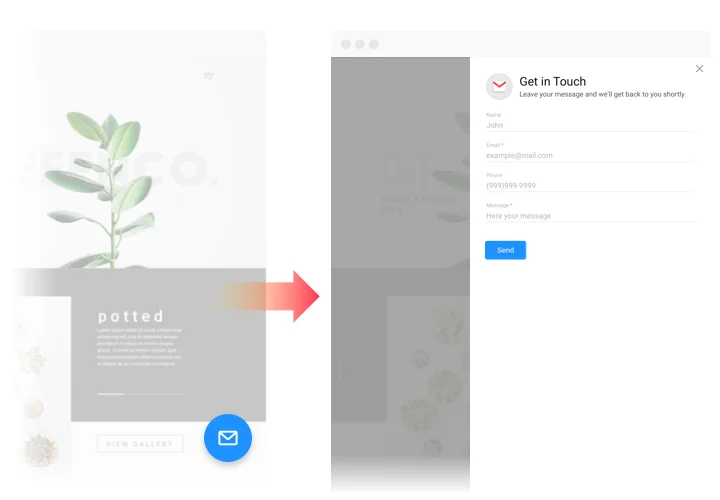
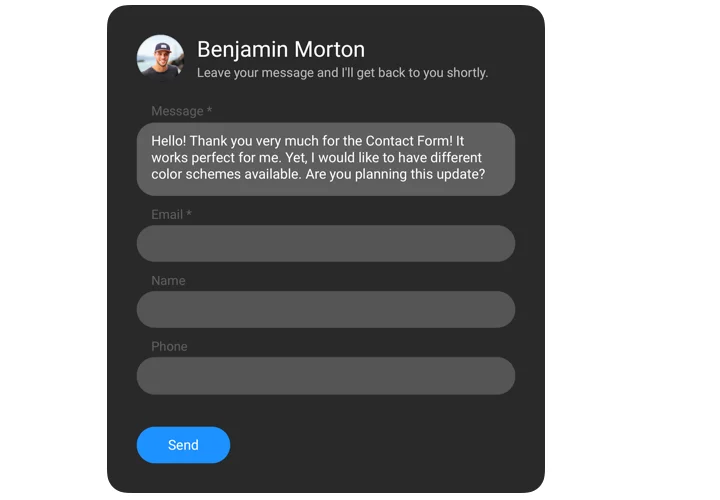
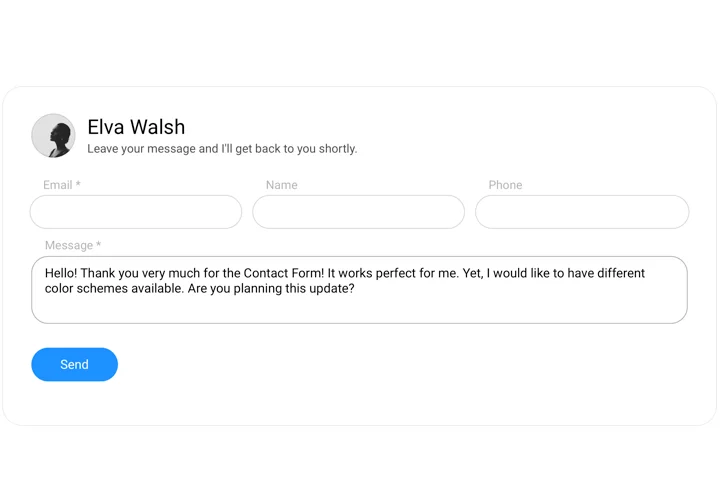
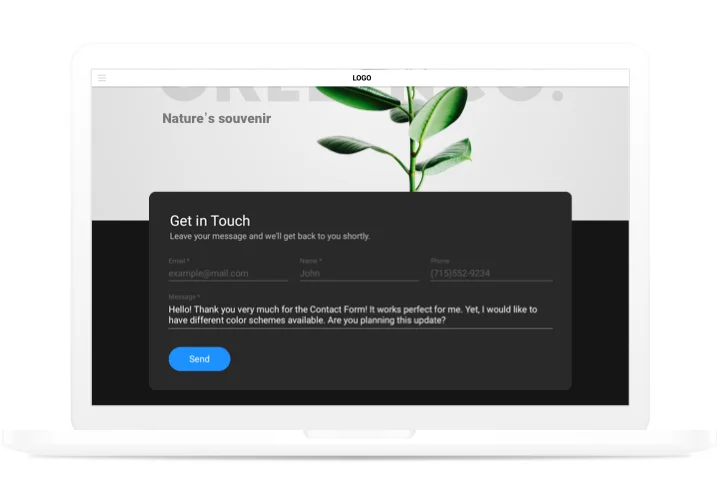
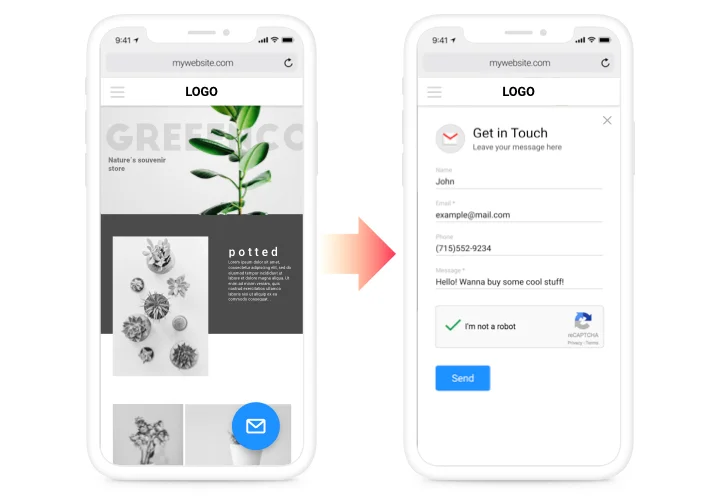
Contact form for Shopify
Looking for a contact form builder for Shopify? Our contact form plugin for Shopify can help you with any main needs in receiving feedback and orders from clients of your website. Simply install the needed fields for filling in, choose the desired template, and customize the interface to encourage your customers even more to write order for services of your company. Our Shopify custom contact form also allows you to receive Shopify contact form email messages from your customers.
Get testimonials, get requests and send answers to the questions of your website users!
- Lift the quantity of probable customers.
Keep permanent interaction with potential clients night and day using a convenient form on your website and find users who are ready to order and buy. - Get to know customers better.
Questions, suspicions, disbeliefs and various opinions of your clients about your offers or services give your more chances to understand the demands of your website visitors and successfully apply a concept of your business extension. - Safeguard your mailbox from spam.
Don’t allow bots to load your e-mail box with junk mails. Our form is equipped with Google reCAPTCHA to safeguard your e-mail box from automatic spamming and bots.
Features of Contact form plugin
What makes Elfsight contact form the best app for receiving client reactions and enquiries for Shopify websites? Check our key functionality traits:
- A minimum set of fields to send a feedback: name, email, phone, and message;
- Set any form width;
- 2 predefined layouts: inline to be added to the page body, and floating to follow your visitor’s scroll;
- All data entered to the form is saved in progress ;
- Works and looks perfectly on mobile devices.
How to add Contact Form to Shopify website
Follow our instruction, to embed contact app on your website in no time. It’s unnecessary to have experience in development to install our contact form. Full setup duration is only 3 minutes.
- Make use of our free configurator and start building your custom-made app.
Pick the preferred arrangement and parameters of the app and apply all the corrections. - Receive your unique code shown in the box on Elfsight Apps.
Right after the generation of your personal app is finished, copy your code at the emerged box and save it for future usage. - Commence employment of the app on Shopify website.
Place the code copied before in your page and save the improvements. - You’re done! The integration is successfully accomplished.
Visit your website to check the performance of the app.
Having any hardships while applying the tutorial or shaping your form? It may be useful to follow a detailed tutorial «How to add Contact form on a Shopify website» and try to embed it on your own or get in touch with our support center with thorough description of your issue. Our team will be there to advise.