
Webflow Click to Call Button widget
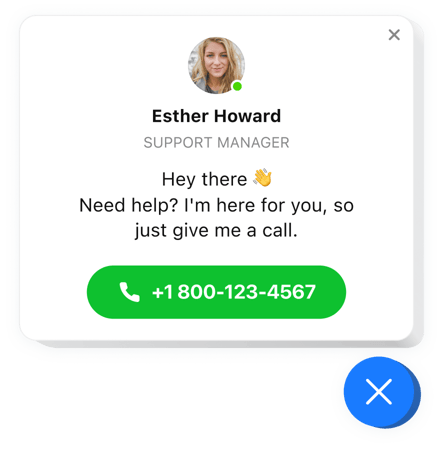
Create your Click to Call widget
Screenshots
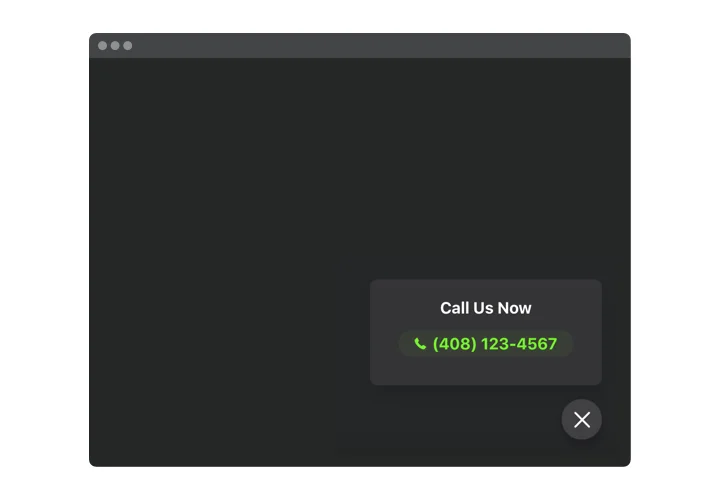
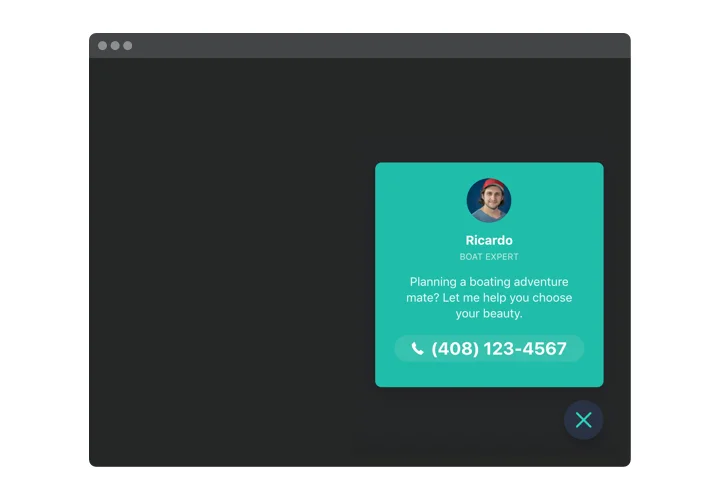
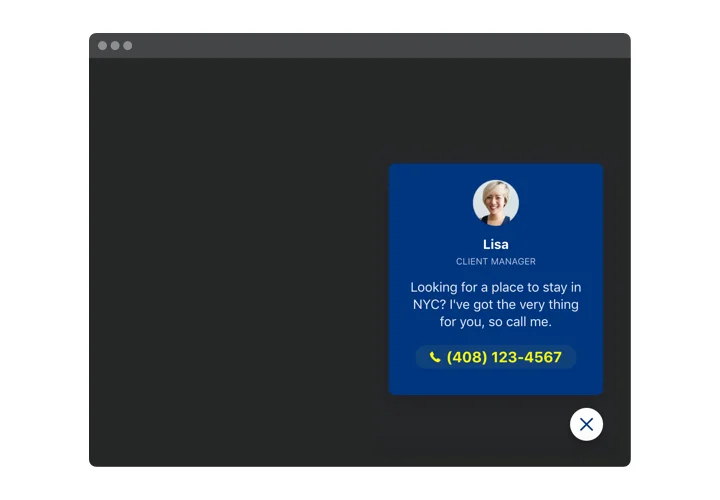
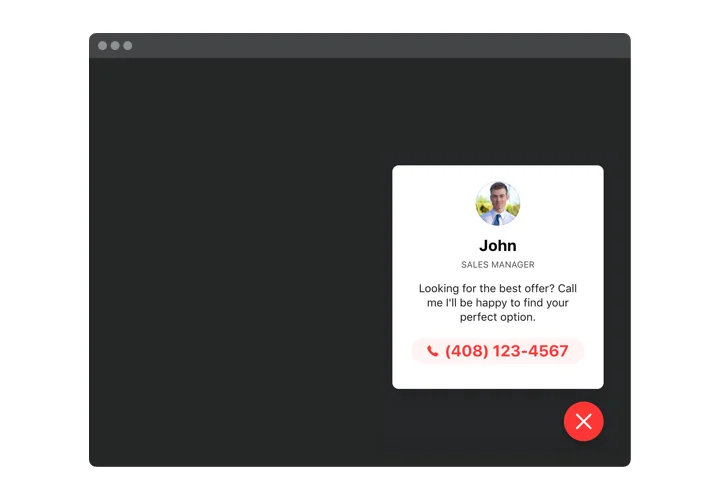
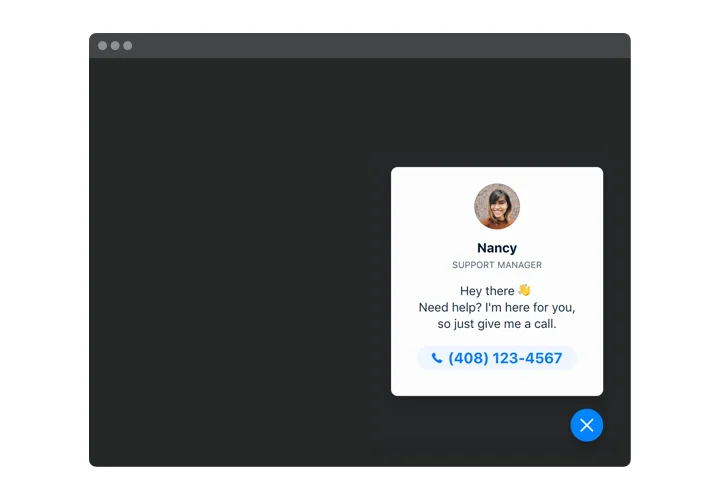
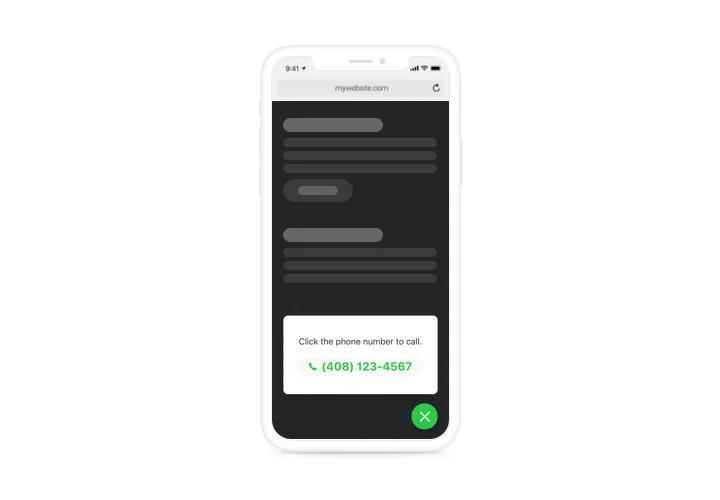
Embed Click to Call on Webflow with the Elfsight widget
Elfsight Call Now Button is a simple widget for a website, which makes it quicker for clients to give you a phone call. Viewed from mobile phones, the widget starts dialing your number, as soon as a user clicks on the phone bubble. When used from desktops, the click will show your number on the page to help users phone you straight ahead. There’s an option not only to add the phone number, but also to configure the call window, which includes the name and picture of your customer contact person and a caption. All the parts are flexible and allow configuring you to get any variant of the interface. There’s also an option to choose a trigger that makes the phone bubble pop up, and decide which category of users will see it.
Main features of the Click to Call widget
To form a full knowledge of the widget, here’s the list of the major traits. They make our widget incredibly efficient for you:
- Fast phone calls on mobiles;
- Choose one of three options of widget placing: Left or Right floating or custom;
- The option of embedding widget on particular pages or to exclude web pages;
- Choose categories of users who will see the widget: all, new, or returning;
- Inbuilt widget triggers: time on the page, time on the website, scrolling percentage, and an attempt to leave the site.
How to add the Click To Call Button into your Webflow website
These several actions are all you need to do to install the widget.
- Generate your unique Call widget
By means of our free editor, get a plugin with a selected design and functions. - Receive the individual code to install the plugin
After you have configured your widget, you will acquire the installation code from the appeared notification on Elfsight Apps. Copy this code for further use. - Display the plugin on your Webflow site
Go to the place you wish to place the plugin to and add the copied code there. Apply the changes. - Done!
Enter the store, to take a look at your Call Button.
Still can’t decide? Or have questions to ask? Simply direct a request to our customer service will help with any trouble.