Welcome, Hunter! 👋 Enjoy 50% OFF annual plans with code PRODUCTHUNT — limited time ⏳
50% OFF annual plans — code PRODUCTHUNT

Wix Background Music app
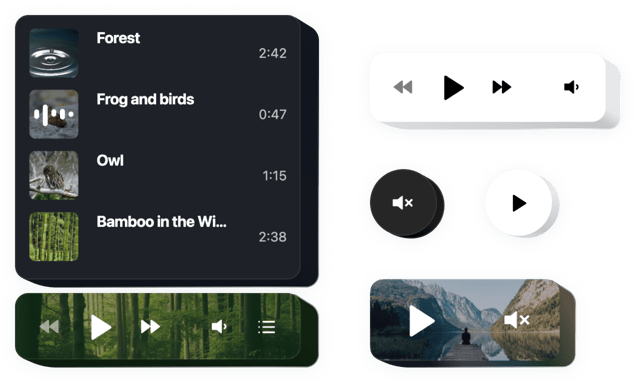
Embed looped ambient audio on your Wix website to set the mood, draw visitors in, and make their experience feel more vivid and immersive.
4.8 rating
10,000+ reviews
Free plan available
Create Widget for Free
No credit card needed
Wix Background Music app

Create your Background Music app

Configure your Background Music and add it to your Wix website for free!

Screenshots

Wix Background Music app
1 / 6

Description

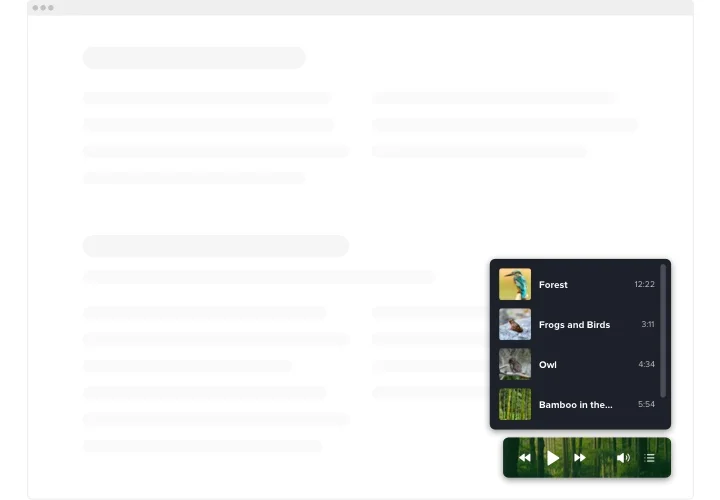
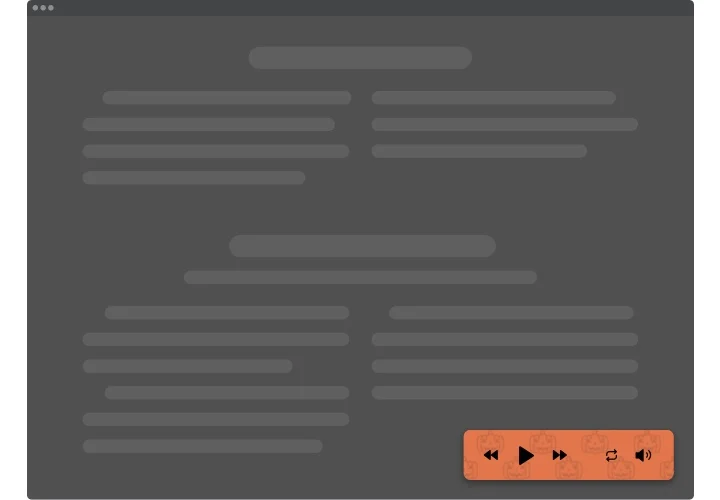
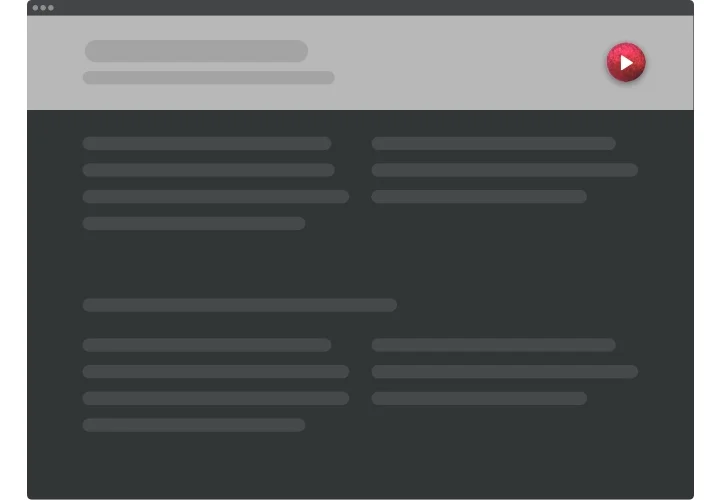
Elfsight Background Audio is an uncomplicated widget for Wix websites which lets you to stream music tracks straight on your web pages. The app is exceedingly adjustable: you may alter its position, settling it anywhere on the page, scale its size, recolor the background and other parts to blend it with your website’s design, use dark color scheme, reveal images and display or hide 4 additional player elements like progress bar, title and many more. Include as much tracks as you want to engage your audience, switch the autoplay on and have no doubt – your users won’t leave your site immediately!

Make your website more effective for e-commerce aims with Background Music player

These are just several of the wide widget features:

  • Unlimited color alterations
  • Dark/light color scheme
  • Responsive design
  • 2 layouts ready for use
  • Possibility to add background image

You can discover the full capabilities of the widget in the demo below

How to add Background Music to Wix website?

Simply follow these steps given below to insert the tool.

  1. Launch our free demo and start shaping your customized app.
    Determine the preferred interface and characteristics of the app and apply the corrections.
  2. Acquire your unique code which is shown in the widow on Elfsight Apps
    As soon as the configuration of your personal app is done, copy the exclusive code at the emerged window and save it for further occasion.
  3. Commence usage of the background audio on Wix
    Add the code you’ve saved before into your website and apply the corrections.
  4. You’re done! The embedding is successfully ended
    Go your web page to examine how’s the tool performing.

If you meet inquiries or encounter some difficulties, feel free to reach out to our support team. Our consultants will be excited to resolve all the difficulties you may have on the tool.

Do I need a Wix Premium plan to embed Background Music?

Wix’s Free plan doesn’t support any external code. You need a Premium plan to embed the app on your live Wix website.

Is Elfsight compatible with Wix Editor, Editor X, and Wix Studio?

Yes, the Background Music app is fully compatible with the classic Wix Editor, Editor X, and the new Wix Studio. You can embed them easily in any version of Wix.

What audio file formats are supported by the app?

Elfsight supports all of the following audio file extensions (for uploaded tracks or direct file links): m4a, mp4a, mpga, mp2, mp2a, mp3, m2a, m3a, wav, weba, aac, oga, spx, so most standard audio files will work fine on your Wix website.

Can I upload my own music files, or only use links?

The Elfsight music app allows both direct file uploads and adding tracks by URL – you can upload audio files or paste external audio links.

What is the maximum audio file size I can upload?

The maximum upload size per audio track is 100 MB, which is sufficient for most high-quality or long music files.

Which audio sources does Background Music support?

Elfsight supports SoundCloud tracks, YouTube (audio from videos), Shoutcast/Icecast streams, and self-hosted audio files.

Do I need any API keys for YouTube or SoundCloud?

No, you don’t need any API key. Just paste the track’s URL into the app and it will play it. Elfsight handles the integration without requiring you to provide API credentials.

Can I show or hide the playlist on my Wix page?

Elfsight can display a playlist of tracks if you want, or you can keep the playlist panel hidden on your Wix website for a minimal look.

Can I set shuffle or repeat to be on by default?

Yes, you can preset the app to start with Shuffle on (random order) and/or Loop on (repeat enabled) by default when it loads.

Does the Background Music autoplay on page load?

Elfsight offers an autoplay setting. If enabled, it will try to start playing automatically on load. However, most browsers require user interaction before allowing audio.

Can I add a background image to the player?

Yes, you can use a custom background image. The app lets you upload an image to serve as the player’s background instead of a solid color.

Will Background Music pause other audio on the device?

On mobile, when the background music plays, it will pause any other audio – for example, if the user had Spotify on – because phones allow only one audio source at once.

Can I add custom buttons to tracks?

Yes, you can enable a dedicated Download button for saving audio files and also add a custom button (e.g., “Buy”) that links to any URL for that track.

Pricing

14-day money back guarantee. Risk-free, you can cancel at anytime.
Elfsight Apps
Cross-platform solution that works on any site
from $0 / month
start with free plan
Unlimited number of domains
Dedicated and on-time support
Free installation service
Special offer for multiple apps
Fully customizable